Vu+ PlayerHD for Android PC
Marusys Co., Ltd.
Download Vu+ PlayerHD for Android on PC With GameLoop Emulator
Vu+ PlayerHD for Android sa PC
Ang Vu+ PlayerHD for Android, na nagmumula sa developer na Marusys Co., Ltd., ay tumatakbo sa Android systerm sa nakaraan.
Ngayon, maaari mong laruin ang Vu+ PlayerHD for Android sa PC gamit ang GameLoop nang maayos.
I-download ito sa GameLoop library o mga resulta ng paghahanap. Hindi na tumitingin sa baterya o nakakadismaya na mga tawag sa maling oras.
I-enjoy lang ang Vu+ PlayerHD for Android PC sa malaking screen nang libre!
Vu+ PlayerHD for Android Panimula
Vu+ Player is an Android app designed to allow you to control and stream from your Vu+ satellite receivers, either from the same network as the receiver, or from a remote location.
Basis System Requirements
- Android version 3.2 or better. (ver 4.0 over recommended)
- Android mobile or tablet device. (tablet recommended)
- Stable 802.11g/n Wi-Fi connection between both Vu+ Set Top Box and Android device. (802.11n strongly recommended)
Features
- Live TV streaming directly from your all Vu+ set top box
- Transcoding support (for Vu+ Solo2, Vu+ Duo2 and Vu+ SoloSE)
- Play recorded files directly from your Vu+ set top box(duo2, solo2)(HD channels supported)
- Most video formats are supported (AVI, MKV, MP4, TS, etc.)
- Fast & Easy set-up process
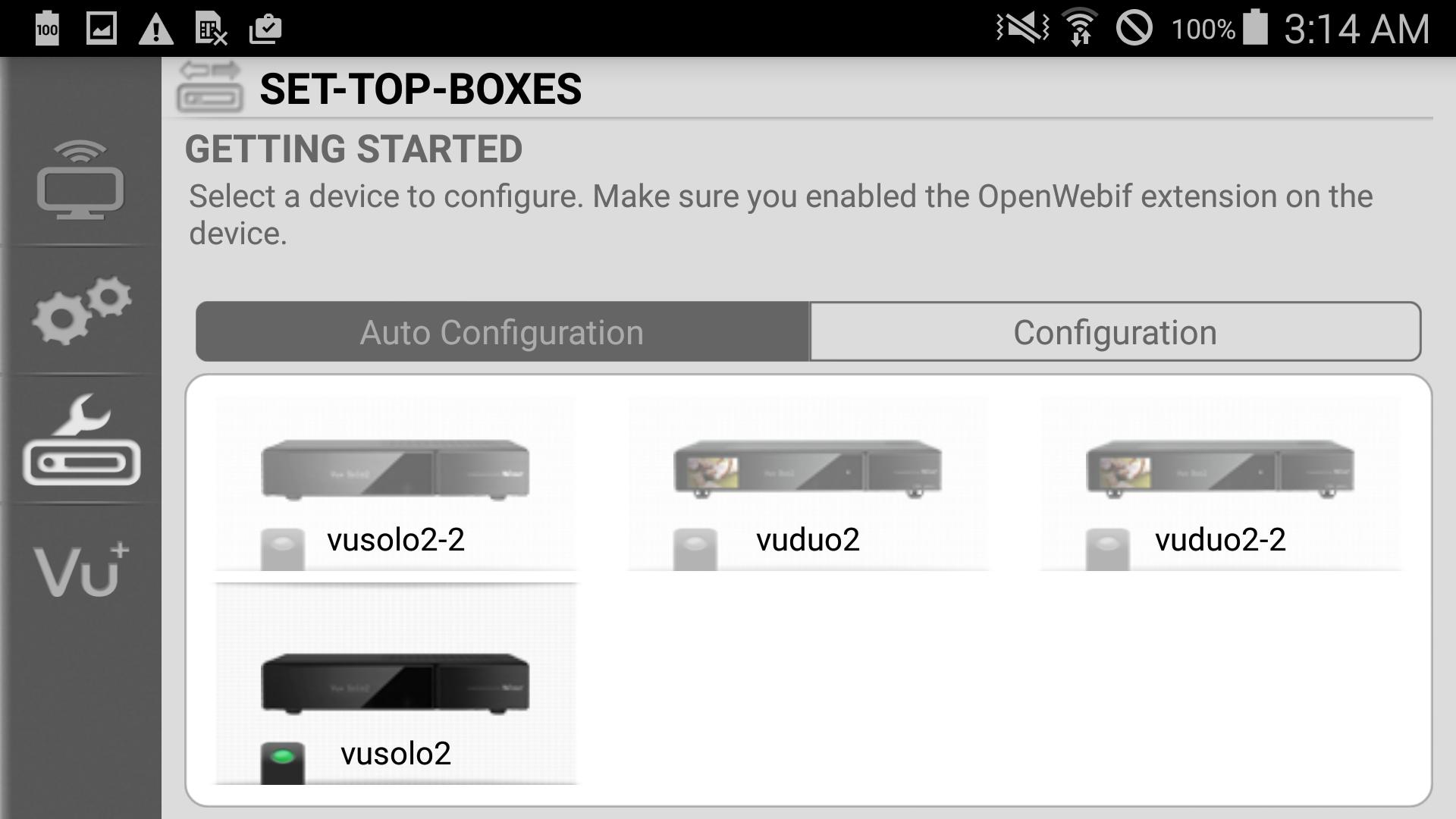
- Automatic configuration detecting connected Vu+ devices
- Capture screenshots from live TV
- Bouquets editor supported
- Multi-tuners are supported (meaning one channel on your TV and another different channel on your android device at the same time.)
- Intuitive UI
- Remote control supported
- Manage timers (add, edit, delete) either from EPG or manually.
- Zapping mode or No zapping mode provided
- Satellite signal info provided (SNR, AGC, BER)
- Supports streaming service for configuration port
- User authentication
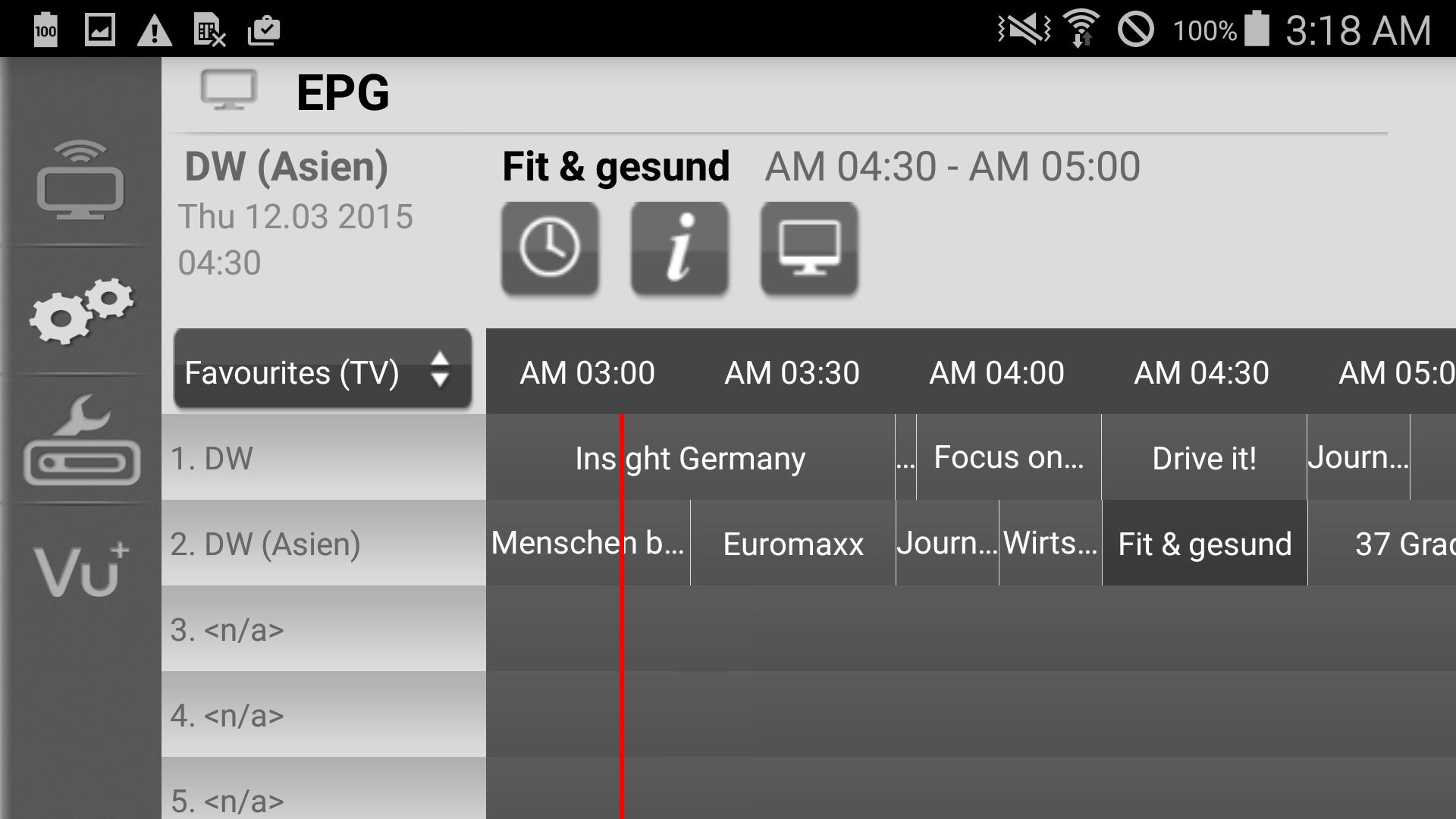
- EPG information provided
- Detailed list up of your set top box
- Applications information provided
- Channel list provided (Favourite group or All channle)
In case of HD content streaming, video quality is influenced by mobile device specifications and wireless network environment
Preview
Tags
ToolsInformation
Developer
Marusys Co., Ltd.
Latest Version
1.2.1
Last Updated
2017-01-23
Category
Tools
Available on
Google Play
Show More
How to play Vu+ PlayerHD for Android with GameLoop on PC
1. Download GameLoop from the official website, then run the exe file to install GameLoop
2. Open GameLoop and search for “Vu+ PlayerHD for Android” , find Vu+ PlayerHD for Android in the search results and click “Install”
3. Enjoy playing Vu+ PlayerHD for Android on GameLoop
Minimum requirements
OS
Windows 8.1 64-bit or Windows 10 64-bit
GPU
GTX 1050
CPU
i3-8300
Memory
8GB RAM
Storage
1GB available space
Recommended requirements
OS
Windows 8.1 64-bit or Windows 10 64-bit
GPU
GTX 1050
CPU
i3-9320
Memory
16GB RAM
Storage
1GB available space