
VPN4Games - VPN Proxy Games PC
Persec Co., Ltd.
Download VPN4Games - VPN Proxy Games on PC With GameLoop Emulator
VPN4Games - VPN Proxy Games sa PC
Ang VPN4Games - VPN Proxy Games, na nagmumula sa developer na Persec Co., Ltd., ay tumatakbo sa Android systerm sa nakaraan.
Ngayon, maaari mong laruin ang VPN4Games - VPN Proxy Games sa PC gamit ang GameLoop nang maayos.
I-download ito sa GameLoop library o mga resulta ng paghahanap. Hindi na tumitingin sa baterya o nakakadismaya na mga tawag sa maling oras.
I-enjoy lang ang VPN4Games - VPN Proxy Games PC sa malaking screen nang libre!
VPN4Games - VPN Proxy Games Panimula
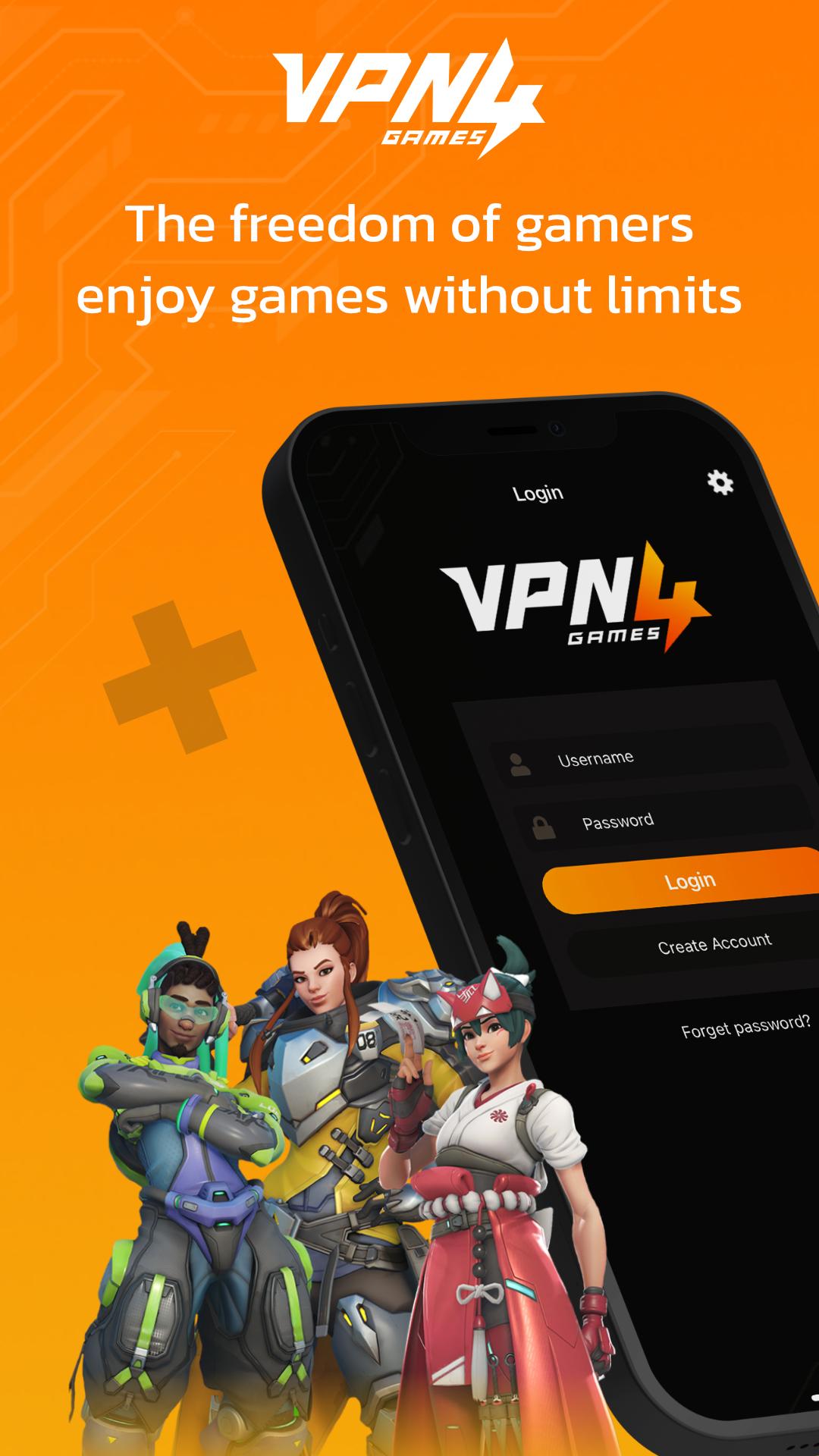
VPN4Games – VPN for Online & Mobile Games and Websites
helps change your IP to unblock games, reduce lag, lower ping, and easily access the websites you want.
What VPN4Games offers you:
★ Free trial available after email verification or by watching ads
★ Unblock popular online games, mobile games, and websites
★ Affordable price with easy access
What you can do with VPN4Games:
- Play smoothly with reduced lag and ping on games like PUBG Mobile, RoV, Free Fire, Genshin Impact, Call of Duty: Mobile, and more
- Unblock websites and social platforms such as Netflix, YouTube, Facebook, Instagram, Line, WhatsApp, Twitch, etc.
- Bypass WiFi restrictions at work, school, or university
- VPN High-speed connection with no speed limits
- VPN Easy-to-use app, compatible with all devices
Fast & Stable VPN
VPN4Games provides more than 200 proxy servers across 20+ countries worldwide, including Thailand, Singapore, Japan, Korea, Hong Kong, USA, UK, Germany, Russia, Indonesia, Australia, and more.
What is a VPN?
A VPN (Virtual Private Network) is a technology that enhances your online security by encrypting your data and using a dedicated gateway, allowing you to connect safely and easily with devices or servers within the same VPN network.
Flexible Plans:
▶ 7 Days
▶ 1 Month
▶ 3 Months
▶ 1 Year
Multiple payment options supported: Credit/Debit Card, PayPal, True Wallet, and more.
📩 Need help or have questions? Contact us:
Facebook: https://www.facebook.com/vpn4games
LINE: @vpn4games
Email: support@vpn4games.com
Preview

Tags
ToolsInformation
Developer
Persec Co., Ltd.
Latest Version
11.1
Last Updated
2025-10-27
Category
Tools
Available on
Google Play
Show More
How to play VPN4Games - VPN Proxy Games with GameLoop on PC
1. Download GameLoop from the official website, then run the exe file to install GameLoop
2. Open GameLoop and search for “VPN4Games - VPN Proxy Games” , find VPN4Games - VPN Proxy Games in the search results and click “Install”
3. Enjoy playing VPN4Games - VPN Proxy Games on GameLoop
Minimum requirements
OS
Windows 8.1 64-bit or Windows 10 64-bit
GPU
GTX 1050
CPU
i3-8300
Memory
8GB RAM
Storage
1GB available space
Recommended requirements
OS
Windows 8.1 64-bit or Windows 10 64-bit
GPU
GTX 1050
CPU
i3-9320
Memory
16GB RAM
Storage
1GB available space