
Voice-over: Text to Speech PC
EDITH
Download Voice-over: Text to Speech on PC With GameLoop Emulator
Voice-over: Text to Speech sa PC
Ang Voice-over: Text to Speech, na nagmumula sa developer na EDITH, ay tumatakbo sa Android systerm sa nakaraan.
Ngayon, maaari mong laruin ang Voice-over: Text to Speech sa PC gamit ang GameLoop nang maayos.
I-download ito sa GameLoop library o mga resulta ng paghahanap. Hindi na tumitingin sa baterya o nakakadismaya na mga tawag sa maling oras.
I-enjoy lang ang Voice-over: Text to Speech PC sa malaking screen nang libre!
Voice-over: Text to Speech Panimula
Enhance Your Social Media Videos with a Human-Like Text to text-to-speech app for Android
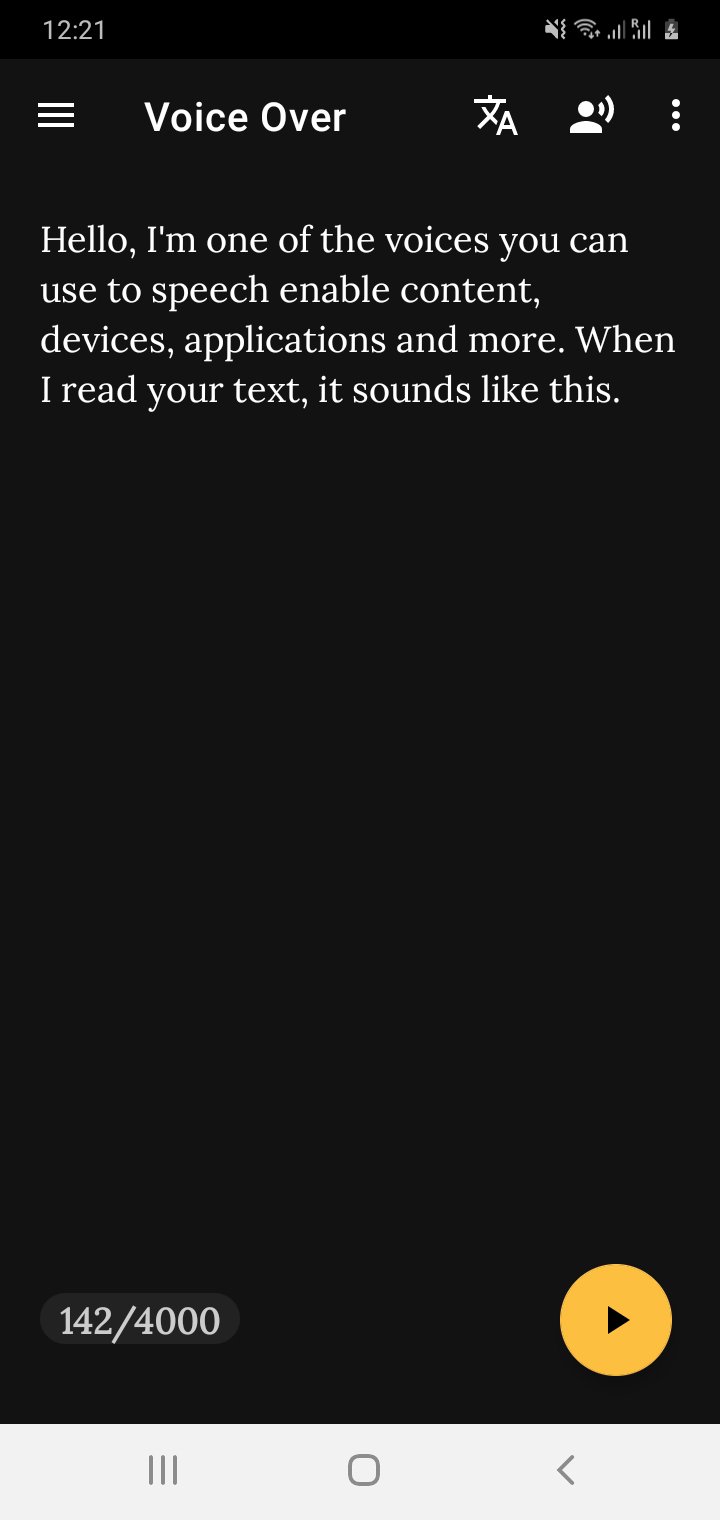
Elevate your social media videos with VoiceOver, a cutting-edge text-to-speech application designed to create lifelike computer-generated voices. Transforming text into speech has never been easier with our user-friendly interface, making it a breeze to convert books, articles, and more into engaging audio content for your projects.
Key Features of Voice Over:
Seamlessly convert text into high-quality audio
Utilize a built-in web server for convenient access across multiple devices
Play and download generated speech audio files locally
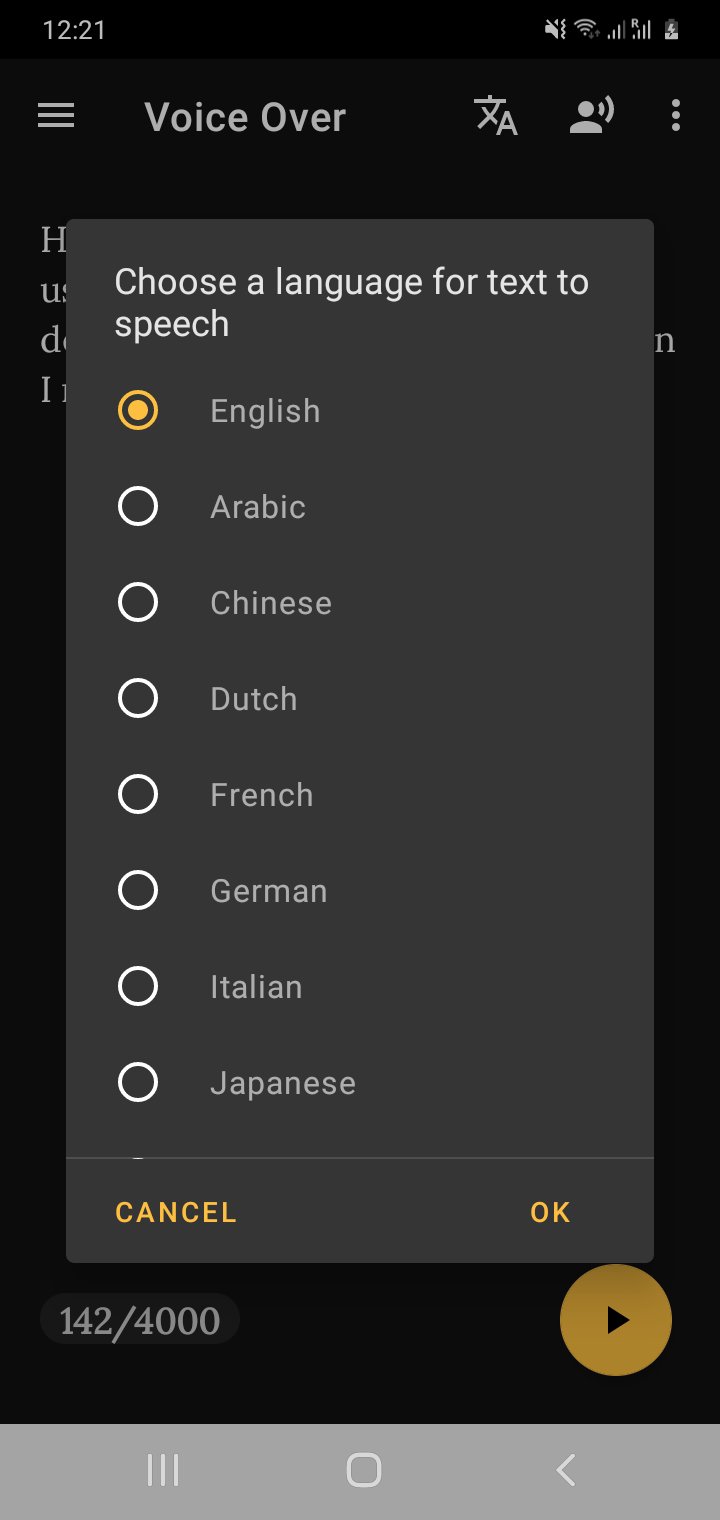
Enjoy support for multiple languages, including English, Arabic, Chinese, Dutch, French, German, Italian, Japanese, Korean, and Portuguese
With Voice Over, you gain access to a diverse range of voices for each supported language, ensuring flexibility and customization for your projects. Whether you're creating content on your Android device or leveraging our web interface from your laptop or desktop, our advanced speech synthesis technology delivers unparalleled realism and clarity.
Experience the future of audio production with Voice Over – revolutionizing the way you engage with your audience through dynamic and authentic computer-generated voices.
Preview
Tags
ToolsInformation
Developer
EDITH
Latest Version
2.0.14
Last Updated
2023-11-26
Category
Tools
Available on
Google Play
Show More
How to play Voice-over: Text to Speech with GameLoop on PC
1. Download GameLoop from the official website, then run the exe file to install GameLoop
2. Open GameLoop and search for “Voice-over: Text to Speech” , find Voice-over: Text to Speech in the search results and click “Install”
3. Enjoy playing Voice-over: Text to Speech on GameLoop
Minimum requirements
OS
Windows 8.1 64-bit or Windows 10 64-bit
GPU
GTX 1050
CPU
i3-8300
Memory
8GB RAM
Storage
1GB available space
Recommended requirements
OS
Windows 8.1 64-bit or Windows 10 64-bit
GPU
GTX 1050
CPU
i3-9320
Memory
16GB RAM
Storage
1GB available space