
Vivo Smart Wi-Fi PC
VIVO S.A.
Download Vivo Smart Wi-Fi on PC With GameLoop Emulator
Vivo Smart Wi-Fi sa PC
Ang Vivo Smart Wi-Fi, na nagmumula sa developer na VIVO S.A., ay tumatakbo sa Android systerm sa nakaraan.
Ngayon, maaari mong laruin ang Vivo Smart Wi-Fi sa PC gamit ang GameLoop nang maayos.
I-download ito sa GameLoop library o mga resulta ng paghahanap. Hindi na tumitingin sa baterya o nakakadismaya na mga tawag sa maling oras.
I-enjoy lang ang Vivo Smart Wi-Fi PC sa malaking screen nang libre!
Vivo Smart Wi-Fi Panimula
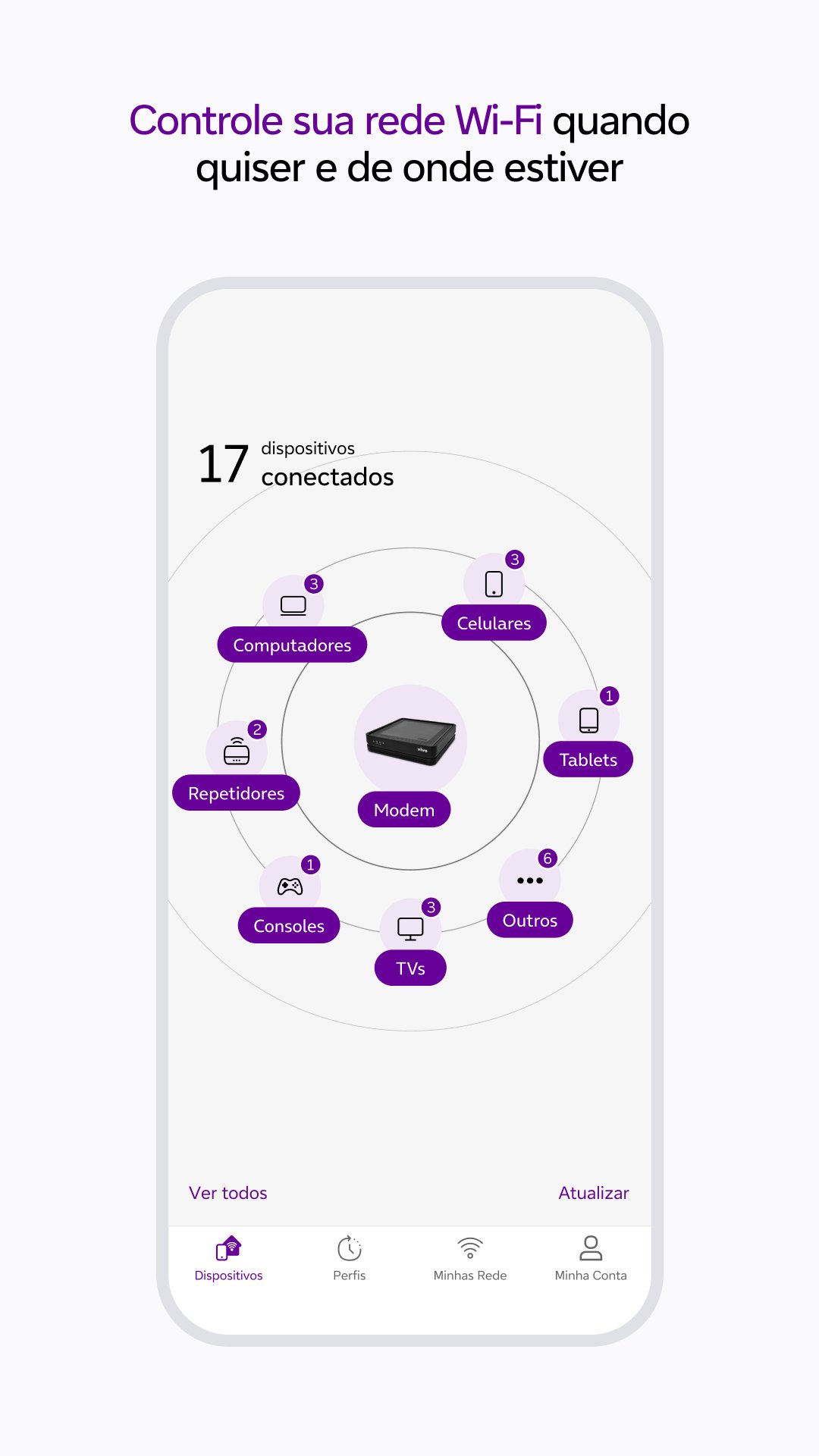
With Vivo Smart Wi-Fi, you can manage your Vivo Fibra Wi-Fi network with practicality and security. Monitor the connection, optimize performance and control connected devices, all through the App.
Main features:
- Manage your Wi-Fi network from anywhere.
- Monitor and control connected devices.
- Find out which environment has the best Wi-Fi coverage.
- Optimize your connection for more stable performance.
- Test your internet speed.
- Lock or unlock devices as needed.
- Schedule connection and disconnection times for each device.
- Organize devices by categories.
- Create a guest-only Wi-Fi network.
- Change your network name and password easily.
HOW TO ACCESS THE APPLICATION
For residential customers:
Access with the CPF or email of the Vivo Fibra holder and use the Vivo app password.
For companies:
Enter the CPF registered with Vivo Fibra and the password for the Meu Vivo Empresas app.
REQUIRED PERMISSIONS:
To offer the best experience, Vivo Smart Wi-Fi requests:
- Access to SMS: for sharing guest network information.
- Location: for Wi-Fi quality analysis and performance testing.
TECHNICAL REQUIREMENTS:
- Available to Vivo Fibra customers.
- Compatible with Vivo Wi-Fi 5 and Wi-Fi 6 routers.
- Residential: CPF or email of the holder + Vivo app password.
- Companies: Registered CPF + password for the Meu Vivo Empresas app.
- On iOS, location permission is required from version 12.0.
For more information, visit: https://app.vivo/smart_wifi.
Preview

Tags
ToolsInformation
Developer
VIVO S.A.
Latest Version
25.10.0.1(1)
Last Updated
2025-11-03
Category
Tools
Available on
Google Play
Show More
How to play Vivo Smart Wi-Fi with GameLoop on PC
1. Download GameLoop from the official website, then run the exe file to install GameLoop
2. Open GameLoop and search for “Vivo Smart Wi-Fi” , find Vivo Smart Wi-Fi in the search results and click “Install”
3. Enjoy playing Vivo Smart Wi-Fi on GameLoop
Minimum requirements
OS
Windows 8.1 64-bit or Windows 10 64-bit
GPU
GTX 1050
CPU
i3-8300
Memory
8GB RAM
Storage
1GB available space
Recommended requirements
OS
Windows 8.1 64-bit or Windows 10 64-bit
GPU
GTX 1050
CPU
i3-9320
Memory
16GB RAM
Storage
1GB available space