
All Video Downloader: Launcher PC
Vector Design Art
Download All Video Downloader: Launcher on PC With GameLoop Emulator
All Video Downloader: Launcher sa PC
Ang All Video Downloader: Launcher, na nagmumula sa developer na Vector Design Art, ay tumatakbo sa Android systerm sa nakaraan.
Ngayon, maaari mong laruin ang All Video Downloader: Launcher sa PC gamit ang GameLoop nang maayos.
I-download ito sa GameLoop library o mga resulta ng paghahanap. Hindi na tumitingin sa baterya o nakakadismaya na mga tawag sa maling oras.
I-enjoy lang ang All Video Downloader: Launcher PC sa malaking screen nang libre!
All Video Downloader: Launcher Panimula
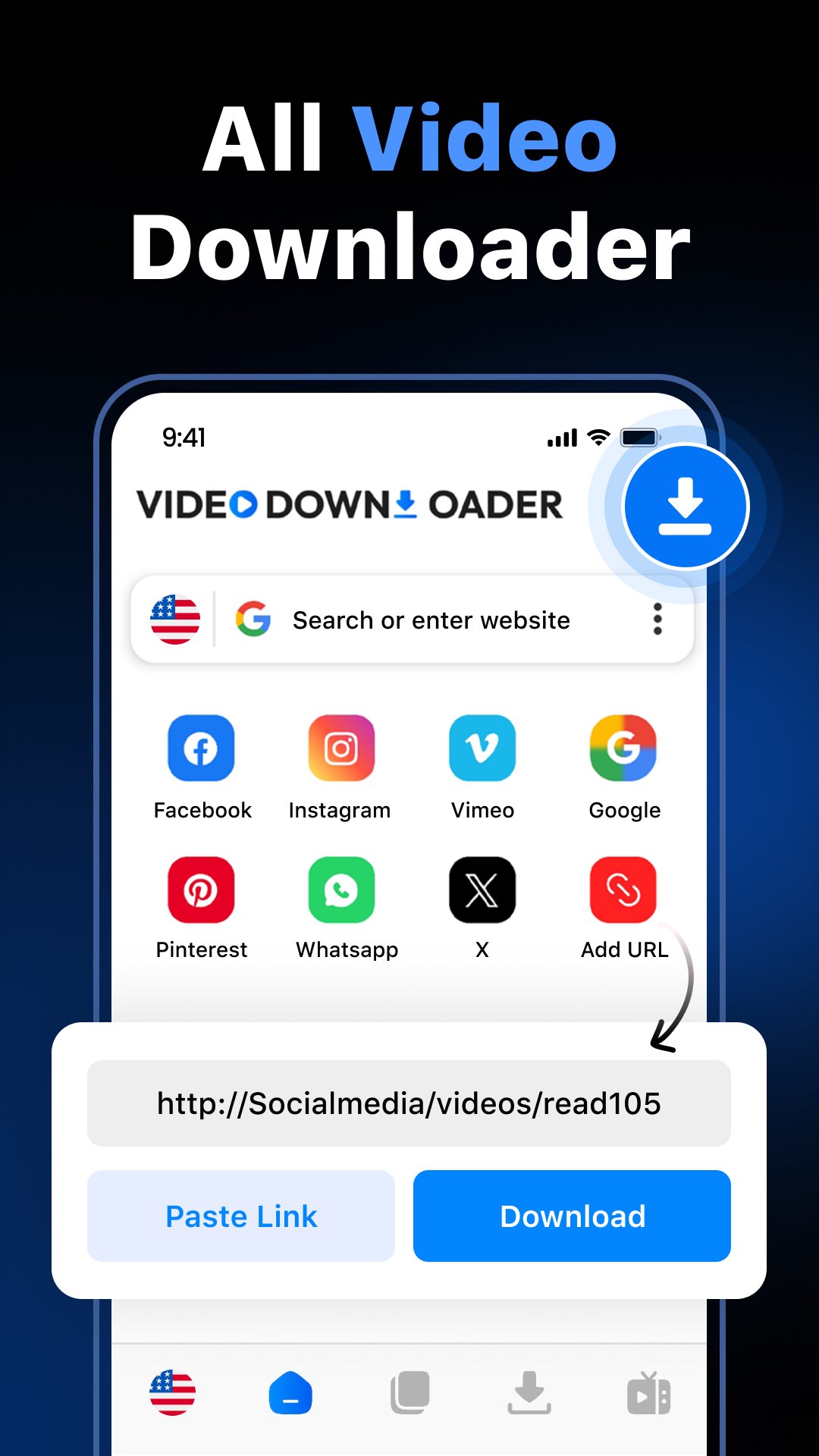
Video Downloader & Launcher is a simple and powerful app designed to help you download publicly accessible video files from supported websites and manage your favorite apps in one convenient place.
Built with speed, stability, and ease of use in mind, the app combines a fast video downloader, smart download manager, built-in browser, and app launcher for a smooth all-in-one experience.
🚀 Fast Video Downloader
Download supported video files directly to your device using the built-in browser.
• Auto-detect downloadable video files
• High-speed downloading
• HD quality support (if available)
• Background downloading
• Pause and resume anytime
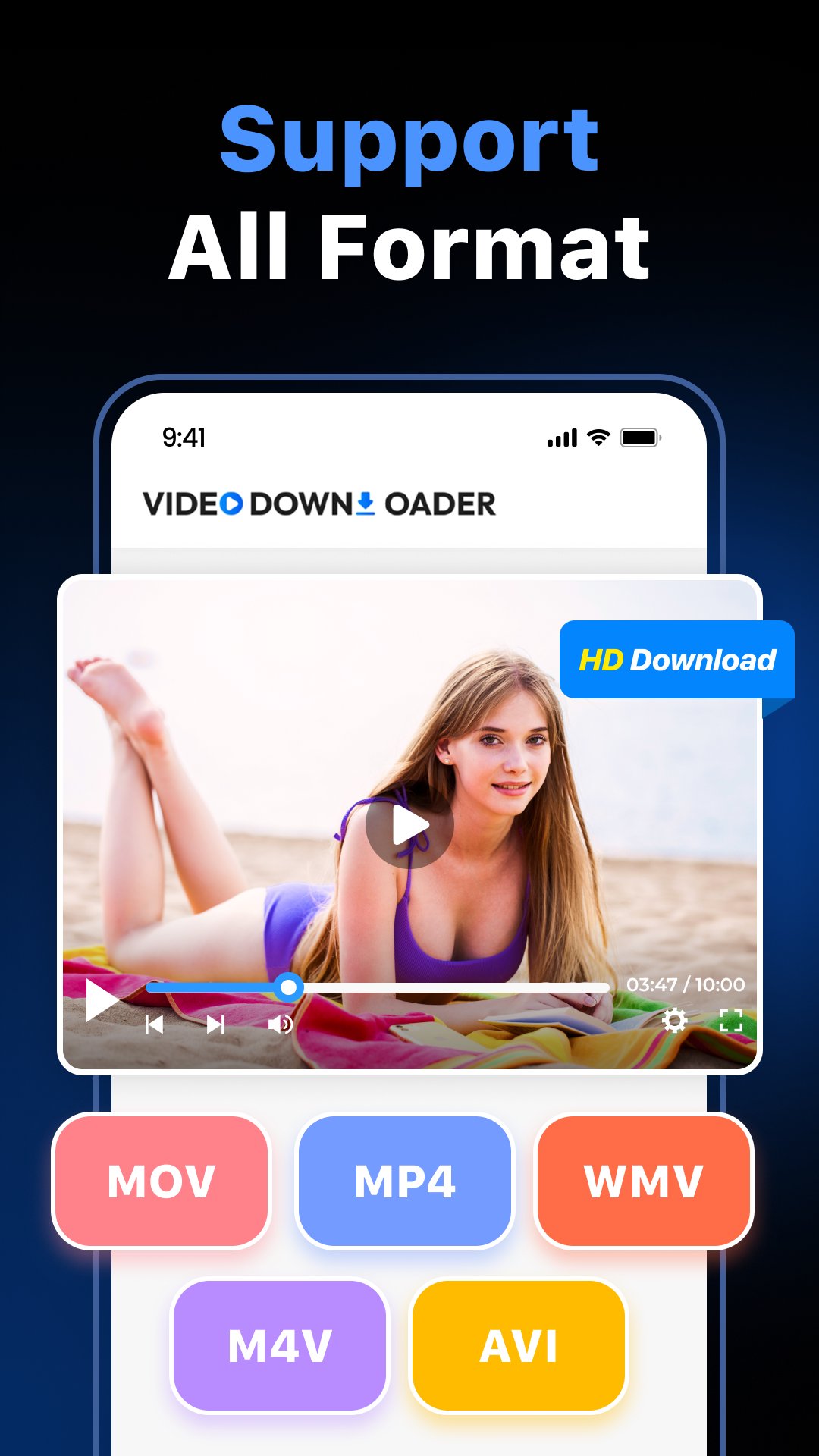
• Multiple format support (MP4, M4A, MOV, AVI, etc.)
Simply browse supported websites or paste a video link to begin downloading.
🌐 Built-in Browser
The integrated browser allows smooth browsing and helps detect downloadable media files quickly.
• Fast and secure browsing
• Easy navigation
• Simple download process
📂 Smart Download Manager
Manage and organise all your downloads in one place.
• Download multiple files at once
• Resume interrupted downloads
• Delete or manage files easily
• SD card support
• Offline video playback
🚀 Smart App Launcher
Quickly access your frequently used apps with the built-in launcher.
• One-tap app access
• Smooth switching between tools
• Clean and organized interface
• Improved productivity
🎨 Clean & User-Friendly Design
• Light and dark themes
• Simple navigation
• Organized download history
• Optimized performance
Designed to be fast, lightweight, and easy to use.
Important Notice
• This app is not affiliated with or endorsed by any social media platform.
• Users are responsible for ensuring they have the right to download and use content.
• Downloading copyrighted content without authorization is prohibited.
• YouTube downloading is not supported in compliance policies.
Preview
Tags
ToolsInformation
Developer
Vector Design Art
Latest Version
1.73
Last Updated
2026-03-26
Category
Tools
Available on
Google Play
Show More
How to play All Video Downloader: Launcher with GameLoop on PC
1. Download GameLoop from the official website, then run the exe file to install GameLoop
2. Open GameLoop and search for “All Video Downloader: Launcher” , find All Video Downloader: Launcher in the search results and click “Install”
3. Enjoy playing All Video Downloader: Launcher on GameLoop
Minimum requirements
OS
Windows 8.1 64-bit or Windows 10 64-bit
GPU
GTX 1050
CPU
i3-8300
Memory
8GB RAM
Storage
1GB available space
Recommended requirements
OS
Windows 8.1 64-bit or Windows 10 64-bit
GPU
GTX 1050
CPU
i3-9320
Memory
16GB RAM
Storage
1GB available space