
Video Thumbnail Maker & Video PC
Tool Man
Download Video Thumbnail Maker & Video on PC With GameLoop Emulator
Video Thumbnail Maker & Video sa PC
Ang Video Thumbnail Maker & Video , na nagmumula sa developer na Tool Man, ay tumatakbo sa Android systerm sa nakaraan.
Ngayon, maaari mong laruin ang Video Thumbnail Maker & Video sa PC gamit ang GameLoop nang maayos.
I-download ito sa GameLoop library o mga resulta ng paghahanap. Hindi na tumitingin sa baterya o nakakadismaya na mga tawag sa maling oras.
I-enjoy lang ang Video Thumbnail Maker & Video PC sa malaking screen nang libre!
Video Thumbnail Maker & Video Panimula
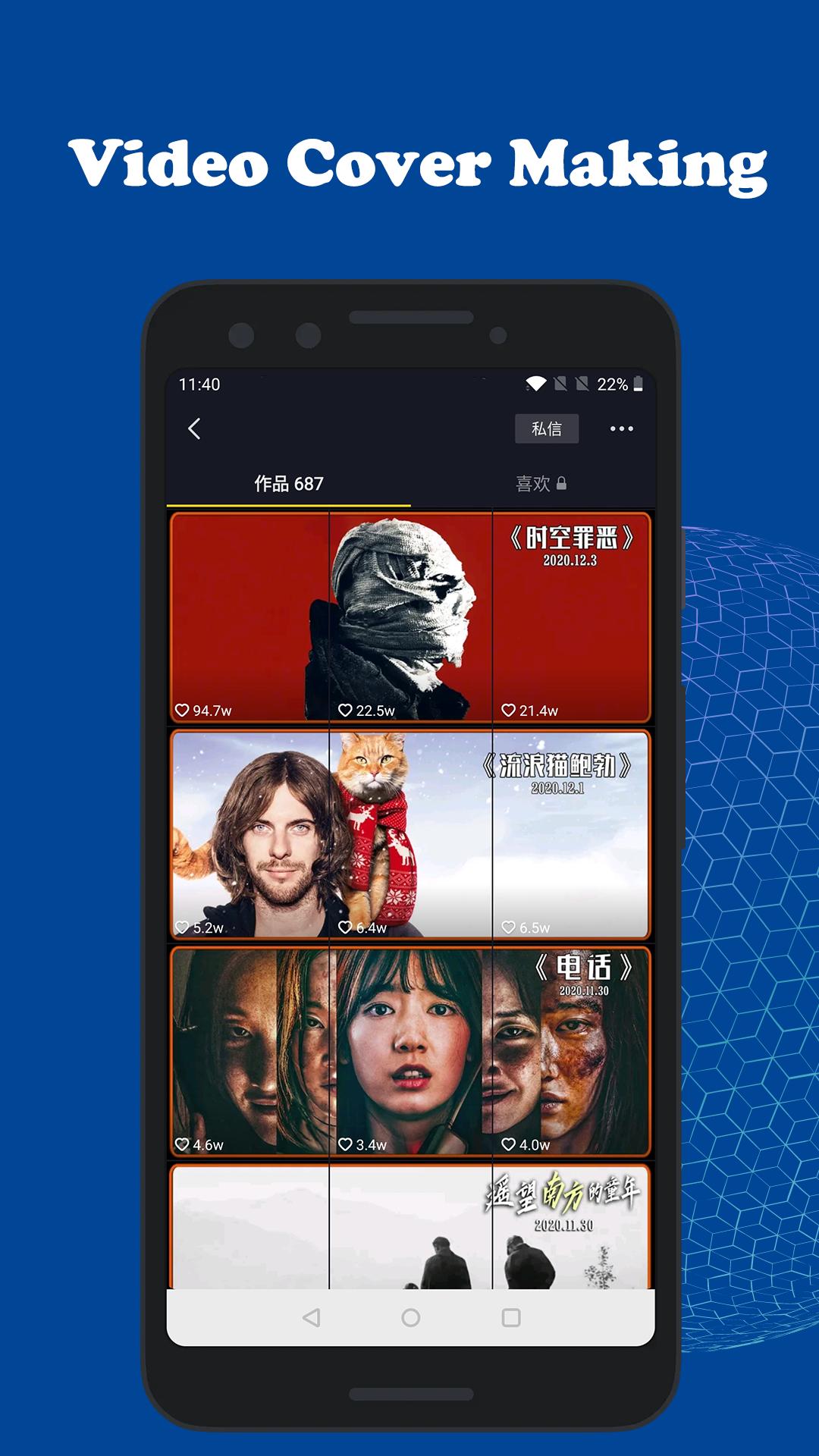
Want to create stunning video thumbnails or video cover for your TikTok video and Kuaishou video? It’s possible with our app!
Design your own TikTok video thumbnail for FREE with Video Thumbnail Maker. We have provided everything you need to get started. It only takes a few minutes to create your own images in a couple of easy steps and within a few minutes.
There are so many things to do when you decide to launch a new TikTok video on your vlog. Because a good thumbnail can make a huge difference in views, so you will have to create an attractive one to let anyone click on your video and watch it. But, to create a good design, you will have to hire a designer and pay him expensively to get great results. People can spend a lot of money and time to find a graphic designer to make a video thumbnail and even then it might not work out as they expected. You might not like the result and need to find and hire another thumbnail designer.
Advantages of Video Thumbnail Maker software:
1. Cut Tik tok video cover with one click.
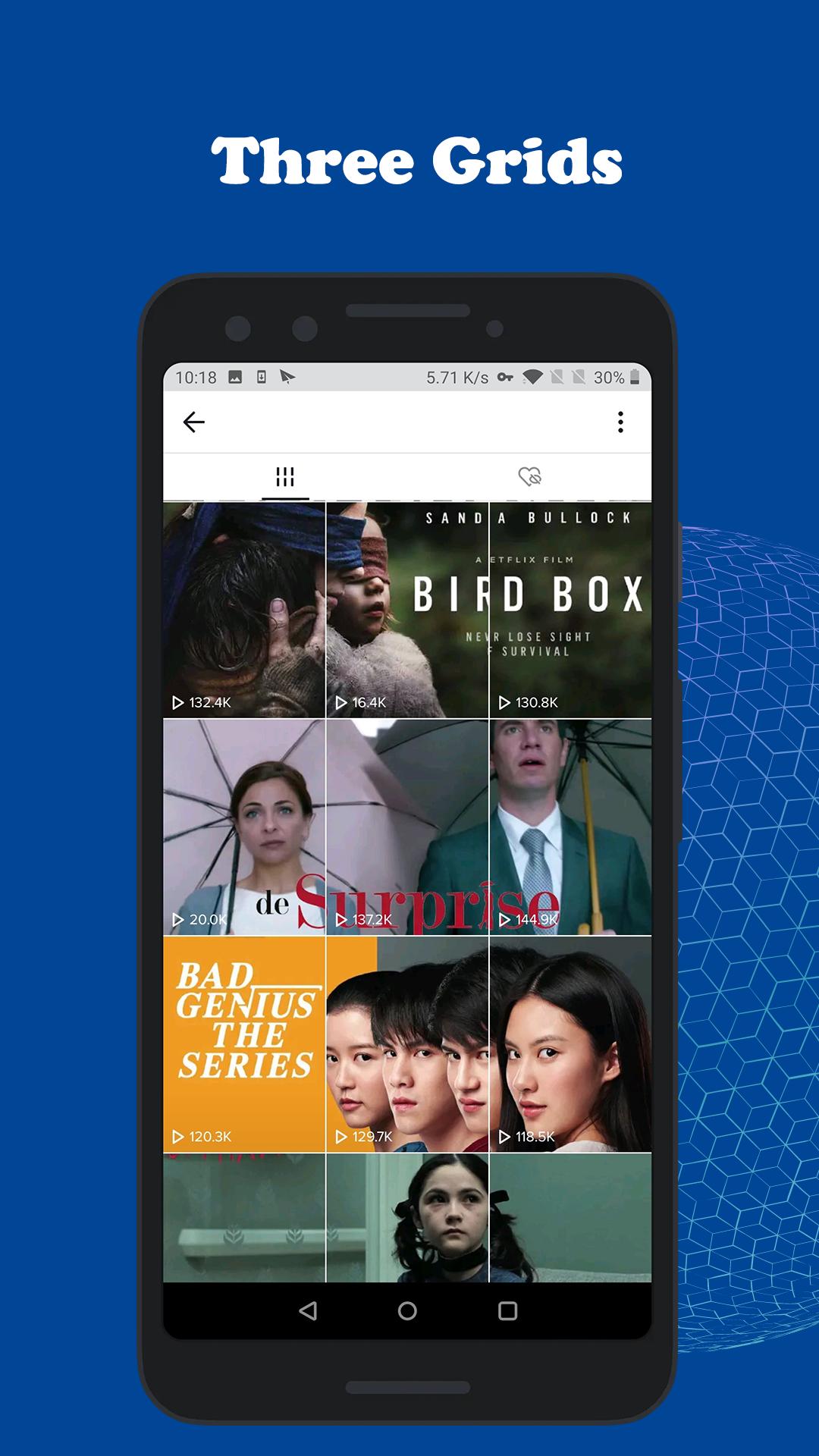
2. Tik Tok video cover supports one-click cropping of three consecutive pictures.
3. Tik Tok video cover supports one-click cropping of six pictures.
4. Tik Tok video cover supports one-click cropping of nine pictures.
5. Video Thumbnail Maker software is completely free, and supports one-click saving to albums.
Are you a tik tok video blogger? What are you waiting for? Download Video Thumbnail Maker now on your android smartphone or tablet for Free and enjoy creating video thumbnails within a few minutes.
Preview
Tags
ToolsInformation
Developer
Tool Man
Latest Version
1.2.0
Last Updated
2021-02-15
Category
Tools
Available on
Google Play
Show More
How to play Video Thumbnail Maker & Video with GameLoop on PC
1. Download GameLoop from the official website, then run the exe file to install GameLoop
2. Open GameLoop and search for “Video Thumbnail Maker & Video ” , find Video Thumbnail Maker & Video in the search results and click “Install”
3. Enjoy playing Video Thumbnail Maker & Video on GameLoop
Minimum requirements
OS
Windows 8.1 64-bit or Windows 10 64-bit
GPU
GTX 1050
CPU
i3-8300
Memory
8GB RAM
Storage
1GB available space
Recommended requirements
OS
Windows 8.1 64-bit or Windows 10 64-bit
GPU
GTX 1050
CPU
i3-9320
Memory
16GB RAM
Storage
1GB available space