Vibrometer – Vibration Meter PC
MappleTech
Download Vibrometer – Vibration Meter on PC With GameLoop Emulator
Vibrometer – Vibration Meter sa PC
Ang Vibrometer – Vibration Meter, na nagmumula sa developer na MappleTech, ay tumatakbo sa Android systerm sa nakaraan.
Ngayon, maaari mong laruin ang Vibrometer – Vibration Meter sa PC gamit ang GameLoop nang maayos.
I-download ito sa GameLoop library o mga resulta ng paghahanap. Hindi na tumitingin sa baterya o nakakadismaya na mga tawag sa maling oras.
I-enjoy lang ang Vibrometer – Vibration Meter PC sa malaking screen nang libre!
Vibrometer – Vibration Meter Panimula
Unlock the full potential of your device’s sensors with Vibrometer – Vibration Meter & Analyzer, an all-in-one toolkit for measuring, analyzing, and recording vibrations with exceptional clarity and precision.
Designed for both everyday users and engineering professionals, Vibrometer provides a clean, modern interface powered by high-frequency accelerometer and gyroscope data. Whether you’re checking machinery, monitoring structures, testing audio resonance, or just exploring vibrations around you — this app gives you powerful tools in a simple, intuitive package.
🔥 Key Features
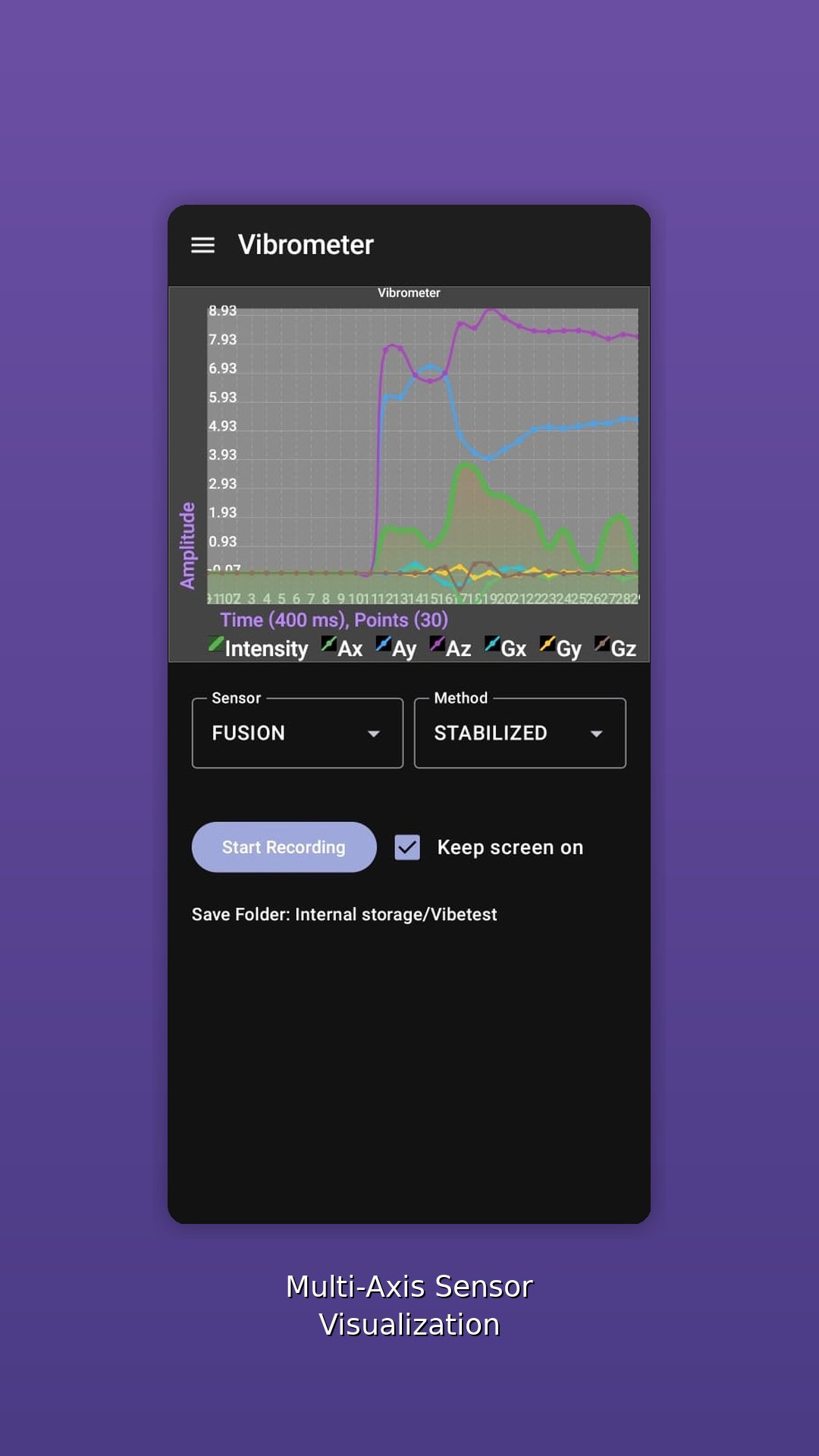
📈 Real-Time Vibration Graph
Smooth dynamic waveform display
Adjustable sensitivity
High-precision RMS, RAW, and stabilized modes
Optional axis legends for clarity
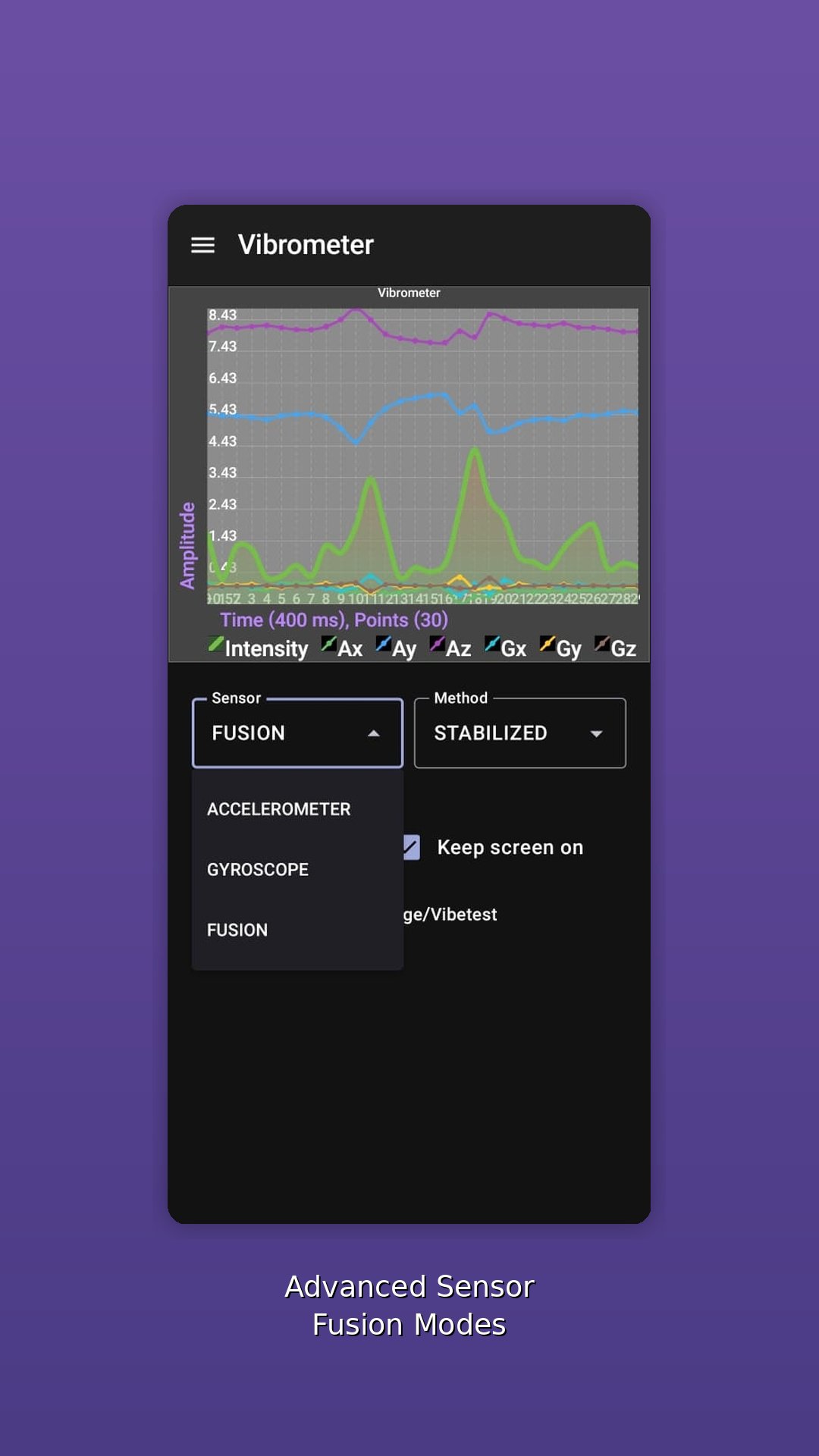
🎛 Multiple Measurement Modes
RAW – pure sensor output
RMS – stable vibration intensity
Stabilized – filtered for environmental noise
FFT Modes – frequency-domain vibration analysis
🎚 Complete Control
Change sampling interval
Configure graph resolution & data window size
Adjust acceleration & gyroscope weighting
Fine-tune sensitivity for accurate readings
📊 Advanced FFT Analyzer
Frequency spectrum visualization
See dominant vibration frequencies
Ideal for machinery diagnostics, motors, speakers & structural testing
🎥 Continuous Recording
Record vibration sessions for later review
Saves data to your preferred folder
Smart file management with user-selected directory
⚙ Professional-Grade Tools
Sensor fusion (Accel + Gyro)
Multi-axis processing
Real-time aggregation & smoothing
High refresh rate chart rendering
🌙 Modern Material 3 Design
Clean & intuitive interface
Dark mode support
Responsive & optimized for all screen sizes
🎯 Perfect For
Machinery & motor testing
HVAC vibration checks
Speaker & subwoofer resonance analysis
Structural/engineering diagnostics
Science experiments
Daily utility & curiosity
🔐 Privacy Friendly
No unnecessary permissions
No data sent to servers
Your recordings stay on your device
Experience the power of a full vibration laboratory in your pocket.
Preview
Tags
ToolsInformation
Developer
MappleTech
Latest Version
2026.01.08.1
Last Updated
2026-01-08
Category
Tools
Available on
Google Play
Show More
How to play Vibrometer – Vibration Meter with GameLoop on PC
1. Download GameLoop from the official website, then run the exe file to install GameLoop
2. Open GameLoop and search for “Vibrometer – Vibration Meter” , find Vibrometer – Vibration Meter in the search results and click “Install”
3. Enjoy playing Vibrometer – Vibration Meter on GameLoop
Minimum requirements
OS
Windows 8.1 64-bit or Windows 10 64-bit
GPU
GTX 1050
CPU
i3-8300
Memory
8GB RAM
Storage
1GB available space
Recommended requirements
OS
Windows 8.1 64-bit or Windows 10 64-bit
GPU
GTX 1050
CPU
i3-9320
Memory
16GB RAM
Storage
1GB available space