
UScellular™ – My Account PC
USCC Services, LLC
Download UScellular™ – My Account on PC With GameLoop Emulator
UScellular™ – My Account sa PC
Ang UScellular™ – My Account, na nagmumula sa developer na USCC Services, LLC, ay tumatakbo sa Android systerm sa nakaraan.
Ngayon, maaari mong laruin ang UScellular™ – My Account sa PC gamit ang GameLoop nang maayos.
I-download ito sa GameLoop library o mga resulta ng paghahanap. Hindi na tumitingin sa baterya o nakakadismaya na mga tawag sa maling oras.
I-enjoy lang ang UScellular™ – My Account PC sa malaking screen nang libre!
UScellular™ – My Account Panimula
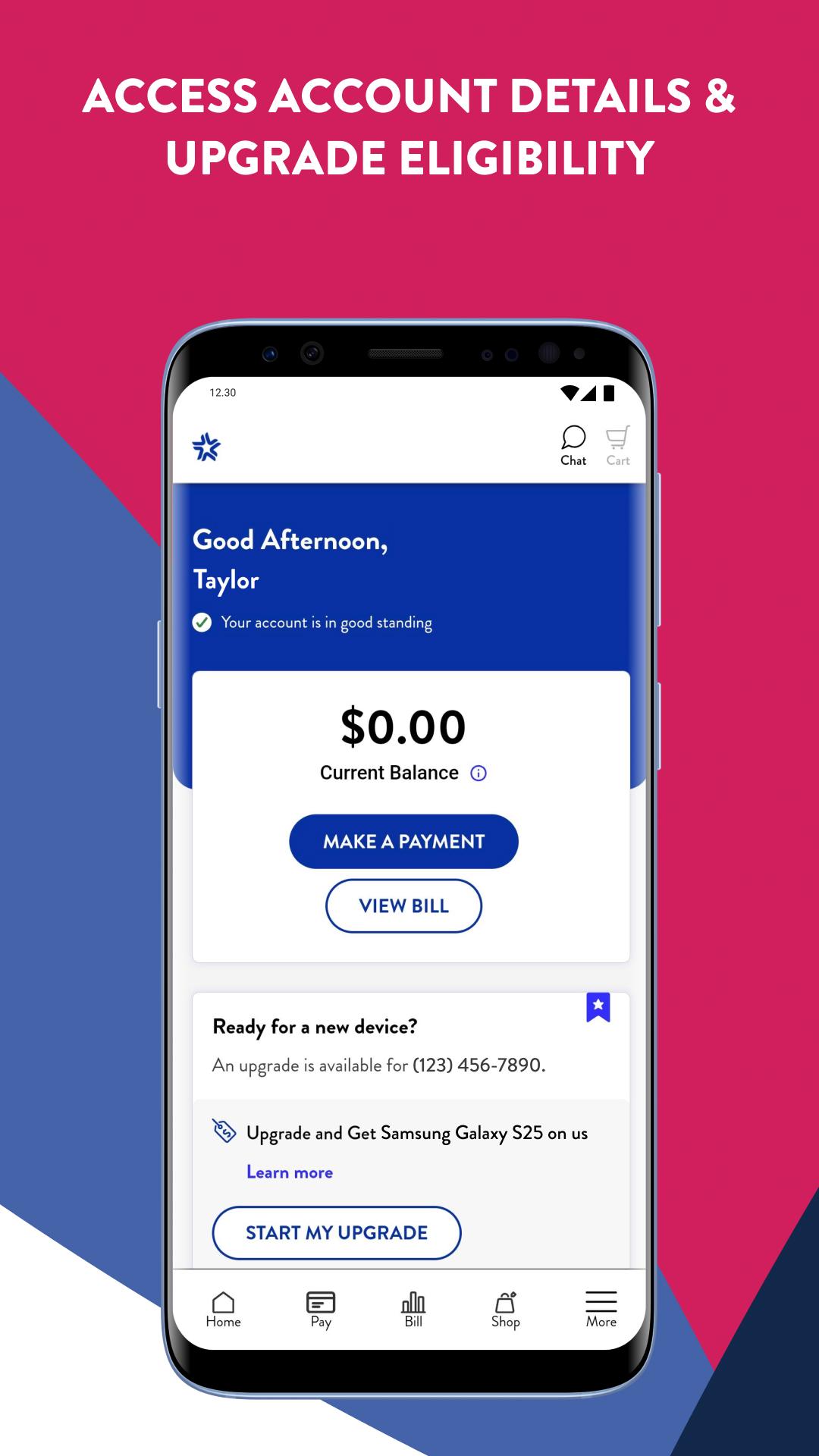
Your UScellular® account at your fingertips – anytime, anywhere. Get a sleek, redesigned shopping experience with enhancements that get you to your next upgrade faster.
A Revitalized Shopping Experience
• Updated Plans page that gets you to the right plan and faster navigation to the checkout page
• View updated totals and monthly charges as you shop, with a redesigned Shopping Cart with options to add lines or make changes
• Revamped Upgrades page for the easiest access to your eligibility status, early upgrade info and ways to save on your next phone
• Automatic application of specific discounts and promotions that your order is eligible for
• Streamlined Home Internet experience that includes Whole Home Wi-Fi and free expert setup
• Easy to understand Watch Plans page that helps get your smartwatch activated fast
Billing & Payments Made Easy
• Both line level and account level details on your Bill
• New “What’s Changed” section on your Bill with details on any month-to-month changes
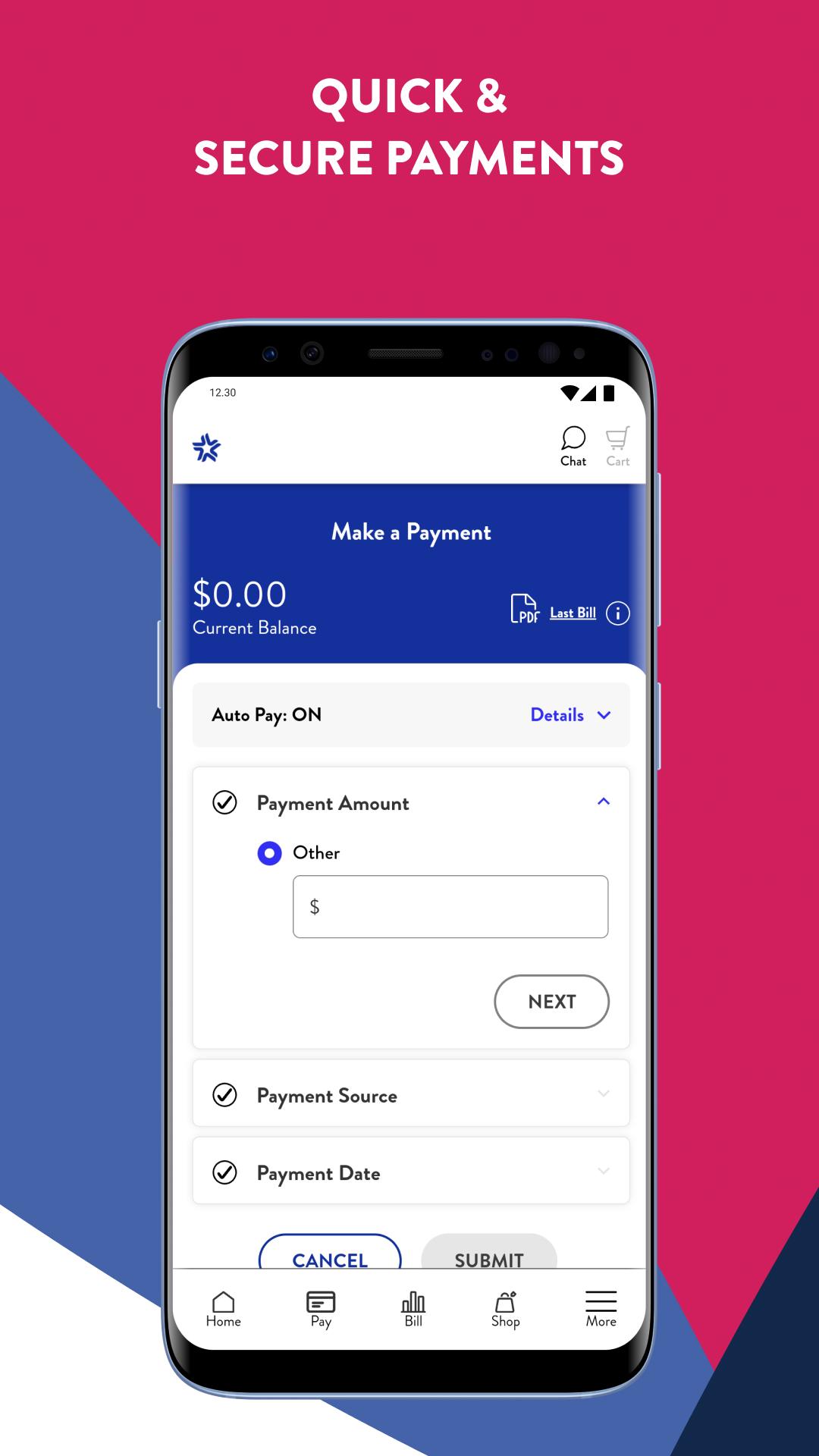
• Easy bill pay with saved payment methods and a Quick Pay option for one-time payments
• Auto Pay + Paperless Billing = monthly discounts
A Personalized Experience
• Onboarding experience for first-time My Account users
• Order History page redeveloped with more details on your order and shipment tracking
• Integration of Advanced Messaging and spam protection
• Ability to upgrade/downgrade Device Protection+ plans and a convenient claims process
• Redeveloped Support pages with updated FAQs and device specific tutorials
Preview
Tags
ToolsInformation
Developer
USCC Services, LLC
Latest Version
2.21.0
Last Updated
2025-02-13
Category
Tools
Available on
Google Play
Show More
How to play UScellular™ – My Account with GameLoop on PC
1. Download GameLoop from the official website, then run the exe file to install GameLoop
2. Open GameLoop and search for “UScellular™ – My Account” , find UScellular™ – My Account in the search results and click “Install”
3. Enjoy playing UScellular™ – My Account on GameLoop
Minimum requirements
OS
Windows 8.1 64-bit or Windows 10 64-bit
GPU
GTX 1050
CPU
i3-8300
Memory
8GB RAM
Storage
1GB available space
Recommended requirements
OS
Windows 8.1 64-bit or Windows 10 64-bit
GPU
GTX 1050
CPU
i3-9320
Memory
16GB RAM
Storage
1GB available space