USB OTG Checker: USB Connector PC
The App Company INC
Download USB OTG Checker: USB Connector on PC With GameLoop Emulator
USB OTG Checker: USB Connector sa PC
Ang USB OTG Checker: USB Connector, na nagmumula sa developer na The App Company INC, ay tumatakbo sa Android systerm sa nakaraan.
Ngayon, maaari mong laruin ang USB OTG Checker: USB Connector sa PC gamit ang GameLoop nang maayos.
I-download ito sa GameLoop library o mga resulta ng paghahanap. Hindi na tumitingin sa baterya o nakakadismaya na mga tawag sa maling oras.
I-enjoy lang ang USB OTG Checker: USB Connector PC sa malaking screen nang libre!
USB OTG Checker: USB Connector Panimula
Manage Your USB Files Easily with OTG Connector – The Ultimate USB OTG File Manager for Android!
Looking for a fast and easy way to access your USB drive on your Android phone? USB OTG Connector: OTG Checker is your go-to app for managing USB files, checking OTG support, and transferring data with ease. Whether you’re using a USB OTG connector, OTG adapter for Android, or a micro USB OTG cable, our app makes file management seamless.
🔍 Key Features
✔️ Detect and connect to USB OTG devices
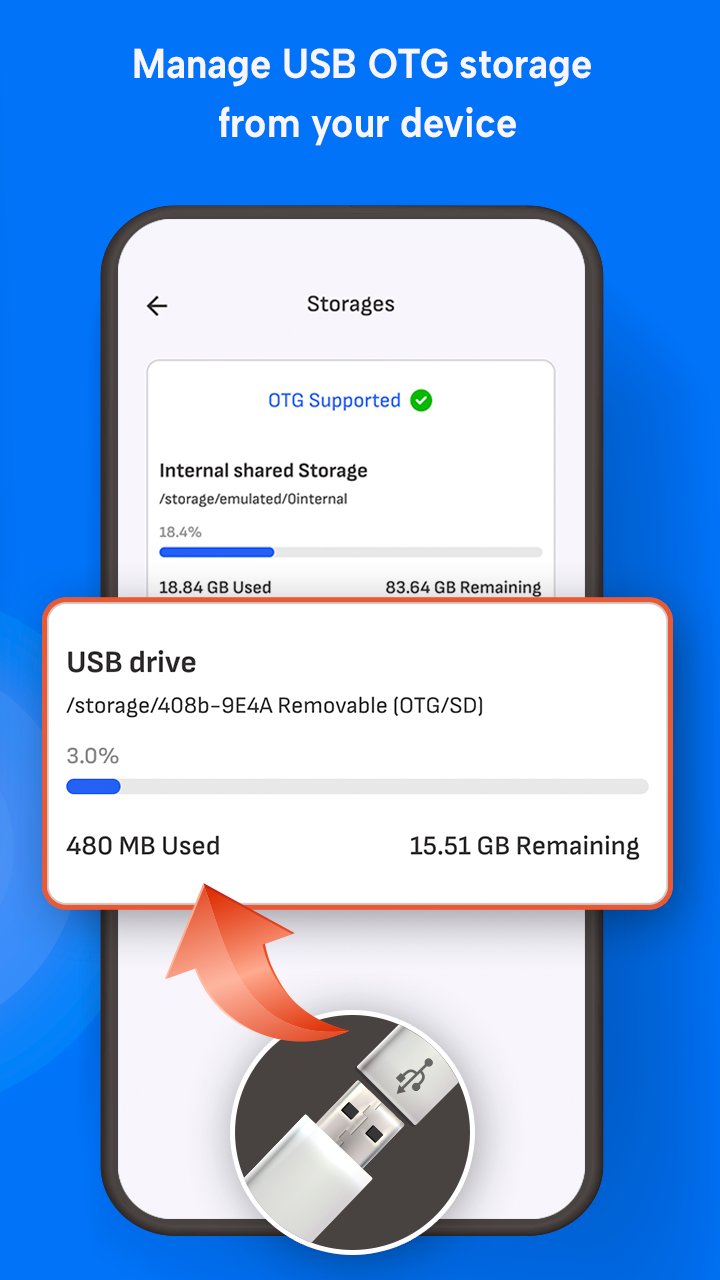
✔️ Copy, Paste, Delete and Move files from USB to Internal Storage
✔️ Works with OTG adapter micro USB and USB OTG connector
✔️ Built-in USB checker to test port compatibility
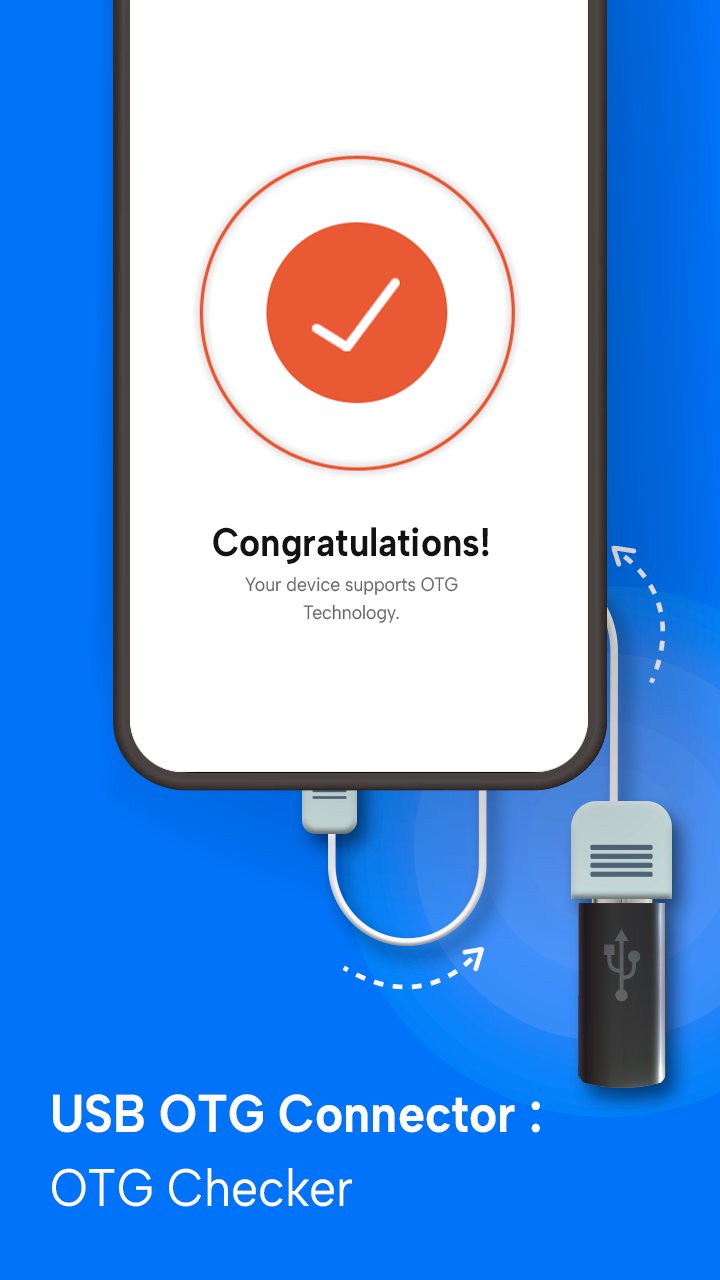
✔️ OTG checker tool to verify device support
✔️ Fast file transfer with intuitive interface
✔️ Supports all major file formats and USB drives
✔️ Lightweight OTG connector software for Android devices
💡 Why Choose This USB OTG File Manager?
Our app combines the power of a file explorer with smart USB detection. If you're using an OTG adapter or USB OTG checker, this app ensures full compatibility and smooth operation. No need to root your device — just plug in your USB drive and get started!
📦 Perfect For
• Accessing external USB storage
• Transferring large files without internet
• Using USB flash drives with OTG-enabled phones
• Managing folders with an OTG connector app
• Users searching for USB checker and USB file transfer tools
🧪 Built-in USB & OTG Checkers
Not sure if your device supports OTG? Use the app’s built-in USB OTG checker and USB checker to test and verify in seconds!
📱 Compatible With Most Android Devices
Tested on major brands like Samsung, Xiaomi, OnePlus, Vivo, Oppo, and more. Whether you’re using a USB OTG adapter or micro USB OTG cable, our app ensures full compatibility and fast performance.
Get the best out of your Android phone with USB OTG Connector: OTG Checker USB File Manager. Download now and take full control of your USB file transfers!
Preview
Tags
ToolsInformation
Developer
The App Company INC
Latest Version
2.9
Last Updated
2026-04-10
Category
Tools
Available on
Google Play
Show More
How to play USB OTG Checker: USB Connector with GameLoop on PC
1. Download GameLoop from the official website, then run the exe file to install GameLoop
2. Open GameLoop and search for “USB OTG Checker: USB Connector” , find USB OTG Checker: USB Connector in the search results and click “Install”
3. Enjoy playing USB OTG Checker: USB Connector on GameLoop
Minimum requirements
OS
Windows 8.1 64-bit or Windows 10 64-bit
GPU
GTX 1050
CPU
i3-8300
Memory
8GB RAM
Storage
1GB available space
Recommended requirements
OS
Windows 8.1 64-bit or Windows 10 64-bit
GPU
GTX 1050
CPU
i3-9320
Memory
16GB RAM
Storage
1GB available space