
US VPN - Proxy Server PC
CM Team
Download US VPN - Proxy Server on PC With GameLoop Emulator
US VPN - Proxy Server sa PC
Ang US VPN - Proxy Server, na nagmumula sa developer na CM Team, ay tumatakbo sa Android systerm sa nakaraan.
Ngayon, maaari mong laruin ang US VPN - Proxy Server sa PC gamit ang GameLoop nang maayos.
I-download ito sa GameLoop library o mga resulta ng paghahanap. Hindi na tumitingin sa baterya o nakakadismaya na mga tawag sa maling oras.
I-enjoy lang ang US VPN - Proxy Server PC sa malaking screen nang libre!
US VPN - Proxy Server Panimula
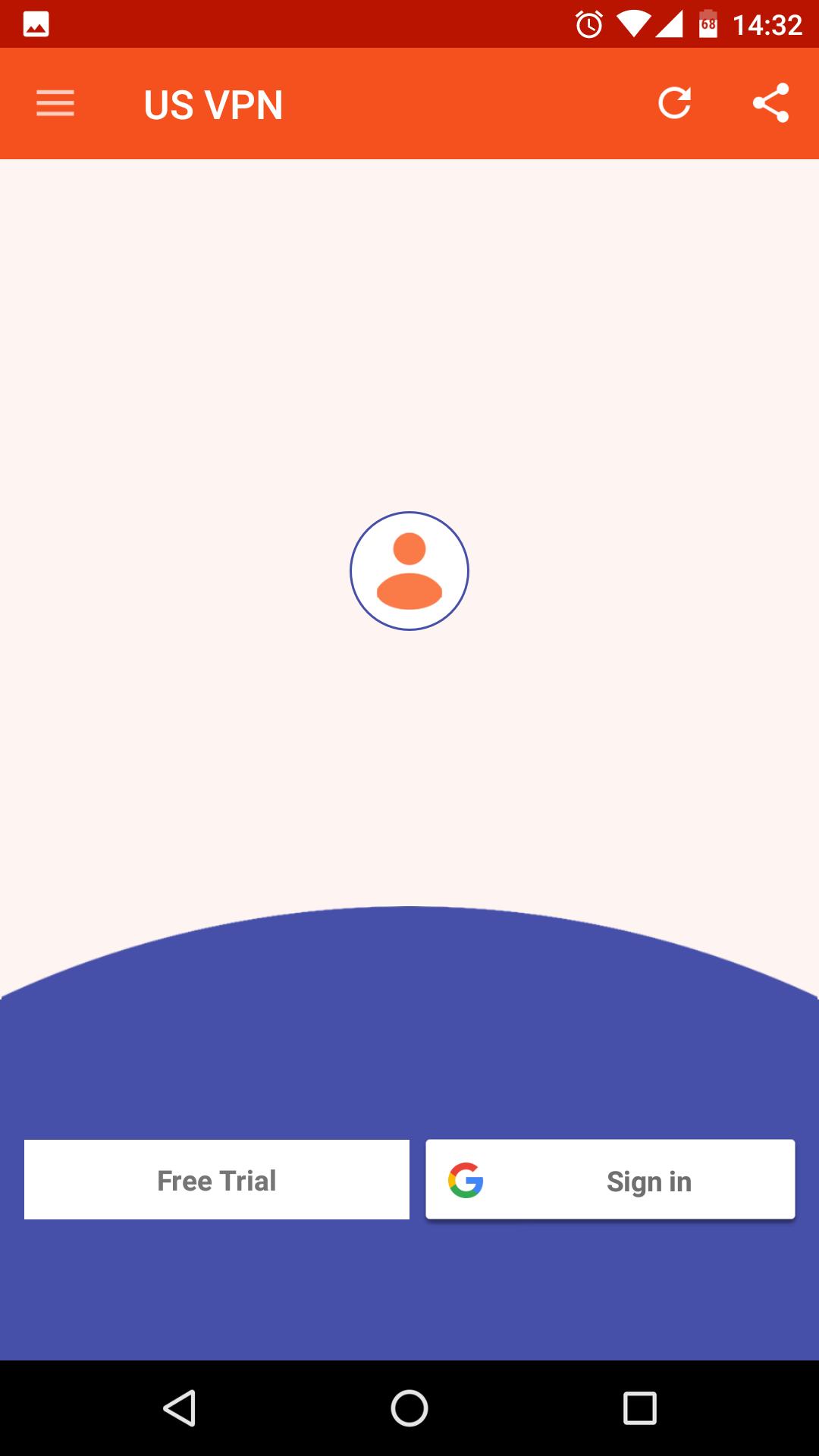
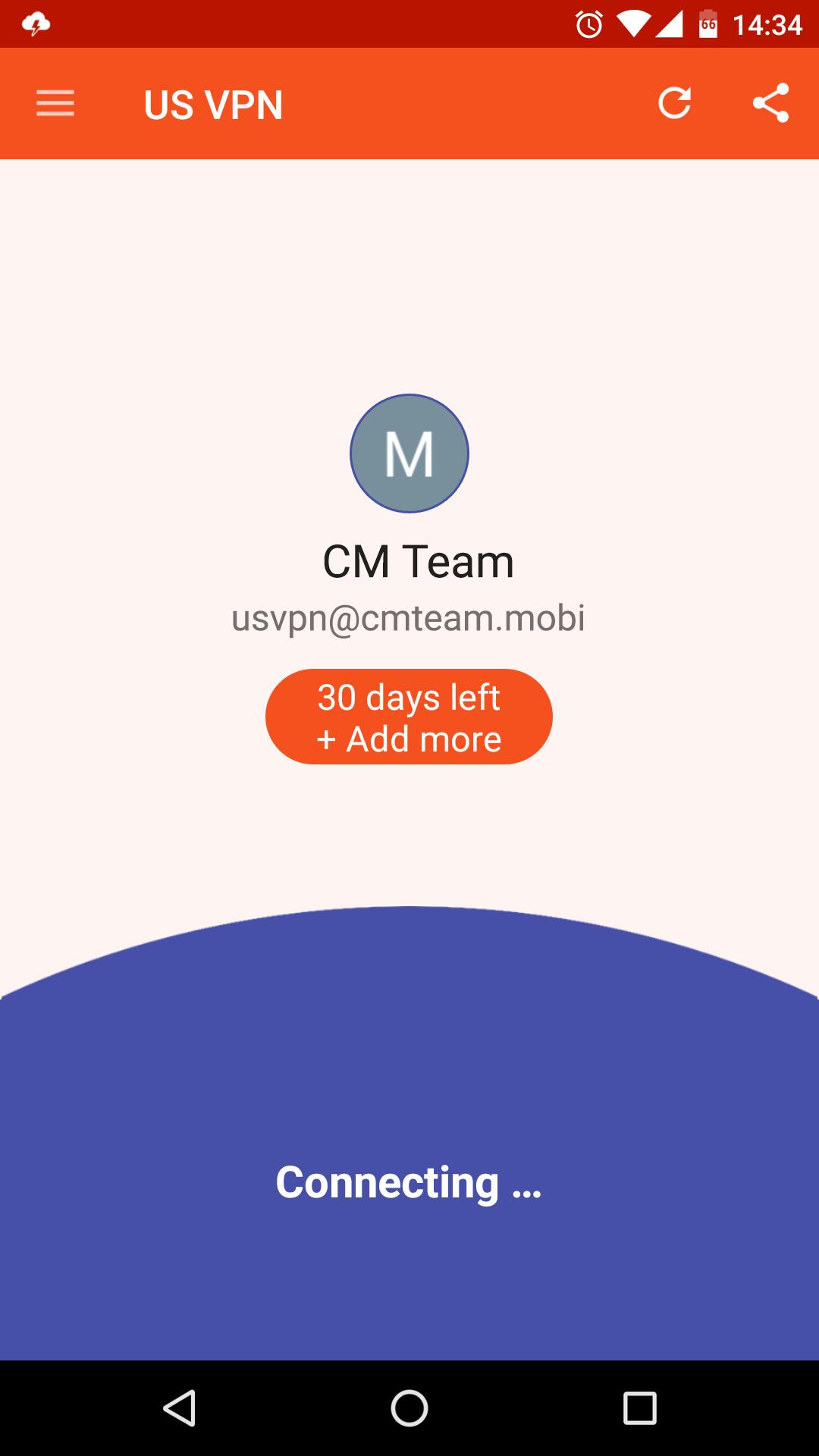
US VPN - The best free & unlimited vpn tunnel for android to unblock sites, watch online video, bypass blocked apps, secure WiFi hotspots and browse privately and anonymously.
Premium Features, All server in USA!
✓ Ultra-Fast
✓ Unlimited Bandwidth
✓ Easy to Use
✓ Friendly interface
✓ No Logs: That means, that you're absolutely anonymous and protected while using our app.
Unblock the web!
✓ Unblock websites and apps such as Viber, Skype, Youtube, Whatsup, Google, Netflix, etc...
One click connection
✓ Just one tap to get the best VPN service ever!
Protect Privacy and Security
✓ Enjoy private browsing.
✓ Protect data privacy, personal information security and internet security while VPN Robot is on.
✓ Protect your network traffic under public WiFi hotspot browse anonymously and securely without being tracked.
✓ Encrypts data using OpenVPN protocols (TCP/UDP).
Notice
✓ Please don't download BitTorrent, any P2P will get account blocked!
Support
Email to us: cmlab.contactinfo@gmail.com
Fanapge: https://www.facebook.com/cmteam.mobi
Preview
Information
Developer
CM Team
Latest Version
3.2.190227
Last Updated
2019-02-27
Category
Tools
Available on
Google Play
Show More
How to play US VPN - Proxy Server with GameLoop on PC
1. Download GameLoop from the official website, then run the exe file to install GameLoop
2. Open GameLoop and search for “US VPN - Proxy Server” , find US VPN - Proxy Server in the search results and click “Install”
3. Enjoy playing US VPN - Proxy Server on GameLoop
Minimum requirements
OS
Windows 8.1 64-bit or Windows 10 64-bit
GPU
GTX 1050
CPU
i3-8300
Memory
8GB RAM
Storage
1GB available space
Recommended requirements
OS
Windows 8.1 64-bit or Windows 10 64-bit
GPU
GTX 1050
CPU
i3-9320
Memory
16GB RAM
Storage
1GB available space