
Unseen Online VPN For Everyone PC
Unseen Online - Unlimited VPN
Download Unseen Online VPN For Everyone on PC With GameLoop Emulator
Unseen Online VPN For Everyone sa PC
Ang Unseen Online VPN For Everyone, na nagmumula sa developer na Unseen Online - Unlimited VPN, ay tumatakbo sa Android systerm sa nakaraan.
Ngayon, maaari mong laruin ang Unseen Online VPN For Everyone sa PC gamit ang GameLoop nang maayos.
I-download ito sa GameLoop library o mga resulta ng paghahanap. Hindi na tumitingin sa baterya o nakakadismaya na mga tawag sa maling oras.
I-enjoy lang ang Unseen Online VPN For Everyone PC sa malaking screen nang libre!
Unseen Online VPN For Everyone Panimula
🚀 A Brand-New VPN Experience Has Arrived!
We've completely redesigned the app from the ground up to deliver a faster, cleaner, and more modern experience.
✨ What's New?
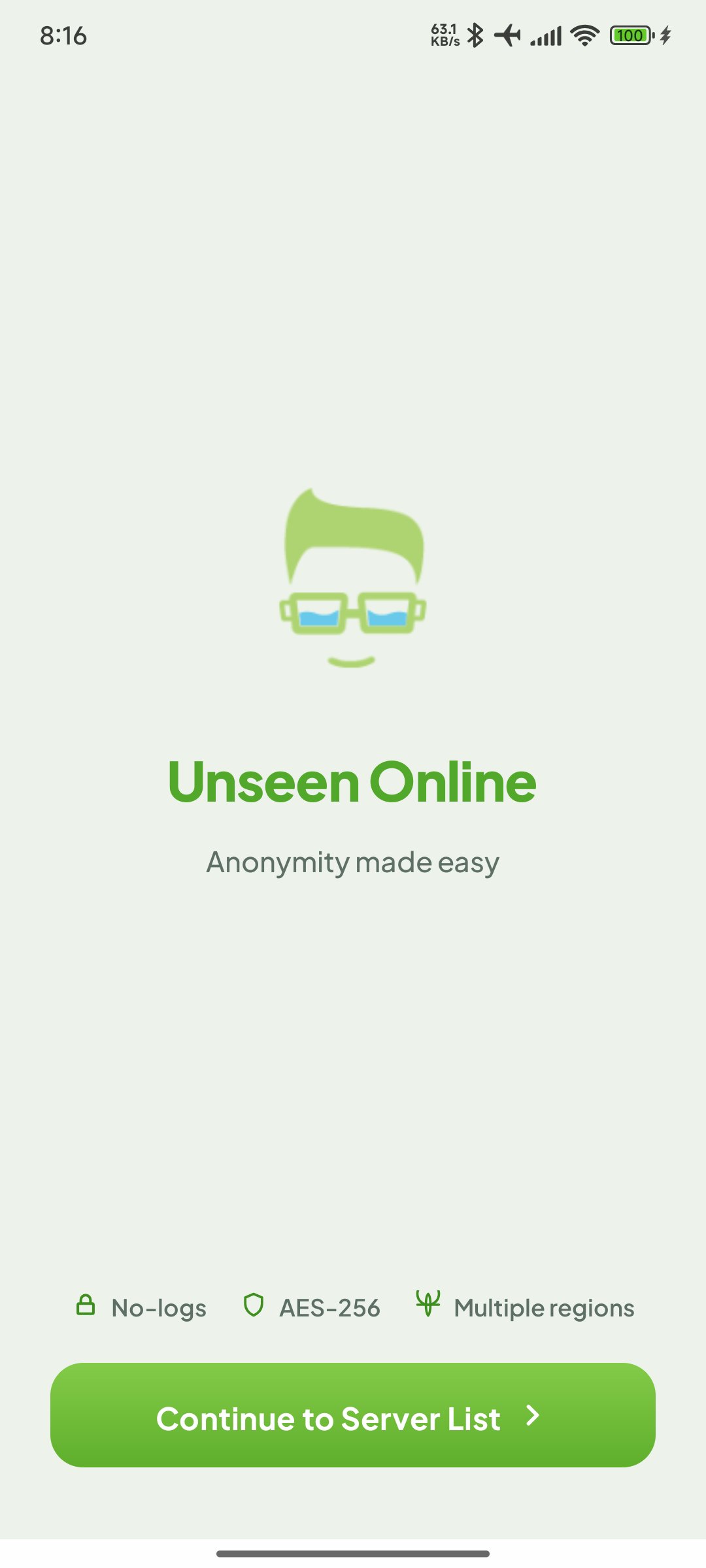
Unseen Online VPN helps keep your browsing private, secure, and protected on any network.
No accounts, no payments - One tap to connect and enjoy safer access to the internet.
🎨 Fresh Modern Design
Enjoy a beautiful new interface that's smoother, simpler, and easier to use than ever before.
⚡️ Next-Generation Technology
We've moved beyond WireGuard and OpenVPN and upgraded to the latest privacy-focused technologies:
• Shadowsocks TLS
• Reality Protocol
And we're just getting started—more advanced connectivity improvements are on the way.
This means better reliability, improved censorship resistance, and a more seamless connection experience.
🔧 Bug Fixes & Improvements
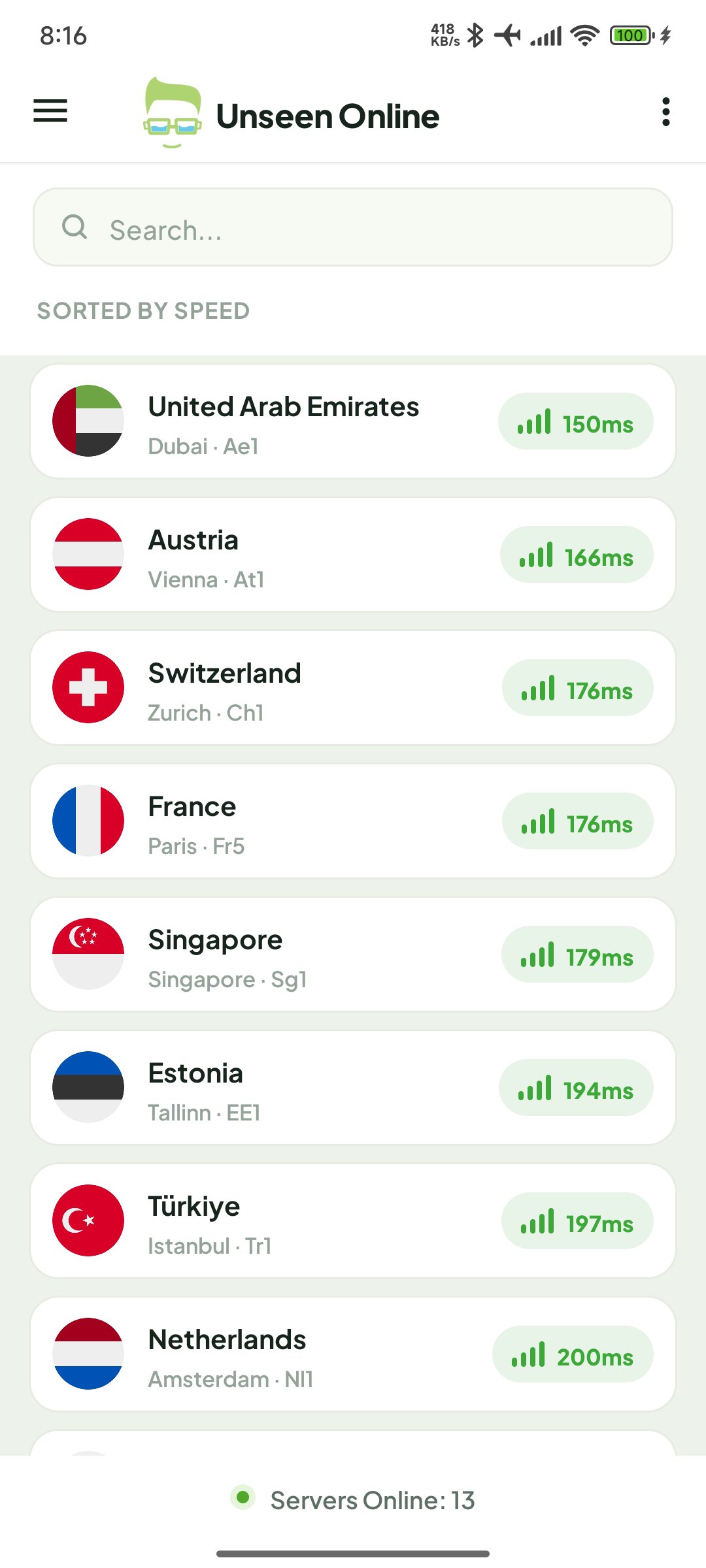
We've fixed the server list retrieval issue that occasionally prevented servers from loading correctly.
🌍 Faster. Smarter. More Reliable.
Experience faster connections, smoother browsing, and improved overall performance.
This update is a major step forward in speed, stability, and user experience.
Update now and experience the future of secure connectivity.
Preview
Tags
ToolsInformation
Developer
Unseen Online - Unlimited VPN
Latest Version
2.6.6
Last Updated
2026-08-31
Category
Tools
Available on
Google Play
Show More
How to play Unseen Online VPN For Everyone with GameLoop on PC
1. Download GameLoop from the official website, then run the exe file to install GameLoop
2. Open GameLoop and search for “Unseen Online VPN For Everyone” , find Unseen Online VPN For Everyone in the search results and click “Install”
3. Enjoy playing Unseen Online VPN For Everyone on GameLoop
Minimum requirements
OS
Windows 8.1 64-bit or Windows 10 64-bit
GPU
GTX 1050
CPU
i3-8300
Memory
8GB RAM
Storage
1GB available space
Recommended requirements
OS
Windows 8.1 64-bit or Windows 10 64-bit
GPU
GTX 1050
CPU
i3-9320
Memory
16GB RAM
Storage
1GB available space