
TS School PC
NIC eGov Mobile Apps
Download TS School on PC With GameLoop Emulator
TS School sa PC
Ang TS School, na nagmumula sa developer na NIC eGov Mobile Apps, ay tumatakbo sa Android systerm sa nakaraan.
Ngayon, maaari mong laruin ang TS School sa PC gamit ang GameLoop nang maayos.
I-download ito sa GameLoop library o mga resulta ng paghahanap. Hindi na tumitingin sa baterya o nakakadismaya na mga tawag sa maling oras.
I-enjoy lang ang TS School PC sa malaking screen nang libre!
TS School Panimula
TS School Version 5.5
1. School Infrastructure
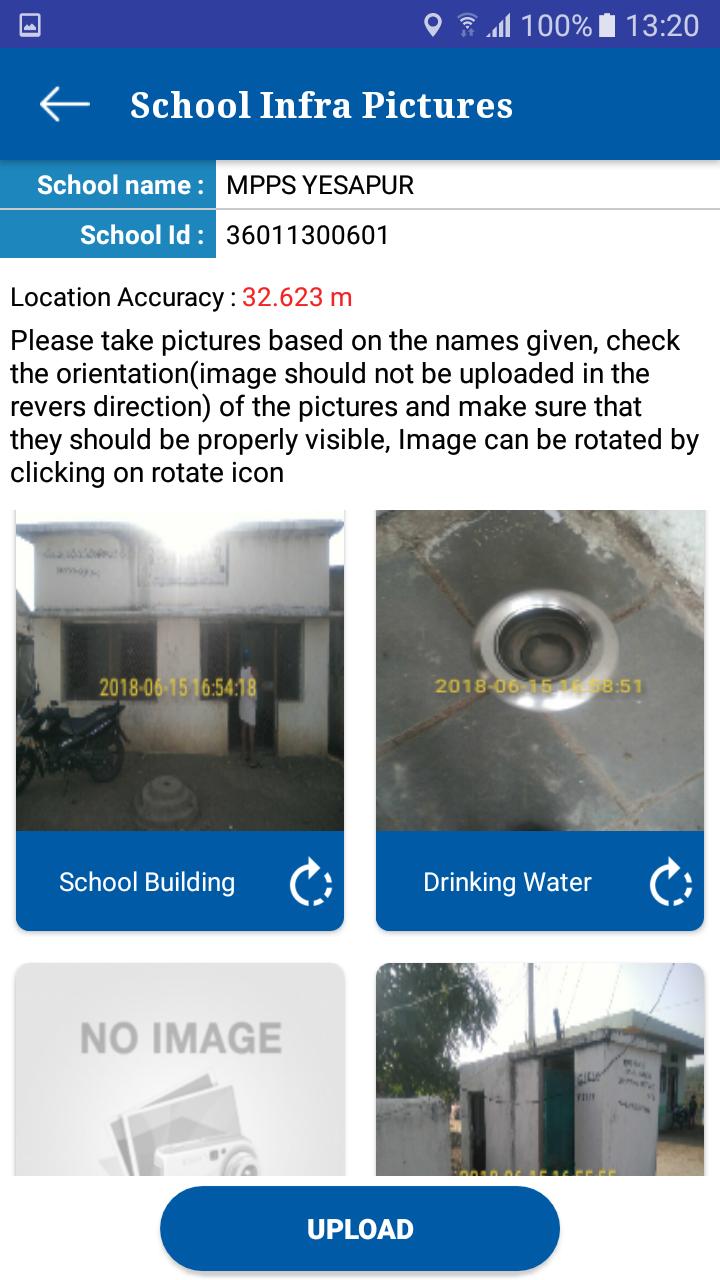
Visuals of School infrastructure like school building, class rooms, drinking water facility, compound wall, and kitchen shed etc. can be uploaded using this app.
2. School Monitoring
Toilet Monitoring: School HMs can upload the visuals of toilets at regular intervals. Authorities can monitor the functional status of toilets from time to time. It helps to track the status of individual toilets.
Attendance Monitoring: this module helps to school HM to enter the Attendance of the school children’s and employees
3. School Visit
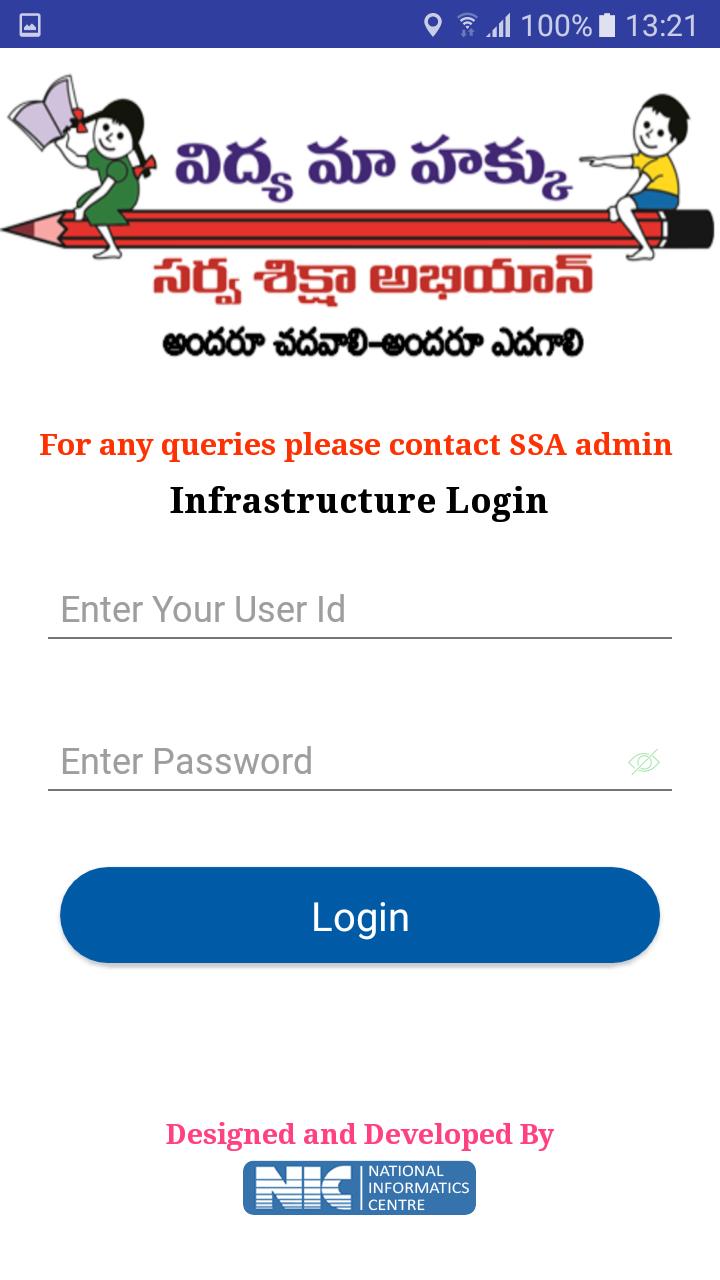
This module allows to capture various school details like enrollment, attendance of children/teachers, syllabus covered, status of toilets, midday meal etc.
These parameters are stored in centralized database for generation of analysis reports for monitoring.
Preview
Information
Developer
NIC eGov Mobile Apps
Latest Version
5.5
Last Updated
2019-06-26
Category
Tools
Available on
Google Play
Show More
How to play TS School with GameLoop on PC
1. Download GameLoop from the official website, then run the exe file to install GameLoop
2. Open GameLoop and search for “TS School” , find TS School in the search results and click “Install”
3. Enjoy playing TS School on GameLoop
Minimum requirements
OS
Windows 8.1 64-bit or Windows 10 64-bit
GPU
GTX 1050
CPU
i3-8300
Memory
8GB RAM
Storage
1GB available space
Recommended requirements
OS
Windows 8.1 64-bit or Windows 10 64-bit
GPU
GTX 1050
CPU
i3-9320
Memory
16GB RAM
Storage
1GB available space