
All Language Translator App PC
Tool Apps Hub
Download All Language Translator App on PC With GameLoop Emulator
All Language Translator App sa PC
Ang All Language Translator App, na nagmumula sa developer na Tool Apps Hub, ay tumatakbo sa Android systerm sa nakaraan.
Ngayon, maaari mong laruin ang All Language Translator App sa PC gamit ang GameLoop nang maayos.
I-download ito sa GameLoop library o mga resulta ng paghahanap. Hindi na tumitingin sa baterya o nakakadismaya na mga tawag sa maling oras.
I-enjoy lang ang All Language Translator App PC sa malaking screen nang libre!
All Language Translator App Panimula
All Language Translator App is your ultimate AI-powered solution for smooth and intelligent multilingual communication. Built with next-generation translation technology, this Voice Translator helps you translate text, voice to text, photos, and real-time conversations with remarkable speed and precision. Whether you’re traveling abroad, studying, or working globally, the Camera Translator – PDF Translator ensures you can understand and be understood in over 100+ languages anytime, anywhere.
🕮 Text Translator – Voice to Text
Break the language barrier with our Text Translator. Type or paste any text, and get accurate translations in seconds with natural phrasing. Perfect for translating messages, PDFs, or notes — the Image Translator ensures professional results for both personal and business use.
🎤 Voice Translator – Speech to Text Translation
Speak freely and translate instantly using the Voice Translator. The advanced Voice to Text Translator feature converts speech into translated text within moments. Ideal for meetings, travel, and hands-free communication, the Camera Translator - Language Translator lets you translate conversations in real-time with ease and accuracy.
📸 Photo Translator – Image Translator
All Language Translator App let you experience the next level translation with the Photo Translator - Image Translator. Simply point your camera to translate signs, menus, or any printed text in real time using the Live Camera Translator. Extract and translate content from saved photos or PDF files — PDF Translator is perfect for travelers and professionals needing quick image-to-text translation.
🗣️ Voice to Voice Conversation – Speech Translator
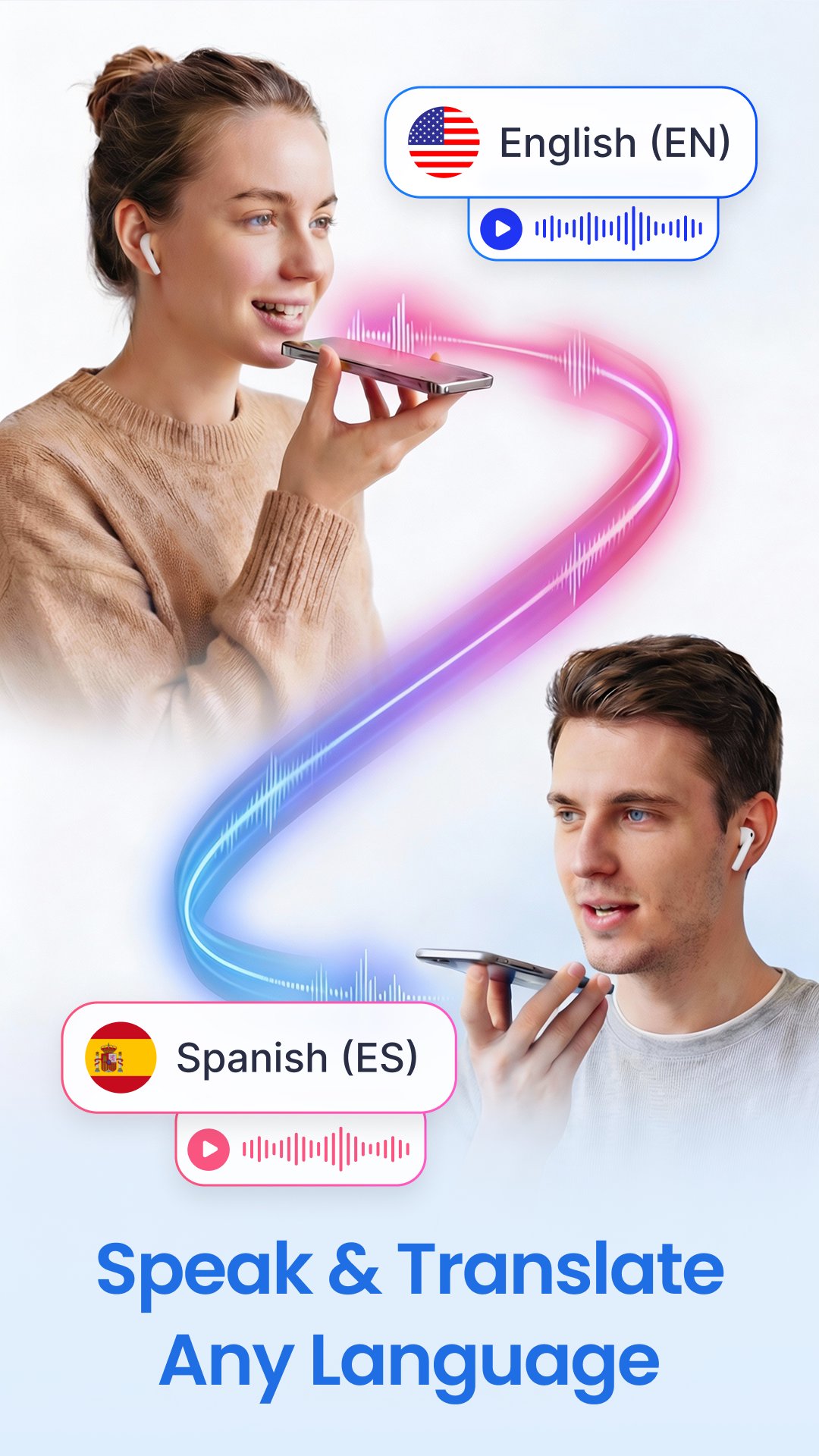
Transform global communication with Voice to Voice Translation. Speak in your language and the Speech to Text Translator vocalizes it in another instantly. Supporting more than 100+ languages with natural AI voices, voice to voice feature is ideal for business meetings, classrooms, or casual conversations abroad.
💬 Key Features of Talk & Translate - AI Translate
✅ Fast and accurate Text Translator & Voice Translation
✅ Speech to Text Translator for instant conversations
✅ Translate photos, PDFs, and objects in seconds
✅ Camera Translator for real-time visual translation
✅ Save, manage, and re-listen to your translations
✅ Works online & offline for ultimate convenience
✅ Lightweight, powerful, and easy to use
🌏 Supported Languages in Language Translator App:
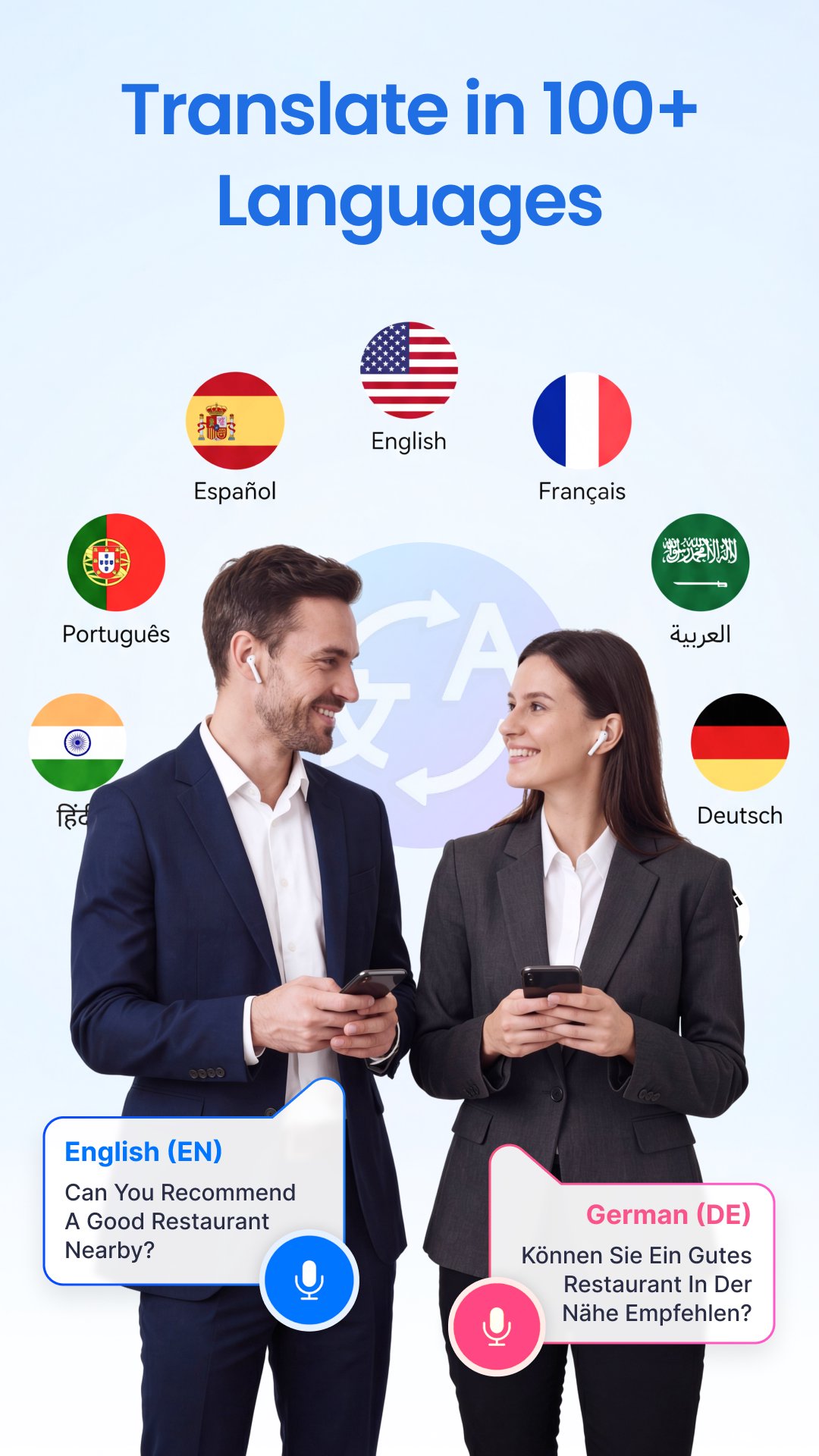
All Language Translator App supports over 100+ languages, including English, Spanish, French, Chinese, German, Arabic, Hindi, Portuguese, Japanese, Korean, Russian, Italian, Turkish, Indonesian, Persian, Thai, Vietnamese, and many more.
Wherever you go, the Talk & Translate - PDF Translator ensures instant understanding — your trusted partner for travel, study, and everyday communication.
Preview
Tags
ToolsInformation
Developer
Tool Apps Hub
Latest Version
1.34
Last Updated
2026-08-06
Category
Tools
Available on
Google Play
Show More
How to play All Language Translator App with GameLoop on PC
1. Download GameLoop from the official website, then run the exe file to install GameLoop
2. Open GameLoop and search for “All Language Translator App” , find All Language Translator App in the search results and click “Install”
3. Enjoy playing All Language Translator App on GameLoop
Minimum requirements
OS
Windows 8.1 64-bit or Windows 10 64-bit
GPU
GTX 1050
CPU
i3-8300
Memory
8GB RAM
Storage
1GB available space
Recommended requirements
OS
Windows 8.1 64-bit or Windows 10 64-bit
GPU
GTX 1050
CPU
i3-9320
Memory
16GB RAM
Storage
1GB available space