
CTimer: timer & stopwatch PC
AmazingByte
Download CTimer: timer & stopwatch on PC With GameLoop Emulator
CTimer: timer & stopwatch sa PC
Ang CTimer: timer & stopwatch, na nagmumula sa developer na AmazingByte, ay tumatakbo sa Android systerm sa nakaraan.
Ngayon, maaari mong laruin ang CTimer: timer & stopwatch sa PC gamit ang GameLoop nang maayos.
I-download ito sa GameLoop library o mga resulta ng paghahanap. Hindi na tumitingin sa baterya o nakakadismaya na mga tawag sa maling oras.
I-enjoy lang ang CTimer: timer & stopwatch PC sa malaking screen nang libre!
CTimer: timer & stopwatch Panimula
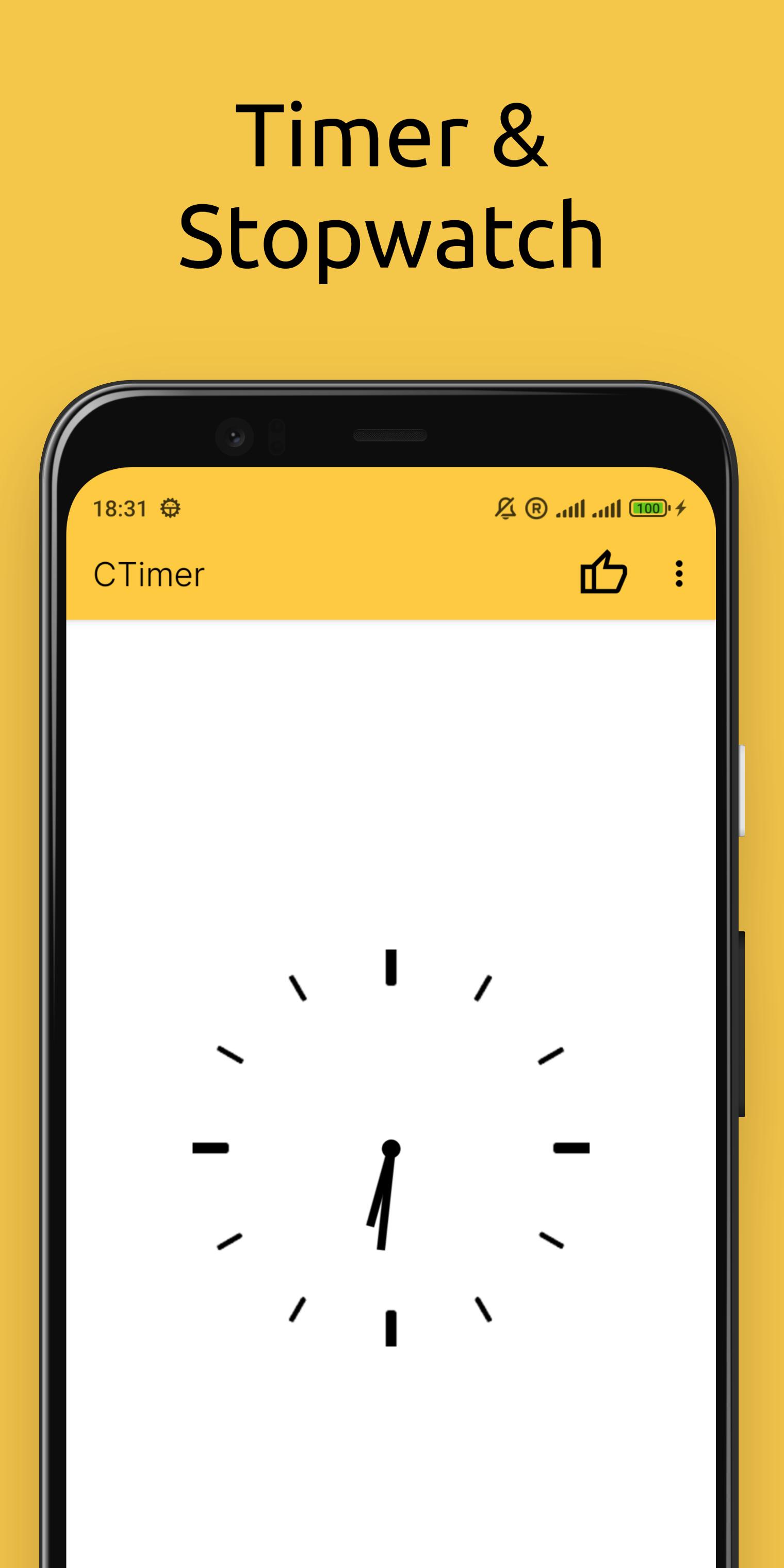
Looking for a simple, handy timer and stopwatch? CTimer is the ultimate Android app for counting down to any event with precision! Perfect for cooking, workouts, labs, or parties – it combines timer, stopwatch, and clock in one sleek package.
WHY CHOOSE CTIMER?
All-in-one timekeeping:
• Countdown timer (set hours, minutes, seconds)
• Accurate stopwatch (lap tracking included)
• Home screen widget (glanceable updates)
Designed for convenience:
• Minimalist interface – easy to use with just a few taps
• Lightweight – won’t slow down your device
• Stylish design – fits any Android phone or tablet
PERFECT FOR:
• Events & Competitions: Time weddings, parties, or kids’ games effortlessly.
• Sports & Fitness: Track races, swimming laps, or gym intervals.
• Cooking: Measure frying, boiling, or baking times.
• Science & Labs: Monitor reaction times in experiments.
Standout Features:
High accuracy – rival’s mechanical timers.
Customizable widget – see time without opening the app
Install CTimer today – always ready when you need it!
Preview

Tags
ToolsInformation
Developer
AmazingByte
Latest Version
6.2
Last Updated
2025-10-30
Category
Tools
Available on
Google Play
Show More
How to play CTimer: timer & stopwatch with GameLoop on PC
1. Download GameLoop from the official website, then run the exe file to install GameLoop
2. Open GameLoop and search for “CTimer: timer & stopwatch” , find CTimer: timer & stopwatch in the search results and click “Install”
3. Enjoy playing CTimer: timer & stopwatch on GameLoop
Minimum requirements
OS
Windows 8.1 64-bit or Windows 10 64-bit
GPU
GTX 1050
CPU
i3-8300
Memory
8GB RAM
Storage
1GB available space
Recommended requirements
OS
Windows 8.1 64-bit or Windows 10 64-bit
GPU
GTX 1050
CPU
i3-9320
Memory
16GB RAM
Storage
1GB available space