Thai Keyboard: Thai Typing PC
Multilingual Keyboard Apps
Download Thai Keyboard: Thai Typing on PC With GameLoop Emulator
Thai Keyboard: Thai Typing sa PC
Ang Thai Keyboard: Thai Typing, na nagmumula sa developer na Multilingual Keyboard Apps, ay tumatakbo sa Android systerm sa nakaraan.
Ngayon, maaari mong laruin ang Thai Keyboard: Thai Typing sa PC gamit ang GameLoop nang maayos.
I-download ito sa GameLoop library o mga resulta ng paghahanap. Hindi na tumitingin sa baterya o nakakadismaya na mga tawag sa maling oras.
I-enjoy lang ang Thai Keyboard: Thai Typing PC sa malaking screen nang libre!
Thai Keyboard: Thai Typing Panimula
Welcome to Thai Keyboard, the ultimate smart typing application designed to help you type in the Thai language quickly, accurately, and effortlessly. Whether you are chatting with friends, drafting professional emails, or updating your social media, this Thai Typing Keyboard is your perfect daily companion!
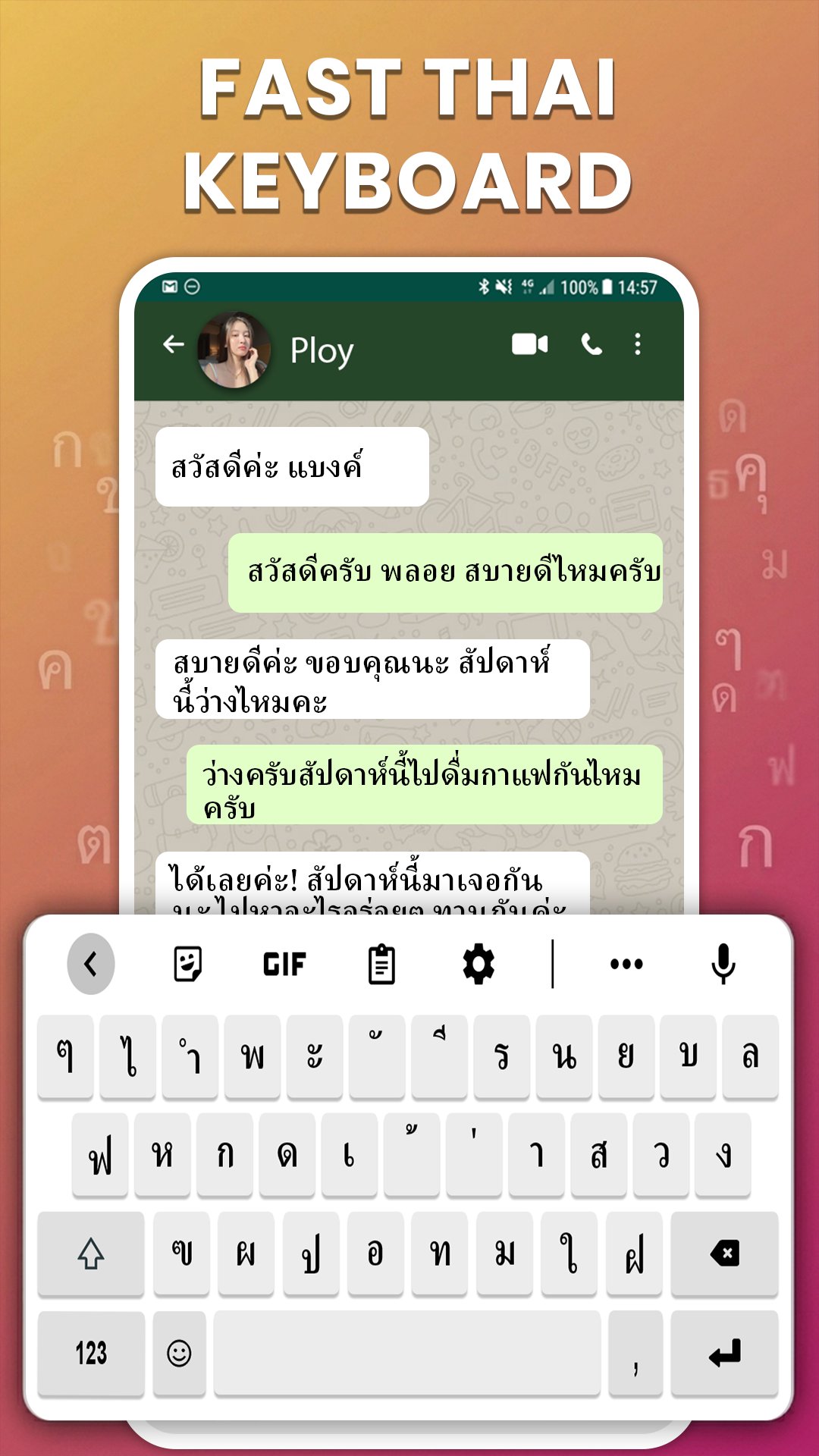
Our app features the traditional and widely recognized Thai Kedmanee Layout, ensuring a smooth and natural typing flow. With a simple swipe or long-press on the spacebar, you can seamlessly switch between English and Thai input methods instantly.
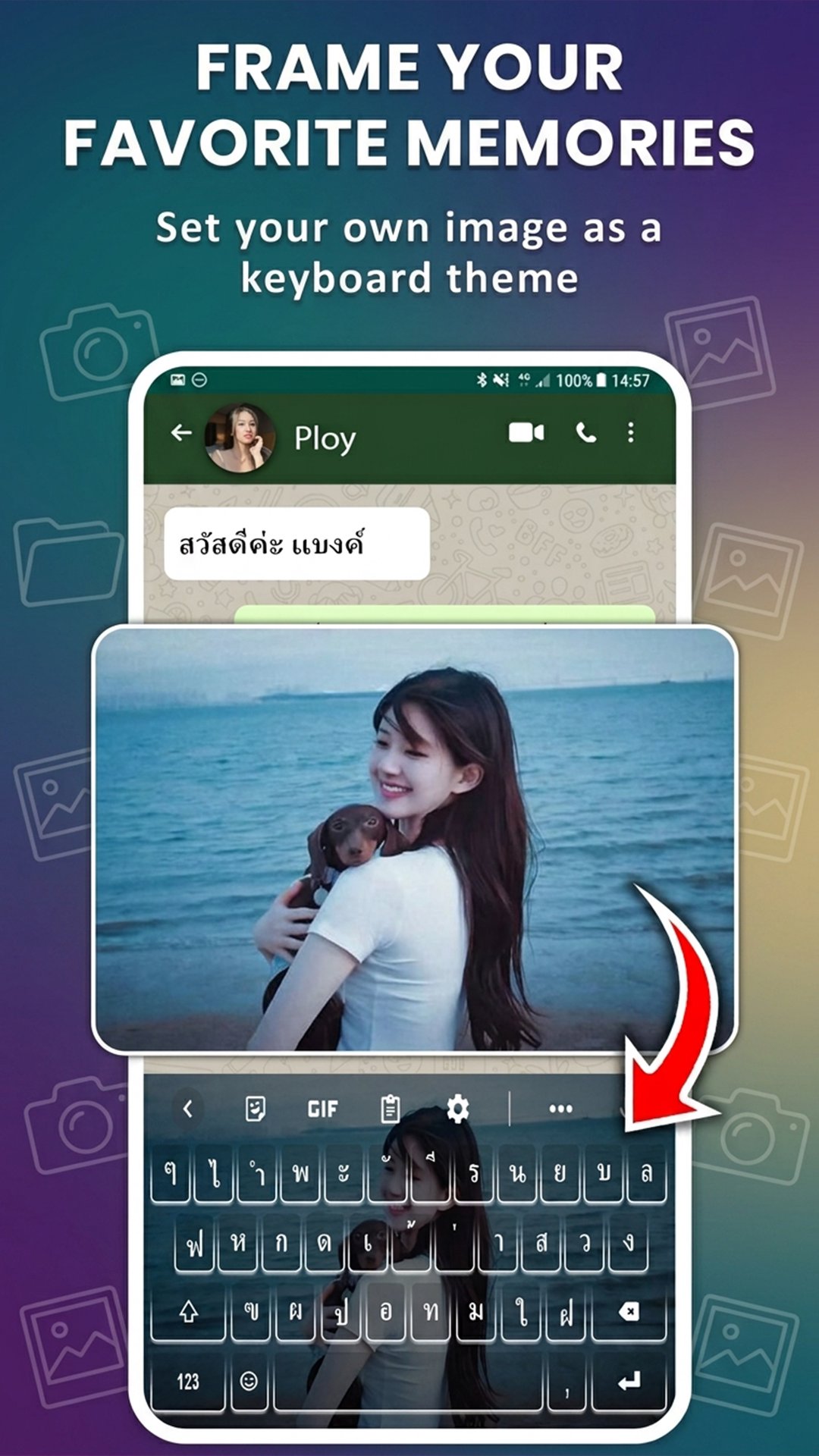
🎨 Elegant Custom Themes & Personal Backgrounds (Photo Keyboard)
• Custom Photo Keyboard: Easily personalize your typing interface by setting your favorite picture from your gallery as your keyboard background.
• Stylish Themes: Choose from a premium collection of vibrant layouts, sleek Dark Modes, or clean minimalist styles to match your personal aesthetic.
🔤 Beautiful Thai Fonts & Stylish Typography (Font Changer)
• Stylish Fonts Keyboard: Access a rich collection of creative fonts for both Thai and English characters to make your text messages stand out.
• Quick Font Changer: Switch between different text styles directly from the shortcut toolbar on your keyboard layout.
🤖 Fast Typing Engine & Smart Text Correction (Auto-Correct)
• Fast Typing Layout: Optimized for high-speed responsiveness with minimal touch latency, making daily texting a breeze.
• Advanced Auto-Correction: Eliminate typos with an intelligent system that automatically detects and corrects spelling errors in Thai text.
• Predictive Text Suggestions: Type faster with real-time next-word predictions powered by an advanced contextual AI engine.
• Personal Dictionary: Easily save your favorite slang, custom phrases, or frequent words for faster retrieval in future sessions.
🌟 Expressive Emojis & Quick GIF Sharing (Emoji Keyboard)
• Smart Emoji Keyboard: Send popular emojis and expressive emoticons directly from your layout to add personality to your conversations.
• Instant GIFs & Stickers: Find and share engaging stickers or animated GIFs instantly from the keyboard panel without leaving your active chat application.
🔒 Secure Clipboard Manager & Data Privacy
• Clipboard History Manager: Securely log your recently copied text segments and links, allowing you to paste them instantly whenever needed.
• 100% Privacy Protection: We highly value your security. This application does not store, collect, or transmit personal data, passwords, or confidential inputs.
⚙️ Advanced Layout Customization & Professional Utilities
• Adjustable Keyboard Height: Tailor the vertical height and key spacing of the keyboard layout to perfectly fit your device's screen size.
• One-Handed Mode: Compress the layout width to the left or right side for comfortable and ergonomic single-thumb typing.
• Swipe to Delete: Swipe left on the backspace button to quickly wipe out long words or full sentences with high precision.
Download Thai Keyboard: Language Typing today to experience the fastest, most customizable, and smoothest Thai typing experience on your mobile device!
Preview
Tags
ToolsInformation
Developer
Multilingual Keyboard Apps
Latest Version
1.1.0
Last Updated
2026-05-20
Category
Tools
Available on
Google Play
Show More
How to play Thai Keyboard: Thai Typing with GameLoop on PC
1. Download GameLoop from the official website, then run the exe file to install GameLoop
2. Open GameLoop and search for “Thai Keyboard: Thai Typing” , find Thai Keyboard: Thai Typing in the search results and click “Install”
3. Enjoy playing Thai Keyboard: Thai Typing on GameLoop
Minimum requirements
OS
Windows 8.1 64-bit or Windows 10 64-bit
GPU
GTX 1050
CPU
i3-8300
Memory
8GB RAM
Storage
1GB available space
Recommended requirements
OS
Windows 8.1 64-bit or Windows 10 64-bit
GPU
GTX 1050
CPU
i3-9320
Memory
16GB RAM
Storage
1GB available space