
Testa porta (port tester) PC
Maxwell Freire
Download Testa porta (port tester) on PC With GameLoop Emulator
Testa porta (port tester) sa PC
Ang Testa porta (port tester), na nagmumula sa developer na Maxwell Freire, ay tumatakbo sa Android systerm sa nakaraan.
Ngayon, maaari mong laruin ang Testa porta (port tester) sa PC gamit ang GameLoop nang maayos.
I-download ito sa GameLoop library o mga resulta ng paghahanap. Hindi na tumitingin sa baterya o nakakadismaya na mga tawag sa maling oras.
I-enjoy lang ang Testa porta (port tester) PC sa malaking screen nang libre!
Testa porta (port tester) Panimula
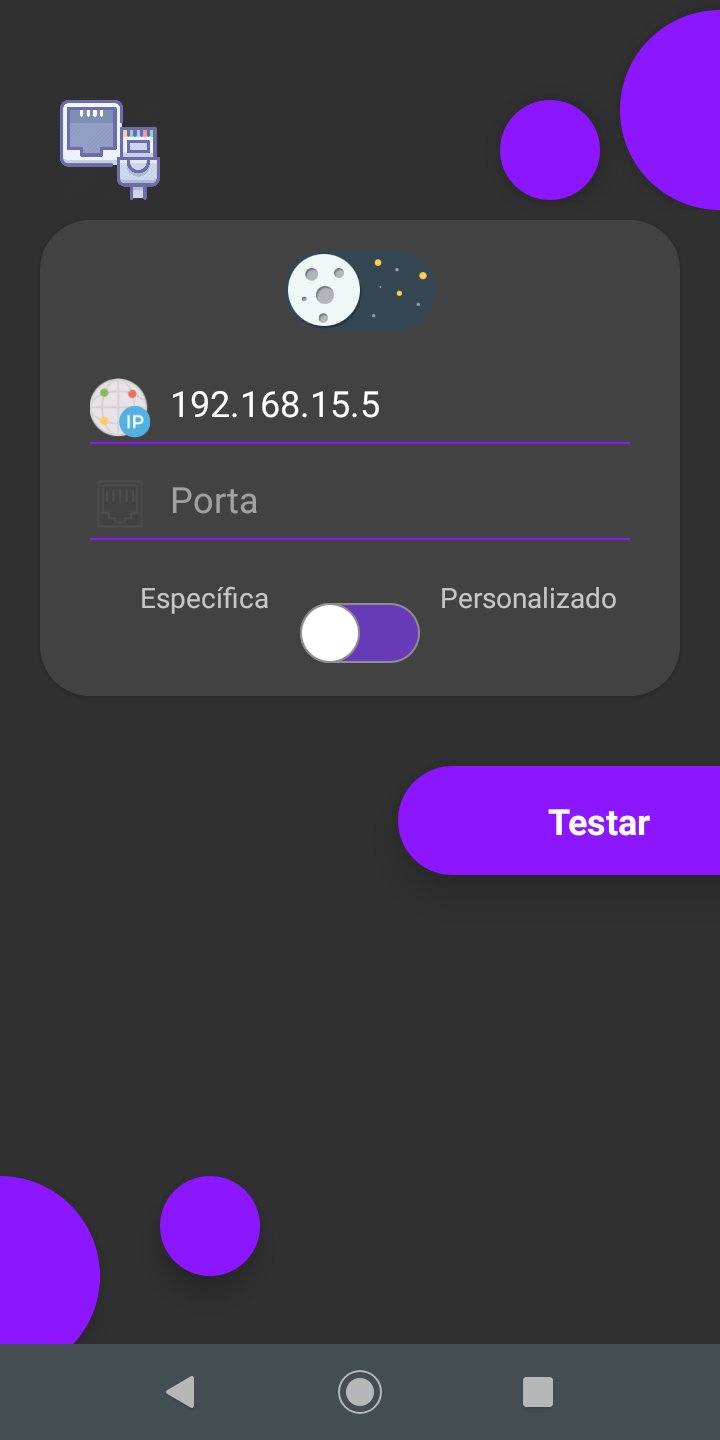
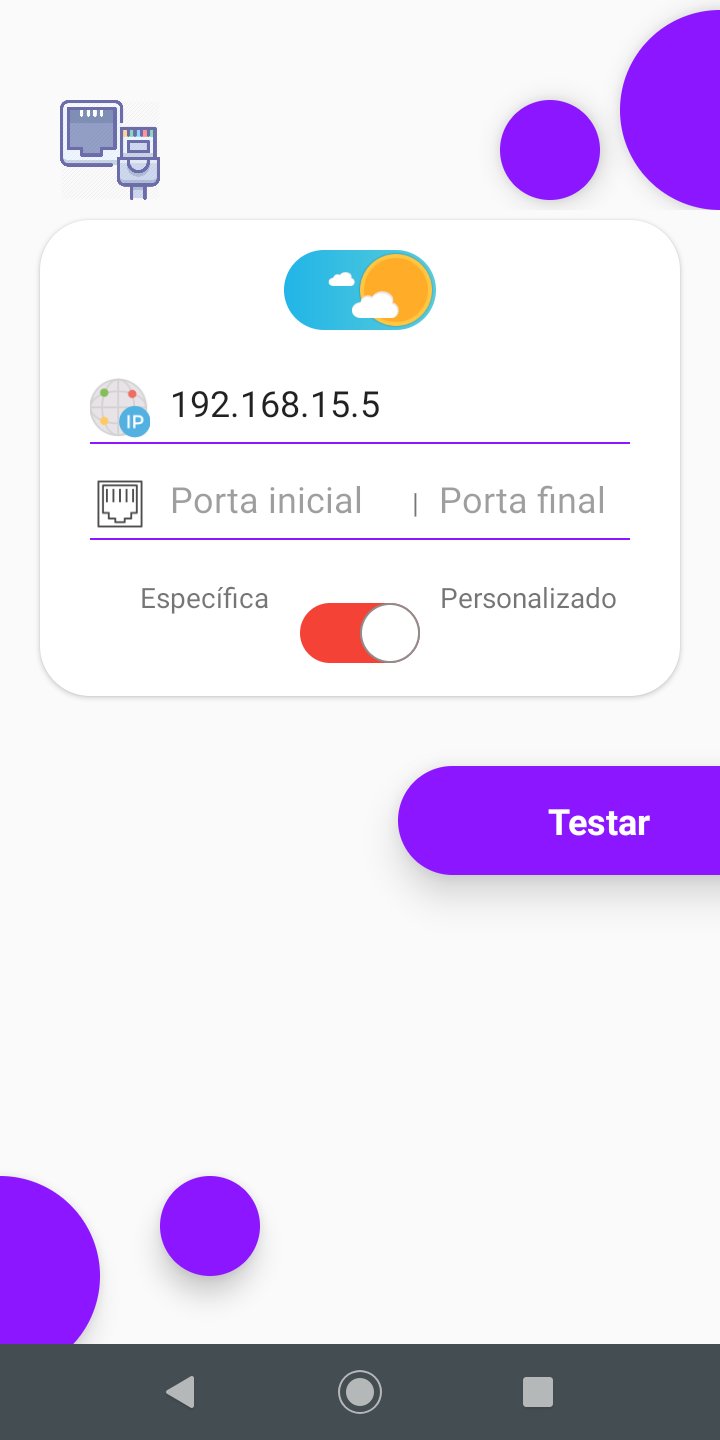
🔍 Port Test – Quick Connection Diagnosis!
Need to check which ports are open on your connection or troubleshoot connectivity issues? Testa Porta is the ideal tool for you!
🌟 What can Testa Porta do?
✅ Check External IP:
Discover your public IP address with ease.
✅ Port Test:
Quickly detect which ports are open or blocked on your network, helping you identify configuration issues or blockages by firewalls.
✅ Accurate Diagnosis:
Ideal for validating whether a port is configured correctly or whether something is preventing applications, websites, online games and more from working.
⚙️ Requirements for Correct Operation:
1️⃣ Port Redirection on the Router:
Make sure your router is configured to forward the desired port to your device.
2️⃣ Firewall Configuration:
Check whether the firewall is allowing connections on the port or temporarily disable it to test.
3️⃣ Active Program at the Door:
Ensure that software is active and "listening" on the port that will be tested to respond to the diagnosis.
💡 Why use Testa Porta?
Simple and Intuitive: Quick diagnosis with just a few clicks.
Wide Utility: Perfect for testing server connections, games, websites and other applications.
Essential Tool: Helps you troubleshoot connectivity issues and configure your network correctly.
📥 Download Testa Porta now and keep your connection up to date!
Preview
Tags
ToolsInformation
Developer
Maxwell Freire
Latest Version
26.0
Last Updated
2026-04-19
Category
Tools
Available on
Google Play
Show More
How to play Testa porta (port tester) with GameLoop on PC
1. Download GameLoop from the official website, then run the exe file to install GameLoop
2. Open GameLoop and search for “Testa porta (port tester)” , find Testa porta (port tester) in the search results and click “Install”
3. Enjoy playing Testa porta (port tester) on GameLoop
Minimum requirements
OS
Windows 8.1 64-bit or Windows 10 64-bit
GPU
GTX 1050
CPU
i3-8300
Memory
8GB RAM
Storage
1GB available space
Recommended requirements
OS
Windows 8.1 64-bit or Windows 10 64-bit
GPU
GTX 1050
CPU
i3-9320
Memory
16GB RAM
Storage
1GB available space