Teacher Fake Chat And Video Call PC
Fuller
Download Teacher Fake Chat And Video Call on PC With GameLoop Emulator
Teacher Fake Chat And Video Call sa PC
Ang Teacher Fake Chat And Video Call, na nagmumula sa developer na Fuller, ay tumatakbo sa Android systerm sa nakaraan.
Ngayon, maaari mong laruin ang Teacher Fake Chat And Video Call sa PC gamit ang GameLoop nang maayos.
I-download ito sa GameLoop library o mga resulta ng paghahanap. Hindi na tumitingin sa baterya o nakakadismaya na mga tawag sa maling oras.
I-enjoy lang ang Teacher Fake Chat And Video Call PC sa malaking screen nang libre!
Teacher Fake Chat And Video Call Panimula
Let start with fake call from Scary Teacher, to make a cool chat and prank your friends with an amazing call video scary Teacher 3d.
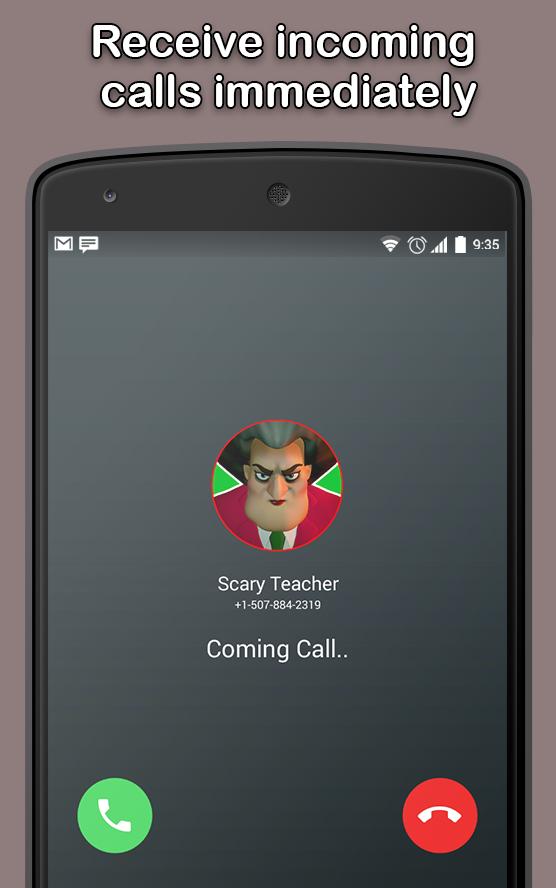
This application is a fake call video of Scary Teacher 3d, you will receive a fake call video that looks like a real call.
This application is a joke game that allows you to make jokes for your friends that you are calling and talking to with your hand.
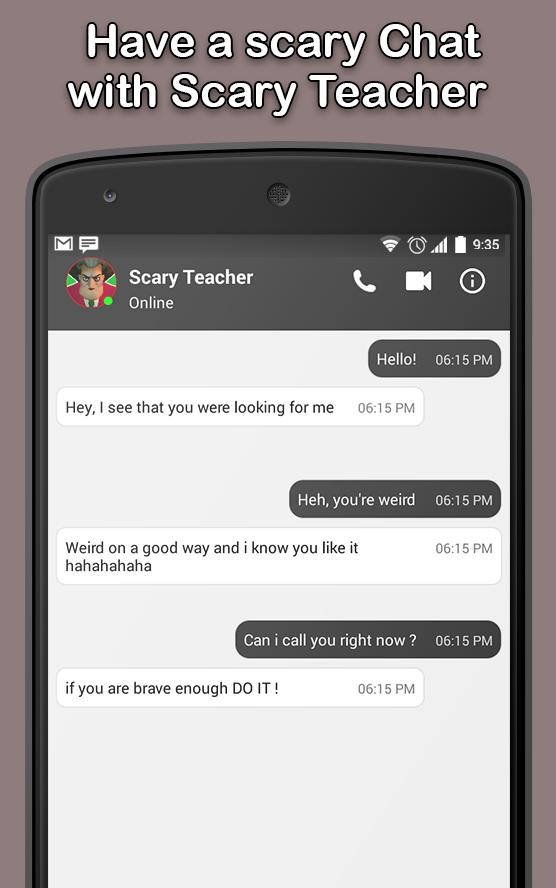
Chat with Scary Teacher - fun game App to simulate chat conversations. Have fun with your friends, making them believe that you are really talking to scary teacher part 2.
Surprise your friends and let them think like you're getting a real call Scary Teacher .
This joke application allows you to make a simulated chat and also allows you to send and receive messages from scary teacher online .
Scary teacher game you would like to gather all the laptops, solve the issues properly and run aloof from college. Are you able to do it? Finally, on the method you're looking ahead to additional and horror characters World Health Organization sleep in the college.
download "Fake Call - prank" and get the best call and discussion with Scary Teacher 3d.
DISCLAIMER:
This is not a real call and just an imitation! The app does not have any damage and is just for fun and stop feeling bored and depressed so
do not forget to leave us your feedback.
Preview
Information
Developer
Fuller
Latest Version
3.0_32U
Last Updated
2020-03-07
Category
Tools
Available on
Google Play
Show More
How to play Teacher Fake Chat And Video Call with GameLoop on PC
1. Download GameLoop from the official website, then run the exe file to install GameLoop
2. Open GameLoop and search for “Teacher Fake Chat And Video Call” , find Teacher Fake Chat And Video Call in the search results and click “Install”
3. Enjoy playing Teacher Fake Chat And Video Call on GameLoop
Minimum requirements
OS
Windows 8.1 64-bit or Windows 10 64-bit
GPU
GTX 1050
CPU
i3-8300
Memory
8GB RAM
Storage
1GB available space
Recommended requirements
OS
Windows 8.1 64-bit or Windows 10 64-bit
GPU
GTX 1050
CPU
i3-9320
Memory
16GB RAM
Storage
1GB available space