
SysLog PC
Scott Warner
Download SysLog on PC With GameLoop Emulator
SysLog sa PC
Ang SysLog, na nagmumula sa developer na Scott Warner, ay tumatakbo sa Android systerm sa nakaraan.
Ngayon, maaari mong laruin ang SysLog sa PC gamit ang GameLoop nang maayos.
I-download ito sa GameLoop library o mga resulta ng paghahanap. Hindi na tumitingin sa baterya o nakakadismaya na mga tawag sa maling oras.
I-enjoy lang ang SysLog PC sa malaking screen nang libre!
SysLog Panimula
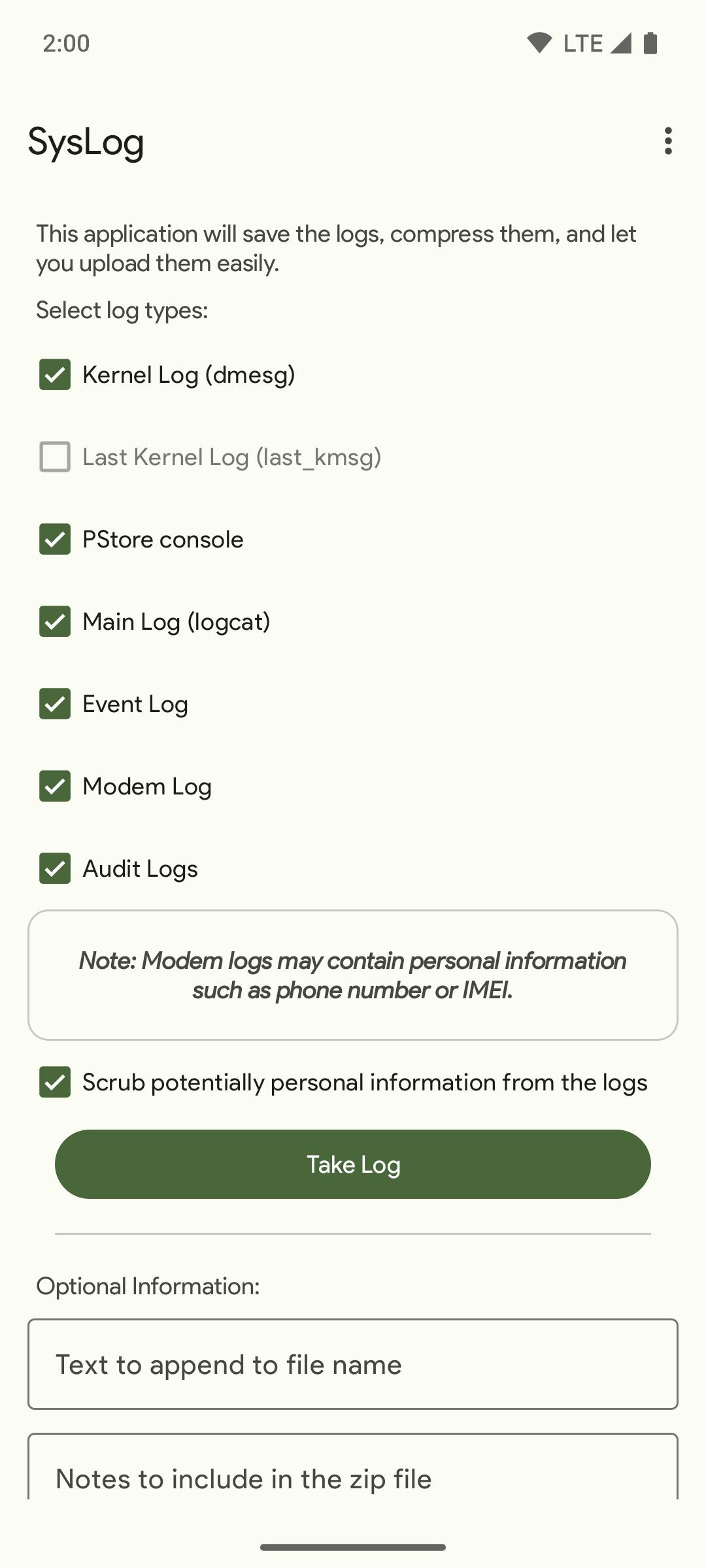
Records various log types and compresses them as a zip file.
The logs are saved in the application's private cache directory
named by the date and time.
You can access the zip files through the system document picker
- Select the SysLog app to view collected log zips.
Log types supported:
* Kernel logs (dmsg)
* Last kernel log (last_kmsg, if device supports it)
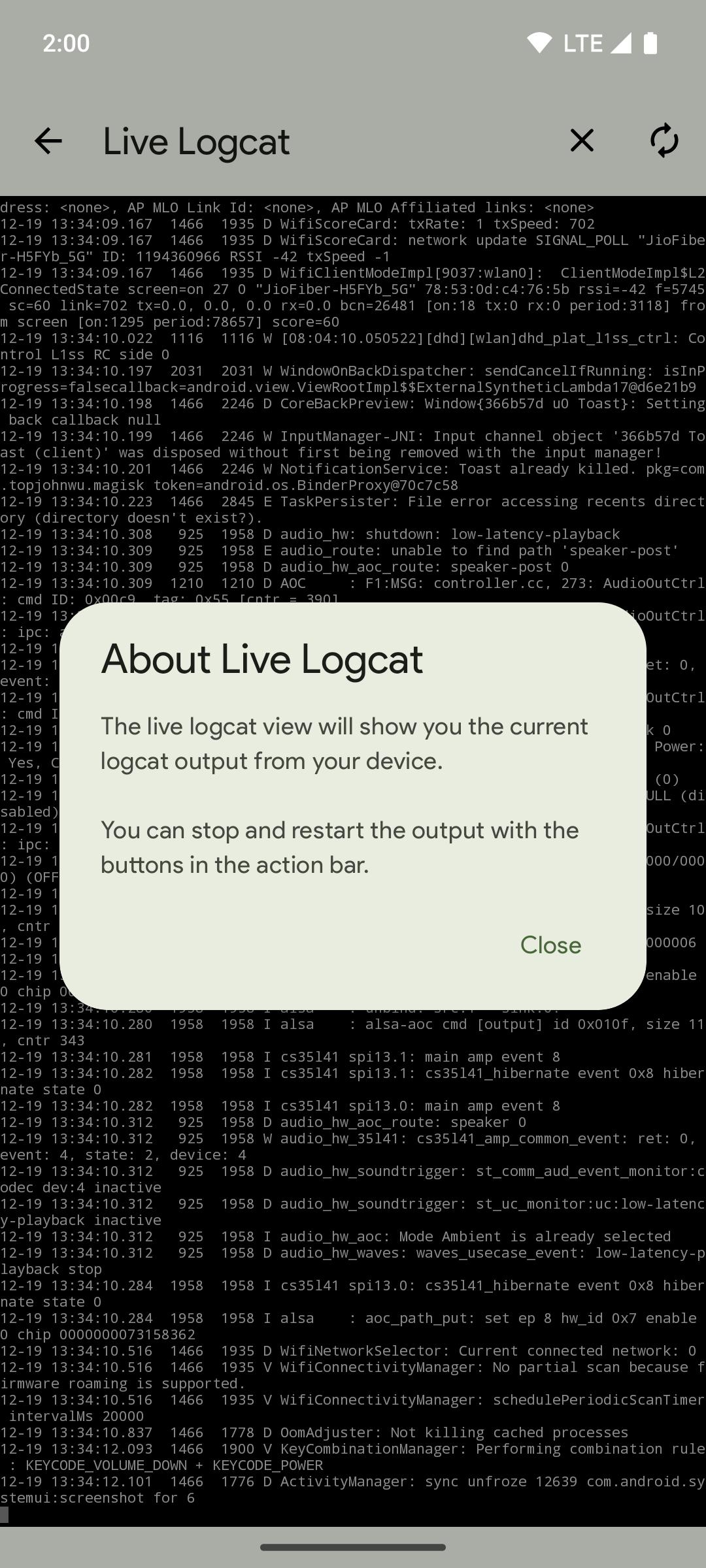
* Main log (Logcat)
* Modem log
* Event logs
* SELinux audit logs
To enable access to some logs (Logcat and Radio) to SysLog, you
will need to grant the READ_LOGS permision using a computer with
ADB.
From a command line with adb available, you can grant the READ_LOGS
permission via the following command:
adb shell pm grant com.tortel.syslog android.permission.READ_LOGS
This command tells the phone's package manager to grant the
READ_LOGS permission to SysLog.
Preview
Tags
ToolsInformation
Developer
Scott Warner
Latest Version
2.5.0
Last Updated
2024-01-23
Category
Tools
Available on
Google Play
Show More
How to play SysLog with GameLoop on PC
1. Download GameLoop from the official website, then run the exe file to install GameLoop
2. Open GameLoop and search for “SysLog” , find SysLog in the search results and click “Install”
3. Enjoy playing SysLog on GameLoop
Minimum requirements
OS
Windows 8.1 64-bit or Windows 10 64-bit
GPU
GTX 1050
CPU
i3-8300
Memory
8GB RAM
Storage
1GB available space
Recommended requirements
OS
Windows 8.1 64-bit or Windows 10 64-bit
GPU
GTX 1050
CPU
i3-9320
Memory
16GB RAM
Storage
1GB available space