Smart switch: Phone transfer PC
Limelight Apps
Download Smart switch: Phone transfer on PC With GameLoop Emulator
Smart switch: Phone transfer sa PC
Ang Smart switch: Phone transfer, na nagmumula sa developer na Limelight Apps, ay tumatakbo sa Android systerm sa nakaraan.
Ngayon, maaari mong laruin ang Smart switch: Phone transfer sa PC gamit ang GameLoop nang maayos.
I-download ito sa GameLoop library o mga resulta ng paghahanap. Hindi na tumitingin sa baterya o nakakadismaya na mga tawag sa maling oras.
I-enjoy lang ang Smart switch: Phone transfer PC sa malaking screen nang libre!
Smart switch: Phone transfer Panimula
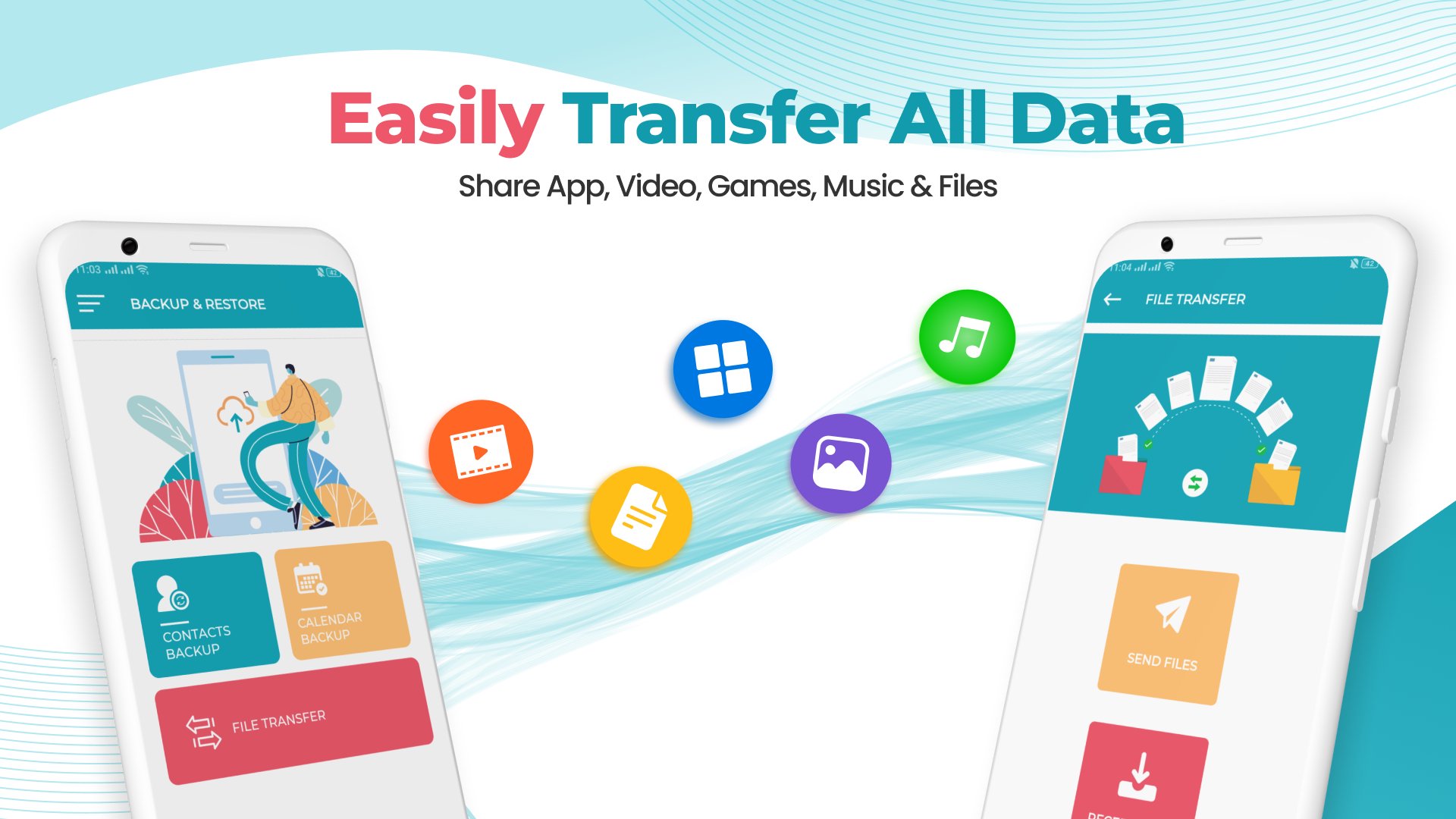
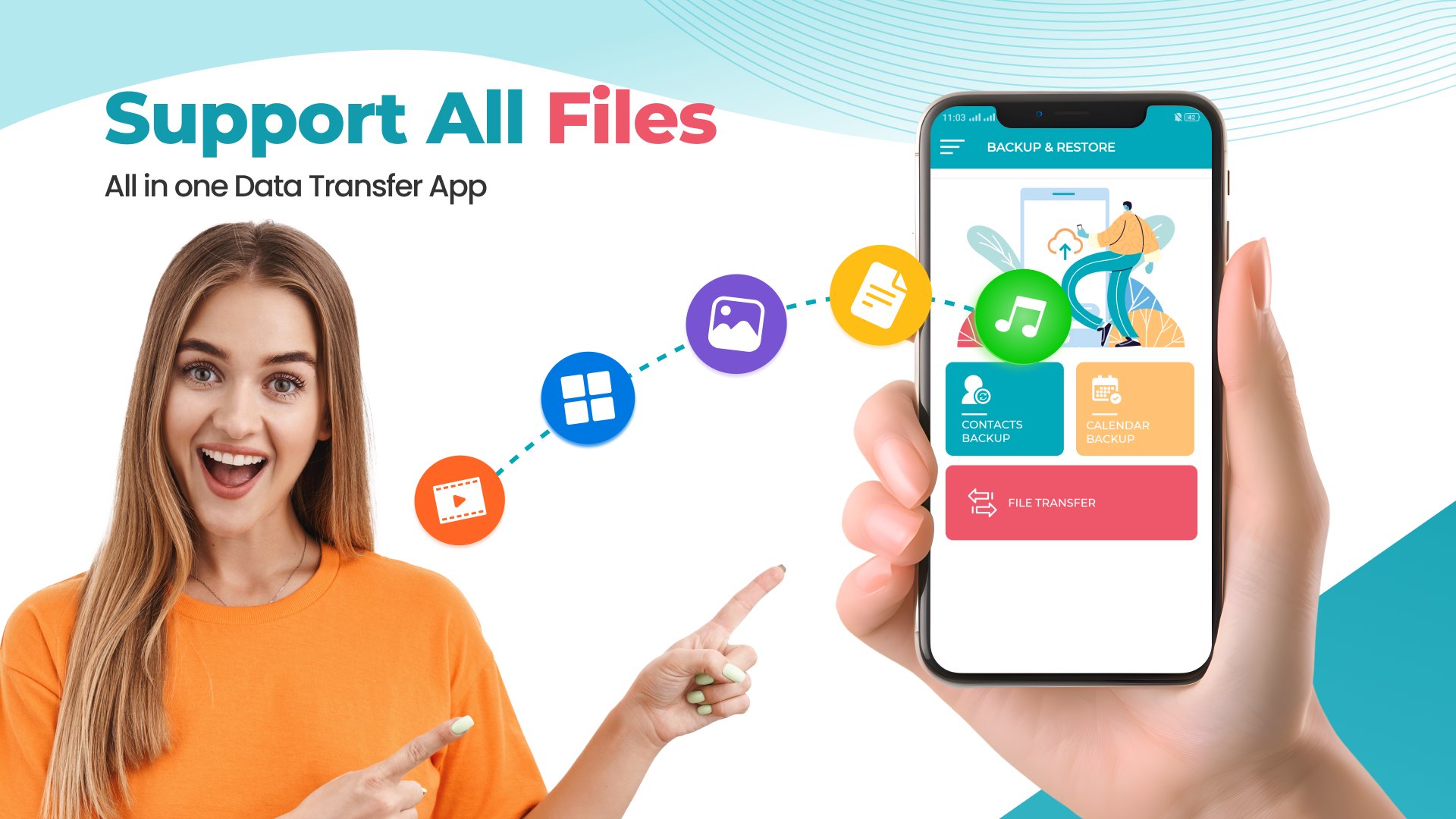
Smart Switch: data transfer is a fantastic phone application designed for seamless and efficient copy my data smart share between phones. It's a quick share app for phone transfer, making phone clone, and smart share without any loss from phone to phone. The phone transfer app ensures a swift and secure transfer of various data types, including images, videos, music files, documents, contacts, call logs, calendars, and audio files.
Main Features of Smart Switch transfer my data & copy my data App:
Smart Switch Content Transfer: Easily transfer content & quick share with the smart transfer feature
Photo/Video data transfer: Utilize the phone clone feature for hassle-free photo and video & data transfer
Phone Transfer App: Quick share make phone clones, smart share & transfer data.
All Document/File data transfer: Copy my data seamlessly, supporting various file formats
Smart Share: Share data & perform content transfer between Android phones with the phone transfer app
Secure Data Transfer: Rest assured with ultimate security during the transfer process
Smart Switch: phone clone simplifies the entire process with a user-friendly design that quickly connects to copy my data. The phone transfer app guarantees the safety of your data during transfer, eliminating worries about data loss. With a variety of features like selective folder movement, smart sharing of multiple files, and auto-connectivity in case of network loss, this app stands out in making data transfer a breeze.
Additional Features:
- Smart Switch: Data transfer is an excellent smart switch & data transfer application
- Use smart switch to copy my data: content transfer & phone clone
- Smart switch transfer my data & phone clone without data loss & perform content transfer
- Smart switch copy my data more efficiently
- With the phone clone and copy my data app, you can smoothly transfer content
- User can make smart transfer of files and folders of any format such as images, videos, music files, documents, contact transfer, call logs, calendars, audio files, etc.
Smart Switch: Content Transfer
- Send Anywhere: Quick Transfer data anywhere and anytime using the smart switch app
- Smart share phone data: Quick share & send data with the smart transfer app
- Phone Clone: Make a phone clone for smart data transfer
- smart switch Contact Transfer: Easily transfer contacts from old to new phones.
- Photo Transfer: Conveniently transfer photos of any size.
- With Smart switch Copy my data & quick share app transfer data seamlessly
Copy My Data & Smart share App Features:
- Photo Transfer, File Sharing, Contact Transfer, Music Transfer, Phone Clone, Copy My Data, Transfer All Data, Content Transfer
- Simple Transfer: Transfer a large amount of data in seconds with a simple tap.
- Secure phone clone and data transfer: Ensure secure, quick, and smooth phone transfer between devices.
- Quick Share: Transfer photos effortlessly with smart switch quick share.
Smart Switch phone clone & content Transfer:
-Easy to Use Interface: A user-friendly interface for seamless data migration.
- Data Transfer: Swiftly transfer data from phone to phone.
- Convenient File Transfer & copy my data: Share files effortlessly with the smart switch phone transfer
- Quick share data from Phone to Phone: Transfer valuable data seamlessly
Smart Switch: Phone clone is your ultimate solution for quick share & easy data transfer needs. It not only simplifies the process but also ensures the security and efficiency of the entire transfer.
Preview
Tags
ToolsProductivityInformation
Developer
Limelight Apps
Latest Version
2.45
Last Updated
2025-10-21
Category
Tools
Available on
Google Play
Show More
How to play Smart switch: Phone transfer with GameLoop on PC
1. Download GameLoop from the official website, then run the exe file to install GameLoop
2. Open GameLoop and search for “Smart switch: Phone transfer” , find Smart switch: Phone transfer in the search results and click “Install”
3. Enjoy playing Smart switch: Phone transfer on GameLoop
Minimum requirements
OS
Windows 8.1 64-bit or Windows 10 64-bit
GPU
GTX 1050
CPU
i3-8300
Memory
8GB RAM
Storage
1GB available space
Recommended requirements
OS
Windows 8.1 64-bit or Windows 10 64-bit
GPU
GTX 1050
CPU
i3-9320
Memory
16GB RAM
Storage
1GB available space