Smart Mobile Switch Share Data PC
Lexo Apps
Download Smart Mobile Switch Share Data on PC With GameLoop Emulator
Smart Mobile Switch Share Data sa PC
Ang Smart Mobile Switch Share Data, na nagmumula sa developer na Lexo Apps, ay tumatakbo sa Android systerm sa nakaraan.
Ngayon, maaari mong laruin ang Smart Mobile Switch Share Data sa PC gamit ang GameLoop nang maayos.
I-download ito sa GameLoop library o mga resulta ng paghahanap. Hindi na tumitingin sa baterya o nakakadismaya na mga tawag sa maling oras.
I-enjoy lang ang Smart Mobile Switch Share Data PC sa malaking screen nang libre!
Smart Mobile Switch Share Data Panimula
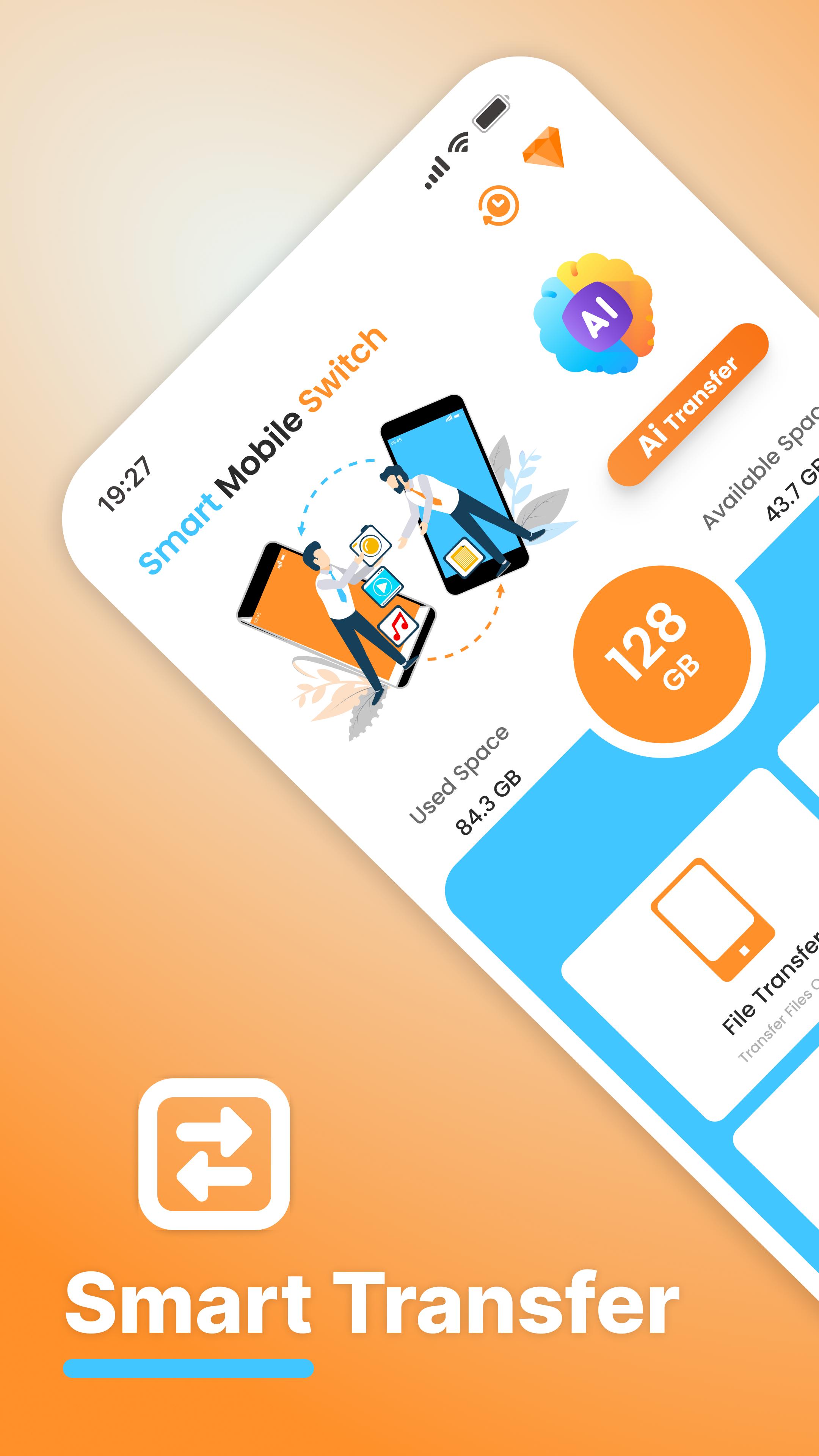
Smart Data Transfer: Clone & Share is the easiest way to copy your data, transfer files, and switch everything from one phone to another — fast, secure, and with any internet wifi and hotspot.
Whether you're switching or upgrading your phone or helping friends move their data, this all-in-one tool lets you switch or clone your phone, transfer apps, photos, music, videos, contacts, and more. Built for people who want fast file transfer and safe data sharing.
🚀 Top Features of Smart Mobile Data Transfer
✅ Phone Clone – Clone your phone's content to another device in minutes
✅ File Transfer – Move your media, apps, and contacts quickly
✅ Data Migration Tool – Upgrade phones without losing anything
✅ Multi-Device Support – Works with any Android phone or tablet
✅ No Login Needed – Just install, scan, and start transferring
📁 Transfer & Quick Share Everything You Need
1. Apps and App Data
2. Photos, Videos & Music
3. Contacts & Messages
4. Documents and PDFs
5. Settings and more
You can choose to copy all your data or just select what you need through Scan a QR with Wifi or hotspot. It’s your smart way to manage phone transfers without confusion or loss.
🔐 Private & Secure:
Smart data Switch requires the Wifi and Hotspot. Your files never leave your devices. Just a fast, encrypted connection between the phones.
You can share data between any two Android phones — even if they're from different brands.
💡 Use It When You:
1. Buy a new Android phone and need to move everything
2. Want to back up files quickly
3. Share apps or documents with a friend
4. Need a fast “copy my data” tool without complications
5. Want to switch phones without losing WhatsApp chats, music, or settings
🎯 Why Smart File Switch?
1. Built to replace bulky apps like Copy My Data, shareit, & Clone Phone.
2. Faster than Bluetooth or traditional file sharing
3. Doesn’t require technical setup or accounts
4. More private than cloud backup apps
📈 Trusted by Thousands
Smart mobile switch data Transfer is used by users around the world for safe, fast, and simple data migration. Join others who have already moved to better phone cloning.
📥 Download Quick File Transfer: Clone & Share now and move your data in seconds.
No cables, no accounts, no limits — Just Smart File Share.
Preview

Tags
ToolsBoardInformation
Developer
Lexo Apps
Latest Version
1.79
Last Updated
2025-10-20
Category
Tools
Available on
Google Play
Show More
How to play Smart Mobile Switch Share Data with GameLoop on PC
1. Download GameLoop from the official website, then run the exe file to install GameLoop
2. Open GameLoop and search for “Smart Mobile Switch Share Data” , find Smart Mobile Switch Share Data in the search results and click “Install”
3. Enjoy playing Smart Mobile Switch Share Data on GameLoop
Minimum requirements
OS
Windows 8.1 64-bit or Windows 10 64-bit
GPU
GTX 1050
CPU
i3-8300
Memory
8GB RAM
Storage
1GB available space
Recommended requirements
OS
Windows 8.1 64-bit or Windows 10 64-bit
GPU
GTX 1050
CPU
i3-9320
Memory
16GB RAM
Storage
1GB available space