
Smart-Fi PC
Mobolize
Download Smart-Fi on PC With GameLoop Emulator
Smart-Fi sa PC
Ang Smart-Fi, na nagmumula sa developer na Mobolize, ay tumatakbo sa Android systerm sa nakaraan.
Ngayon, maaari mong laruin ang Smart-Fi sa PC gamit ang GameLoop nang maayos.
I-download ito sa GameLoop library o mga resulta ng paghahanap. Hindi na tumitingin sa baterya o nakakadismaya na mga tawag sa maling oras.
I-enjoy lang ang Smart-Fi PC sa malaking screen nang libre!
Smart-Fi Panimula
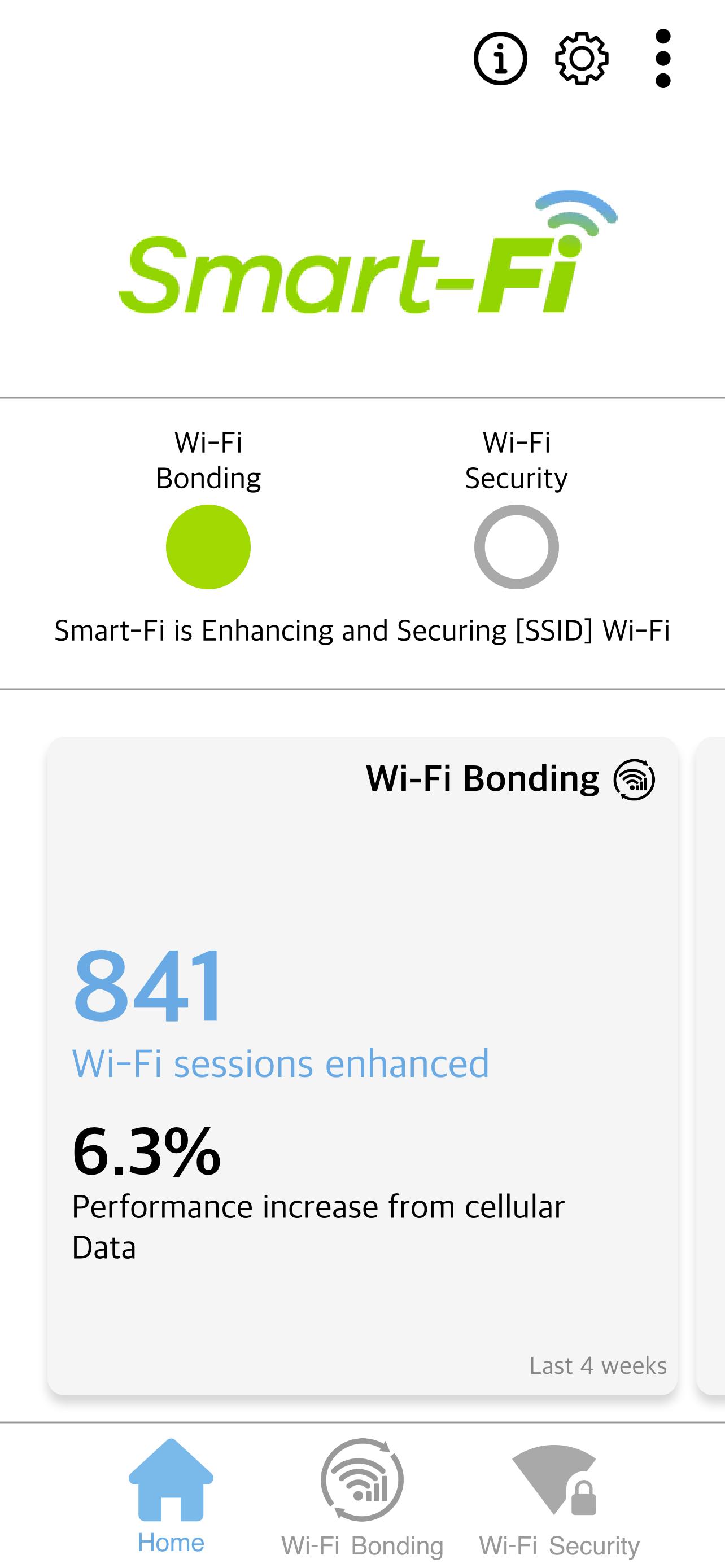
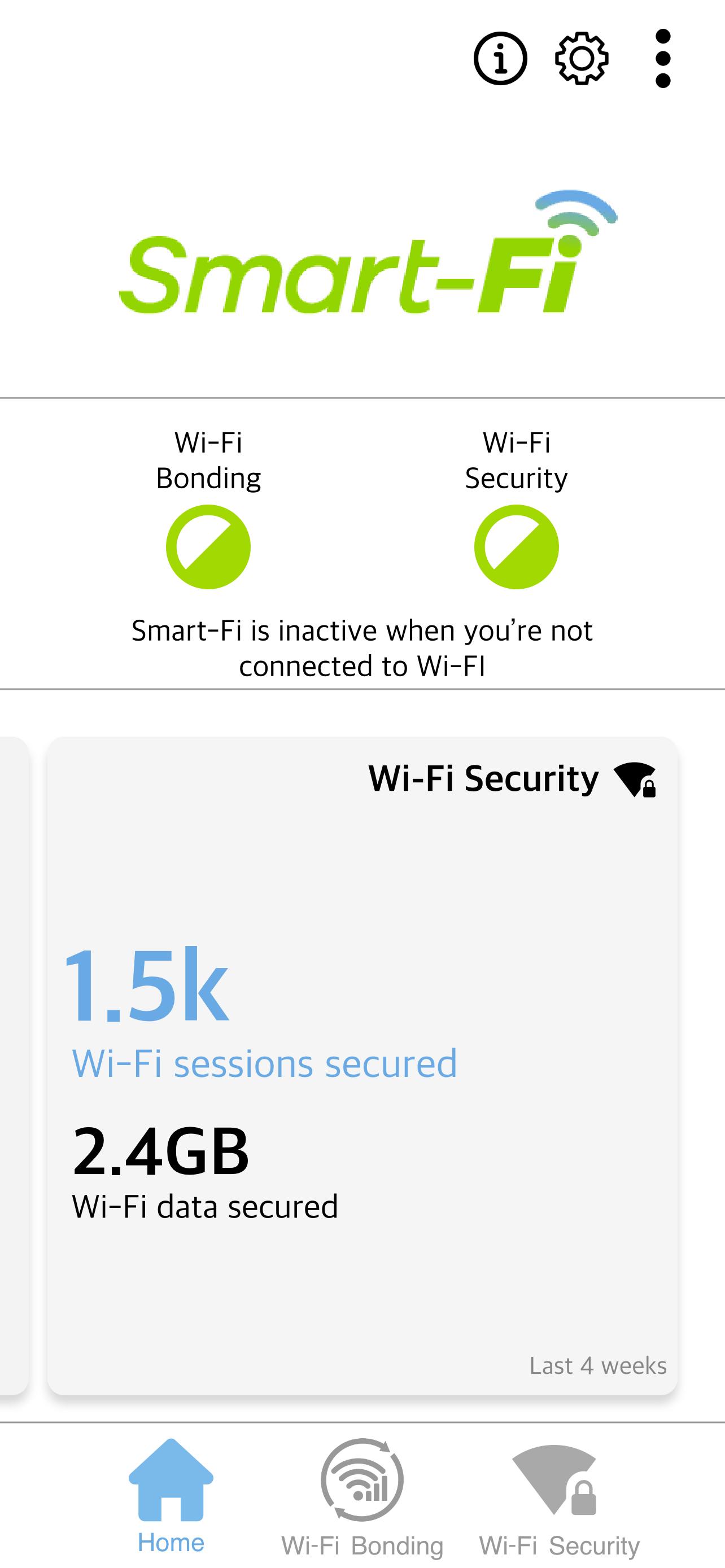
Smart-Fi helps ensure you stay connected when you’re on the move between Wi-Fi and cellular networks. It ensures the fastest possible speed, and the most seamless experience, even when the Wi-Fi signal is poor. Based on our patented SmartVPN®, this app uses the VPN Service to automatically run whenever you connect to a Wi-Fi network.
Wi-Fi & Cellular, better together. Smart.
Smart-Fi provides two great features:
Wi-Fi Bonding
• Provides the best possible data connection by leveraging both the Wi-Fi and cellular data networks to keep your apps and services running.
• By intelligently augmenting poor performing Wi-Fi with cellular data, Wi-Fi dead zones are eliminated. Congested Wi-Fi is unclogged with load-balancing of Wi-Fi and cellular which provides seamless transitions when moving from Wi-Fi to cellular coverage for most apps and services.
Wi-Fi Security
• Protects your data privacy when using Wi-Fi by automatically encrypting unsecured content and ensuring your Wi-Fi connection is safe.
• Works without breaking most VPN sensitive apps like streaming video services.
Notes and FAQs:
• Please check the FAQs before submitting an issue. FAQs can be found here: https://www.mobolize.com/faqs/smart-fi/
• The KEY Icon (VPN active) will be visible on the Status Bar while any of features are running. You will also see occasional notifications when status changes in the app and as you connect and disconnect from Wi-Fi.
• Occasionally the app will notify you that “Poor Wi-Fi data connection has been detected.” This can happen anywhere and anytime, even on your home Wi-Fi if the data connection is having trouble.
• Reporting an issue with the application is performed by tapping the Menu (upper right corner of the app) and then tapping ‘Report problem.’ When reporting a problem, please be as specific as you can.
• Please note that if you check the data or battery usage on your phone, it may appear as though this app is using a lot of data and battery. However, this app isn’t actually using all that data/battery. Reporting for the data/battery usage has been shifted from your other apps to this one, because your data now passes through this app so it can manage your security and connectivity. Actual battery usage will be minimal – on average 0.1%.
Preview
Tags
ToolsInformation
Developer
Mobolize
Latest Version
6.0.5.940
Last Updated
2024-04-01
Category
Tools
Available on
Google Play
Show More
How to play Smart-Fi with GameLoop on PC
1. Download GameLoop from the official website, then run the exe file to install GameLoop
2. Open GameLoop and search for “Smart-Fi” , find Smart-Fi in the search results and click “Install”
3. Enjoy playing Smart-Fi on GameLoop
Minimum requirements
OS
Windows 8.1 64-bit or Windows 10 64-bit
GPU
GTX 1050
CPU
i3-8300
Memory
8GB RAM
Storage
1GB available space
Recommended requirements
OS
Windows 8.1 64-bit or Windows 10 64-bit
GPU
GTX 1050
CPU
i3-9320
Memory
16GB RAM
Storage
1GB available space