
Smart Device System PC
Pavel Lisitsa
Download Smart Device System on PC With GameLoop Emulator
Smart Device System sa PC
Ang Smart Device System, na nagmumula sa developer na Pavel Lisitsa, ay tumatakbo sa Android systerm sa nakaraan.
Ngayon, maaari mong laruin ang Smart Device System sa PC gamit ang GameLoop nang maayos.
I-download ito sa GameLoop library o mga resulta ng paghahanap. Hindi na tumitingin sa baterya o nakakadismaya na mga tawag sa maling oras.
I-enjoy lang ang Smart Device System PC sa malaking screen nang libre!
Smart Device System Panimula
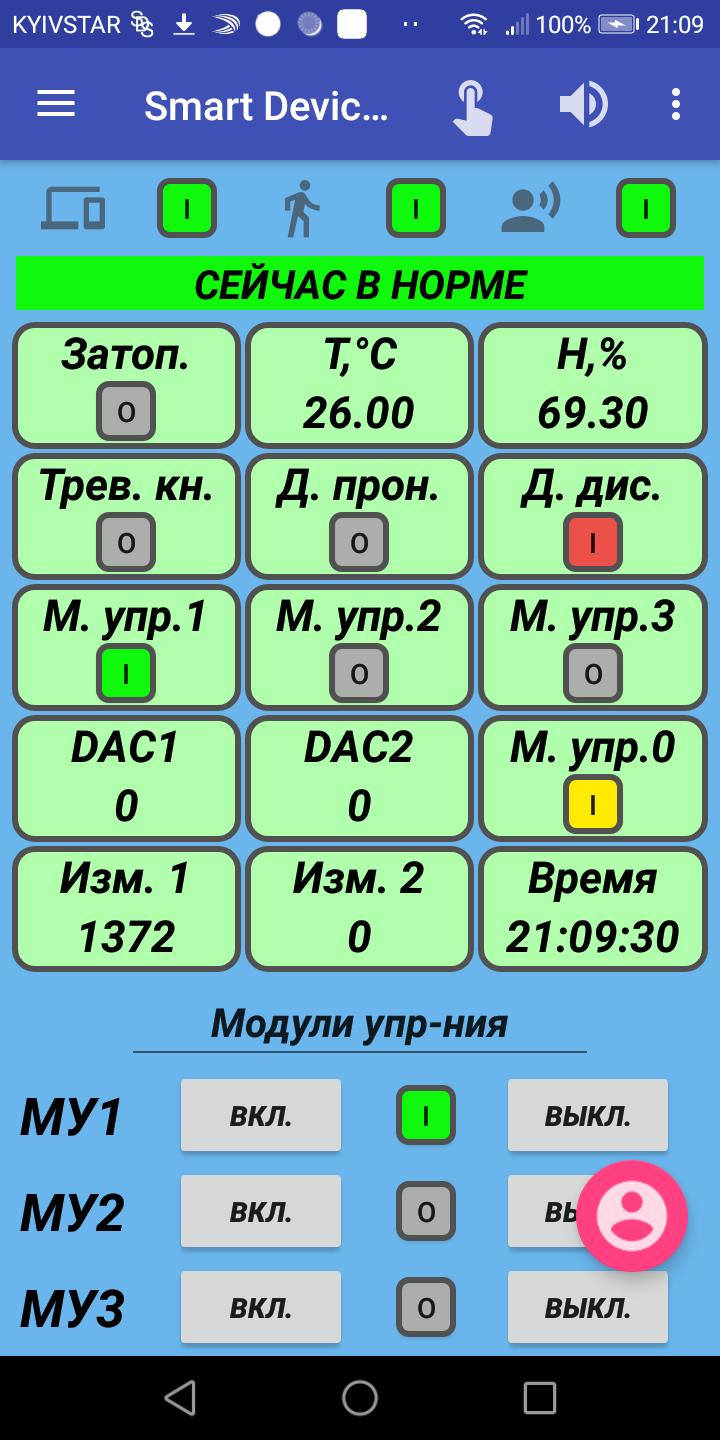
Smart Device System is a system for remote control of executive devices via the Internet, including a convenient security system.
This system consists of 3 parts:
1) mobile Android application;
2) server part;
3) hardware based on a microcontroller (control unit and combined sensor).
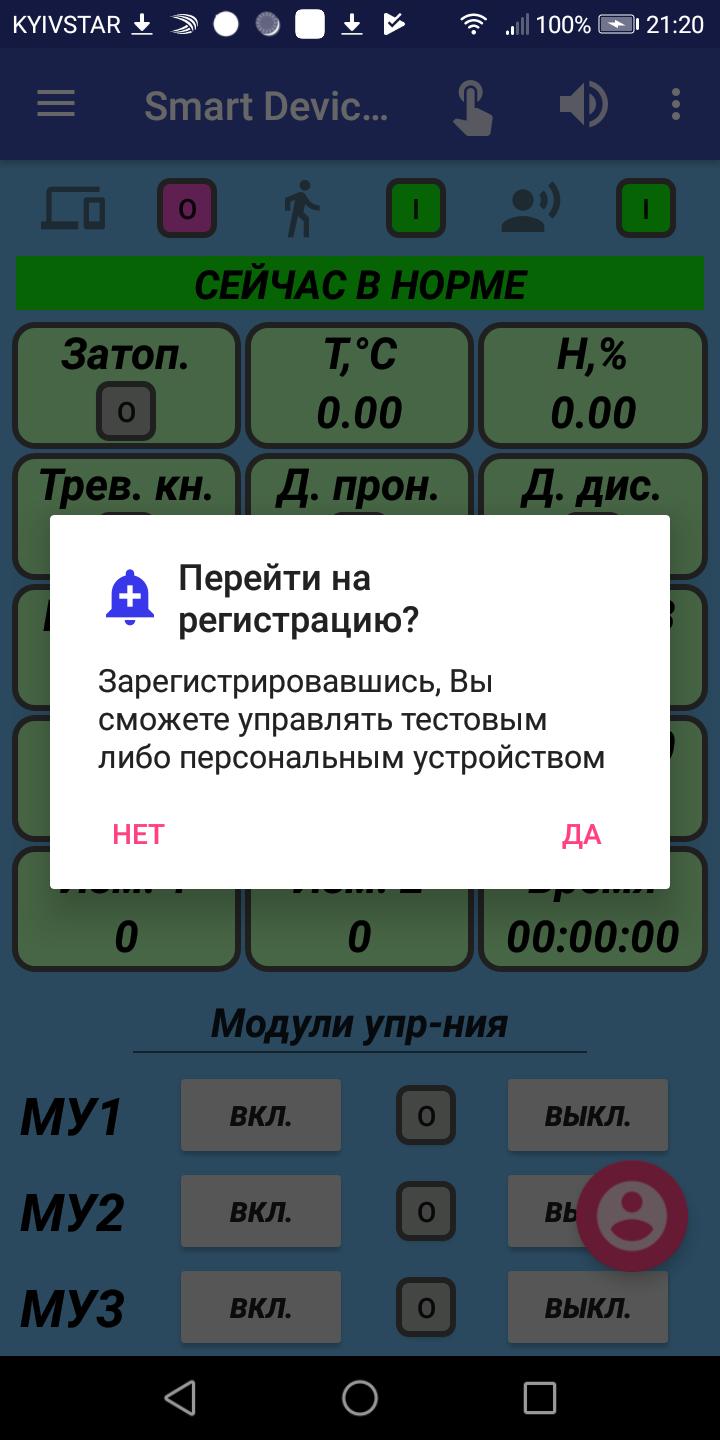
Each user of the mobile application is given the opportunity to remotely control a test device that is at the developers' test bench.
Smart Device System features:
1) remote control of 4 modules, the executive relay contacts of which can switch a load with a power of up to 2 kW each;
2) remote control of temperature, humidity and flooding in the installation area of the combined sensor included in the set with the control unit;
3) remote operation with a security system built into the Smart Device System control unit:
- control of the penetration channel with the ability to connect a motion sensor or reed switches (with processing the bounce of their contacts);
- control of the alarm button (with the processing of the bounce of its contacts);
- the ability to issue a sound alert signal about intrusion at the installation site of the security system;
- remote arming and disarming;
4) sound and light notification of the user of the mobile application about penetration into the protected object when the alarm button is triggered, the room is flooded, the connection with the control unit is lost
more than 10 seconds, the disappearance of the Internet connection with the mobile device;
5) remote control of an additional discrete input of the control unit;
6) remote control of 2 analog input signals of the control unit;
7) remote control of 2 analog output channels of the control unit;
8) the ability to work remotely with the test device;
9) remote work with a personal control unit under your account (in the case of purchasing a personal control unit);
10) the possibility of additional monitoring of the system operation on the smartds.tech website
Areas of use:
1) remote control of equipment (pumps, fans, compressors, presses);
2) heating and ventilation systems;
3) security systems;
4) systems of smart home, office, summer residence (control of door locks, TVs, etc.);
5) control and protection through a mobile access point in nature (in the forest, in the mountains, on the lake);
6) monitoring the parameters of temperature, humidity and flooding of land;
7) remote control of scientific and educational experimental research;
8) control of external and internal lighting, window lighting;
9) control of switching equipment;
10) conveyor systems;
11) traffic management systems;
12) control of lifts, etc.
Notes:
1) The test device SMART DEVICE SYSTEM V001 is at the developer of this project on the test bench. Managing multiple users of this device at the same time can produce very unexpected results. Therefore, make sure that other users are not operating this device.
2) For the mobile application to work correctly on operating systems Android 6.0 and higher, it is required to disable the battery saving mode for this application (to allow the application to run in the background).
An example of changing settings for a Huawei smartphone (EMUI 8.0.0, Android 8.1 Oreo):
Settings / Battery / Startup / Smart Device System / turn off "Automatic control" / turn on "Autostart", turn on "Run in the background".
Settings / Apps and notifications / Application information / Smart Device System / Battery / Battery saver / On the blue bar "Do not save battery" select "All apps" / Smart Device System / Do not save.
On Android 4.4 KitKat, the mobile app works fine without any significant changes to the Android system settings.
3) More detailed information on the operation of the system and the mobile application on the website http://smartds.tech
Preview
Tags
ToolsInformation
Developer
Pavel Lisitsa
Latest Version
2.2
Last Updated
2021-12-10
Category
Tools
Available on
Google Play
Show More
How to play Smart Device System with GameLoop on PC
1. Download GameLoop from the official website, then run the exe file to install GameLoop
2. Open GameLoop and search for “Smart Device System” , find Smart Device System in the search results and click “Install”
3. Enjoy playing Smart Device System on GameLoop
Minimum requirements
OS
Windows 8.1 64-bit or Windows 10 64-bit
GPU
GTX 1050
CPU
i3-8300
Memory
8GB RAM
Storage
1GB available space
Recommended requirements
OS
Windows 8.1 64-bit or Windows 10 64-bit
GPU
GTX 1050
CPU
i3-9320
Memory
16GB RAM
Storage
1GB available space