
SKF Values PC
SKF
Download SKF Values on PC With GameLoop Emulator
SKF Values sa PC
Ang SKF Values, na nagmumula sa developer na SKF, ay tumatakbo sa Android systerm sa nakaraan.
Ngayon, maaari mong laruin ang SKF Values sa PC gamit ang GameLoop nang maayos.
I-download ito sa GameLoop library o mga resulta ng paghahanap. Hindi na tumitingin sa baterya o nakakadismaya na mga tawag sa maling oras.
I-enjoy lang ang SKF Values PC sa malaking screen nang libre!
SKF Values Panimula
The Values app is designed to be used with the SKF Shaft Alignment Tool TKSA 71. Together, the TKSA 71 and the app form a measurement system that allows readings of many rotating machines to be made in an intuitive and easy way. The app reads and visualises the readings from the measurement heads, similar to the readings given by mechanical dial gauges.
The system uses line laser to PSD technology that enables highly accurate and reliable shaft measurements. The TKSA 71 and its app communicate wirelessly via Bluetooth®.
KEY FEATURES:
• Virtual dial indicator visualises live measurement readings and enables easy and intuitive measurements.
• Highest degree for customisation – The values app is the modern representation of highly accurate dial gauges with additional convenience features. Experts get the possibility to use the alignment system for highly customised alignments with more advanced calculations, supporting various types of applications.
• Ideal for training – Learning the underlying principle of shaft alignments is often accompanied by using traditional dial gauges and manual calculations. The values app facilitates the measurements and helps students to focus on the alignment calculations.
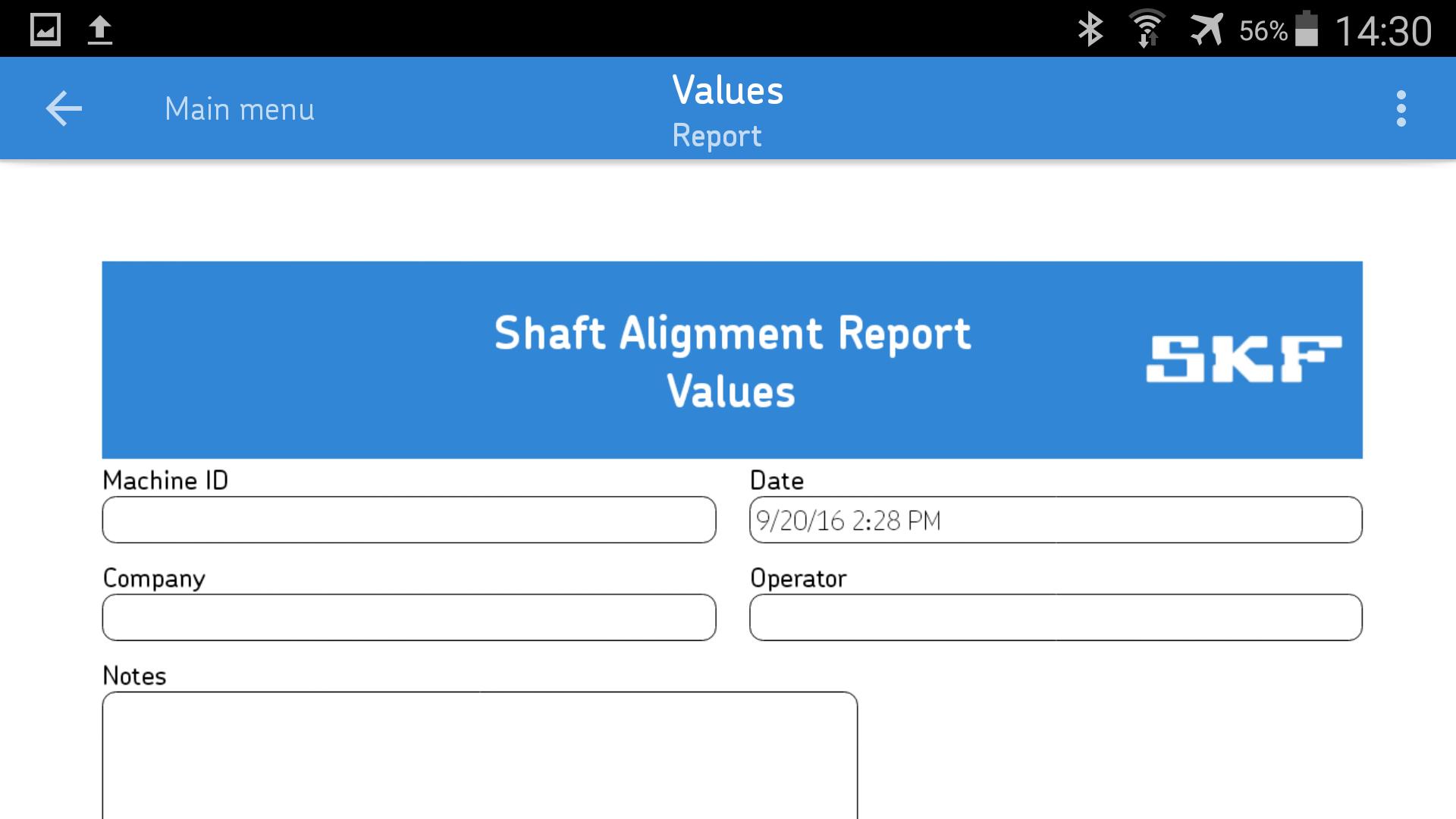
• Automatic measurement report – Automatically generated measurement reports give a structured overview of the measured values. The reports can be customized with additional notes, a machine picture and a signature. The report can easily be shared via email or cloud services.
• Easy to follow explanatory videos – Comprehensive videos show how to set up and perform accurate measurements with SKF Shaft Alignment Tools.
• Machine library and QR code scanner –Helps keeping track of the machines that have been measured. Machine information like distances, the machine picture, and other details are saved for each machine and can be reused the next time the same machine is measured. QR codes can be scanned to identify a machine and quickly retrieve its details. The library can also be used for easy access to all the reports generated for each machine in one place.
HARDWARE – SKF Shaft Alignment Tool TKSA 71:
The SKF TKSA 71 system uses a pair of measurement units that are combined laser transmitter and detectors to measure and correct shaft alignment with high accuracy and reliability. The data is transferred in real time through Bluetooth® 4.0 LE to the app.
IMPORTANT NOTE:
This app is designed to be used with the SKF Shaft Alignment Tool TKSA 71 hardware. The SKF TKSA 71 can be purchased separately from your local SKF Authorized Distributor.
The TKSA 71 and its Android application are compatible and supported with the following devices:
• Samsung Galaxy S4 (GT-I9506) (Recommended phone)
• Samsung Galaxy Tab 4 7” (SM-T230) (Recommended tablet)
SKF will continuously monitor these devices and ensure that every version of the Android App will function admirably on these devices.
In addition, the Android app has been successfully tested on the following devices:
Phones
• Samsung Galaxy S4 (GT-I9505), Android 5.0.1
• Samsung Galaxy S6, Android 6.0
• Nexus 5X, Android 6.0
• Nexus 7, Android 6.0
• Nexus 9, Android 6.0
Tablets
• Samsung Galaxy Tab A
• Samsung Galaxy Tab Active (SM-T360)
• Samsung Tab 3 Lite
• Galaxy Tab Pro (SM-T320), Android 4.4.2
• Ecom Tab-Ex 01 (ATEX, IECEx, CSA, NCC certifications for hazardous areas)
For more information and technical specifications about the SKF Shaft Alignment Tool, please visit our website.
Preview

Tags
ToolsInformation
Developer
SKF
Latest Version
1.14.0
Last Updated
2024-03-08
Category
Tools
Available on
Google Play
Show More
How to play SKF Values with GameLoop on PC
1. Download GameLoop from the official website, then run the exe file to install GameLoop
2. Open GameLoop and search for “SKF Values” , find SKF Values in the search results and click “Install”
3. Enjoy playing SKF Values on GameLoop
Minimum requirements
OS
Windows 8.1 64-bit or Windows 10 64-bit
GPU
GTX 1050
CPU
i3-8300
Memory
8GB RAM
Storage
1GB available space
Recommended requirements
OS
Windows 8.1 64-bit or Windows 10 64-bit
GPU
GTX 1050
CPU
i3-9320
Memory
16GB RAM
Storage
1GB available space