
SIHI® BT-Remote PC
Flowserve SIHI
Download SIHI® BT-Remote on PC With GameLoop Emulator
SIHI® BT-Remote sa PC
Ang SIHI® BT-Remote, na nagmumula sa developer na Flowserve SIHI, ay tumatakbo sa Android systerm sa nakaraan.
Ngayon, maaari mong laruin ang SIHI® BT-Remote sa PC gamit ang GameLoop nang maayos.
I-download ito sa GameLoop library o mga resulta ng paghahanap. Hindi na tumitingin sa baterya o nakakadismaya na mga tawag sa maling oras.
I-enjoy lang ang SIHI® BT-Remote PC sa malaking screen nang libre!
SIHI® BT-Remote Panimula
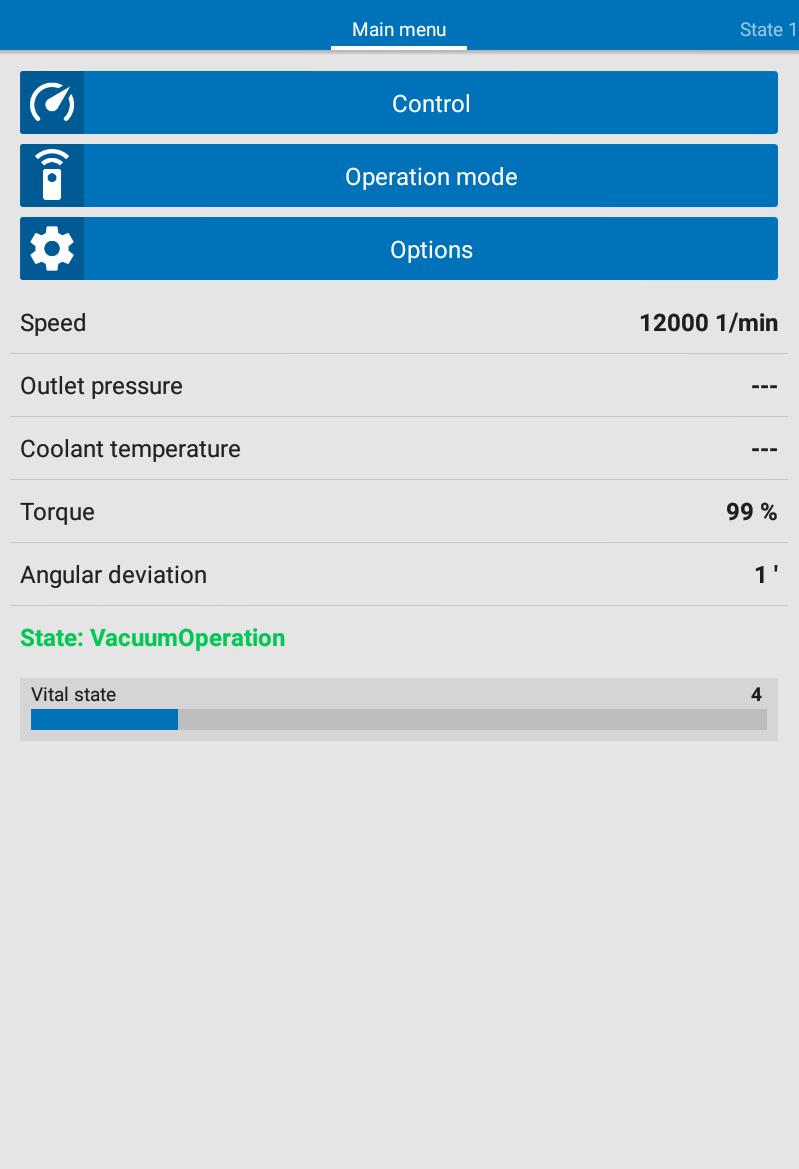
For an efficient local operation of the vacuum system, the operator can create a data connection between the vacuum system and tablet¬ PC or smartphone by using the application software SIHI® BT-Remote app. SIHI® Dry and SIHI® Boost vacuum systems with wireless connections are equipped with built-in Bluetooth® communication interfaces.
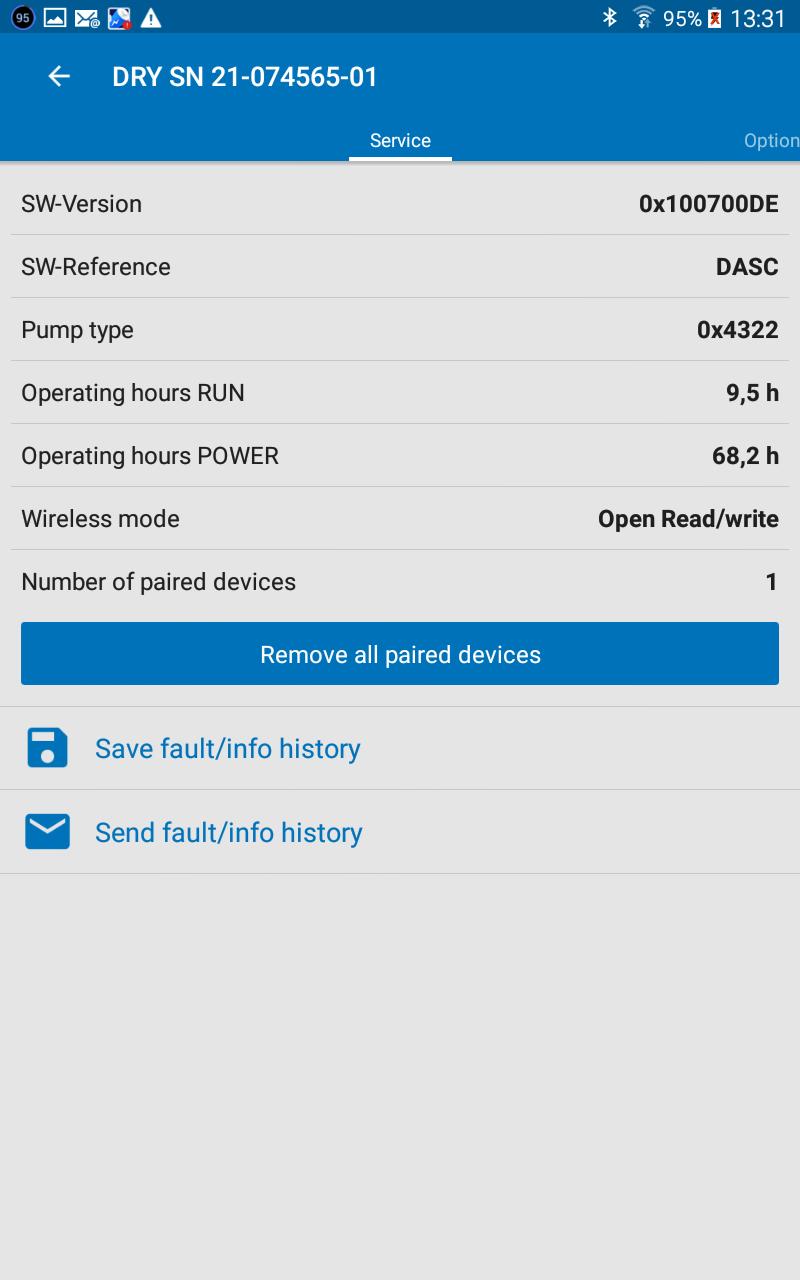
The SIHI® BT-Remote app allows the operation as well as the condition visualization of the vacuum system. This allows a comfortable operation, scheduling service intervals plus efficient error analysis of the vacuum system.
Main features:
Control of:
+ Start
+ Vacuum mode
+ Change of speed
+ Shutdown
+ Stop
Visualization:
+ Ready to start
+ Valve positions
+ Temperatures
+ Pressures
+ Speeds
+ Standby
+ Vital status inclusive error status
Note:
Precondition for Bluetooth® communication is a dry running SIHI vacuum system with Control FX Bluetooth® interface and its activation on the hardware of the vacuum system
If you need support from Flowserve SIHI service, go to Flowserve.com for contact Information
Compatibility:
Android-Version 4.00 or greater
Preview
Tags
ToolsInformation
Developer
Flowserve SIHI
Latest Version
R19-166
Last Updated
2024-09-24
Category
Tools
Available on
Google Play
Show More
How to play SIHI® BT-Remote with GameLoop on PC
1. Download GameLoop from the official website, then run the exe file to install GameLoop
2. Open GameLoop and search for “SIHI® BT-Remote” , find SIHI® BT-Remote in the search results and click “Install”
3. Enjoy playing SIHI® BT-Remote on GameLoop
Minimum requirements
OS
Windows 8.1 64-bit or Windows 10 64-bit
GPU
GTX 1050
CPU
i3-8300
Memory
8GB RAM
Storage
1GB available space
Recommended requirements
OS
Windows 8.1 64-bit or Windows 10 64-bit
GPU
GTX 1050
CPU
i3-9320
Memory
16GB RAM
Storage
1GB available space