
SensiLag FF Plus- Mais Sensi PC
Nick Shock Desenvolvedor
Download SensiLag FF Plus- Mais Sensi on PC With GameLoop Emulator
SensiLag FF Plus- Mais Sensi sa PC
Ang SensiLag FF Plus- Mais Sensi, na nagmumula sa developer na Nick Shock Desenvolvedor, ay tumatakbo sa Android systerm sa nakaraan.
Ngayon, maaari mong laruin ang SensiLag FF Plus- Mais Sensi sa PC gamit ang GameLoop nang maayos.
I-download ito sa GameLoop library o mga resulta ng paghahanap. Hindi na tumitingin sa baterya o nakakadismaya na mga tawag sa maling oras.
I-enjoy lang ang SensiLag FF Plus- Mais Sensi PC sa malaking screen nang libre!
SensiLag FF Plus- Mais Sensi Panimula
Elevate your mobile gaming experience with SensiLag FF Plus.
With system optimization tools, performance monitoring, and sensitivity suggestions, SensiLag FF Plus allows you to fine-tune your device for a more stable and responsive gaming experience.
SensiLag FF Plus Features
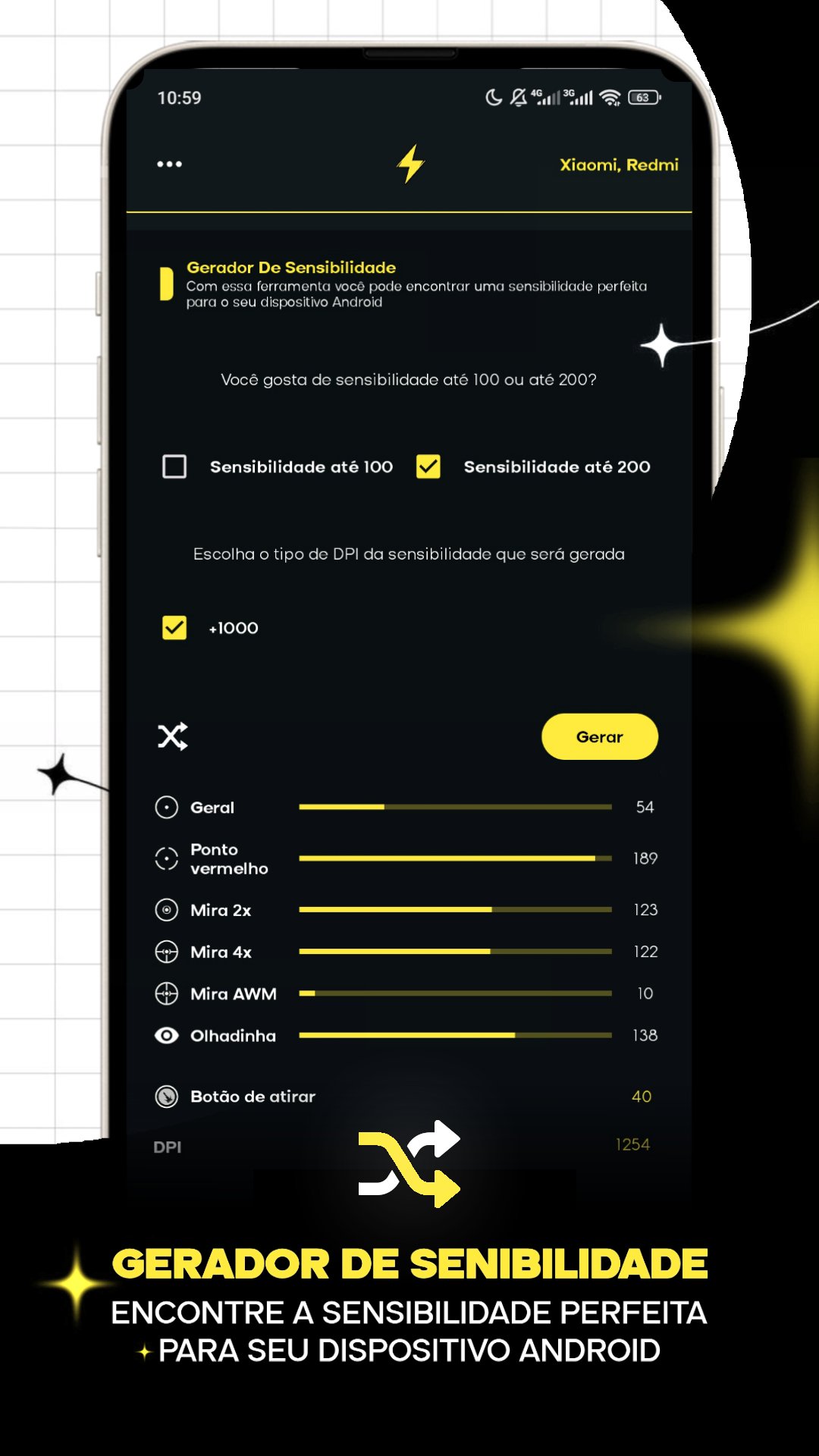
Sensitivity Generator
Find sensitivity suggestions tailored to your device. Adjust touch parameters and explore settings that can help with aiming precision and control during matches.
Game Booster
Optimization tool that helps free up memory and organize background processes before launching your favorite games.
Setting Suggestions
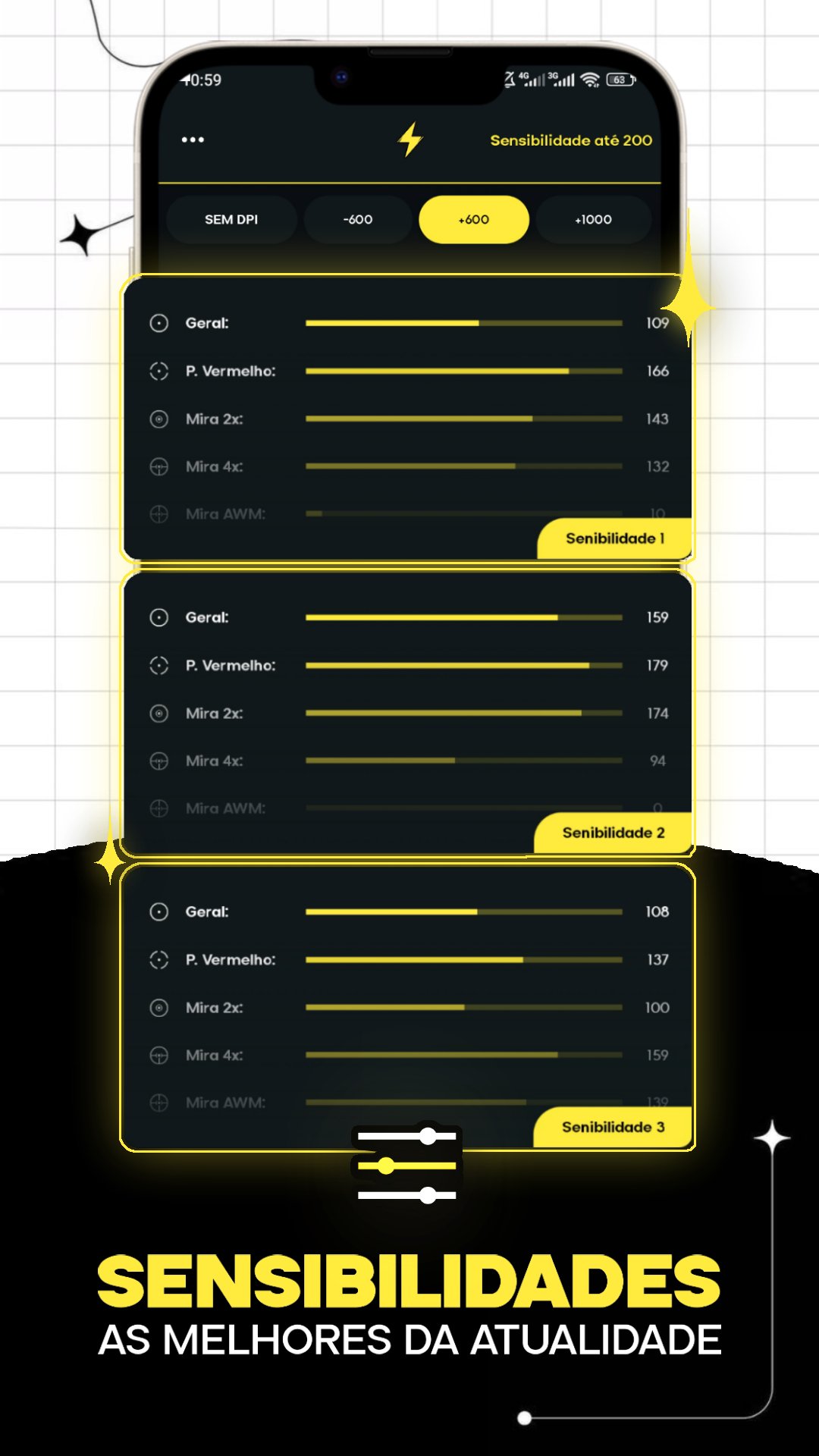
Access examples of sensitivity settings and control layouts used by experienced players to improve your movement and responsiveness in games.
Calibration Tools
Features to help calibrate screen and touch response, seeking a more consistent interaction during use.
Performance Monitor
Track device information such as CPU usage, memory, and temperature in real time.
Why use SensiLag FF Plus?
Lightweight and easy-to-use interface
Optimization tools for mobile games
Device performance monitoring
Sensitivity suggestions for shooting and action games
Compatible with various Android devices
SensiLag FF Plus is designed to help organize your system and offer adjustment tools that can help improve your gaming experience on your device.
Warning: This application does not modify, alter, or interfere with any game files. All functionalities only operate on the device's system.
Preview
Tags
ToolsInformation
Developer
Nick Shock Desenvolvedor
Latest Version
53
Last Updated
2026-03-23
Category
Tools
Available on
Google Play
Show More
How to play SensiLag FF Plus- Mais Sensi with GameLoop on PC
1. Download GameLoop from the official website, then run the exe file to install GameLoop
2. Open GameLoop and search for “SensiLag FF Plus- Mais Sensi” , find SensiLag FF Plus- Mais Sensi in the search results and click “Install”
3. Enjoy playing SensiLag FF Plus- Mais Sensi on GameLoop
Minimum requirements
OS
Windows 8.1 64-bit or Windows 10 64-bit
GPU
GTX 1050
CPU
i3-8300
Memory
8GB RAM
Storage
1GB available space
Recommended requirements
OS
Windows 8.1 64-bit or Windows 10 64-bit
GPU
GTX 1050
CPU
i3-9320
Memory
16GB RAM
Storage
1GB available space