Seeds for Minecraft PC
Mody Mine
Download Seeds for Minecraft on PC With GameLoop Emulator
Seeds for Minecraft sa PC
Ang Seeds for Minecraft, na nagmumula sa developer na Mody Mine, ay tumatakbo sa Android systerm sa nakaraan.
Ngayon, maaari mong laruin ang Seeds for Minecraft sa PC gamit ang GameLoop nang maayos.
I-download ito sa GameLoop library o mga resulta ng paghahanap. Hindi na tumitingin sa baterya o nakakadismaya na mga tawag sa maling oras.
I-enjoy lang ang Seeds for Minecraft PC sa malaking screen nang libre!
Seeds for Minecraft Panimula
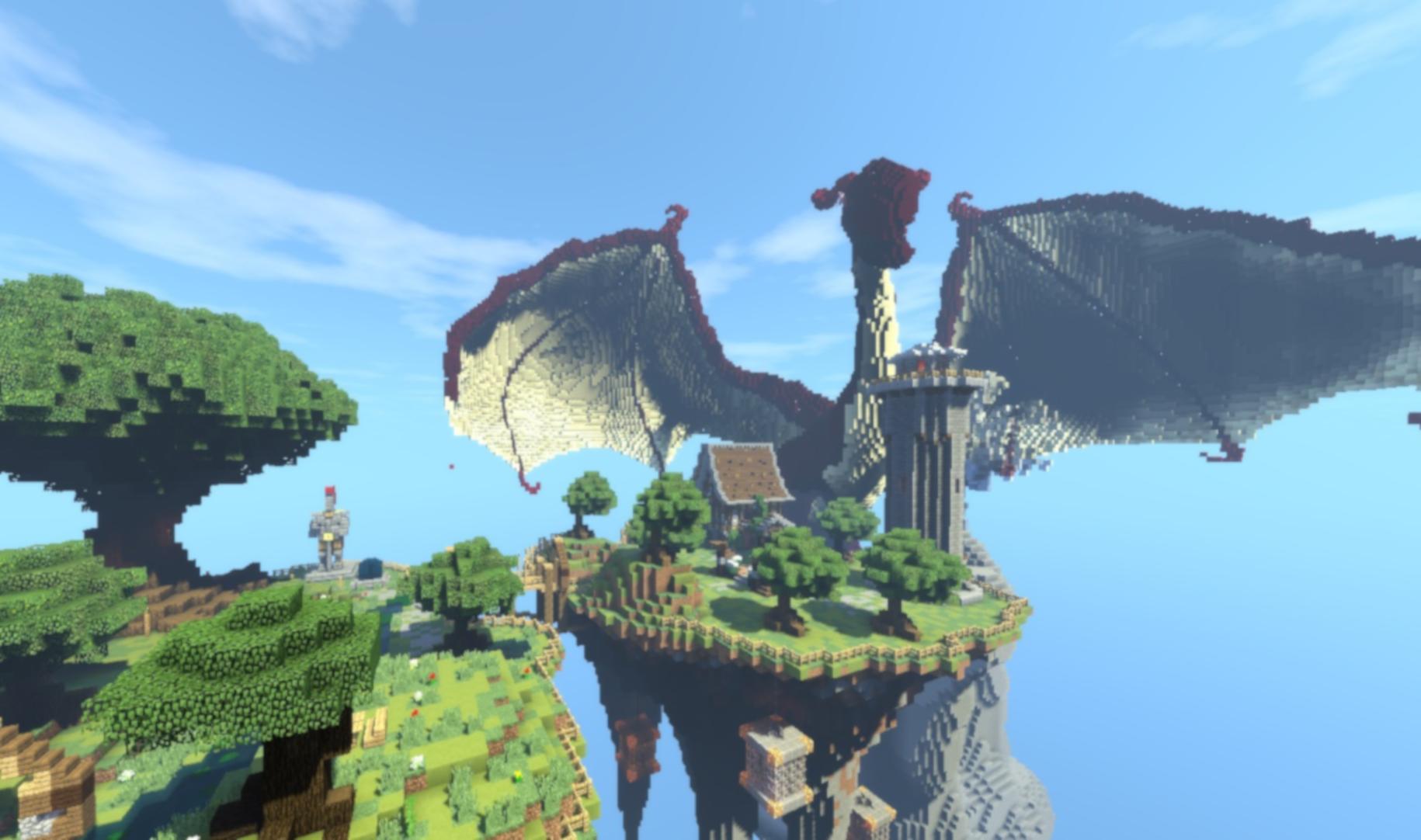
Minecraft PE seeds create new worlds for gamers to explore, with unique terrain or creatures for players to interact with and enjoy, as well as interesting spawn points. For example, the generation key will spawn you in the den of zombies craft. Defeating the zombies and find the treasure chests inside the dungeon is a lot of fun. Sidy for Minecraft is a city that has a lot of inhabitants. In the nearby surrounding area, players can find lots of amazon structures with even more loot. This includes a shipwreck, a pillager outpost, and a ruined portal. Every week we are looking for new MCPE seeds craft. Sids on Minecraft will show you cool places in minecraft. Download the sids for Minecraft for free. Sidy for Minecraft is could be a lush jungle concealing temple ruins, an isolated island village, or just a rare biome that you want to try out. Each Minecraft seed has its own unique features and challenges to contend with, but still offers that same sense of exploration you get from a regular Minecraft world.
Stay tuned for more updates!
DISCLAIMER: This is an unofficial application for Minecraft. This application is not affiliated in any way with Mojang AB. All rights reserved in accordance with http://account.mojang.com/documents/brand_guidelines
Preview

Tags
ToolsInformation
Developer
Mody Mine
Latest Version
1.0.6
Last Updated
2023-02-15
Category
Tools
Available on
Google Play
Show More
How to play Seeds for Minecraft with GameLoop on PC
1. Download GameLoop from the official website, then run the exe file to install GameLoop
2. Open GameLoop and search for “Seeds for Minecraft” , find Seeds for Minecraft in the search results and click “Install”
3. Enjoy playing Seeds for Minecraft on GameLoop
Minimum requirements
OS
Windows 8.1 64-bit or Windows 10 64-bit
GPU
GTX 1050
CPU
i3-8300
Memory
8GB RAM
Storage
1GB available space
Recommended requirements
OS
Windows 8.1 64-bit or Windows 10 64-bit
GPU
GTX 1050
CPU
i3-9320
Memory
16GB RAM
Storage
1GB available space