Screen Test & Display Info PC
Mobilia Apps
Download Screen Test & Display Info on PC With GameLoop Emulator
Screen Test & Display Info sa PC
Ang Screen Test & Display Info, na nagmumula sa developer na Mobilia Apps, ay tumatakbo sa Android systerm sa nakaraan.
Ngayon, maaari mong laruin ang Screen Test & Display Info sa PC gamit ang GameLoop nang maayos.
I-download ito sa GameLoop library o mga resulta ng paghahanap. Hindi na tumitingin sa baterya o nakakadismaya na mga tawag sa maling oras.
I-enjoy lang ang Screen Test & Display Info PC sa malaking screen nang libre!
Screen Test & Display Info Panimula
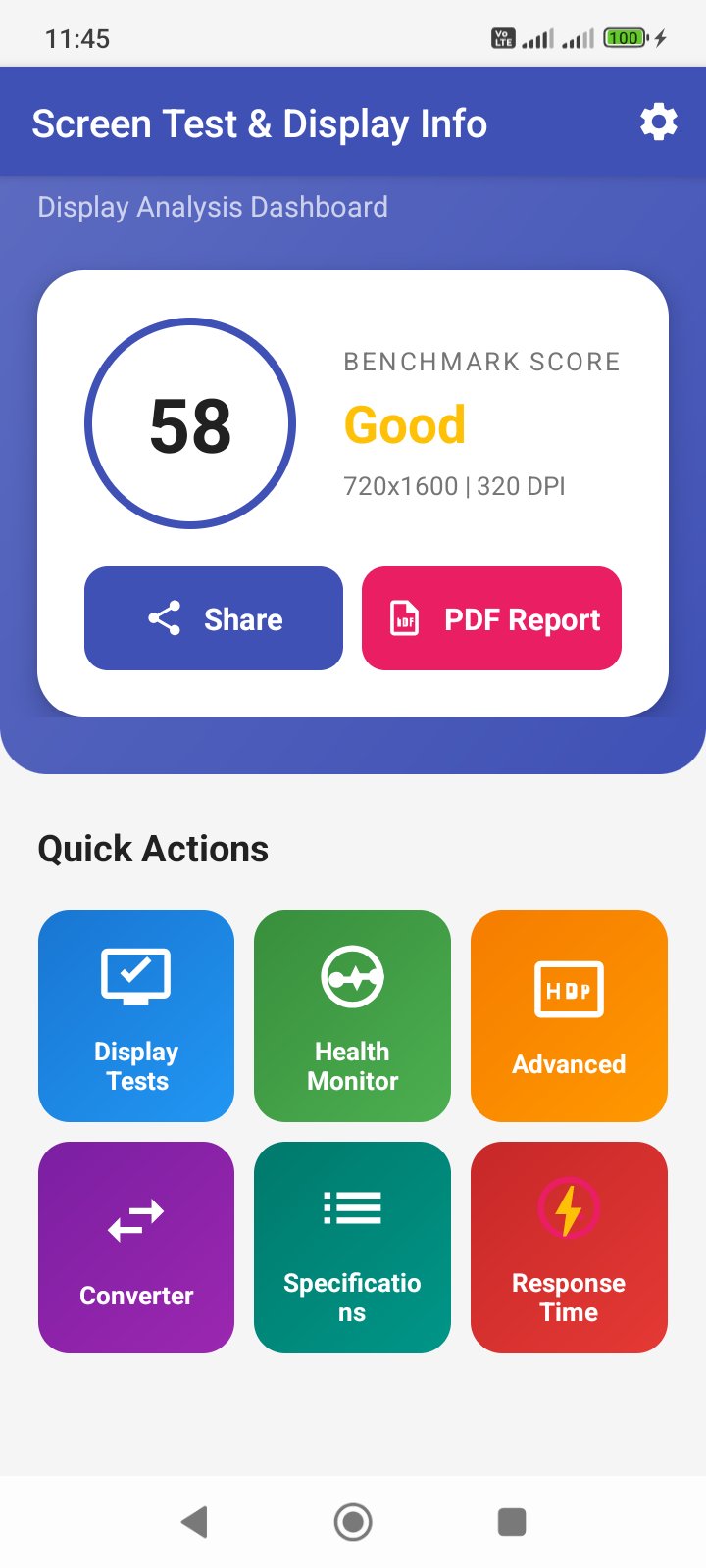
Screen Test & Display Info is the ultimate toolkit for testing and analyzing your smartphone or tablet display. Whether you're buying a used phone, checking for screen defects, or just curious about your display specifications, this app has everything you need.
🔍 DISPLAY SPECIFICATIONS
• Screen resolution, pixel density (DPI), and display size
• Aspect ratio and screen-to-body ratio information
• Refresh rate and color depth details
• Complete device display metrics at a glance
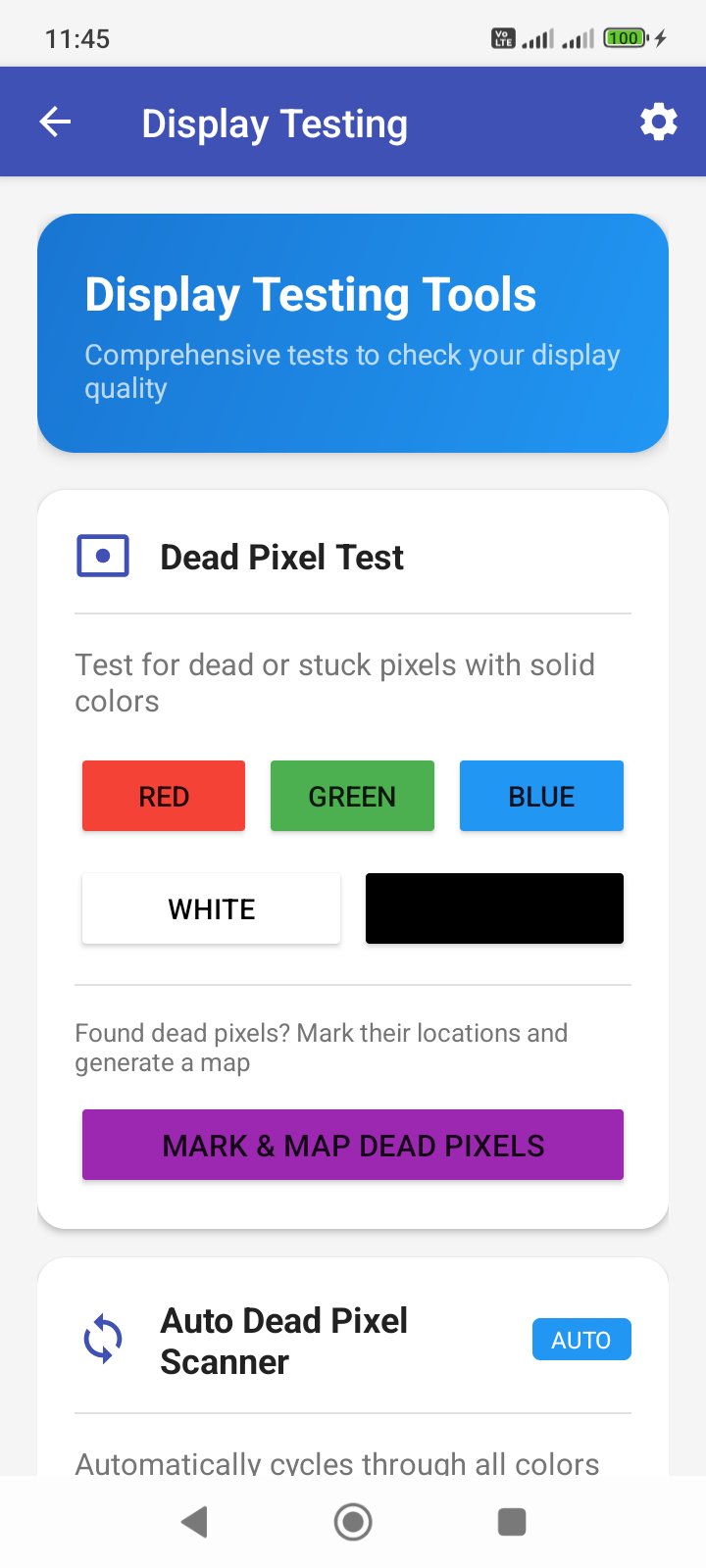
🔴 DEAD PIXEL TEST
• Test with solid colors: Red, Green, Blue, White, Black
• Auto scan mode cycles through colors automatically
• Mark and map dead pixel locations
• Detect stuck pixels and display defects easily
📱 SCREEN BURN-IN TEST (OLED/AMOLED)
• Gray screen test for ghost image detection
• Checkerboard pattern for uniformity check
• Sliding bar test for image retention
• Logo detection mode for status bar burn-in
👆 MULTI-TOUCH TEST
• Check how many touch points your screen supports
• Test touchscreen responsiveness and accuracy
• Identify dead zones on your display
💡 BRIGHTNESS & UNIFORMITY TEST
• Gradient patterns to check brightness uniformity
• Detect backlight bleeding on LCD screens
• Identify uneven brightness areas
🎨 COLOR ACCURACY TEST
• sRGB color reference comparison
• Color blindness simulation
• Check display color reproduction quality
📐 NOTCH & CUTOUT INFO
• Visualize display cutout dimensions
• View safe area insets for developers
• Support for notch, punch-hole, and pill cutouts
💙 BLUE LIGHT ANALYZER
• Analyze blue light emission levels
• Filter simulation for eye comfort
• Tips for reducing eye strain
⚡ PWM FLICKER GUIDE
• Learn about PWM dimming and eye strain
• Test instructions for flicker detection
• Recommendations for sensitive users
🔧 DP/PX CONVERTER
• Convert density-independent pixels to pixels
• Custom density calculations for developers
• Quick reference for Android screen densities
✨ ADDITIONAL FEATURES
• Response time estimation
• Display health score
• Dark mode support
• Clean, modern interface
• No root required
PERFECT FOR:
✓ Buying a used or refurbished phone
✓ Quality checking new devices
✓ Developers testing on multiple screens
✓ Display enthusiasts and tech reviewers
✓ Warranty claims documentation
Download Screen Test & Display Info now and ensure your display is in perfect condition!
Preview
Tags
ToolsInformation
Developer
Mobilia Apps
Latest Version
1.1
Last Updated
2026-09-13
Category
Tools
Available on
Google Play
Show More
How to play Screen Test & Display Info with GameLoop on PC
1. Download GameLoop from the official website, then run the exe file to install GameLoop
2. Open GameLoop and search for “Screen Test & Display Info” , find Screen Test & Display Info in the search results and click “Install”
3. Enjoy playing Screen Test & Display Info on GameLoop
Minimum requirements
OS
Windows 8.1 64-bit or Windows 10 64-bit
GPU
GTX 1050
CPU
i3-8300
Memory
8GB RAM
Storage
1GB available space
Recommended requirements
OS
Windows 8.1 64-bit or Windows 10 64-bit
GPU
GTX 1050
CPU
i3-9320
Memory
16GB RAM
Storage
1GB available space