
Screen Mirroring for all TV PC
Tech Brain Apps
Download Screen Mirroring for all TV on PC With GameLoop Emulator
Screen Mirroring for all TV sa PC
Ang Screen Mirroring for all TV, na nagmumula sa developer na Tech Brain Apps, ay tumatakbo sa Android systerm sa nakaraan.
Ngayon, maaari mong laruin ang Screen Mirroring for all TV sa PC gamit ang GameLoop nang maayos.
I-download ito sa GameLoop library o mga resulta ng paghahanap. Hindi na tumitingin sa baterya o nakakadismaya na mga tawag sa maling oras.
I-enjoy lang ang Screen Mirroring for all TV PC sa malaking screen nang libre!
Screen Mirroring for all TV Panimula
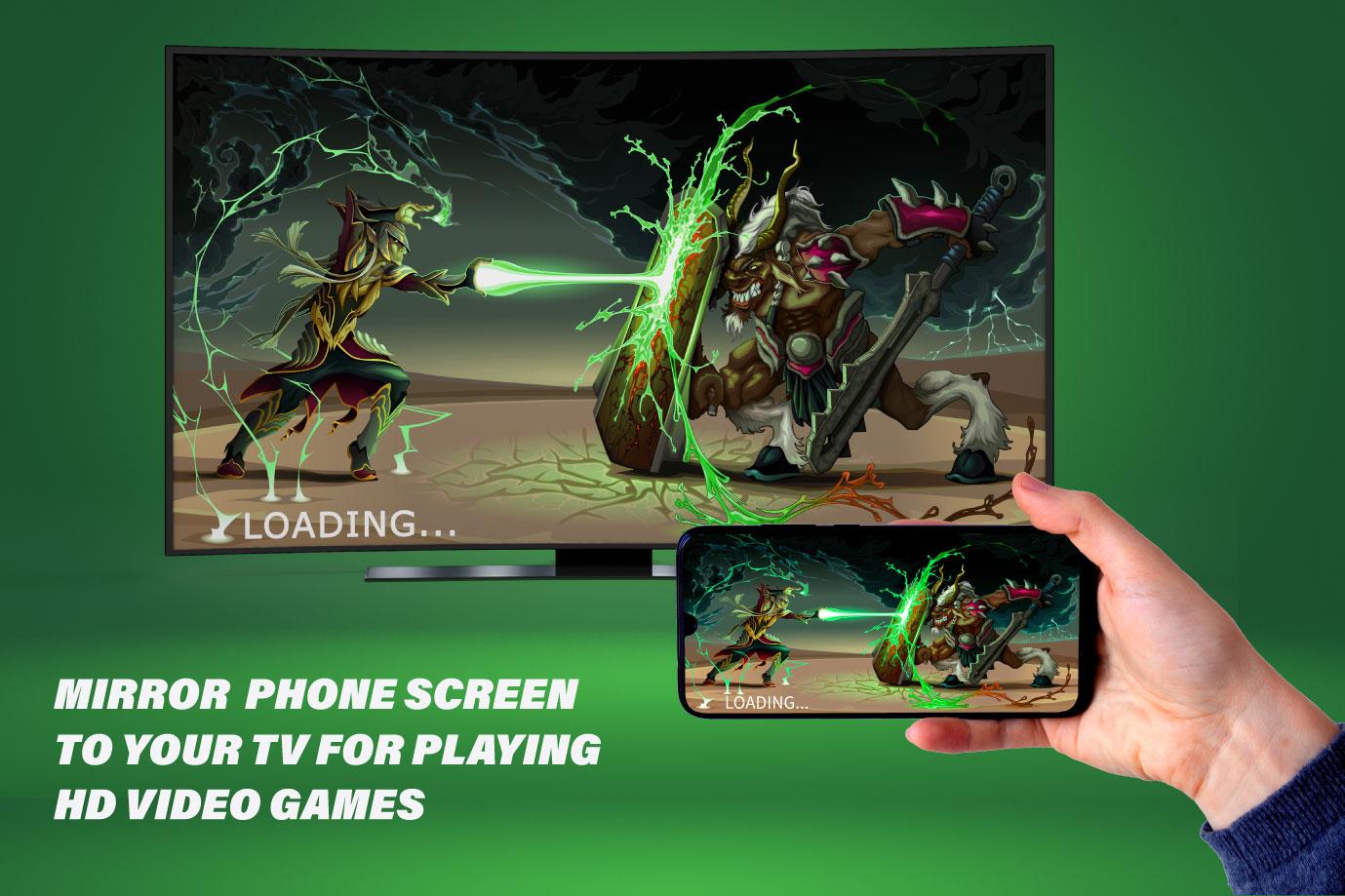
Screen mirroring for all tv app will help you mirror your Android phone or tablet on a smart tv. Screen Mirroring Miracast tv helps you cast your phone and tablet to tv in a fast and stable way. Cast to tv screen mirroring can easily access your games photos videos and other applications on the big screen.
Screen mirror app allows you to mirror your mobile device or computer screen on your smart tv. Screen mirroring assistant to mirror your mobile screen to tv. Watch movies online with a screen mirror app using screen mirroring for all TVs. Cast to tv screen mirroring is useful for streaming videos via screen sharing on tv. The screen mirroring tv miracast app allows you to easily connect your phone to your tv. Screen mirroring sharing app is a technique that allows you to mirror your smartphone on the tv screen. Mirror screen to tv is simple and easy to use. Screen Share on All tv allows you to easily connect your device and play video on tv. Cast to tv app enables you to make presentations in the office open the documents you want to present on your phone and your audience will see it on the tv screen immediately.
TV screen cast mirroring app is perfect for sharing content when you want to control it on a more manageable screen. Screencast easy screen mirroring sharing is the best app for screen casting on your tv. All mirror cast app for Android helps you to open windows on a smart view screen from your phone. Screen mirroring for all tv app that work properly on your tv should support wireless display. And you can easily share your mobile screen with the television. The tv Mirror app for Android must be connected to the same Wi-Fi network as your phone. With the miracast screen sharing app, movies and games can be enjoyed on the big screen without any hassle. Screen casting to tv is the best app that allows you to sharing screen from your mobile to tv. Miracast screen sharing app is best broad casting.
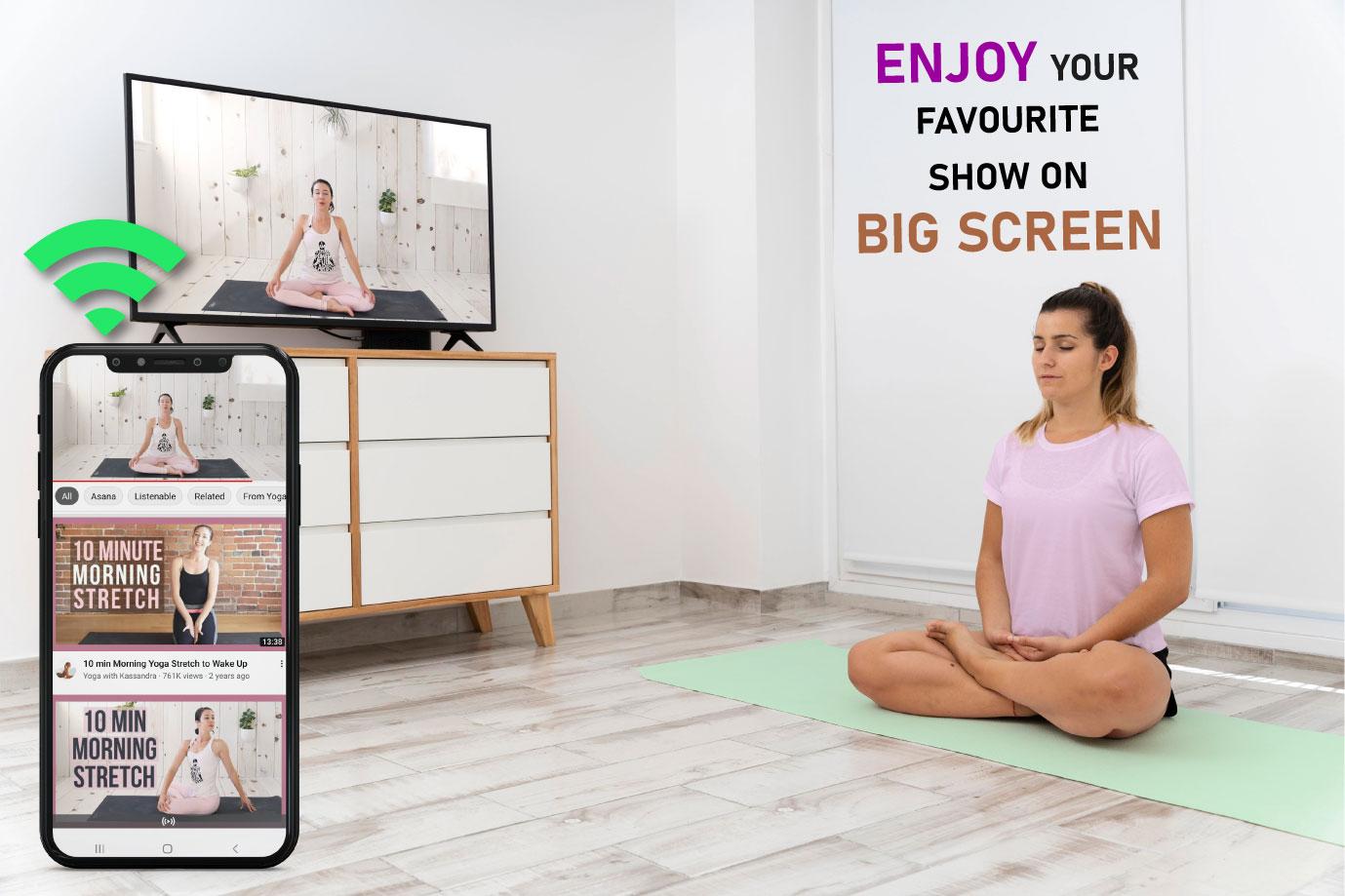
The screen mirroring app for smart tv works on your smart tv and views video from a phone screen while sharing on tv. This smart mirroring app for all TVs helps to open media files in a smart tv screen display from your phone. Exactly what’s showing on your phone will appear on the tv, whether it’s an app, a photo, or a video. The smart mirroring app allows you to connect your smart tv. Screen mirroring app for smart TVs will not have fun looking at your small phone screen and you will get a great big screen experience by connecting your device to a tv screen with screen mirroring with all tv app.
The smart mirroring app has a simple and easy-to-use interface. Screen mirroring miracast tv app works on your tv and plays video from your phone screen to tv with a shared mobile screen on a tv display. Android cast screen mirroring app is like sharing a window or content from your device by casting it on a big screen. Screen mirroring castto tv helps to open into a Smart tv screen. Screen mirror cast to tv your phone with smart tv and watch videos using your screen sharing. Cast to tv screen sharing is the most effective mirroring method for real-time screen mirroring. Castto is the best screen mirroring app that offers perfect, seamless mirroring from your phone to your tv.
The screen mirroring for all TVs shares other screens throw wireless and wifi networks to connect phone dongles with smart tv mirroring assistant. Screen mirroring lets you mirror your phone’s screen to a bigger screen, like a smart tv. The screen mirroring assistant app supports full screen sharing from your devices to the tv. Smart mirroring app for all tv provides you with a secure connection to protect your data and files by screen share on all TVs.
Disclaimer:
Screen mirroring app mirror screen to tv is completely developed by us. Screen mirroring to share screen to tv is connected with us. Screen mirroring app mirror screen to tv is not connected by the other third party app.
Preview
Tags
ToolsInformation
Developer
Tech Brain Apps
Latest Version
1.3.0
Last Updated
2025-07-07
Category
Tools
Available on
Google Play
Show More
How to play Screen Mirroring for all TV with GameLoop on PC
1. Download GameLoop from the official website, then run the exe file to install GameLoop
2. Open GameLoop and search for “Screen Mirroring for all TV” , find Screen Mirroring for all TV in the search results and click “Install”
3. Enjoy playing Screen Mirroring for all TV on GameLoop
Minimum requirements
OS
Windows 8.1 64-bit or Windows 10 64-bit
GPU
GTX 1050
CPU
i3-8300
Memory
8GB RAM
Storage
1GB available space
Recommended requirements
OS
Windows 8.1 64-bit or Windows 10 64-bit
GPU
GTX 1050
CPU
i3-9320
Memory
16GB RAM
Storage
1GB available space