
Sanyo DVD Remote PC
Remotistic Inc
Download Sanyo DVD Remote on PC With GameLoop Emulator
Sanyo DVD Remote sa PC
Ang Sanyo DVD Remote, na nagmumula sa developer na Remotistic Inc, ay tumatakbo sa Android systerm sa nakaraan.
Ngayon, maaari mong laruin ang Sanyo DVD Remote sa PC gamit ang GameLoop nang maayos.
I-download ito sa GameLoop library o mga resulta ng paghahanap. Hindi na tumitingin sa baterya o nakakadismaya na mga tawag sa maling oras.
I-enjoy lang ang Sanyo DVD Remote PC sa malaking screen nang libre!
Sanyo DVD Remote Panimula
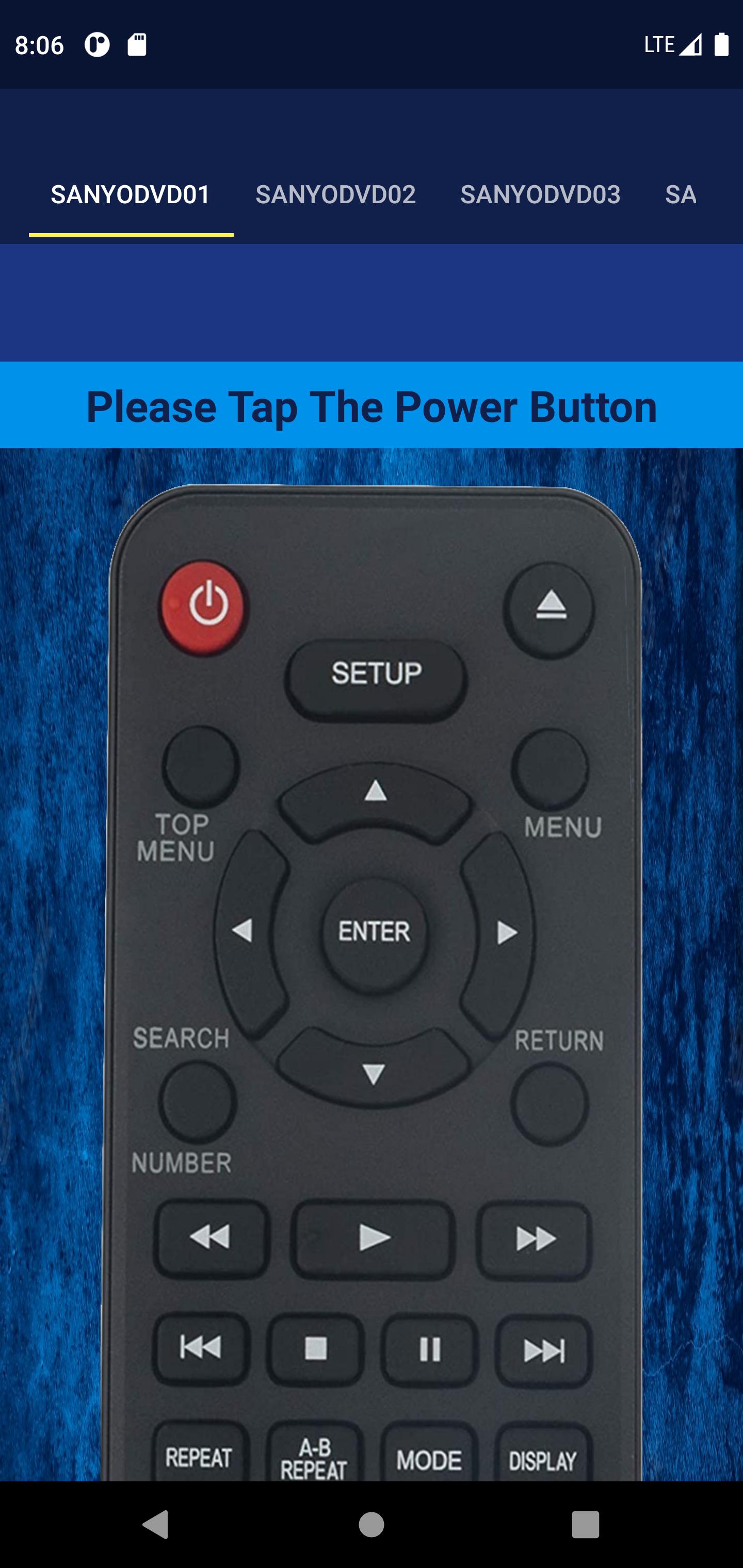
Sanyo DVD Remote App work to change device into Sanyo DVD Remote Control.
Just install this Sanyo DVD Remote app and convert your Smart Device into Sanyo DVD remote and best app for the use remote control in your device.
You can use this remote as following:
> Sanyo DVD Remote Control
> Sanyo DVD Remote App
Sanyo DVD Remote can Easily change your smartphone into a remote control. It is always a good and Easy way to change your mobile in Remote control For All Sanyo DVD models
If You Lost regularly Sanyo DVD Box remote in office or home..? Then With This Sanyo DVD Remote Keep always Mini pocket
Sanyo DVD remote with you to handle your Sanyo DVD easily through your smart device.
Install this Sanyo DVD Remote and fastest convert your smartphone into a remote mobile that works the Same as an Sanyo DVD Remote control will make your life easier.
Here This Sanyo DVD Remote App Provides You 6+ Different Types of Remote and you can Select Anyone from out of 6.
You can Also Set here Beep Sound And Vibration - On / Off Which You Like..
- You Can Share this Sanyo DVD Remote App With Others Without Any Charges!!!
How To Use?
- Go To The Play Store
- Then Install Sanyo DVD Remote App
- After Open In Your Device
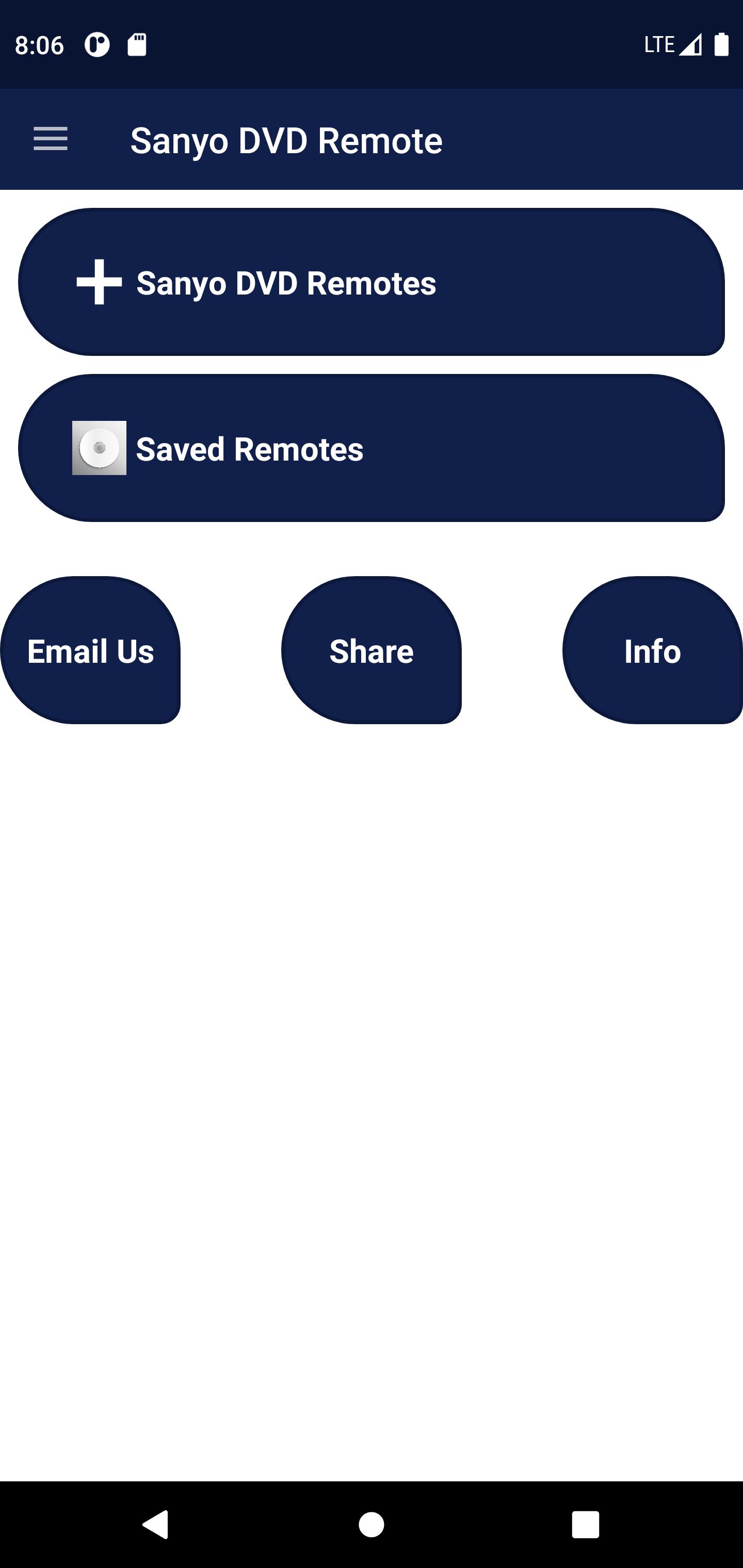
- Then Click On "Start" Button And Open it
- Select your model and follow the Screenshots.
- Enjoy
Preview
Tags
ToolsInformation
Developer
Remotistic Inc
Latest Version
1.1
Last Updated
2022-09-15
Category
Tools
Available on
Google Play
Show More
How to play Sanyo DVD Remote with GameLoop on PC
1. Download GameLoop from the official website, then run the exe file to install GameLoop
2. Open GameLoop and search for “Sanyo DVD Remote” , find Sanyo DVD Remote in the search results and click “Install”
3. Enjoy playing Sanyo DVD Remote on GameLoop
Minimum requirements
OS
Windows 8.1 64-bit or Windows 10 64-bit
GPU
GTX 1050
CPU
i3-8300
Memory
8GB RAM
Storage
1GB available space
Recommended requirements
OS
Windows 8.1 64-bit or Windows 10 64-bit
GPU
GTX 1050
CPU
i3-9320
Memory
16GB RAM
Storage
1GB available space