
RHVoice PC
RHVoice.org
Download RHVoice on PC With GameLoop Emulator
RHVoice sa PC
Ang RHVoice, na nagmumula sa developer na RHVoice.org, ay tumatakbo sa Android systerm sa nakaraan.
Ngayon, maaari mong laruin ang RHVoice sa PC gamit ang GameLoop nang maayos.
I-download ito sa GameLoop library o mga resulta ng paghahanap. Hindi na tumitingin sa baterya o nakakadismaya na mga tawag sa maling oras.
I-enjoy lang ang RHVoice PC sa malaking screen nang libre!
RHVoice Panimula
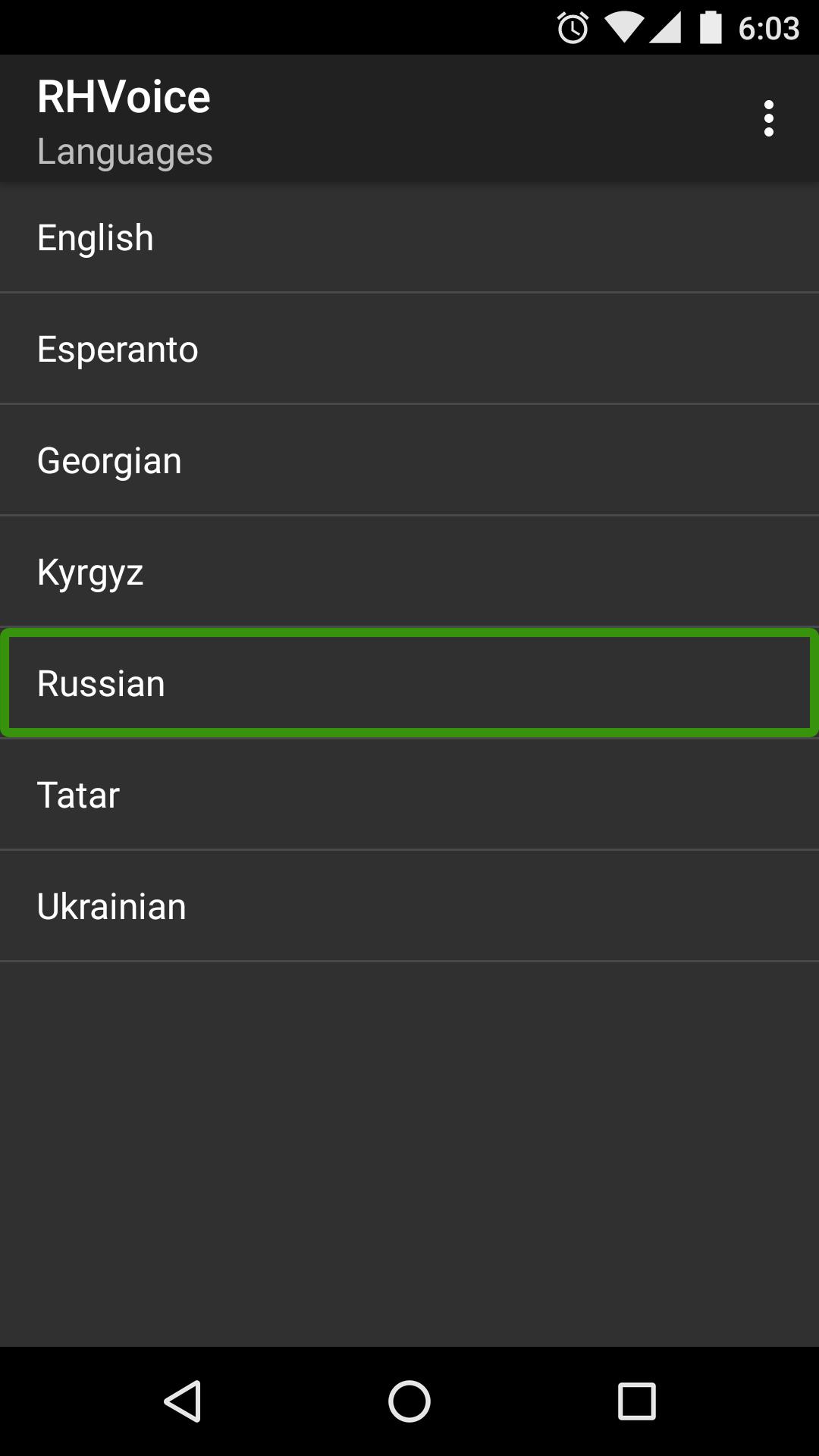
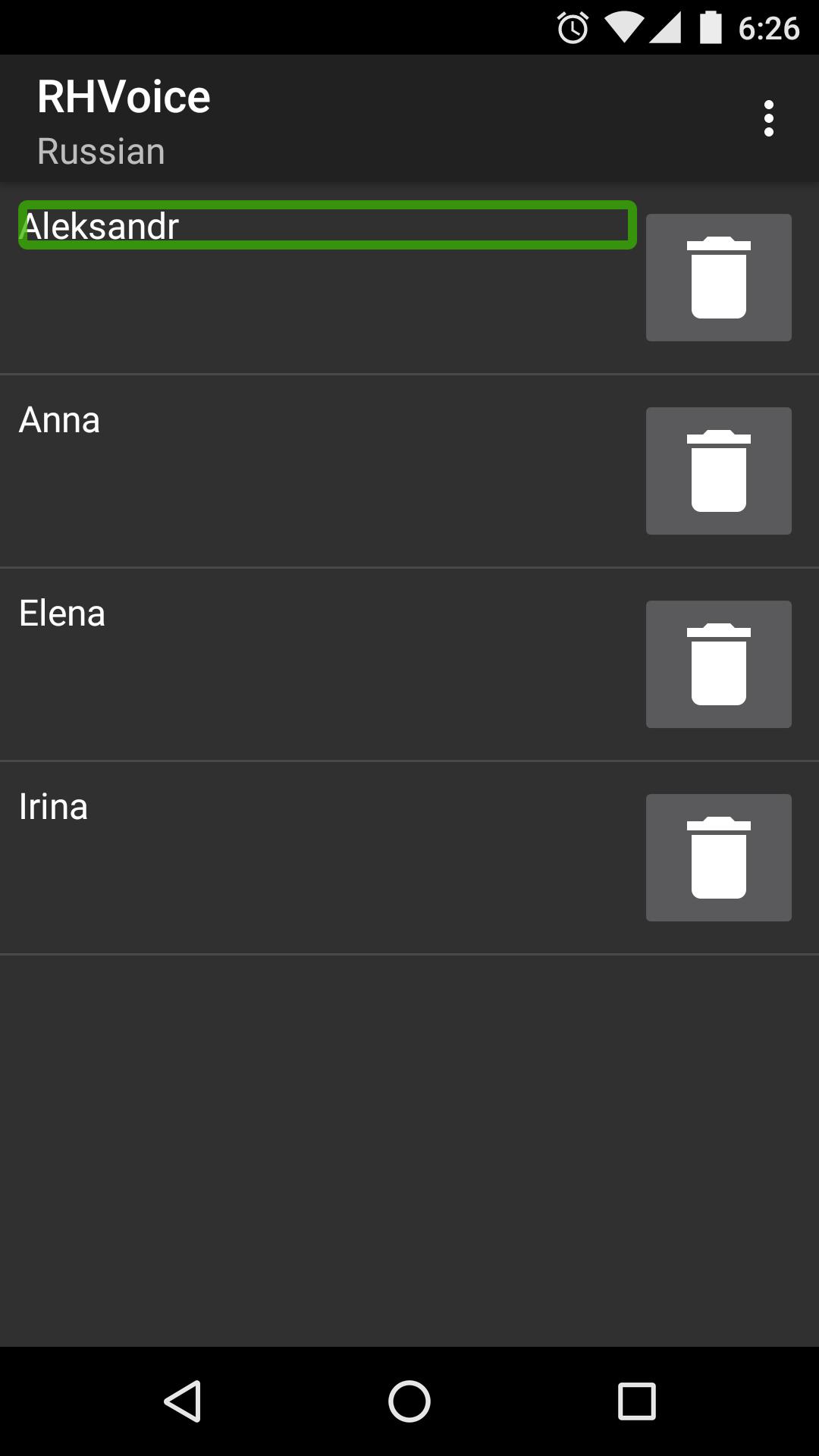
This App supplies voices for your Android book- and screen-reading software. It is a replacement for your device's existing TTS engine.
The app and almost all of the voices were developed by blind programmers. The special feature of the app is that it starts speaking instantly. This is very important for blind users of Android devices. If you are not blind you will not need this feature, but please do use our voices.
Our English voices were one of the first ones developed and are not as good quality as other languages. The focus was, for a long time, on supplying voices to languages which had no Google TTS voice. We hope soon, though, that device developers will start making better English voices and give them to use to publish. If you are on WhatsApp, subscribe to our channel to know when this happens.
We do have a good Mexican Spanish voice, and soon it will be capable of switching between Spanish and English.
It costs us money to keep the app operational and so some voices require a paid subscription. If you are blind and cannot use Google Pay, please contacts us at support@rhvoice.com.
Preview
Tags
ToolsInformation
Developer
RHVoice.org
Latest Version
2.12.1
Last Updated
2025-03-11
Category
Tools
Available on
Google Play
Show More
How to play RHVoice with GameLoop on PC
1. Download GameLoop from the official website, then run the exe file to install GameLoop
2. Open GameLoop and search for “RHVoice” , find RHVoice in the search results and click “Install”
3. Enjoy playing RHVoice on GameLoop
Minimum requirements
OS
Windows 8.1 64-bit or Windows 10 64-bit
GPU
GTX 1050
CPU
i3-8300
Memory
8GB RAM
Storage
1GB available space
Recommended requirements
OS
Windows 8.1 64-bit or Windows 10 64-bit
GPU
GTX 1050
CPU
i3-9320
Memory
16GB RAM
Storage
1GB available space