
RF signal tracker - RF detecto PC
Supreme Spirit Devlopment Department
Download RF signal tracker - RF detecto on PC With GameLoop Emulator
RF signal tracker - RF detecto sa PC
Ang RF signal tracker - RF detecto, na nagmumula sa developer na Supreme Spirit Devlopment Department, ay tumatakbo sa Android systerm sa nakaraan.
Ngayon, maaari mong laruin ang RF signal tracker - RF detecto sa PC gamit ang GameLoop nang maayos.
I-download ito sa GameLoop library o mga resulta ng paghahanap. Hindi na tumitingin sa baterya o nakakadismaya na mga tawag sa maling oras.
I-enjoy lang ang RF signal tracker - RF detecto PC sa malaking screen nang libre!
RF signal tracker - RF detecto Panimula
RF Signal Tracker provides detailed information of signal strength. This app can be used while travelling to know on which corner you are getting excellent signal frequency.
Signal Detector is a must have app for online gamers and travelers. The effect created by this app is able to strengthen and stabilize your internet connection. Try and feel the difference while playing an online game or by travelling by running Signal Detector.
The RF Signal Tracker is an engineering application for doing impromptu hand-held drive-tests with your Android phone. signal strength over time test RF signal quality, WiFi Signal Strength Meter Pro. Signal Detector detects signal frequency signal strength and data speed of network and WI-FI .
features
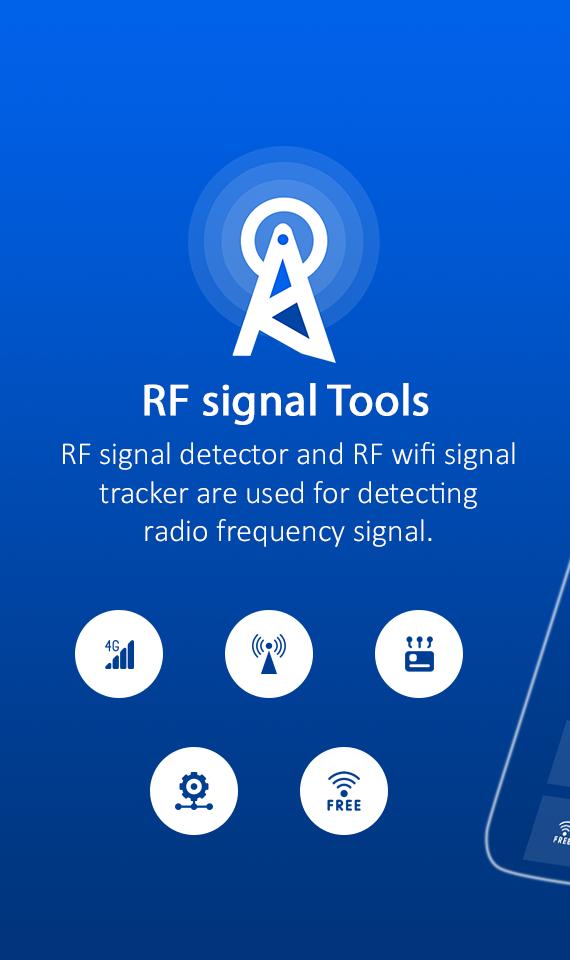
➡ RF Signal Detector and RF Wifi Signal Tracker are used for detecting Radio Frequency Signal.
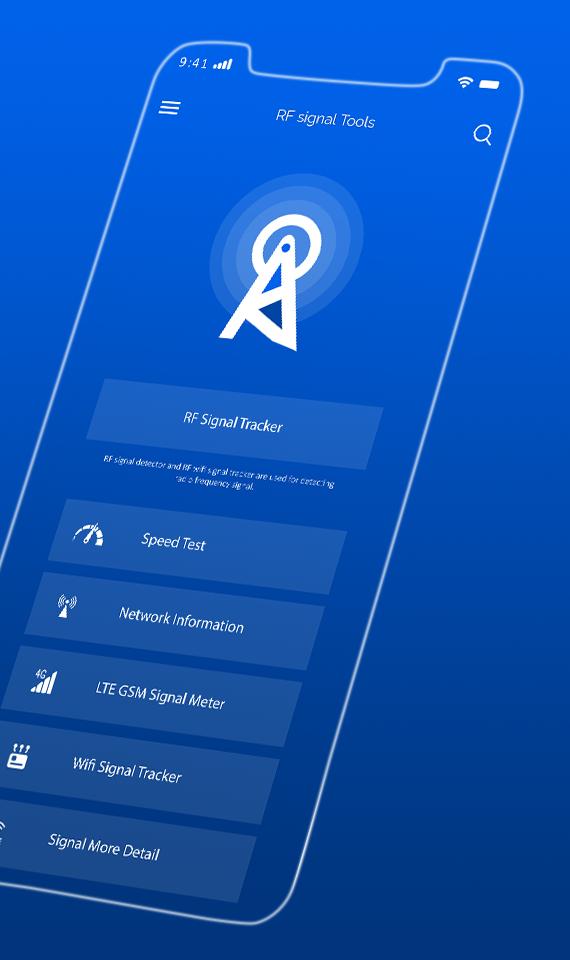
➡ Used for monitor mobile and wifi signal strength.
➡ View Simcard information.
➡ View Network information.
➡ Speed test provide to test our network (mobile data and wifi) ping, download and upload speed.
➡ View LTE and GSM signal strength.
➡ View more details of signal.
Preview
Tags
ToolsInformation
Developer
Supreme Spirit Devlopment Department
Latest Version
1.1
Last Updated
2021-03-07
Category
Tools
Available on
Google Play
Show More
How to play RF signal tracker - RF detecto with GameLoop on PC
1. Download GameLoop from the official website, then run the exe file to install GameLoop
2. Open GameLoop and search for “RF signal tracker - RF detecto” , find RF signal tracker - RF detecto in the search results and click “Install”
3. Enjoy playing RF signal tracker - RF detecto on GameLoop
Minimum requirements
OS
Windows 8.1 64-bit or Windows 10 64-bit
GPU
GTX 1050
CPU
i3-8300
Memory
8GB RAM
Storage
1GB available space
Recommended requirements
OS
Windows 8.1 64-bit or Windows 10 64-bit
GPU
GTX 1050
CPU
i3-9320
Memory
16GB RAM
Storage
1GB available space