
Reverse Image Search Photo App PC
BlueBird Apps Tech
Download Reverse Image Search Photo App on PC With GameLoop Emulator
Reverse Image Search Photo App sa PC
Ang Reverse Image Search Photo App, na nagmumula sa developer na BlueBird Apps Tech, ay tumatakbo sa Android systerm sa nakaraan.
Ngayon, maaari mong laruin ang Reverse Image Search Photo App sa PC gamit ang GameLoop nang maayos.
I-download ito sa GameLoop library o mga resulta ng paghahanap. Hindi na tumitingin sa baterya o nakakadismaya na mga tawag sa maling oras.
I-enjoy lang ang Reverse Image Search Photo App PC sa malaking screen nang libre!
Reverse Image Search Photo App Panimula
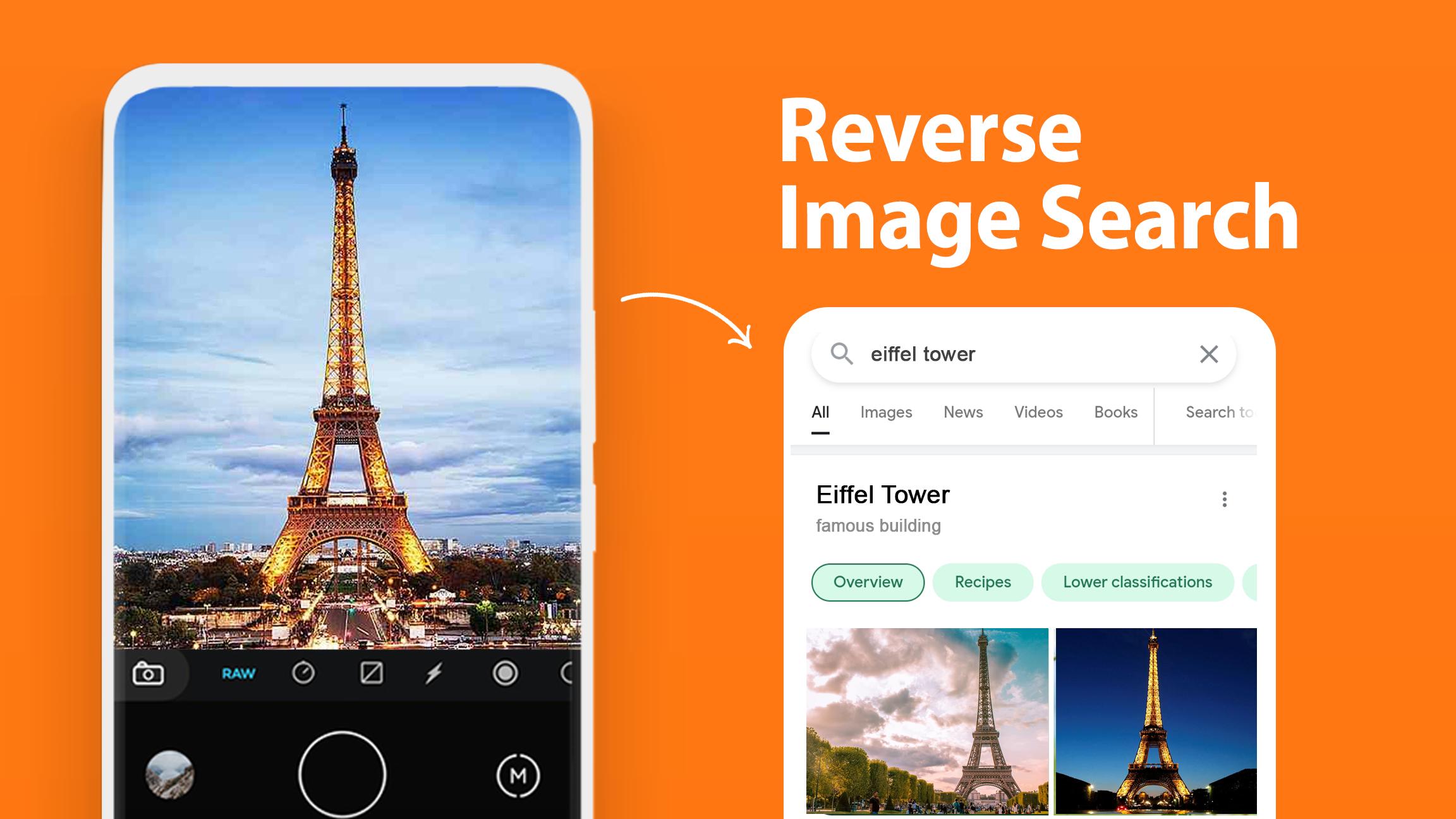
Are you thinking amazing tool for reverse photos ? But why this Reverse Image Search Photo App ??? Ohh! So, this reverse image search for lens: search by image photo finder might help you with its different features. This image search app – search by image assists you to search similar images easily while using Reverse Search Engine: reverse image search for lens. Photo finder and photo detector app will definitely support you to find similar images on the internet. You can share images on social media platforms or websites after reversing and finding in this reverse image search tool.
Reverse Image Search for lens: Search by Image
Reverse image application is useful for search by image and photo finder app. It’s a valuable tool to search similar images on the internet easily. The wonderful thing about this search engine by image - photo finder is that it supports multiple search engines to provide more effective results to satisfy you. Search for lens, search engine by image and similar photo finder app is extremely easy to use and has a simple user interface to understand.
How this search by image free app can search for similar photos on internet?
Image search by photo app - Search by picture can help you to find images on internet by uploading images to the search engine and you will surely receive diverse results related to your image. Keep in mind internet connectivity is a must while using this image search photo finder app. Reverse Image Search Photo App would give you outstanding results as per your taste. You are not allowed to pay a single penny it’s totally free Photo Search App to use.
Reverse image search and photo identification is a very beneficial tool to identify photos on the internet. It will save your time and will surely not waste your energy on the same photos repeatedly.
Core features of this Reverse Photo Search
- Easy to find similar images via this reverse image app - Photo finder helps you to find similar images via an internet connection - Reverse image search engine has multiple engines and it is secure and fast - You can search through camera and gallery easily - You may crop and rotate photos before uploading the photo to search engine - You can get images through voice search simply - Search by image easily and using a camera by taking picture
Reverse Image Lookup: Photo Search App
You may take photos or find pictures in this photo finder: photo search engine app. Just click on the text button and type text whatever you want to write in this search engine app and get results according to your search. Also, pick the photos through your gallery from your phone and start doing similar image search easily with this photo search app: image search for lens. This similar image finder - reverse image search free needs only a few permissions from you to perform its amazing features tasks flawlessly. This image search by photo app - similar image search is designed for you not to forget to share this search image photo app related information with your loved ones because if they need a reverse image search tool then this search engine will surely help them in the long term.
Disclaimer
Reverse image search for lens app is totally safe and not willing to share your personal information. It’s not connected with any brand or third party, so feel free to use this photo finder app. But if you still have any query, you can contact us at bluebirdapps555@gmail.com.
Preview

Tags
ToolsInformation
Developer
BlueBird Apps Tech
Latest Version
1.4
Last Updated
2023-05-23
Category
Tools
Available on
Google Play
Show More
How to play Reverse Image Search Photo App with GameLoop on PC
1. Download GameLoop from the official website, then run the exe file to install GameLoop
2. Open GameLoop and search for “Reverse Image Search Photo App” , find Reverse Image Search Photo App in the search results and click “Install”
3. Enjoy playing Reverse Image Search Photo App on GameLoop
Minimum requirements
OS
Windows 8.1 64-bit or Windows 10 64-bit
GPU
GTX 1050
CPU
i3-8300
Memory
8GB RAM
Storage
1GB available space
Recommended requirements
OS
Windows 8.1 64-bit or Windows 10 64-bit
GPU
GTX 1050
CPU
i3-9320
Memory
16GB RAM
Storage
1GB available space