Remote projector PC
UB Technologies
Download Remote projector on PC With GameLoop Emulator
Remote projector sa PC
Ang Remote projector, na nagmumula sa developer na UB Technologies, ay tumatakbo sa Android systerm sa nakaraan.
Ngayon, maaari mong laruin ang Remote projector sa PC gamit ang GameLoop nang maayos.
I-download ito sa GameLoop library o mga resulta ng paghahanap. Hindi na tumitingin sa baterya o nakakadismaya na mga tawag sa maling oras.
I-enjoy lang ang Remote projector PC sa malaking screen nang libre!
Remote projector Panimula
The application is a Remote projector created to replaced the real remotes losted or not working to control different devices models.
At the next part we will mentioned features and functions that make this app very professional:
The most Key features of this Projector Universal Remote app:
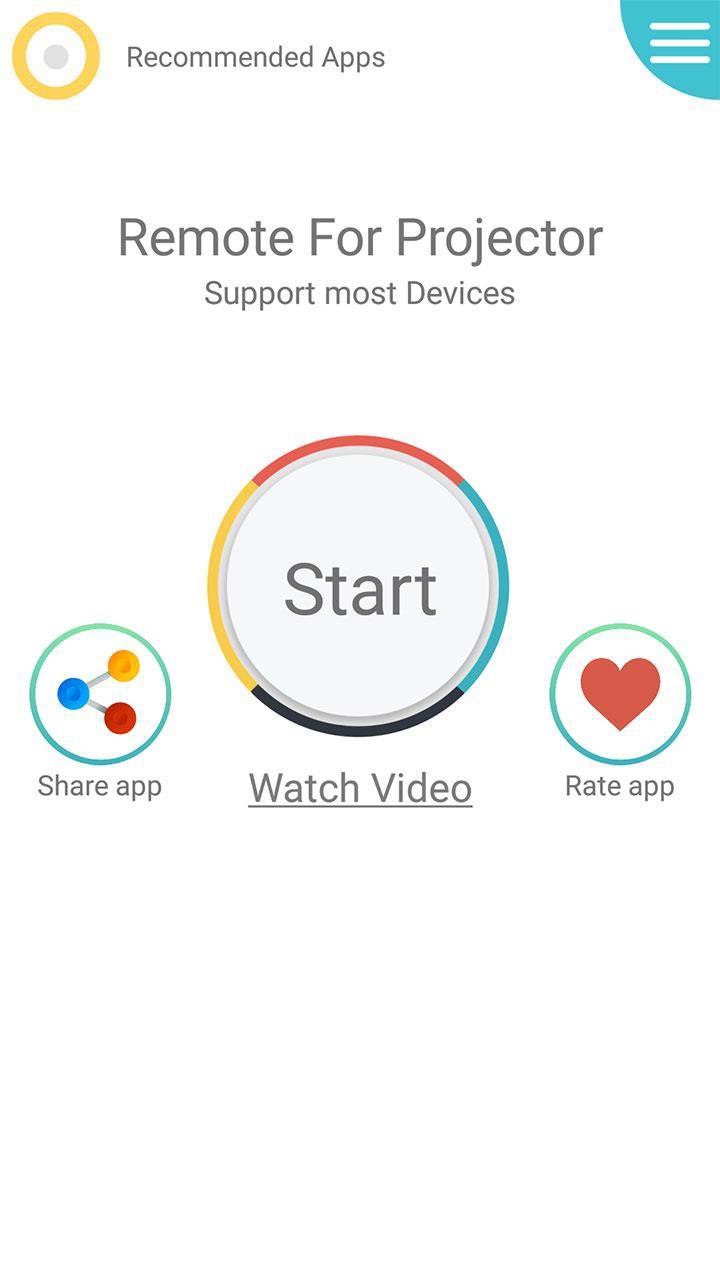
* Amazing design with cool & easy interface.
* Simple and easy to used.
* Save your favorite remotes for easy access.
* Support all most popular model and brand.
* Multi Option of controlling: Shutter on/off and Input selection etc...
* Compatible with all device 4.4 version and above, Most phones with IR blasters support this application.
Guide to used this application, following all steps:
.
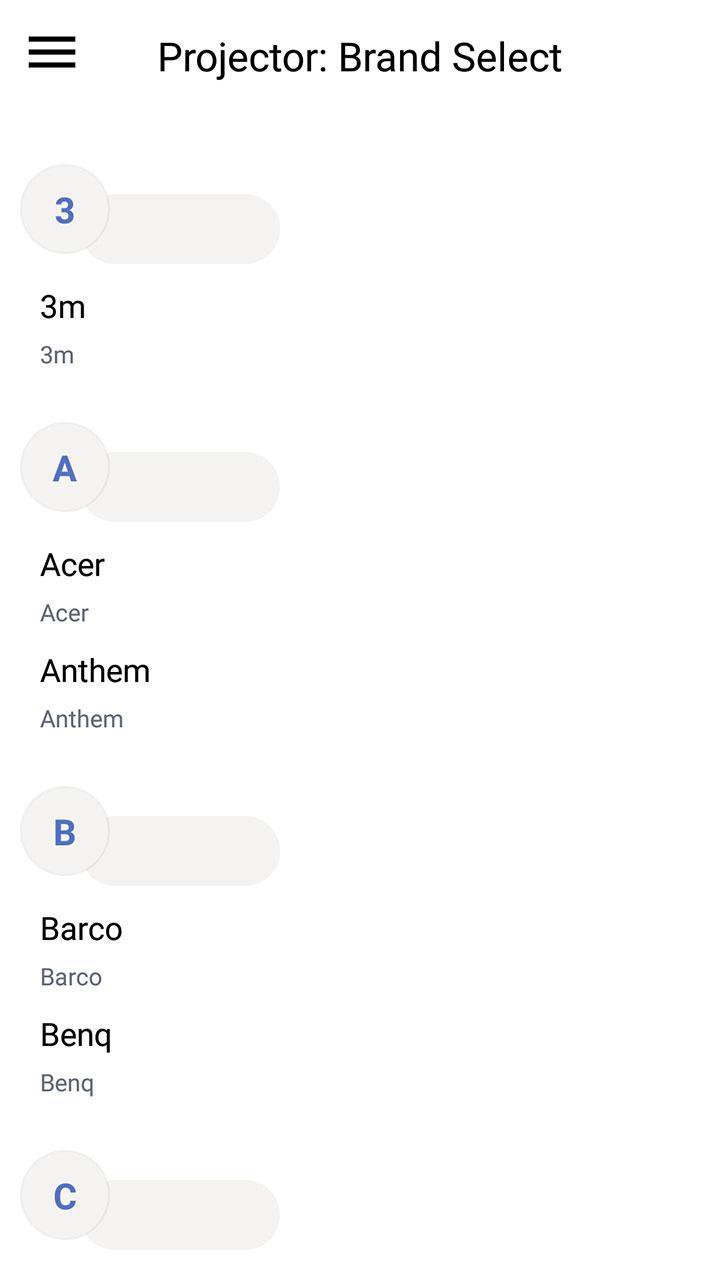
* Select your brand and device model.
* Test one by one to find the compatible IR code.
* Save your projector device in the favorite list.
Disclaimer:
- This Universal remote projector has no relation to any brand, we have just developed this App for users convenience to provide multiple devices in one package.
- The Remote Control based on IR Technique, your phone should support Infrared sensor.
If your brand is not listed or not working with your devices selected, please drop us an email with your brand and model. We will work with our team to make it compatible with your devices.
Any question or feedback about our Remote Control For Projector, contact us.
Preview
Tags
ToolsInformation
Developer
UB Technologies
Latest Version
18.1
Last Updated
2019-09-07
Category
Tools
Available on
Google Play
Show More
How to play Remote projector with GameLoop on PC
1. Download GameLoop from the official website, then run the exe file to install GameLoop
2. Open GameLoop and search for “Remote projector” , find Remote projector in the search results and click “Install”
3. Enjoy playing Remote projector on GameLoop
Minimum requirements
OS
Windows 8.1 64-bit or Windows 10 64-bit
GPU
GTX 1050
CPU
i3-8300
Memory
8GB RAM
Storage
1GB available space
Recommended requirements
OS
Windows 8.1 64-bit or Windows 10 64-bit
GPU
GTX 1050
CPU
i3-9320
Memory
16GB RAM
Storage
1GB available space