TV Remote control for All TV PC
BoostVision
Download TV Remote control for All TV on PC With GameLoop Emulator
TV Remote control for All TV sa PC
Ang TV Remote control for All TV, na nagmumula sa developer na BoostVision, ay tumatakbo sa Android systerm sa nakaraan.
Ngayon, maaari mong laruin ang TV Remote control for All TV sa PC gamit ang GameLoop nang maayos.
I-download ito sa GameLoop library o mga resulta ng paghahanap. Hindi na tumitingin sa baterya o nakakadismaya na mga tawag sa maling oras.
I-enjoy lang ang TV Remote control for All TV PC sa malaking screen nang libre!
TV Remote control for All TV Panimula
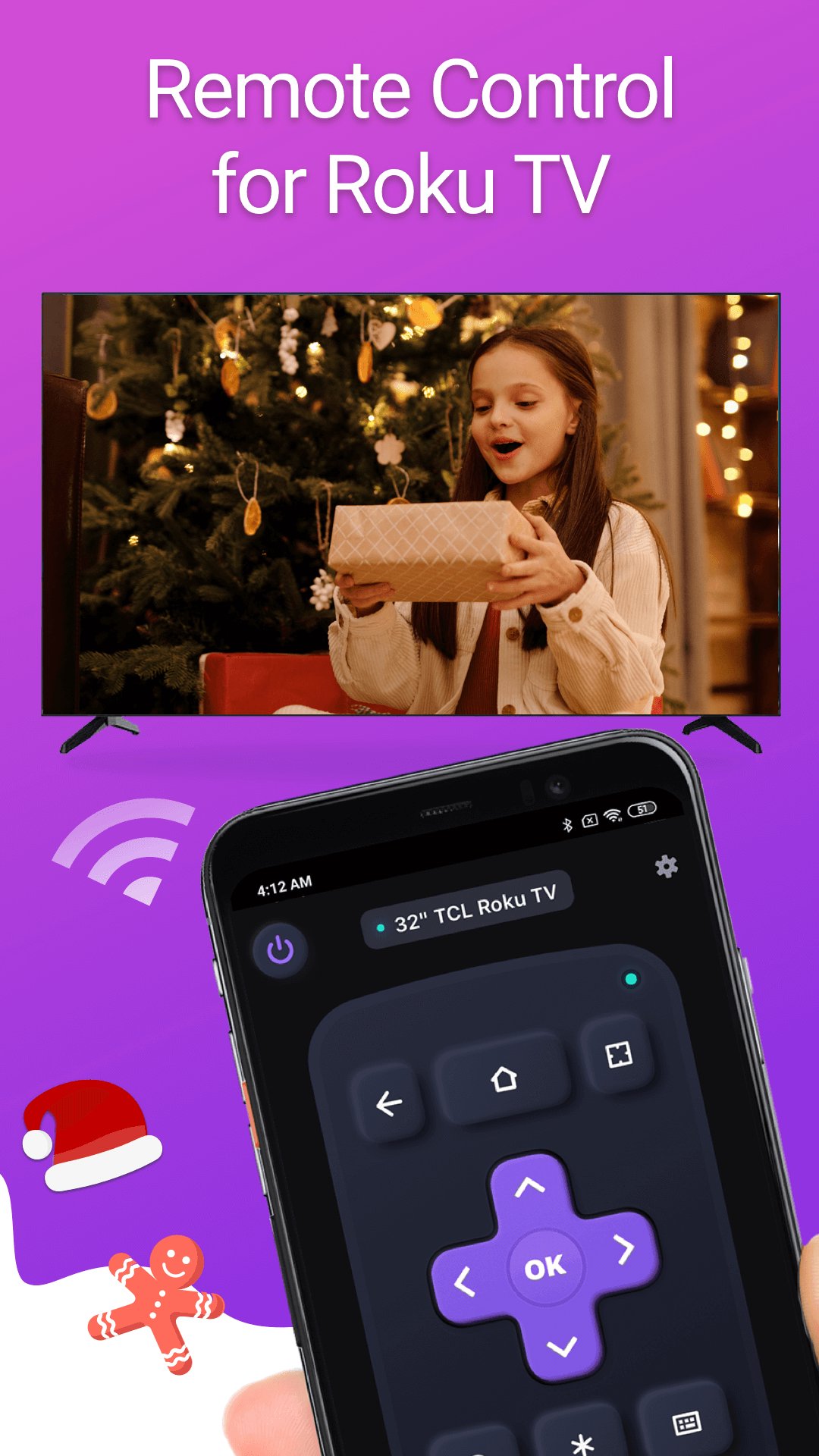
TV Remote control for All TV is a mobile TV remote control app that specially designed for popular smart TVs & streaming devices. This TV control application allows you to use your mobile device as a remote control to turn on/off the TV, control volume, browse and stream content and launch channels, which provide all the same functionality as your physical Smart TV remote.
This TV remote control app works with common Smart TV models, such as Samsung、LG、Vizio、Sony、Fire、Apple TV, etc. Whether you've misplaced your physical TV stick remote or just prefer the convenience of using your phone, the TV remote replacement app is the perfect solution for controlling your Home TV.
Features:
- Easy setup: Download the app and connect it to your TV to start using it right away.
- Simple navigation: Easily navigate the TV interface with a touchpad for scrolling and swiping.
- Playback controls: You can control the playback of your content with this app's usual buttons like Play/pause and fast forward/rewind and volume control.
- Keyboard input: Virtual keyboard makes it easy to enter text, passwords, and search queries when typing on TV is needed.
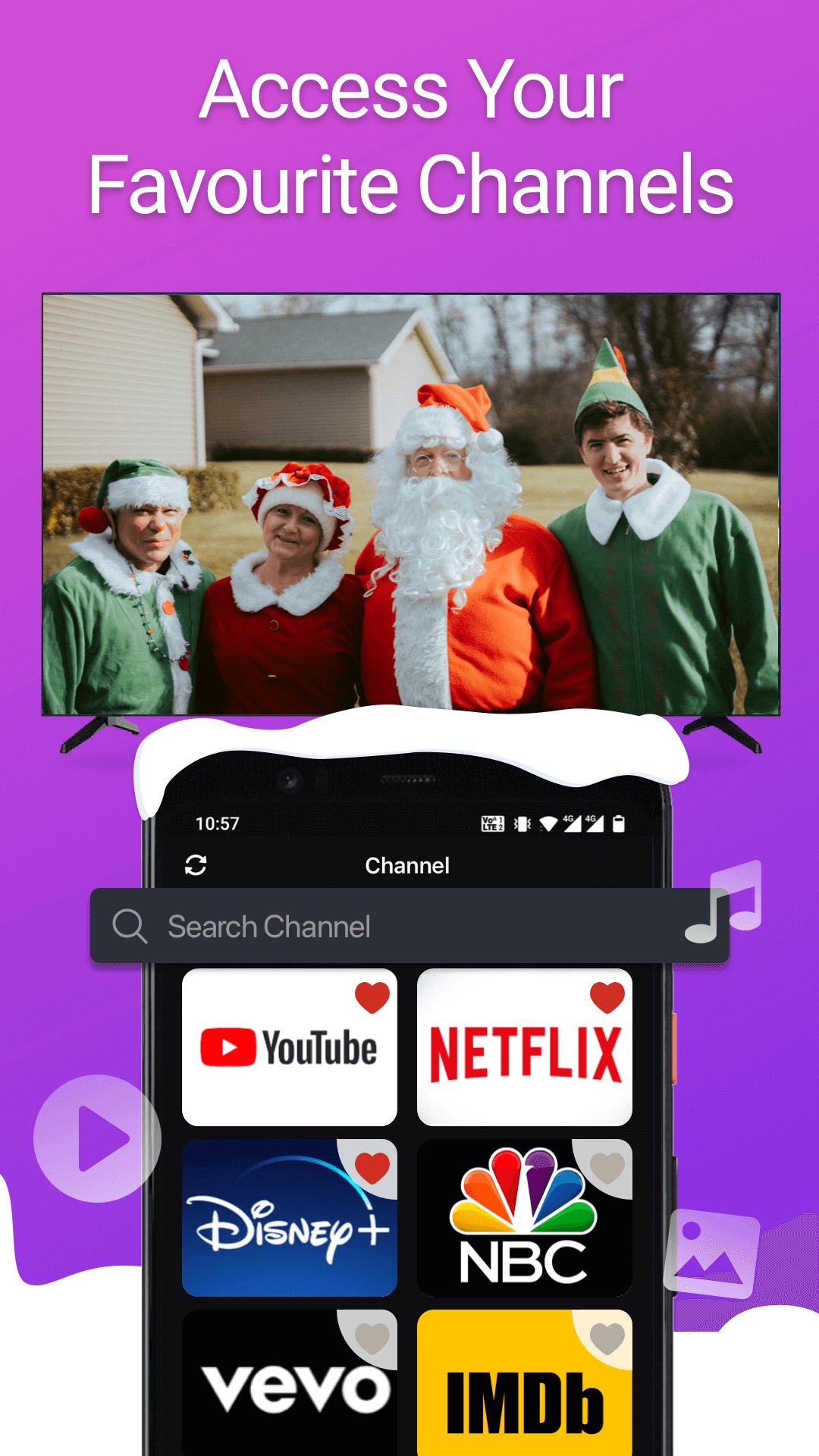
- Channel shortcuts: You can create shortcuts for your favorite channels, making it easy to launch them with a single tap.
- Power ON/OFF: Power on or power off your home TV with one tap on your mobile device
- Screen Mirroring: Screen share on smart view TV with its mirroring function
- Cast to TV: Watch local photos/videos on big TV by casting screen
How to Connect the Remote Controller App to Smart TV:
1. Your Android smart phone must be connected to the same network as Smart TV.
2. Download and launch this TV controller app and tap to select the target device to connect.
3. Once connected, you can control your TV devices with the smart remote control app.
Troubleshoot:
• This TV control app can only connect if you are on the same WiFi network as your smart TV device.
• For cases of not being able to connect to TV, reinstall this remote app and reboot the TV will fix most of the bugs.
Terms of Use: https://www.boostvision.tv/terms-of-use
Privacy Policy: https://www.boostvision.tv/privacy-policy
Preview
Tags
ToolsInformation
Developer
BoostVision
Latest Version
1.7.9
Last Updated
2026-01-29
Category
Tools
Available on
Google Play
Show More
How to play TV Remote control for All TV with GameLoop on PC
1. Download GameLoop from the official website, then run the exe file to install GameLoop
2. Open GameLoop and search for “TV Remote control for All TV” , find TV Remote control for All TV in the search results and click “Install”
3. Enjoy playing TV Remote control for All TV on GameLoop
Minimum requirements
OS
Windows 8.1 64-bit or Windows 10 64-bit
GPU
GTX 1050
CPU
i3-8300
Memory
8GB RAM
Storage
1GB available space
Recommended requirements
OS
Windows 8.1 64-bit or Windows 10 64-bit
GPU
GTX 1050
CPU
i3-9320
Memory
16GB RAM
Storage
1GB available space