Remote for Hisense Smart TV PC
Mobile-Care
Download Remote for Hisense Smart TV on PC With GameLoop Emulator
Remote for Hisense Smart TV sa PC
Ang Remote for Hisense Smart TV, na nagmumula sa developer na Mobile-Care, ay tumatakbo sa Android systerm sa nakaraan.
Ngayon, maaari mong laruin ang Remote for Hisense Smart TV sa PC gamit ang GameLoop nang maayos.
I-download ito sa GameLoop library o mga resulta ng paghahanap. Hindi na tumitingin sa baterya o nakakadismaya na mga tawag sa maling oras.
I-enjoy lang ang Remote for Hisense Smart TV PC sa malaking screen nang libre!
Remote for Hisense Smart TV Panimula
📺 Hisense TV Remote: Smart Control for Android TVs
Transform Your Phone into a Powerful Hisense Smart TV Remote.
Tired of searching for your Hisense TV remote or dealing with dead batteries? Turn your smartphone into the ultimate Hisense Android TV remote control! Get full command over your Hisense Smart TV, just like the physical remote—and even more.
💡 WHY CHOOSE OUR HISENSE REMOTE APP?
Our app enhances your TV remote's features for a smooth, reliable, and rich user experience. Easily launch your favorite streaming apps or control volume during movie night. This smart, all-in-one Hisense TV remote app handles everything—from navigating your Hisense smart TV home screen to launching Netflix, Disney+, Amazon Prime Video, and YouTube. Works flawlessly with various Hisense models, including those with Android TV, VIDAA OS, or Google TV built-in.
⭐ KEY FEATURES
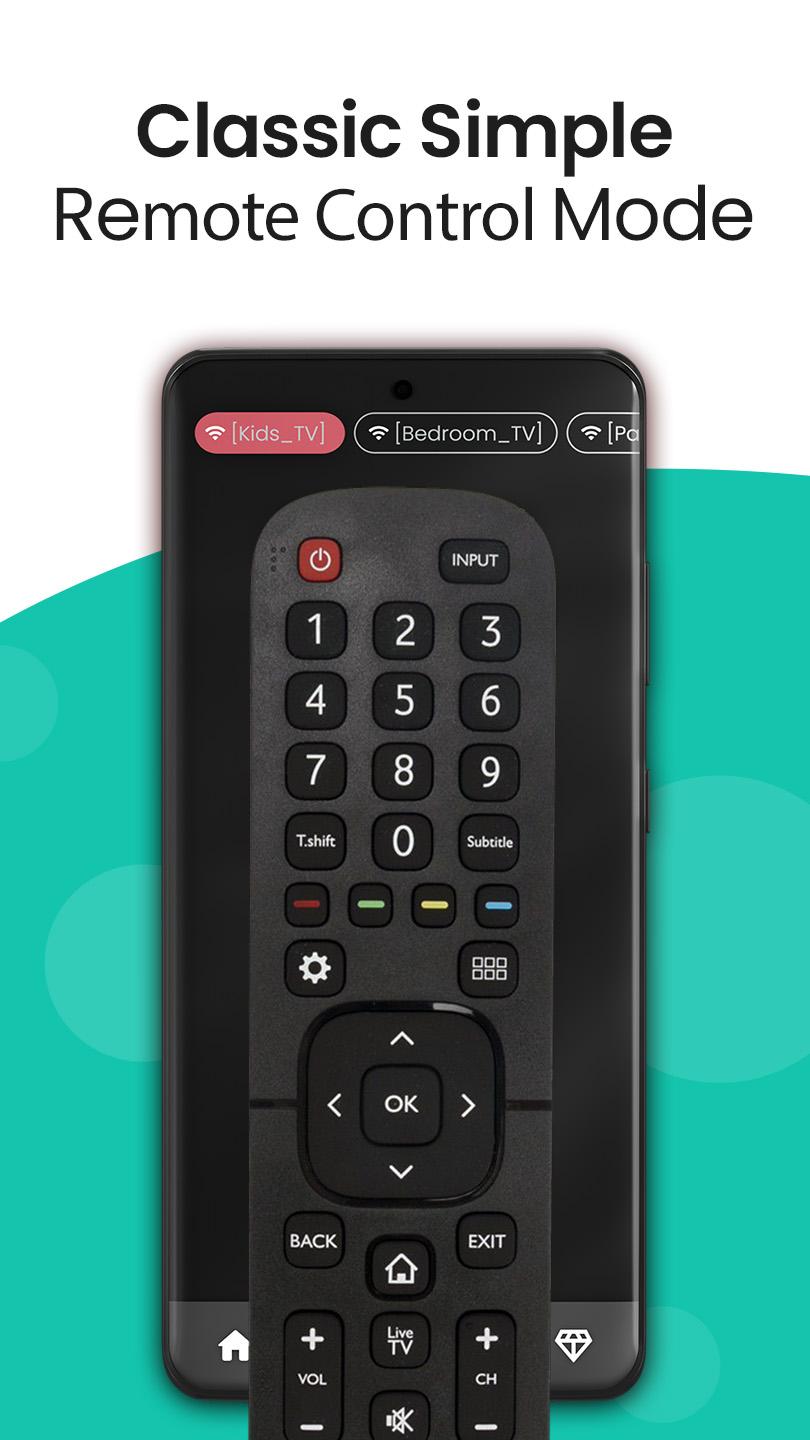
* Customizable Remote Skins: Choose skins that mimic your actual Hisense remote or offer fresh designs.
* Intuitive Touchpad: Navigate menus and apps with ease.
* Faster Text Entry: Type searches and login details quickly with the built-in keyboard.
* Mouse-Style Navigation: Use your phone as a mouse for fluid TV control.
* Voice Commands: Enjoy hands-free control for searching content or navigating menus.
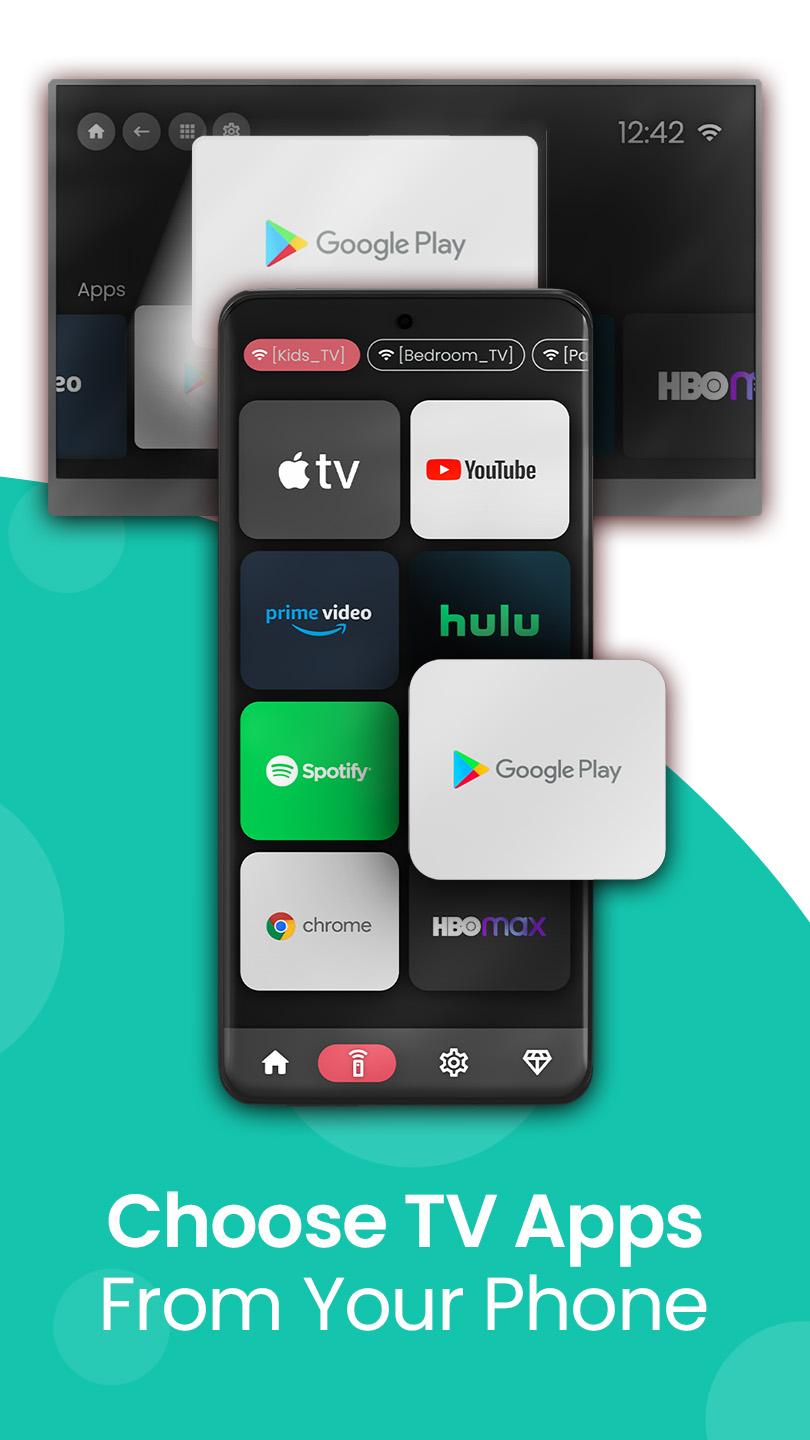
* Direct App Launch: Launch Netflix, Amazon Prime, YouTube, and more directly.
* Multi-TV Management: Control multiple Hisense Smart TVs; switch between them easily.
* Content Tracking: Resume favorite shows/movies instantly.
* Premium Upgrade: Go ad-free and unlock more features.
* Real-Time Sync: Instant commands between phone and TV.
* Android Optimized: Great universal Hisense TV controller app for Android users.
🔧 HOW IT WORKS
1. Connect phone and Hisense Smart TV to the same Wi-Fi network.
2. Ensure your TV is turned on.
3. Open the app and follow simple pairing instructions.
4. Start using your phone as a powerful smart remote!
🎯 WHO NEEDS THIS HISENSE REMOTE APP?
Perfect for anyone with a Hisense Smart TV (Android TV, VIDAA, or other compatible models) seeking a modern, convenient, and reliable universal Hisense TV remote control experience. Ideal for families, binge-watchers, and tech-savvy Android users.
🚀 BENEFITS OF USING OUR APP
* No more lost or broken remotes.
* Smoother navigation and faster typing.
* Easily launch and switch between streaming apps.
* Simplify TV usage with voice and gesture input.
* Great for accessibility and elderly users needing a larger interface.
* Universal Hisense TV Remote: Robust control for all compatible Hisense Smart TV models.
* Wi-Fi Connectivity: Seamlessly control over Wi-Fi – no extra hardware.
* A must-have Hisense smart remote app for Android phones.
❓ FAQs
✔️ Do I need Wi-Fi?
Yes, both phone and TV must be on the same Wi-Fi network.
✔️ Will this app work with other TVs?
Optimized for Hisense Smart TVs (Android TV/VIDAA);
✔️ How can I remove ads?
Upgrade to Premium within the app for an ad-free experience and bonus features.
⬇️ Download Now: Your Ultimate Hisense Smart TV Remote!
Get the Remote Control for Hisense Smart TV app today and transform your Android phone into the powerful, intuitive smart remote you've always desired.
Simple. Powerful. Personalized. Control your TV like never before! Ready for smarter streaming? Start now!
---
Disclaimer: This app is an independent product and is not an official Hisense application. It is not affiliated with, endorsed by, or sponsored by Hisense Group Co., Ltd. or any of its subsidiaries.
Preview
Tags
ToolsInformation
Developer
Mobile-Care
Latest Version
6.4.7.1
Last Updated
2025-07-26
Category
Tools
Available on
Google Play
Show More
How to play Remote for Hisense Smart TV with GameLoop on PC
1. Download GameLoop from the official website, then run the exe file to install GameLoop
2. Open GameLoop and search for “Remote for Hisense Smart TV” , find Remote for Hisense Smart TV in the search results and click “Install”
3. Enjoy playing Remote for Hisense Smart TV on GameLoop
Minimum requirements
OS
Windows 8.1 64-bit or Windows 10 64-bit
GPU
GTX 1050
CPU
i3-8300
Memory
8GB RAM
Storage
1GB available space
Recommended requirements
OS
Windows 8.1 64-bit or Windows 10 64-bit
GPU
GTX 1050
CPU
i3-9320
Memory
16GB RAM
Storage
1GB available space