RD Map PC
Radiodetection LTD
Download RD Map on PC With GameLoop Emulator
RD Map sa PC
Ang RD Map, na nagmumula sa developer na Radiodetection LTD, ay tumatakbo sa Android systerm sa nakaraan.
Ngayon, maaari mong laruin ang RD Map sa PC gamit ang GameLoop nang maayos.
I-download ito sa GameLoop library o mga resulta ng paghahanap. Hindi na tumitingin sa baterya o nakakadismaya na mga tawag sa maling oras.
I-enjoy lang ang RD Map PC sa malaking screen nang libre!
RD Map Panimula
RD Map is the Map&Share app which gathers survey measurements automatically to create maps of buried utility maps in real time*.
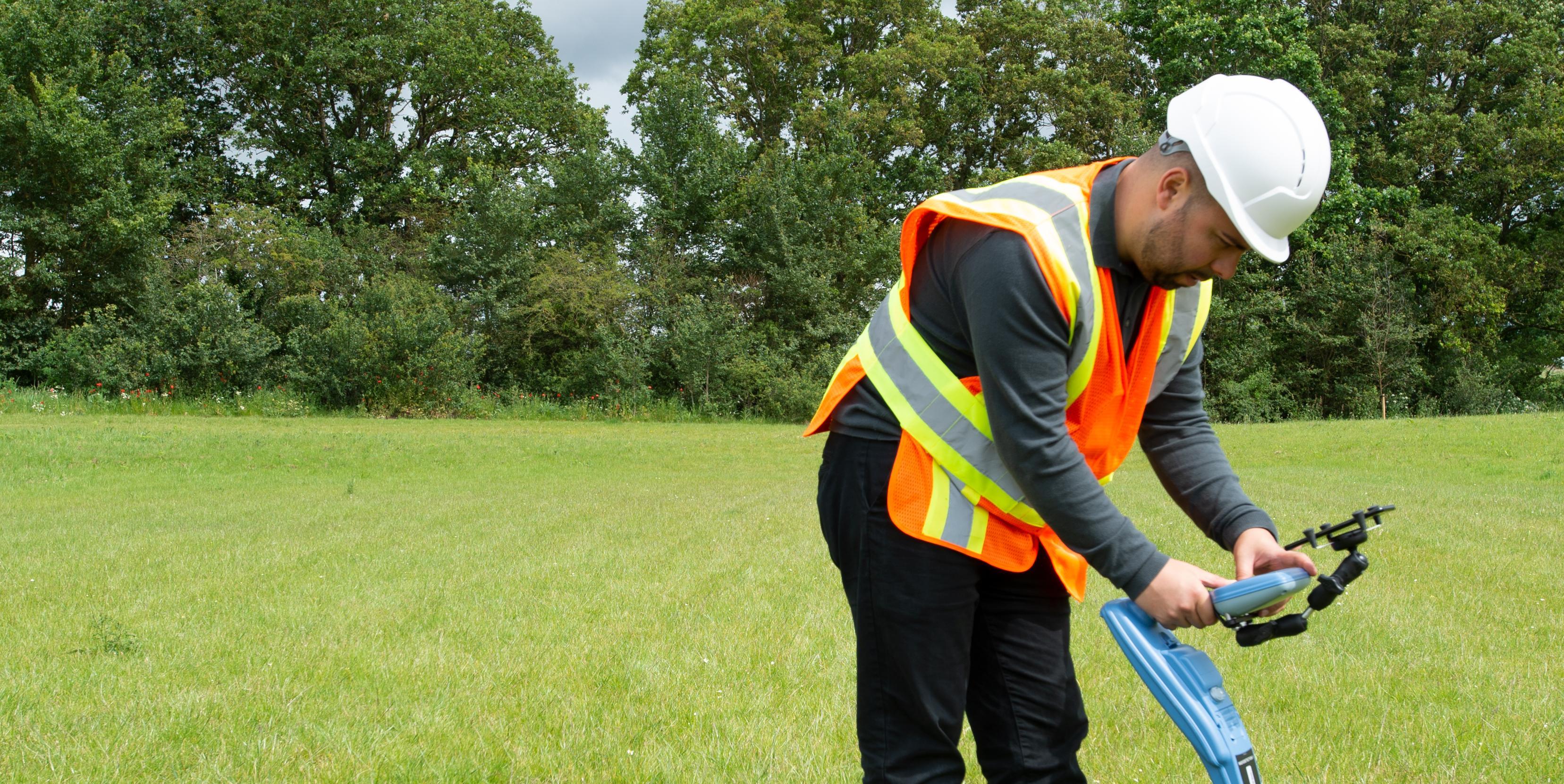
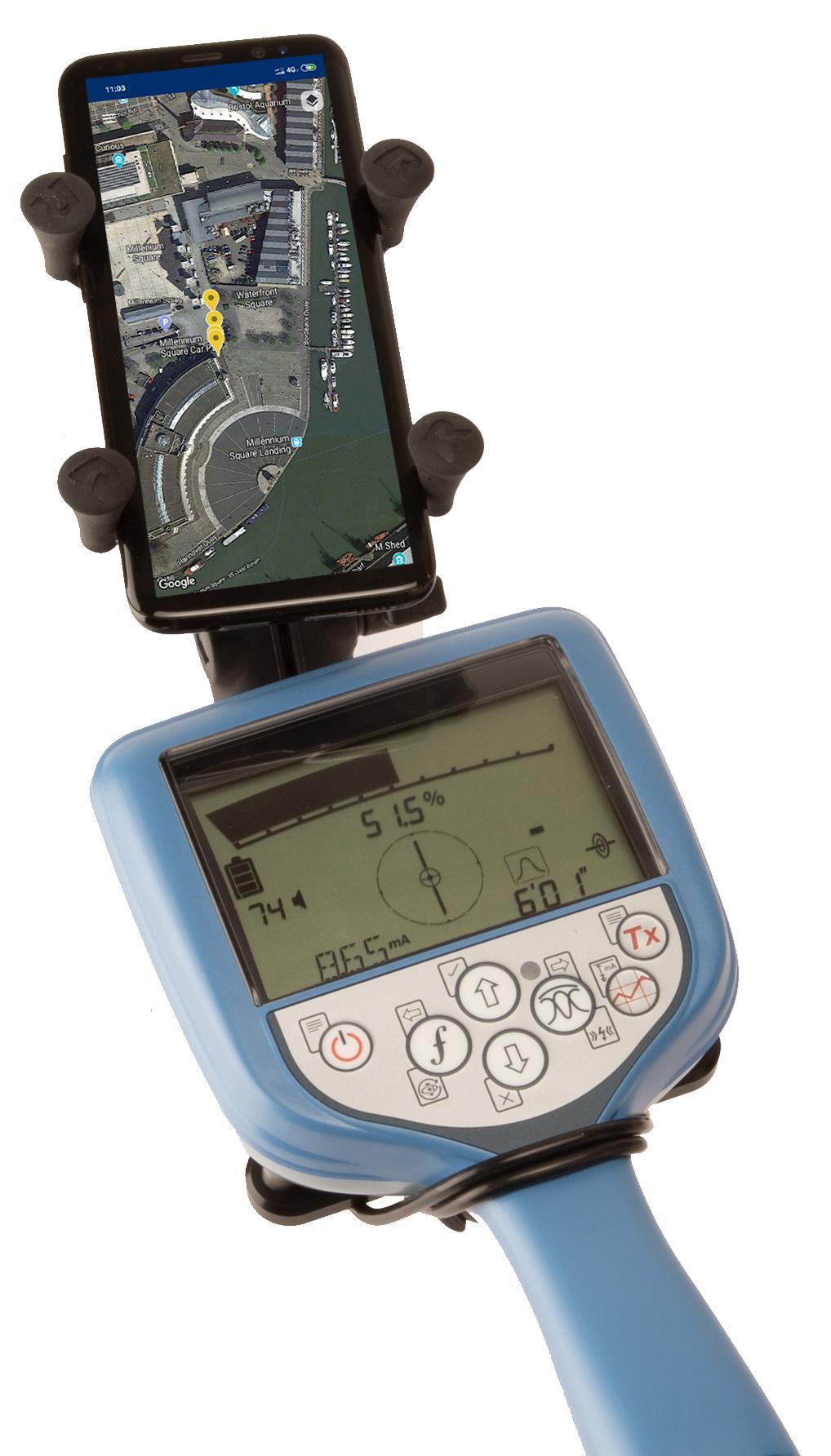
Designed to work with all of Radiodetection’s current Bluetooth Precision locators (all RD7100 RF marker and all RD8100 models) this simple to use app enables the creation of detailed maps of the utility being located:
Every time a survey measurement is taken using a paired locator, it is automatically added to a Google Maps map. Utility paths and icons are color coded, using standard utility colors, compliant with American Public Works Association
RD Map is powered by Google Maps mapping technology, allowing common gestures to change map type, pan, rotate or zoom the map. Distance measure and radius tools provide an easy way to validate the accuracy of the measurements’ position and enables manual correction of any position offset.
Utility maps can be shared as kml or csv files, using any compatible application.
Access to Support, FAQs, Operation Manuals, How To videos and much more is available on the Radiodetection Support Portal: support.radiodetection.com.
* Requires Android 5.1 or higher, data connectivity and Google Maps
Preview
Tags
ToolsInformation
Developer
Radiodetection LTD
Latest Version
1.1.0
Last Updated
2019-07-11
Category
Tools
Available on
Google Play
Show More
How to play RD Map with GameLoop on PC
1. Download GameLoop from the official website, then run the exe file to install GameLoop
2. Open GameLoop and search for “RD Map” , find RD Map in the search results and click “Install”
3. Enjoy playing RD Map on GameLoop
Minimum requirements
OS
Windows 8.1 64-bit or Windows 10 64-bit
GPU
GTX 1050
CPU
i3-8300
Memory
8GB RAM
Storage
1GB available space
Recommended requirements
OS
Windows 8.1 64-bit or Windows 10 64-bit
GPU
GTX 1050
CPU
i3-9320
Memory
16GB RAM
Storage
1GB available space