
QuickQR PC
keiziweb
Download QuickQR on PC With GameLoop Emulator
QuickQR sa PC
Ang QuickQR, na nagmumula sa developer na keiziweb, ay tumatakbo sa Android systerm sa nakaraan.
Ngayon, maaari mong laruin ang QuickQR sa PC gamit ang GameLoop nang maayos.
I-download ito sa GameLoop library o mga resulta ng paghahanap. Hindi na tumitingin sa baterya o nakakadismaya na mga tawag sa maling oras.
I-enjoy lang ang QuickQR PC sa malaking screen nang libre!
QuickQR Panimula
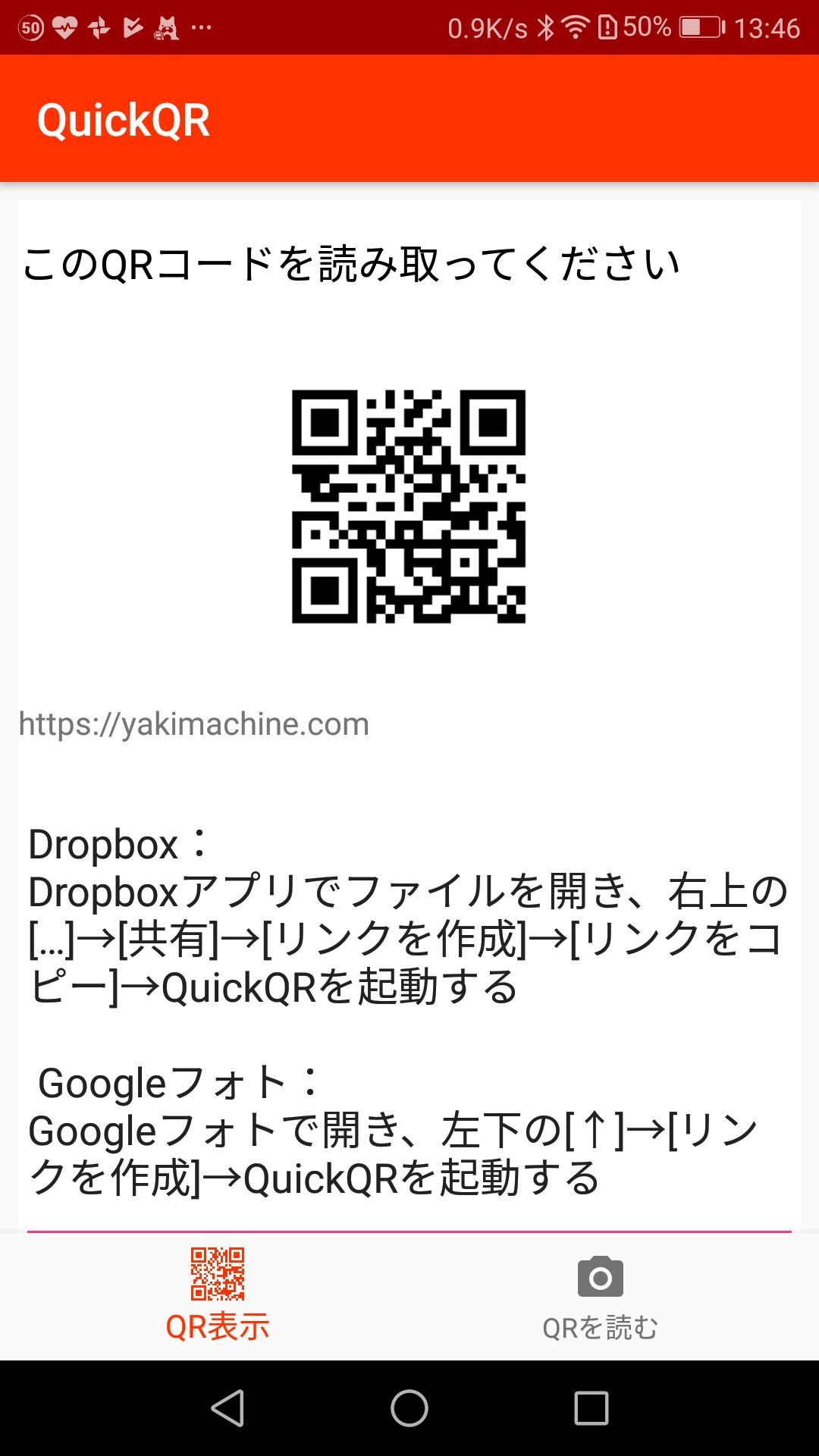
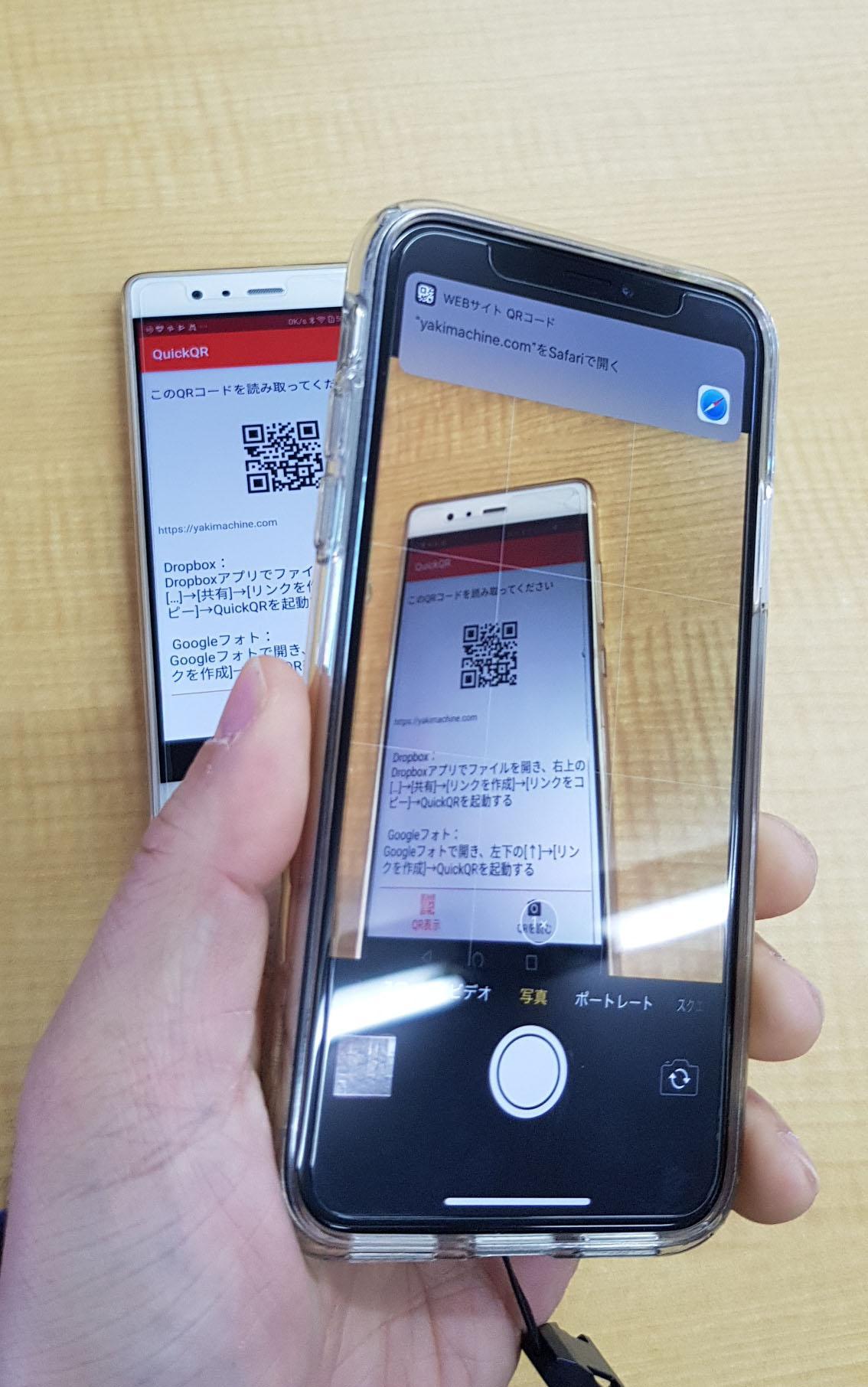
例えば、DropboxやGoogleフォトに入れた写真や動画、その他ファイルの共有URLをQRコードにして相手のスマホで読めば簡単に渡せます。
連絡先の交換なしでプラットフォームやOSの違いを越えてファイルを簡単に渡せます。
■使用方法
1.ファイル共有アプリで共有リンクをクリップボードにコピー。
2.QuickQRを起動してQRコードを表示。
3.相手のスマホでQRコードを読んで開く。
Dropbox:
Dropboxアプリでファイルを開き、右上の[…]->[共有]->[リンクを作成]->[リンクをコピー]->QuickQRを起動する
Googleフォト:
Googleフォトで開き、左下の[エクスポートボタン]->[リンクを作成]->QuickQRを起動する
Googleドライブ:
Googleドライブでファイルを開き、 右上の[...]->[リンクの共有]をオン->QuickQRを起動する
Preview
Tags
ToolsInformation
Developer
keiziweb
Latest Version
1.0.2
Last Updated
2018-07-03
Category
Tools
Available on
Google Play
Show More
How to play QuickQR with GameLoop on PC
1. Download GameLoop from the official website, then run the exe file to install GameLoop
2. Open GameLoop and search for “QuickQR” , find QuickQR in the search results and click “Install”
3. Enjoy playing QuickQR on GameLoop
Minimum requirements
OS
Windows 8.1 64-bit or Windows 10 64-bit
GPU
GTX 1050
CPU
i3-8300
Memory
8GB RAM
Storage
1GB available space
Recommended requirements
OS
Windows 8.1 64-bit or Windows 10 64-bit
GPU
GTX 1050
CPU
i3-9320
Memory
16GB RAM
Storage
1GB available space