QR Code Scan & Barcode ScanApp PC
Creative Technolabs Inc.
Download QR Code Scan & Barcode ScanApp on PC With GameLoop Emulator
QR Code Scan & Barcode ScanApp sa PC
Ang QR Code Scan & Barcode ScanApp, na nagmumula sa developer na Creative Technolabs Inc., ay tumatakbo sa Android systerm sa nakaraan.
Ngayon, maaari mong laruin ang QR Code Scan & Barcode ScanApp sa PC gamit ang GameLoop nang maayos.
I-download ito sa GameLoop library o mga resulta ng paghahanap. Hindi na tumitingin sa baterya o nakakadismaya na mga tawag sa maling oras.
I-enjoy lang ang QR Code Scan & Barcode ScanApp PC sa malaking screen nang libre!
QR Code Scan & Barcode ScanApp Panimula
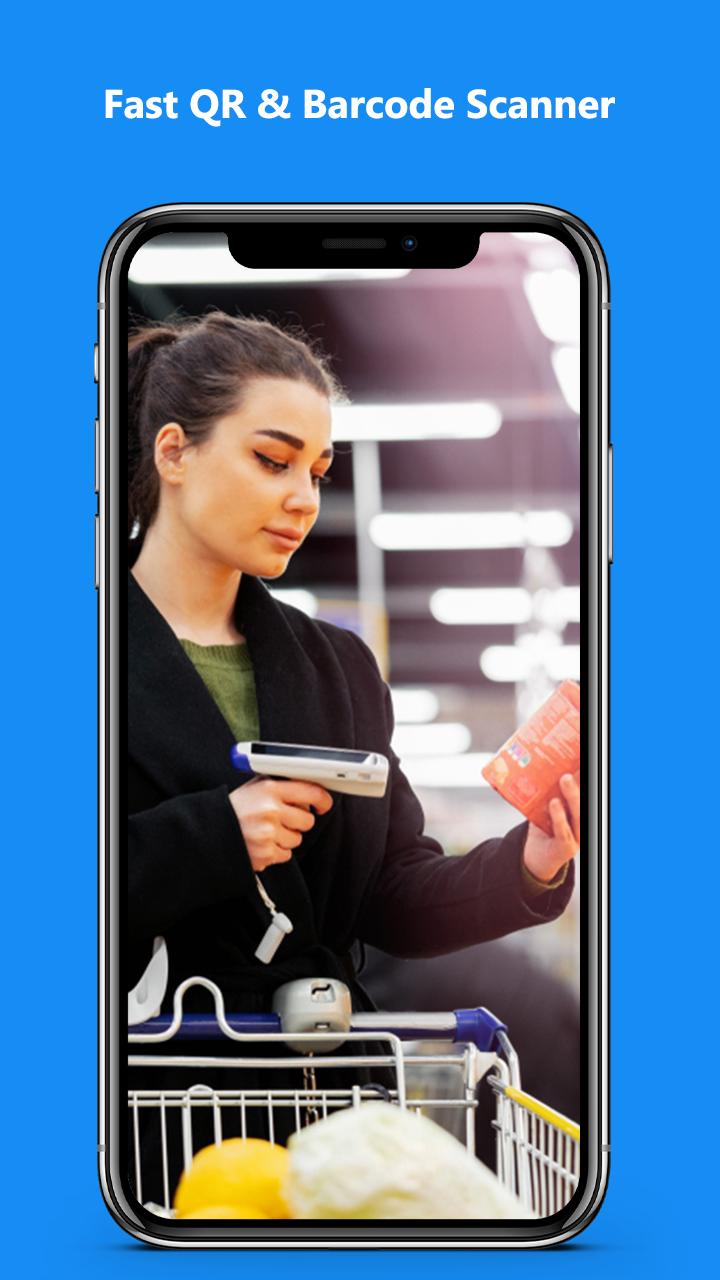
QR Code Scanner & Barcode Scanner app is the fastest QR code scanner / bar code scanner out there. QR & Barcode Scanner is an essential QR reader for every Android device.
Scan any QR code or barcode to get additional information including results from popular online services; Amazon, eBay and Google - 100% FREE!
Features:
*Safe & easy-to-use scanner app
*Instant scan
*Privacy safe, only camera permission required
*Price scanner
*Support scan QR & barcodes from gallery
*Scan history saved
*Flashlight supported
*Auto zoom
*No internet connection required
QR Code Generator is a simple and convenient tool that help you create QR Code image displayed on the screen. Several content types are supported, include Text, Url, Email, Phone number, Contact, Geolocation and SMS.
- Easily scan QR code and generate qr code
- Powerful QR decode speed
- QRcode generator allow you to encrypt personal information, create codes for messages, email, wifi, phone numbers, location and share with friends...
- Generate QR code for a piece of text, a web link
- Create QR code for the message you want to send to your friends or relatives
- Generate code for the directions map where you will go and share it with everyone.
- Create QR from contacts or bookmarks for your friend to scan it on their device
- Barcode scanner feature allows you to view detailed product informationat stores, supermarkets, ...
- QRcode scanner does not need Internet connection to scan QR code/ barcode
- The QR code generator can saves and shares code you just encrypted
- Save QR history, filter support and search your QR scan history
Supported QR codes:
• website links (URL)
• contact data (MeCard, vCard, vcf)
• calendar events
• WiFi hotspot access information
• geo locations
• phone call information
• email, SMS and MATMSG
Key features of QR code reader / QR code scanner for android
• free extreme QR code reader app
• free lightning QR code scanner app.
• free Barcode scanner app
• free Barcode reader app
Barcodes and two-dimensional codes:
• article numbers (EAN, UPC, JAN, GTIN, ISBN)
• Codabar or Codeabar
• Code 39, Code 93 and Code 128
• Interleaved 2 of 5 (ITF)
• PDF417
• GS1 DataBar (RSS-14)
• Aztec Code
• Data Matrix
Preview

Tags
ToolsInformation
Developer
Creative Technolabs Inc.
Latest Version
1.2
Last Updated
2022-09-23
Category
Tools
Available on
Google Play
Show More
How to play QR Code Scan & Barcode ScanApp with GameLoop on PC
1. Download GameLoop from the official website, then run the exe file to install GameLoop
2. Open GameLoop and search for “QR Code Scan & Barcode ScanApp” , find QR Code Scan & Barcode ScanApp in the search results and click “Install”
3. Enjoy playing QR Code Scan & Barcode ScanApp on GameLoop
Minimum requirements
OS
Windows 8.1 64-bit or Windows 10 64-bit
GPU
GTX 1050
CPU
i3-8300
Memory
8GB RAM
Storage
1GB available space
Recommended requirements
OS
Windows 8.1 64-bit or Windows 10 64-bit
GPU
GTX 1050
CPU
i3-9320
Memory
16GB RAM
Storage
1GB available space