
PROSARIS PC
Prosaris Solutions Ltd.
Download PROSARIS on PC With GameLoop Emulator
PROSARIS sa PC
Ang PROSARIS, na nagmumula sa developer na Prosaris Solutions Ltd., ay tumatakbo sa Android systerm sa nakaraan.
Ngayon, maaari mong laruin ang PROSARIS sa PC gamit ang GameLoop nang maayos.
I-download ito sa GameLoop library o mga resulta ng paghahanap. Hindi na tumitingin sa baterya o nakakadismaya na mga tawag sa maling oras.
I-enjoy lang ang PROSARIS PC sa malaking screen nang libre!
PROSARIS Panimula
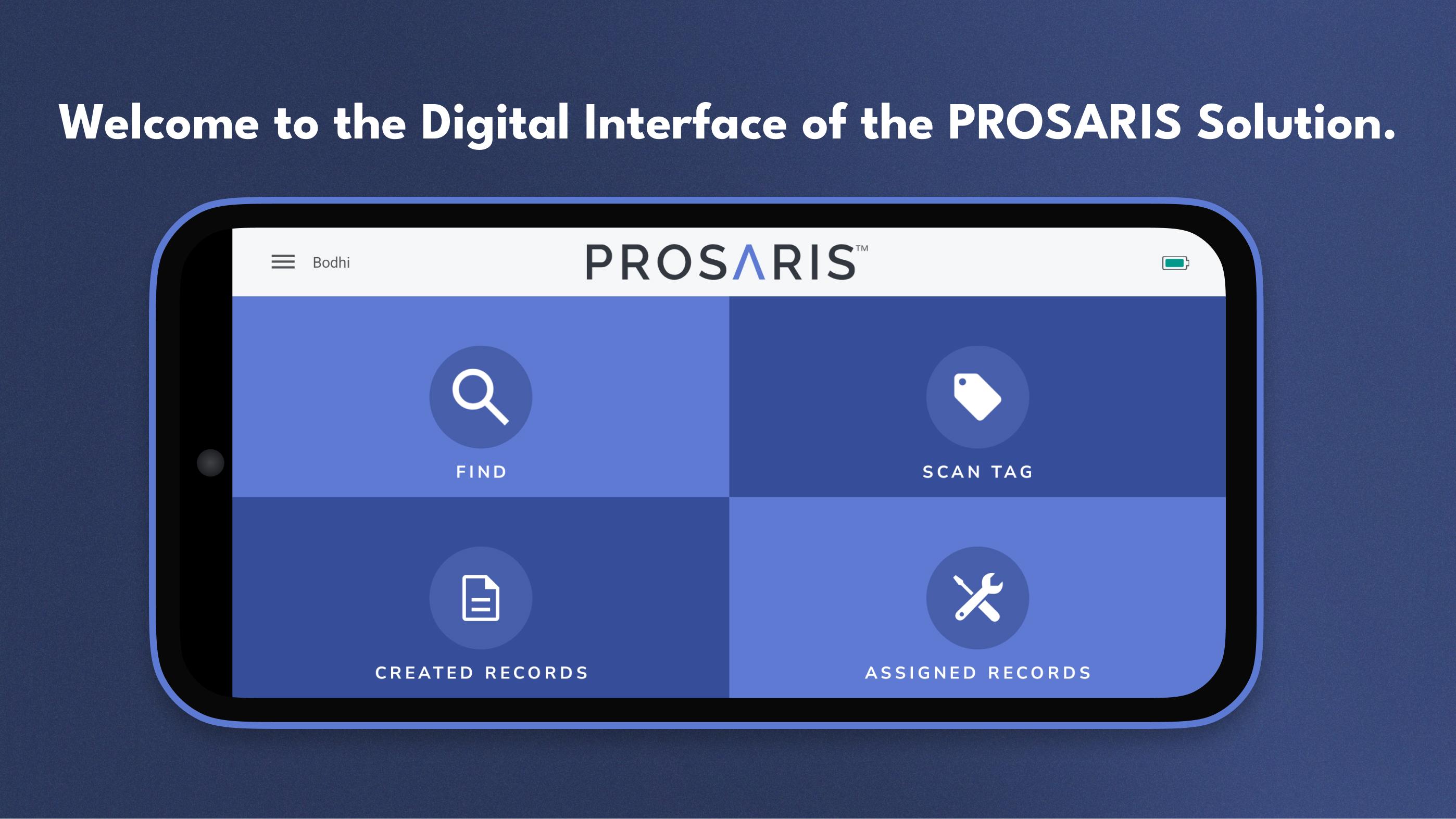
The PROSARIS App provides the digital interface of our PROSARIS Smart Detection & Energy Management Solution. Please note that a PROSARIS OL1 or OL2 ultrasonic sensor is required to fully access the app’s features and functionality. Just connect the sensor to a mobile device with the downloaded PROSARIS app, and you’ve created a handheld ultrasonic source locator and event management tool.
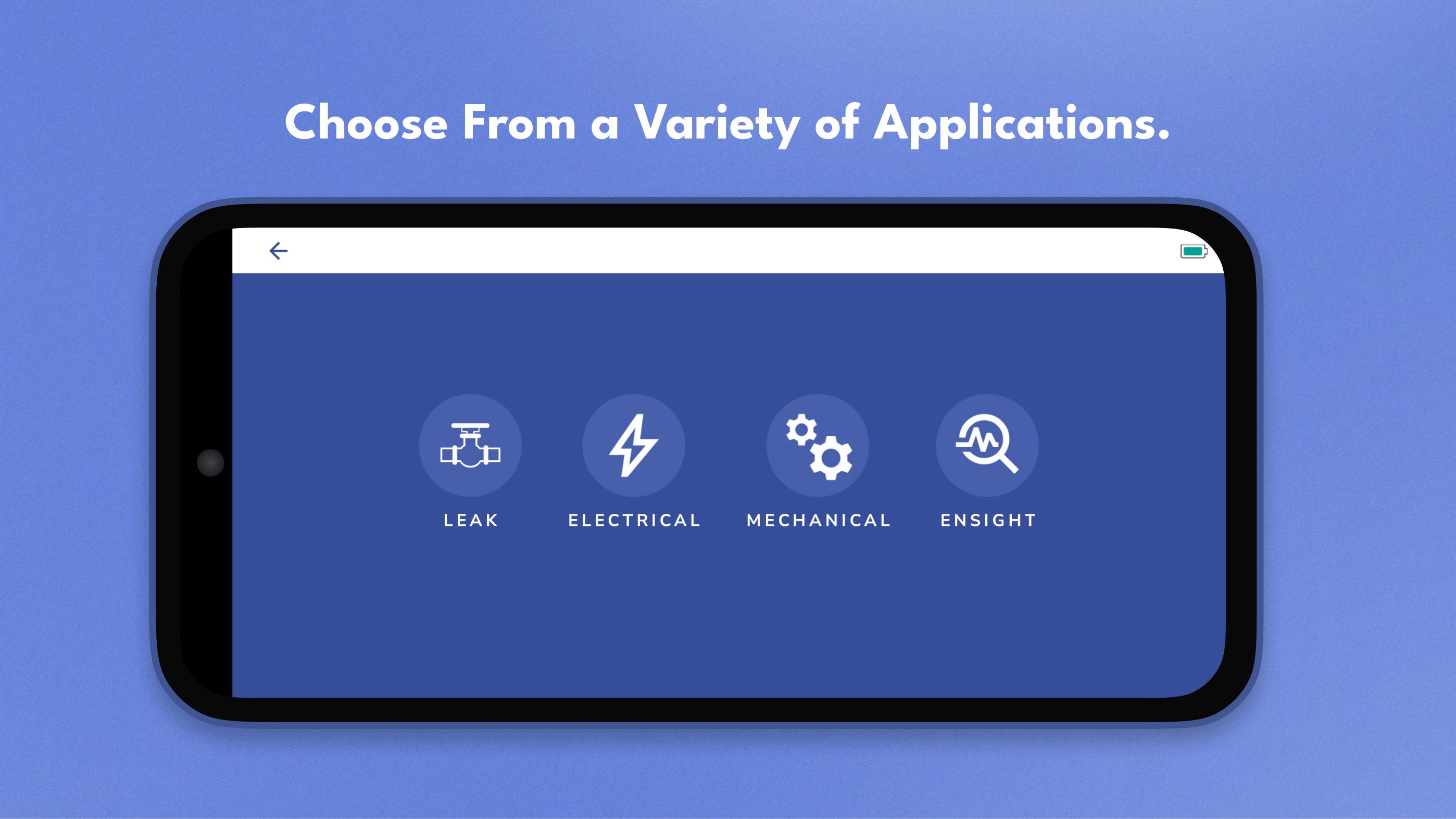
Locate fluid leaks and electrical faults with precision. The app receives data from the OL device’s 24 MEMS microphones and provides volume flow and calculated loss in real time. Additionally, you can upload your facility’s floorplans and create Routes, allowing you to more efficiently locate and document leaks and electrical integrity concerns.
Create records for future resolution. By incorporating event resolution into the regular workflow, PROSARIS enables you to minimize unplanned downtime and operate your systems at optimal efficiency. After you’ve located a leak or fault, easily create a record that includes all relevant data, sound recordings, and images. You can upload your records from the app to the PROSARIS Platform for further analysis, communication, and management. Assign records to team members for increased levels of organization and optimization. You can even add an NFC-enabled Smart Tag to your record, allowing other team members to effortlessly pick up where you left off.
Customize parameters and facility information. The app includes a wide range of settings that ensure your parameter, facility, and company data & information is as dynamic and accurate as possible.
Preview
Tags
ToolsInformation
Developer
Prosaris Solutions Ltd.
Latest Version
3.4.2
Last Updated
2025-08-21
Category
Tools
Available on
Google Play
Show More
How to play PROSARIS with GameLoop on PC
1. Download GameLoop from the official website, then run the exe file to install GameLoop
2. Open GameLoop and search for “PROSARIS” , find PROSARIS in the search results and click “Install”
3. Enjoy playing PROSARIS on GameLoop
Minimum requirements
OS
Windows 8.1 64-bit or Windows 10 64-bit
GPU
GTX 1050
CPU
i3-8300
Memory
8GB RAM
Storage
1GB available space
Recommended requirements
OS
Windows 8.1 64-bit or Windows 10 64-bit
GPU
GTX 1050
CPU
i3-9320
Memory
16GB RAM
Storage
1GB available space