
Ping Toolkit:Network Test Tool PC
API Software
Download Ping Toolkit:Network Test Tool on PC With GameLoop Emulator
Ping Toolkit:Network Test Tool sa PC
Ang Ping Toolkit:Network Test Tool, na nagmumula sa developer na API Software, ay tumatakbo sa Android systerm sa nakaraan.
Ngayon, maaari mong laruin ang Ping Toolkit:Network Test Tool sa PC gamit ang GameLoop nang maayos.
I-download ito sa GameLoop library o mga resulta ng paghahanap. Hindi na tumitingin sa baterya o nakakadismaya na mga tawag sa maling oras.
I-enjoy lang ang Ping Toolkit:Network Test Tool PC sa malaking screen nang libre!
Ping Toolkit:Network Test Tool Panimula
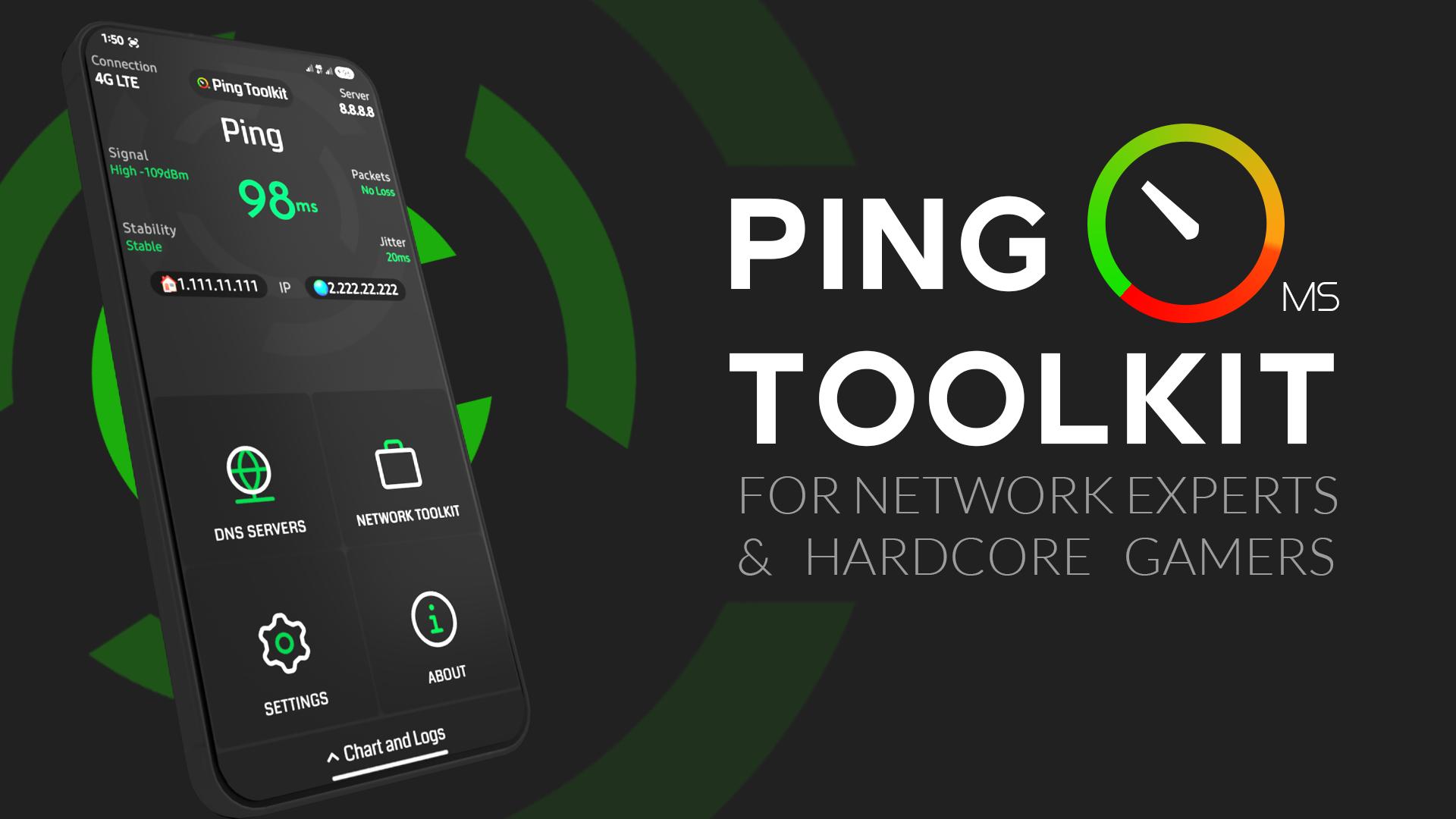
Test Ping and Latency, Calculate Packet Loss and jitter, Ping Servers, Test Network Speed, Test Public DNS Servers, Show Online Games Ping in Real-time, DNS lookup, IP Geolocation, Geolocation ping, Traceroute, MTR, Wifi Scan, Port Scan, Wifi Info Cellular Info, Wifi Call Check, IMEI Check.
✅ Offering all You Need For Internet Quality Testing.
App Features:
• Check Your Internet Ping and signal
• Detect Packet Loss, jitter and network stability
• Check Your Internet Speed download/upload in bits or bytes
• Test Public DNS Servers to know The best For You
• Check online games real Pings with full screen monitor
• Supports Console Terminal (CMD) For Advanced Ping Commands
• Linux Commands Generator included to Set Packets Characteristics Easily
• DNS Lookup
• IP GeoLocation
• Traceroute & MTR
• Wifi Devices Scan & Router Info
• Port Scan
• Cellular Z Info
• Wifi Call Check
• Ping service that shows ping in status bar
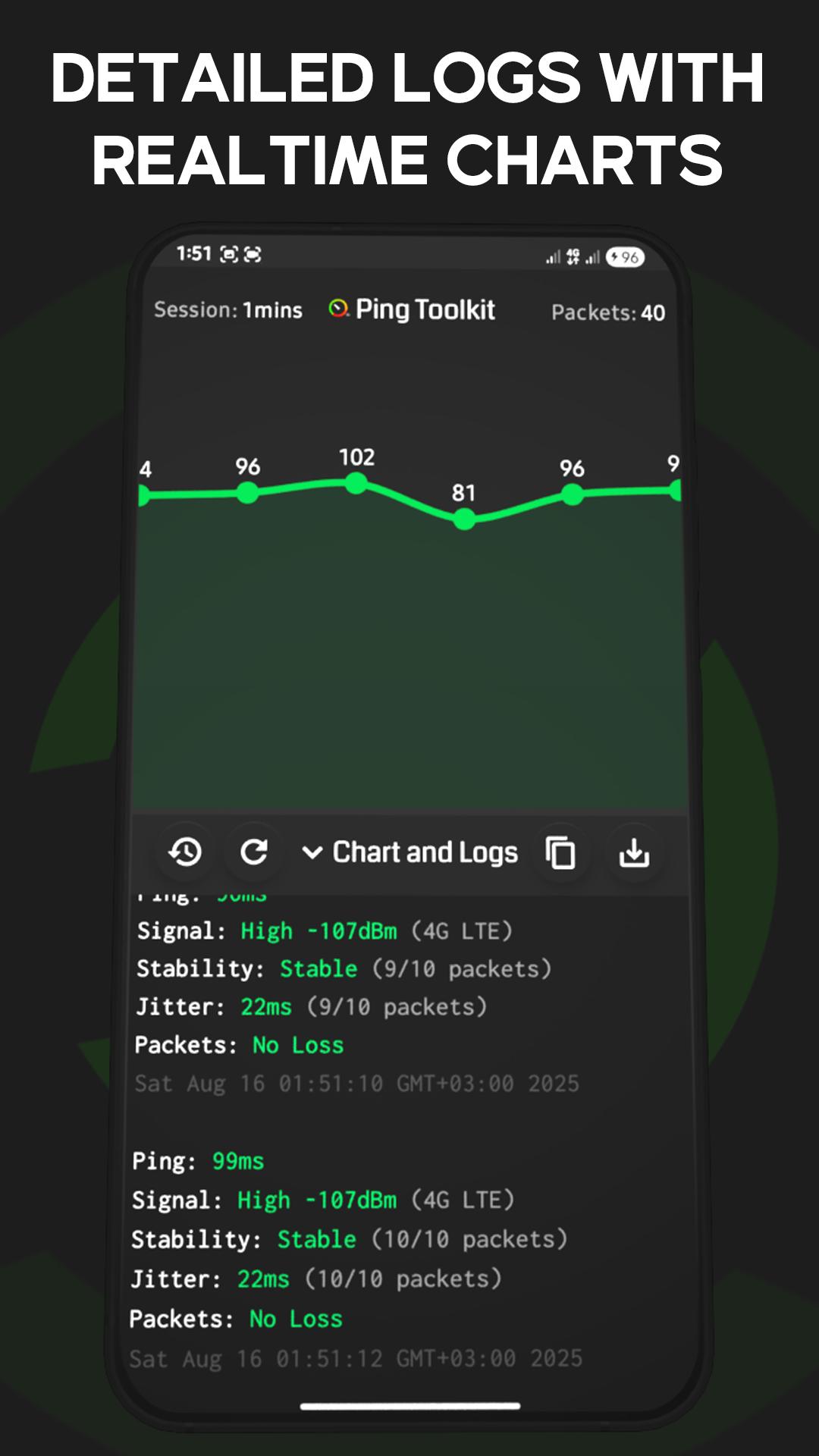
• Detailed logs and charts with auto saved history
🎮 Supported online Games:
- Pubg
- Rocket League
- League of Legends
- Valorant
- Dota 2
- Rainbow SIX Siege
- CS:GO
- Halo Infinite
- OverWatch
- Apex Legends
- Battlefield
- Rogue Company
- FIFA Ultimate Team
- World Of WarCraft
- Fortnite
- World Of Tanks
📌 Note: Phone calls Permission only required for mobile data detection. App will still work without it.
Preview
Tags
ToolsInformation
Developer
API Software
Latest Version
6.0.0
Last Updated
2025-08-17
Category
Tools
Available on
Google Play
Show More
How to play Ping Toolkit:Network Test Tool with GameLoop on PC
1. Download GameLoop from the official website, then run the exe file to install GameLoop
2. Open GameLoop and search for “Ping Toolkit:Network Test Tool” , find Ping Toolkit:Network Test Tool in the search results and click “Install”
3. Enjoy playing Ping Toolkit:Network Test Tool on GameLoop
Minimum requirements
OS
Windows 8.1 64-bit or Windows 10 64-bit
GPU
GTX 1050
CPU
i3-8300
Memory
8GB RAM
Storage
1GB available space
Recommended requirements
OS
Windows 8.1 64-bit or Windows 10 64-bit
GPU
GTX 1050
CPU
i3-9320
Memory
16GB RAM
Storage
1GB available space