PICO PC
Pico Immersive Pte. Ltd.
Download PICO on PC With GameLoop Emulator
PICO sa PC
Ang PICO, na nagmumula sa developer na Pico Immersive Pte. Ltd., ay tumatakbo sa Android systerm sa nakaraan.
Ngayon, maaari mong laruin ang PICO sa PC gamit ang GameLoop nang maayos.
I-download ito sa GameLoop library o mga resulta ng paghahanap. Hindi na tumitingin sa baterya o nakakadismaya na mga tawag sa maling oras.
I-enjoy lang ang PICO PC sa malaking screen nang libre!
PICO Panimula
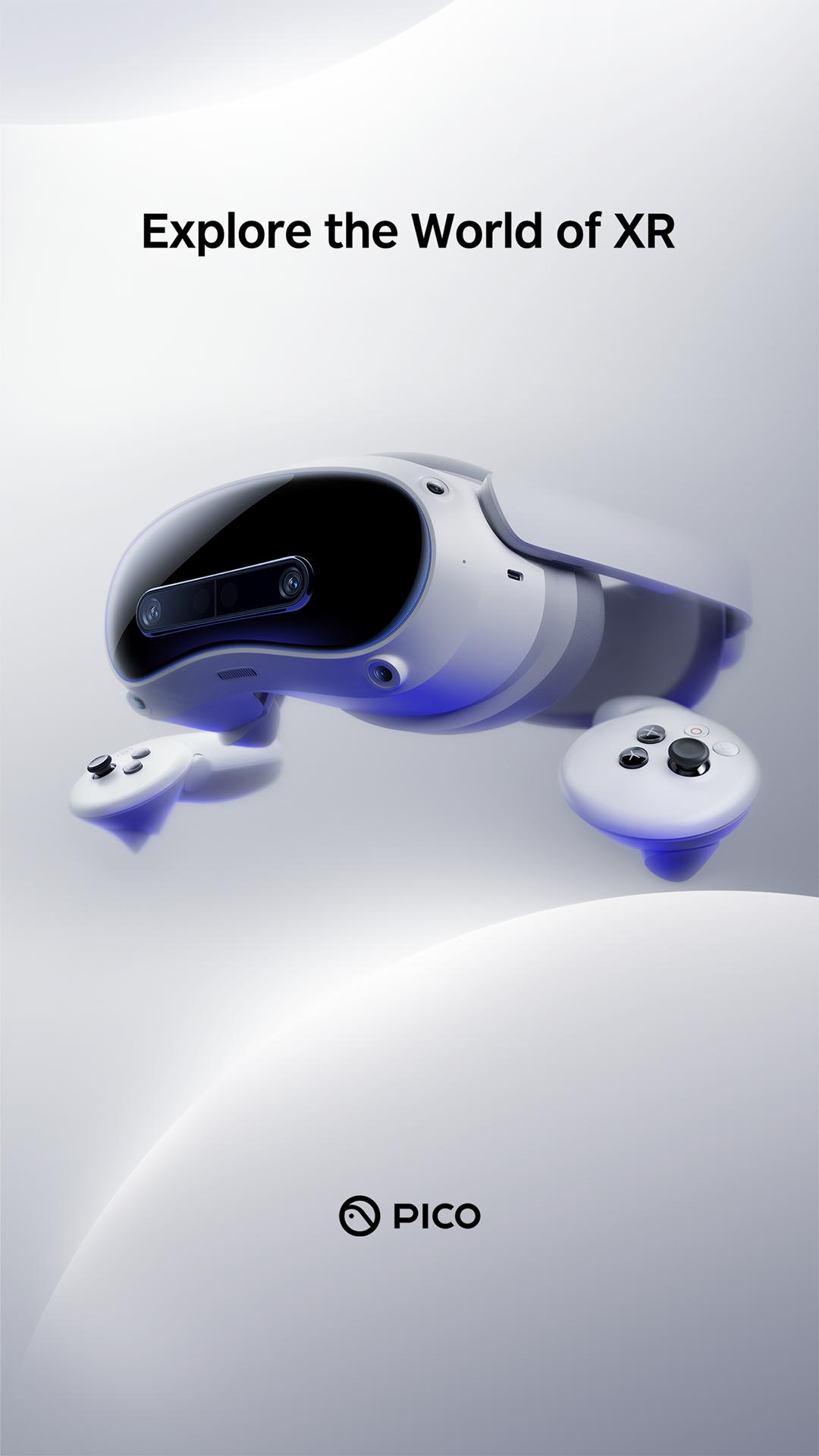
Manage your PICO 4 Ultra, PICO 4 Pro, PICO 4, PICO Neo3 Link.
With PICO App, you can:
• Manage your PICO Account and PICO headset.
• Manage your XR App library.
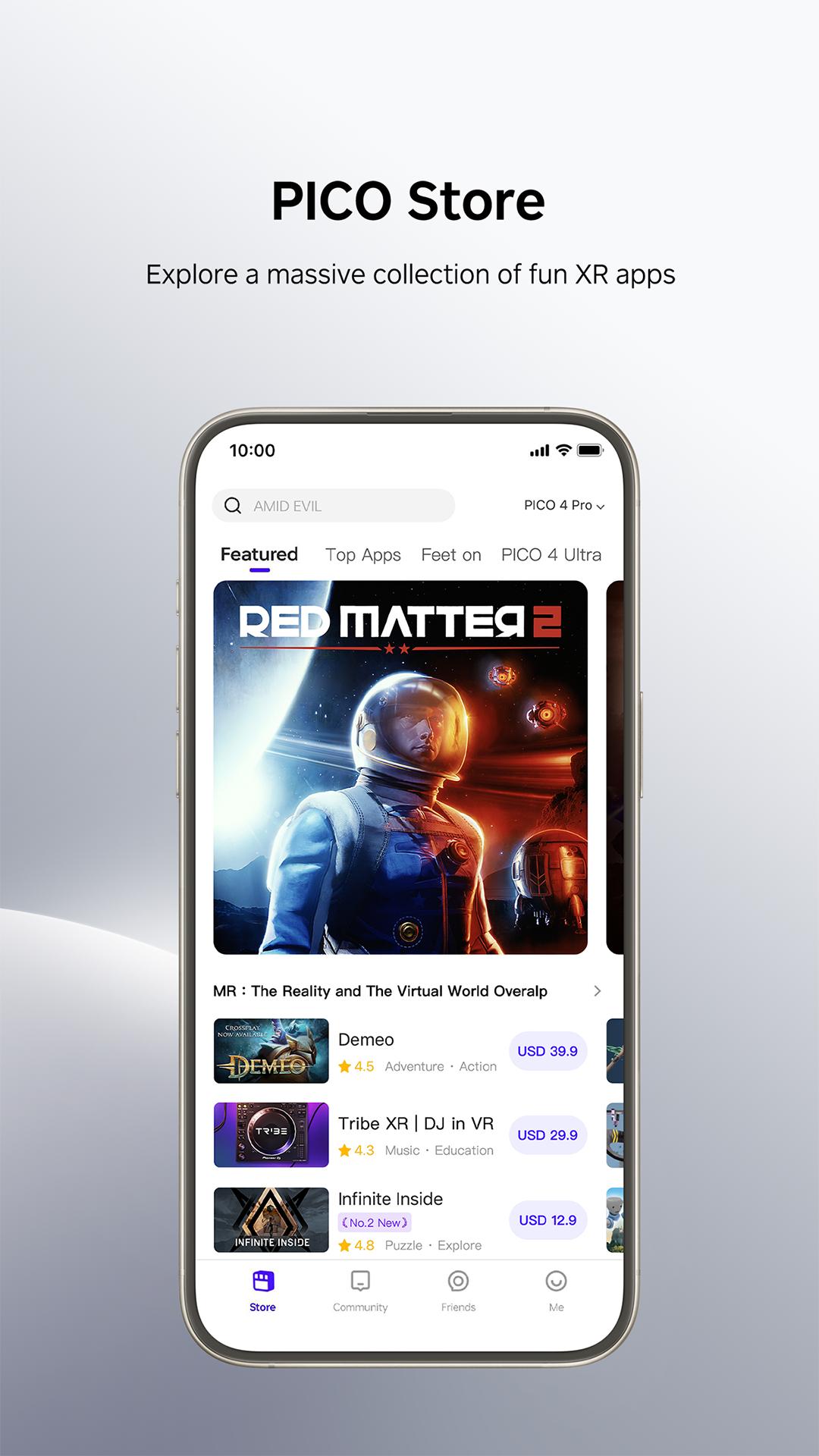
• Browse and purchase XR content on PICO Store.
• Participate in community forums, share your fantastic XR experience.
• Link with your PICO friends, and play together
• Casting PICO headset screen to phone directly
• Import your media to the Photos on PICO 4 Ultra
• Supports Phone mirroring on PICO 4 Ultra
App permissions
The following app permissions determine how you can use your phone with PICO XR.
Accessibility service API (optional)
Enabling the Accessibility Service API allows your phone to mirror its screen on PICO 4 Ultra. This includes the following screen mirroring operations:
- Record phone screen, encode the picture and send it to the PICO device
- PICO device receives and decodes data, then shows the picture on screen
- Trigger touch events on the phone screen
To know more about phone mirroring, see introduction document:
Introduction to mobile phone Screen Mirroring
Notifications (optional)
Apply for notification permissions for store activity notifications, friend messages, and necessary application feature status notifications
PICO will protect your personal data. See our Privacy Policy to find out more.
Preview
Tags
ToolsInformation
Developer
Pico Immersive Pte. Ltd.
Latest Version
10.8.2
Last Updated
2025-06-11
Category
Tools
Available on
Google Play
Show More
How to play PICO with GameLoop on PC
1. Download GameLoop from the official website, then run the exe file to install GameLoop
2. Open GameLoop and search for “PICO” , find PICO in the search results and click “Install”
3. Enjoy playing PICO on GameLoop
Minimum requirements
OS
Windows 8.1 64-bit or Windows 10 64-bit
GPU
GTX 1050
CPU
i3-8300
Memory
8GB RAM
Storage
1GB available space
Recommended requirements
OS
Windows 8.1 64-bit or Windows 10 64-bit
GPU
GTX 1050
CPU
i3-9320
Memory
16GB RAM
Storage
1GB available space