
PhotoConvert: JPG PNG WebP GIF PC
Getinfotoyou
Download PhotoConvert: JPG PNG WebP GIF on PC With GameLoop Emulator
PhotoConvert: JPG PNG WebP GIF sa PC
Ang PhotoConvert: JPG PNG WebP GIF, na nagmumula sa developer na Getinfotoyou, ay tumatakbo sa Android systerm sa nakaraan.
Ngayon, maaari mong laruin ang PhotoConvert: JPG PNG WebP GIF sa PC gamit ang GameLoop nang maayos.
I-download ito sa GameLoop library o mga resulta ng paghahanap. Hindi na tumitingin sa baterya o nakakadismaya na mga tawag sa maling oras.
I-enjoy lang ang PhotoConvert: JPG PNG WebP GIF PC sa malaking screen nang libre!
PhotoConvert: JPG PNG WebP GIF Panimula
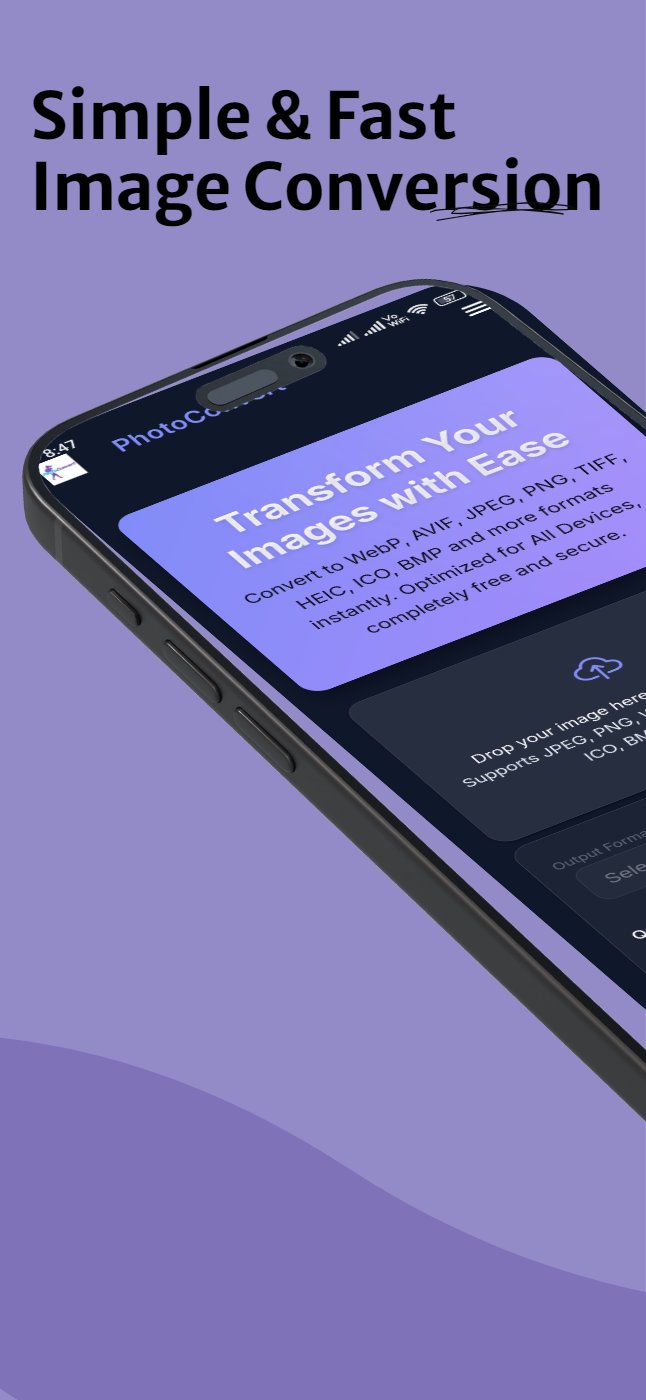
Photoconvert is a free multiple image converter and size reducer
Convert multiple batch of image to jpeg, jpg, png, gif, bmp, avif, tiff, heic, ico and webp.
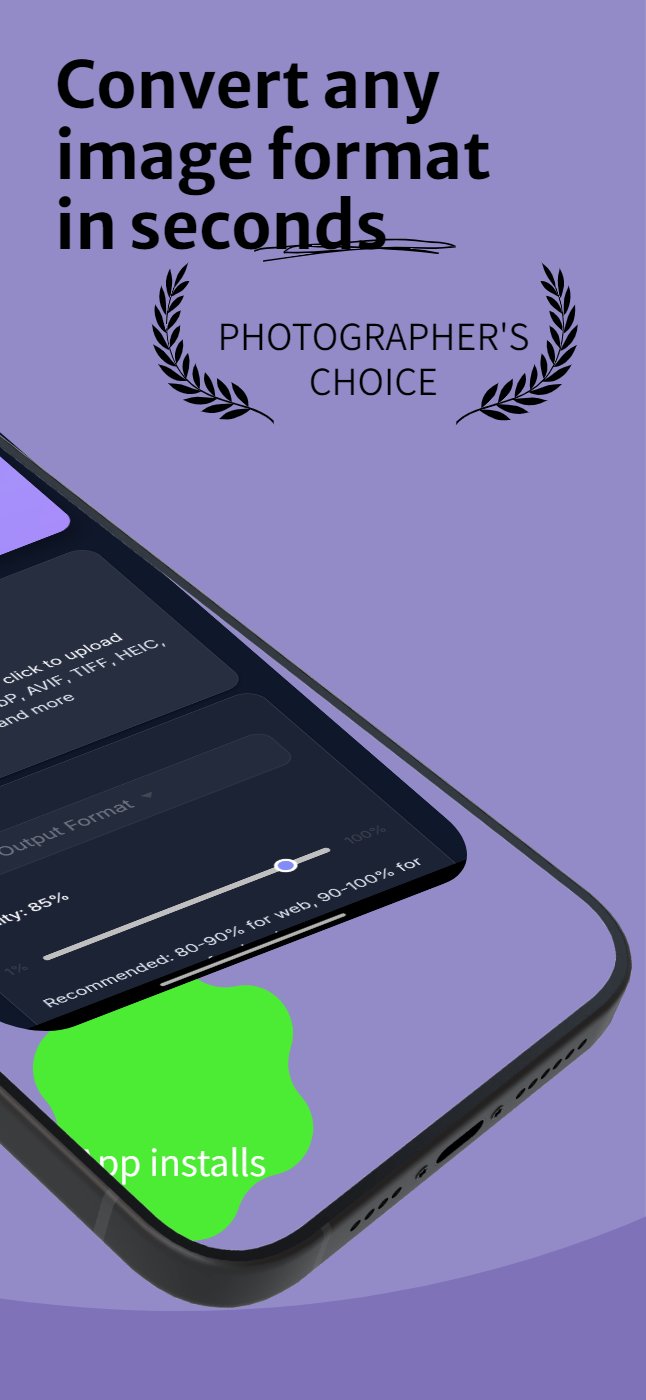
Reduce quality of image by changing quality for free.
This easy to use Image converter helps you quickly convert image to your desire format and reduce your picture size by changing quality. This converted image can be used for text messages, e-mails, web forms, etc. send your pictures much faster to your friends and family.
If you quickly want to convert any image into jpeg, jpg, webp, png, bmp, avif, tiff, heic, ico or gif and also want to reduce size of image without losing much quality of image then photoconvert is right choice for you.
Many sites and application require photos in specific file format and with very less size photoconvert will help you in it. Some times you need to convert multiple image at same time to reduce stress of selecting each image one by one and converting photoconvert allow you to convert multiple image at same time very quickly. Aspect ratio of all images are maintain as it after conversion.
All the converted images will be directly save to your external storage and you can also share individual image using app to your friends and colleges.
How photoconvert work:
1) Select single or multiple images to process
2) Select desire image format you want to convert
3) Change the quality of image as per your choice
4) Click on convert button
5) All image will be save to your storage and you can share it by clicking share button
Photoconvert Features:
* Absolutely free
* Very easy to use
* Batch convert select more than one image
* Original pictures are not affected
* Resized pictures are automatically saved to external storage directory
* Change file size of image without losing much quality
* Reducing photo size preserves original quality and aspect ratio
* Very good compression of images
* The resized photo can easily be:
* Sent converted images via email or text message
* Shared to social media apps
* App support split screen so use while using other apps
* App can be use in dark mode as per device settings
Image can be converted into following formats
1) Any image format to JPEG converter
2) Any image format to JPG converter
3) Any image format to PNG converter
4) Any image format to GIF converter
5) Any image format to WEBP converter
6) Any image format to BMP converter
7) Any image format to AVIF converter
8) Any image format to TIFF converter
9) Any image format to HIEC converter
10) Any image format to ICO converter
If you have any suggestion or improvements email us at getinfotoyou@gmail.com.
We are going to add more image formats and functionality in upcoming updates.
Preview
Tags
ToolsInformation
Developer
Getinfotoyou
Latest Version
1.0.3
Last Updated
2025-11-12
Category
Tools
Available on
Google Play
Show More
How to play PhotoConvert: JPG PNG WebP GIF with GameLoop on PC
1. Download GameLoop from the official website, then run the exe file to install GameLoop
2. Open GameLoop and search for “PhotoConvert: JPG PNG WebP GIF” , find PhotoConvert: JPG PNG WebP GIF in the search results and click “Install”
3. Enjoy playing PhotoConvert: JPG PNG WebP GIF on GameLoop
Minimum requirements
OS
Windows 8.1 64-bit or Windows 10 64-bit
GPU
GTX 1050
CPU
i3-8300
Memory
8GB RAM
Storage
1GB available space
Recommended requirements
OS
Windows 8.1 64-bit or Windows 10 64-bit
GPU
GTX 1050
CPU
i3-9320
Memory
16GB RAM
Storage
1GB available space