
Photo Analyzer PC
Sunset Studios Mobile Development
Download Photo Analyzer on PC With GameLoop Emulator
Photo Analyzer sa PC
Ang Photo Analyzer, na nagmumula sa developer na Sunset Studios Mobile Development, ay tumatakbo sa Android systerm sa nakaraan.
Ngayon, maaari mong laruin ang Photo Analyzer sa PC gamit ang GameLoop nang maayos.
I-download ito sa GameLoop library o mga resulta ng paghahanap. Hindi na tumitingin sa baterya o nakakadismaya na mga tawag sa maling oras.
I-enjoy lang ang Photo Analyzer PC sa malaking screen nang libre!
Photo Analyzer Panimula
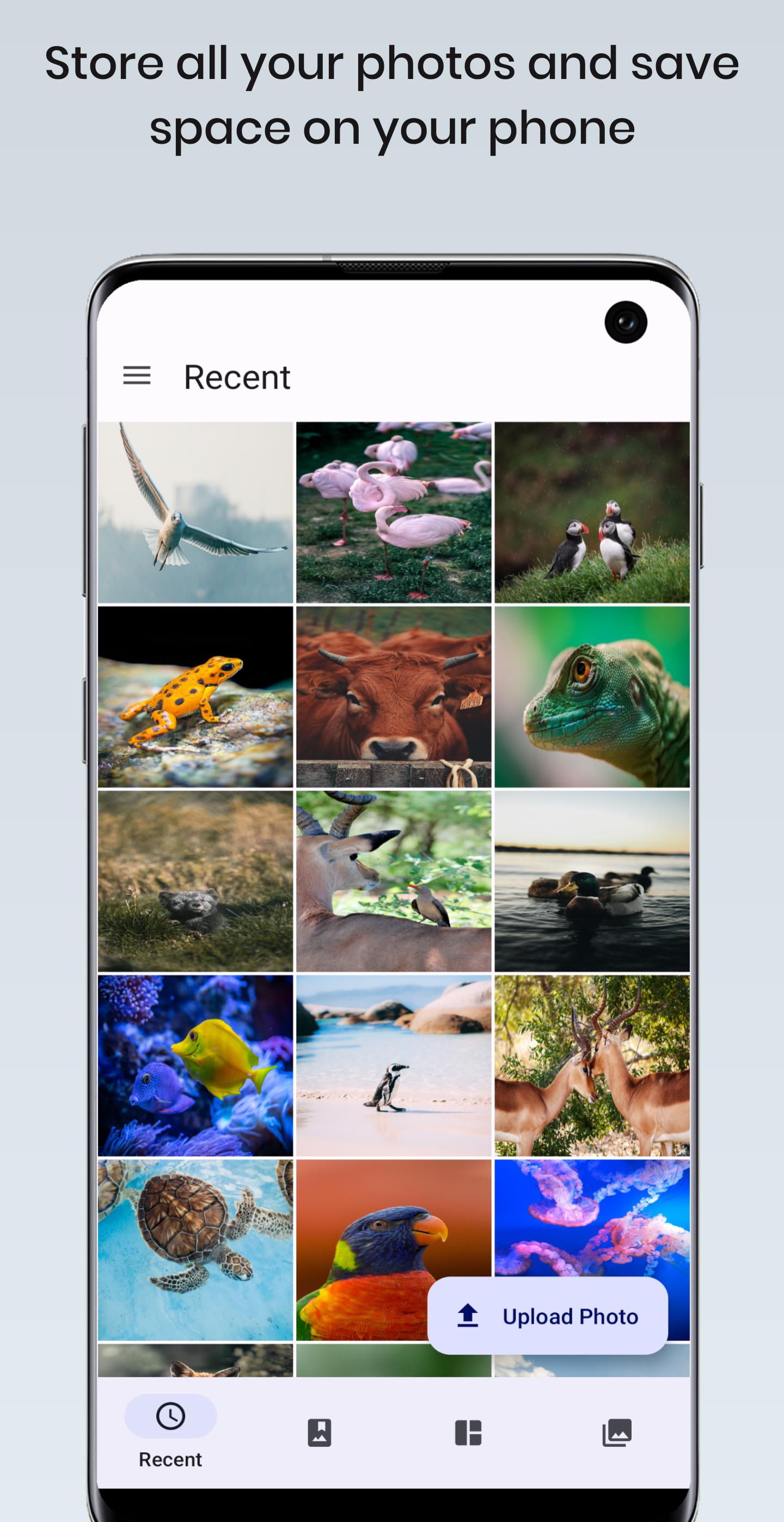
Photo Analyzer lets you get a get a detail look of any photo you upload. Information such as where the photo appears in the web, the colors in the photo, identical photos, partial photos, visually similar photos, and entities are shown. It now includes an album section so you can organize your photos better. It also serves as an alternate for your photo storage if you have limited space on your phone. Brand new features have been added which include a collage creator and a photo library.
WHAT'S NEW:
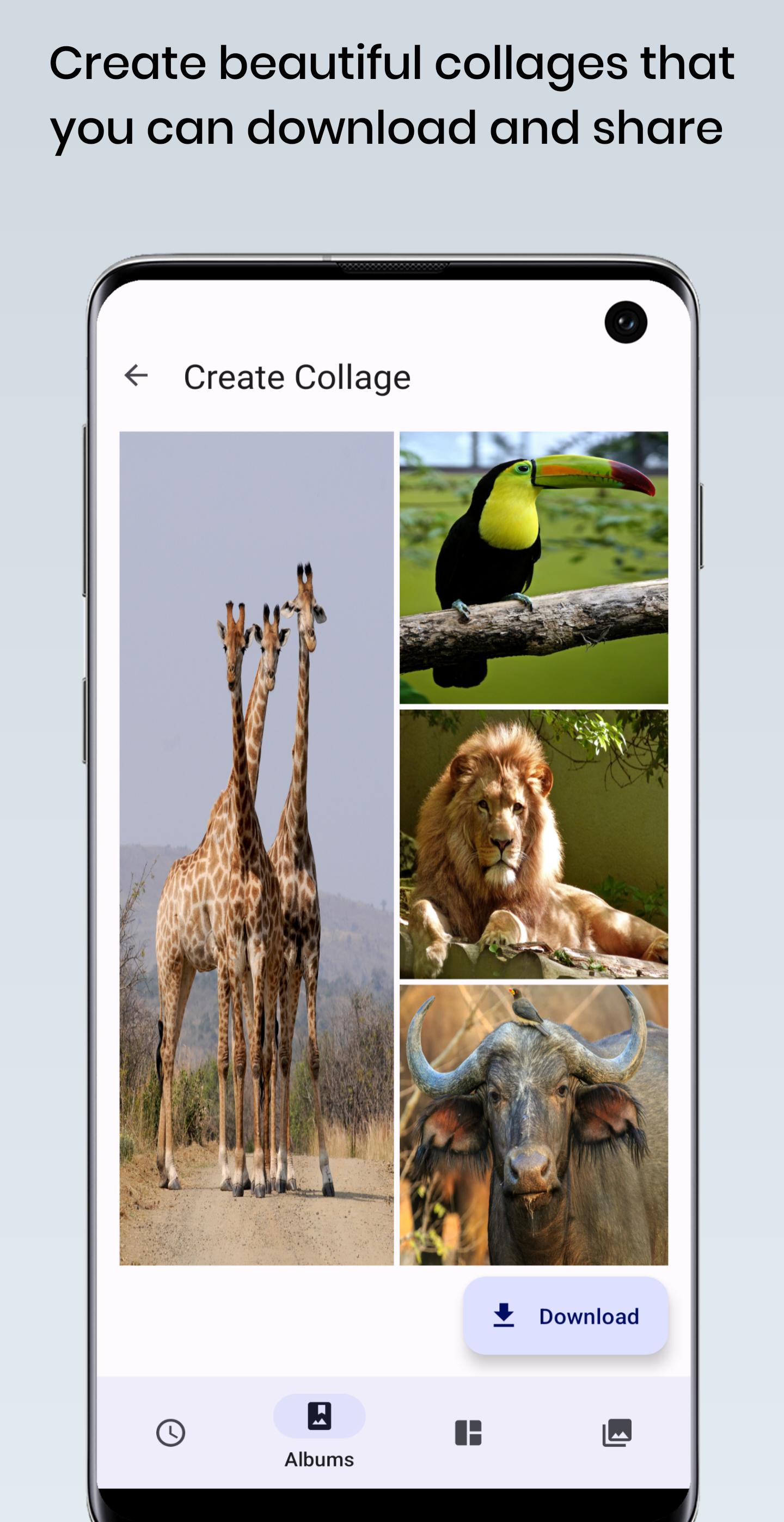
★ NEW! Collage section to create beautiful collages
★ Create 2, 3, and 4 photo collages
★ Fun and simple designs available
★ Download your collages and share them with family and friends
★ NEW! Photo Library section to view your full collection
★ Filter your photos
★ Optimize for speed
★ Truly unlimited storage
★ NEW! New and improved UI
★ Updated with material design
★ Dark mode available
RESULTS INCLUDE:
★ A guess made by an AI to see what your photo is
★ Web results to see where your photo is display
★ Top dominant colors that are contain within your photo
★ Identical photos found on the web
★ Partial photos found on the web
★ Visually similar photos found on the web
★ Entities found in your photo
Preview
Tags
ToolsInformation
Developer
Sunset Studios Mobile Development
Latest Version
2.0.0
Last Updated
2023-03-05
Category
Tools
Available on
Google Play
Show More
How to play Photo Analyzer with GameLoop on PC
1. Download GameLoop from the official website, then run the exe file to install GameLoop
2. Open GameLoop and search for “Photo Analyzer” , find Photo Analyzer in the search results and click “Install”
3. Enjoy playing Photo Analyzer on GameLoop
Minimum requirements
OS
Windows 8.1 64-bit or Windows 10 64-bit
GPU
GTX 1050
CPU
i3-8300
Memory
8GB RAM
Storage
1GB available space
Recommended requirements
OS
Windows 8.1 64-bit or Windows 10 64-bit
GPU
GTX 1050
CPU
i3-9320
Memory
16GB RAM
Storage
1GB available space