
Number Tracker: Caller Name ID PC
TechLaza Apps
Download Number Tracker: Caller Name ID on PC With GameLoop Emulator
Number Tracker: Caller Name ID sa PC
Ang Number Tracker: Caller Name ID, na nagmumula sa developer na TechLaza Apps, ay tumatakbo sa Android systerm sa nakaraan.
Ngayon, maaari mong laruin ang Number Tracker: Caller Name ID sa PC gamit ang GameLoop nang maayos.
I-download ito sa GameLoop library o mga resulta ng paghahanap. Hindi na tumitingin sa baterya o nakakadismaya na mga tawag sa maling oras.
I-enjoy lang ang Number Tracker: Caller Name ID PC sa malaking screen nang libre!
Number Tracker: Caller Name ID Panimula
Curious about who's calling from that unknown number?
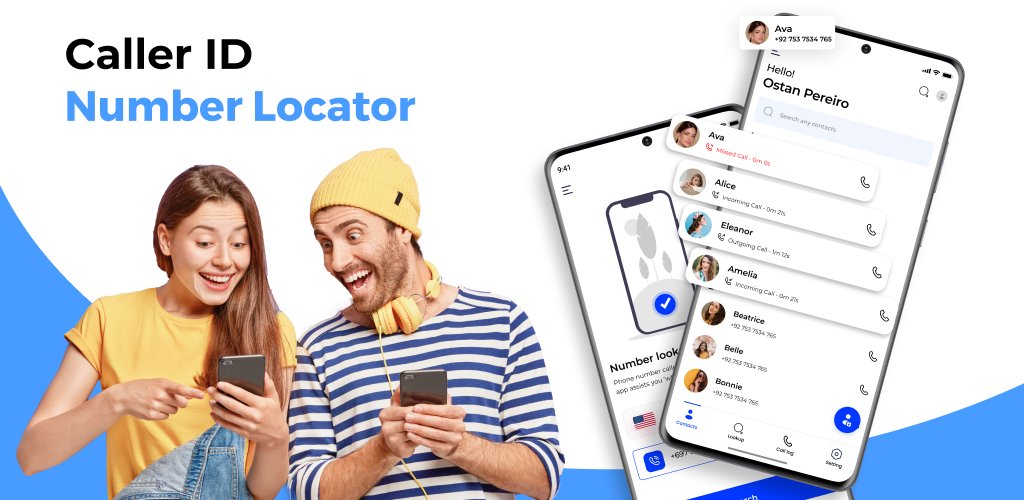
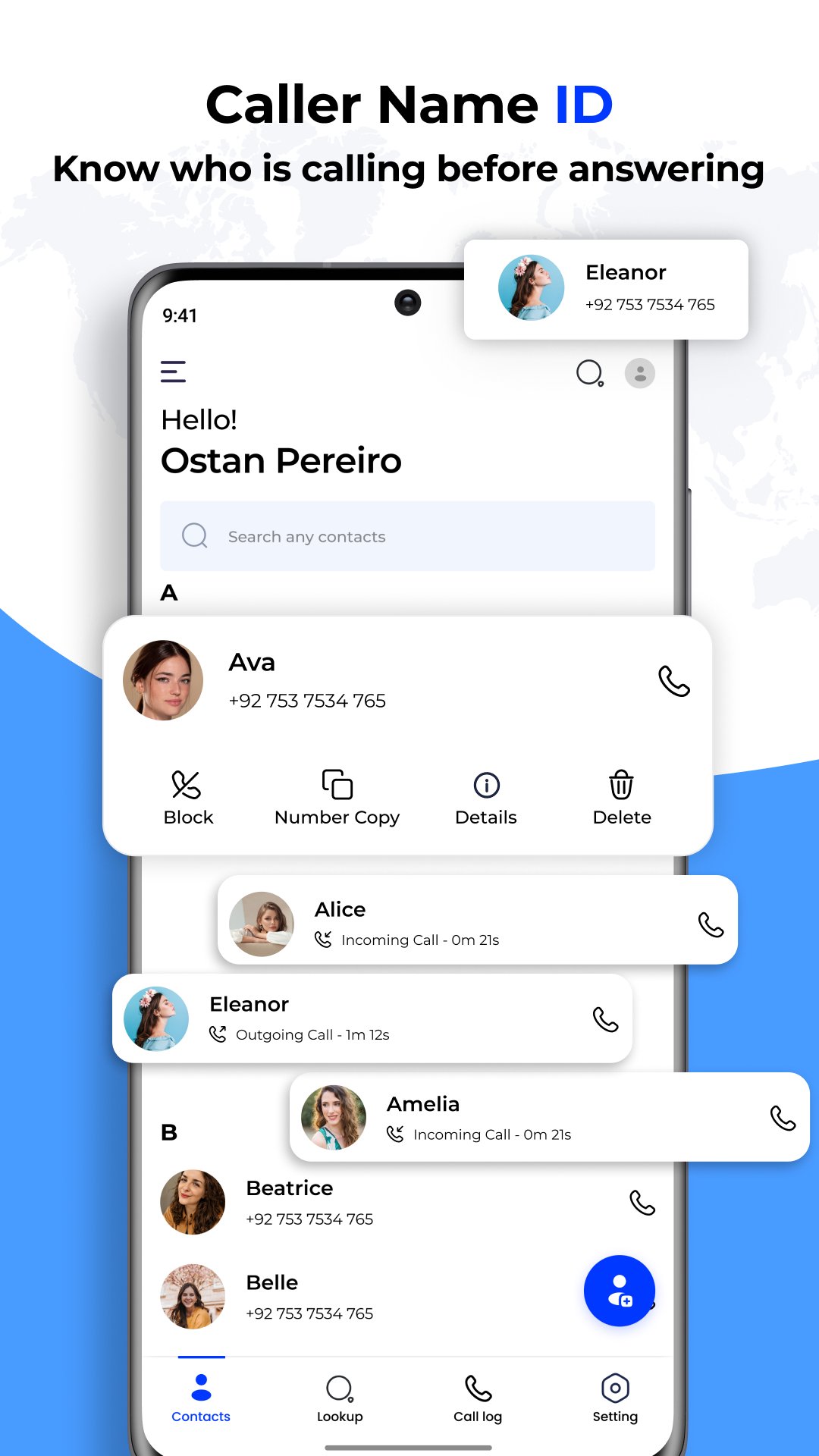
With the Number Locator app you can instantly uncover the identity of any caller. Caller ID & phone tracker provides detailed information about the caller, including their call logs and phone number lookup, helping you decide whether to answer or ignore the call.
Number Tracker & Caller ID is designed to keep you informed about any number with phone locator. By simply entering the phone number stay informed and avoid unwanted calls effortlessly with this phone tracker caller id app.
Here are some features are included in Number Tracker caller ID number lookup app
Backup & restore contacts
Backup and Restore Contacts feature makes it easy to protect your valuable contact information. Caller ID number Lookup app includes a Restore and Backup Contacts feature. Easily save your contacts to a secure location and recover them simply if needed. This ensures your important connections are always protected and accessible.
The Caller ID Number Lookup app allows you to back up your call logs from Google Drive, ensuring your data is safe and easily recoverable.
Flash on call
Never miss an important call again with a flash on call feature of a phone number lookup app. When you receive a call, your phone's flash will blink, alerting you even in noisy environments or when your phone is on silent. It's a handy way to ensure you always know when someone is trying to reach you.
Call announcer
The Call Announcer feature of the Caller ID Number Lookup app speaks the caller's name or number aloud, so you can identify incoming calls without looking at your phone.
How to use caller ID number Tracker lookup app
Open the App
Grant Permissions When prompted, grant the necessary permissions for the app to access your contacts and call logs.
Set Up Follow the on-screen instructions to complete the initial setup.
Receive Calls When you receive a call, the app will display the caller's
information, such as their name if available.
Manual Lookup To look up a number manually, enter the phone number in the search bar within the app to get details about the caller.
Preview
Tags
ToolsMaps-&Information
Developer
TechLaza Apps
Latest Version
1.41
Last Updated
2025-12-02
Category
Tools
Available on
Google Play
Show More
How to play Number Tracker: Caller Name ID with GameLoop on PC
1. Download GameLoop from the official website, then run the exe file to install GameLoop
2. Open GameLoop and search for “Number Tracker: Caller Name ID” , find Number Tracker: Caller Name ID in the search results and click “Install”
3. Enjoy playing Number Tracker: Caller Name ID on GameLoop
Minimum requirements
OS
Windows 8.1 64-bit or Windows 10 64-bit
GPU
GTX 1050
CPU
i3-8300
Memory
8GB RAM
Storage
1GB available space
Recommended requirements
OS
Windows 8.1 64-bit or Windows 10 64-bit
GPU
GTX 1050
CPU
i3-9320
Memory
16GB RAM
Storage
1GB available space