PDF to Word Converter PC
Ringtones app hub
Download PDF to Word Converter on PC With GameLoop Emulator
PDF to Word Converter sa PC
Ang PDF to Word Converter, na nagmumula sa developer na Ringtones app hub, ay tumatakbo sa Android systerm sa nakaraan.
Ngayon, maaari mong laruin ang PDF to Word Converter sa PC gamit ang GameLoop nang maayos.
I-download ito sa GameLoop library o mga resulta ng paghahanap. Hindi na tumitingin sa baterya o nakakadismaya na mga tawag sa maling oras.
I-enjoy lang ang PDF to Word Converter PC sa malaking screen nang libre!
PDF to Word Converter Panimula
Welcome to PDF to Word Converter app, the one-stop solution for all your PDF to word conversion needs! 🎉
Key Features:
Easy to Convert: 📚 With our PDF to Word converter app, you can easily convert any PDF file into a Microsoft Word or Open office Document.
User friendly: 🌈 Just select your PDF file, and voila! Your Microsoft Word or Open office document is ready in just seconds or minute based on internet speed. ⏱️
High Quality Output: No more hassle with formatting or losing your file’s original layout. Our app keeps everything intact, just the way you want it. 🌟
Secure Convertion: 🔒 We value your privacy. All conversions happen securely, ensuring your files never leave our server. Your documents are safe 🛡️ with us and we will delete pdf and word files after file conversion.
Save to Device: 📁 Save your converted files directly to your device or share them easily with friends and colleagues. 💌
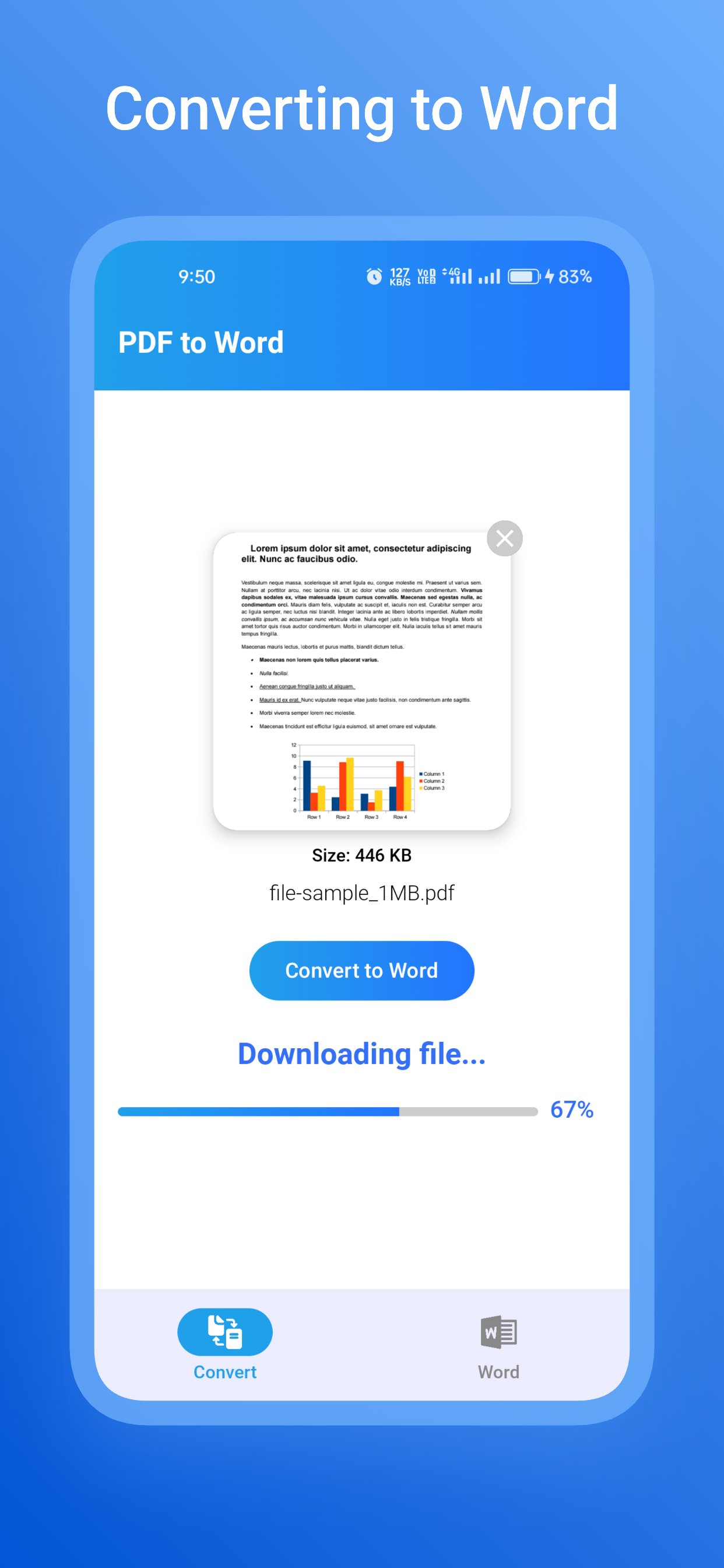
We will also show status of pdf file conversion in 3 stage. like,
1.Uploading PDF file
2.Converting to Word
3.Downloading Word file
📖 How to Use:
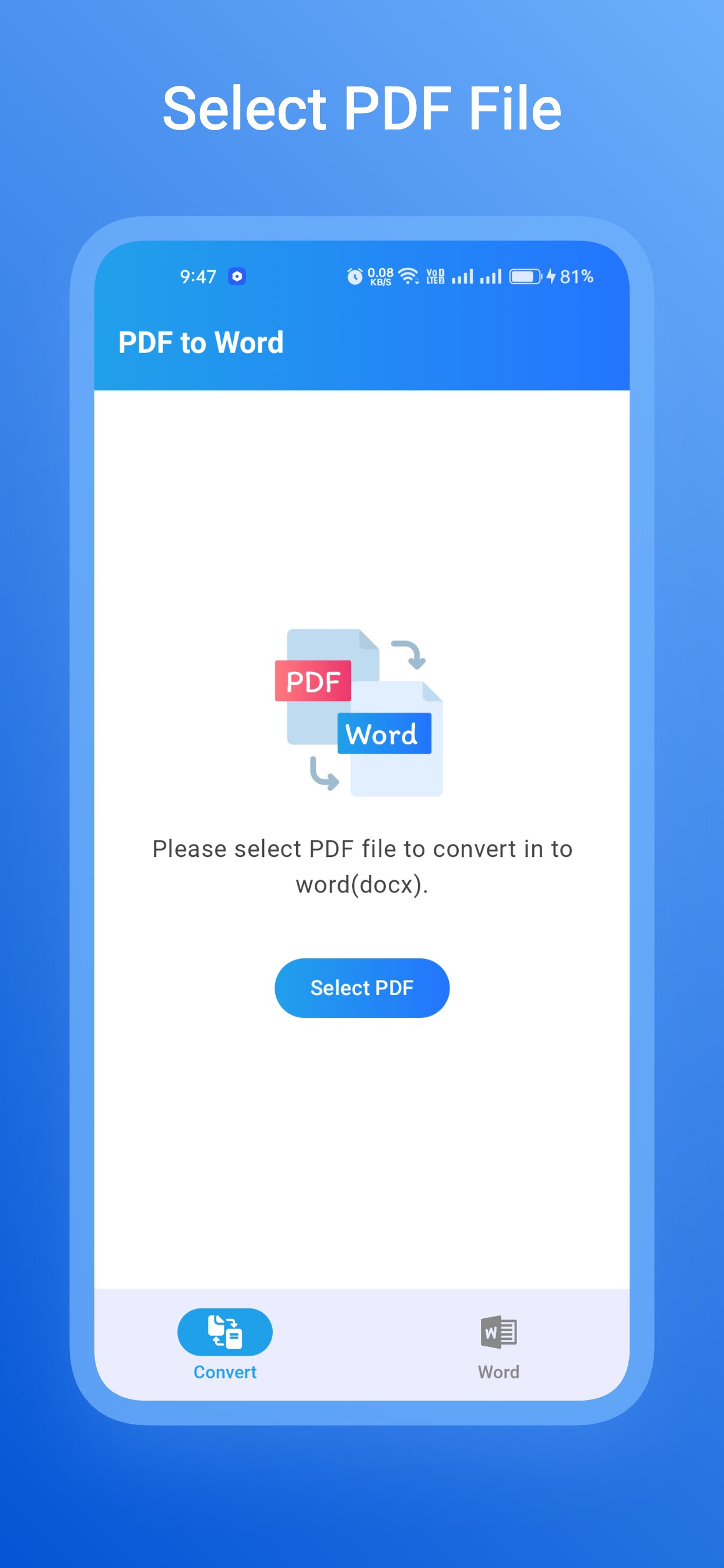
Select File: Choose the Any PDF file you want to convert.
Convert: Tap the convert button and let the magic happen.
Save/Share: Save the converted Word to your device or share it directly from the app.
In our PDF to Word app we will pick pdf as input and output as word document file like Docx file format.
Preview
Tags
ToolsInformation
Developer
Ringtones app hub
Latest Version
2024.08.04.2
Last Updated
2024-08-05
Category
Tools
Available on
Google Play
Show More
How to play PDF to Word Converter with GameLoop on PC
1. Download GameLoop from the official website, then run the exe file to install GameLoop
2. Open GameLoop and search for “PDF to Word Converter” , find PDF to Word Converter in the search results and click “Install”
3. Enjoy playing PDF to Word Converter on GameLoop
Minimum requirements
OS
Windows 8.1 64-bit or Windows 10 64-bit
GPU
GTX 1050
CPU
i3-8300
Memory
8GB RAM
Storage
1GB available space
Recommended requirements
OS
Windows 8.1 64-bit or Windows 10 64-bit
GPU
GTX 1050
CPU
i3-9320
Memory
16GB RAM
Storage
1GB available space