Pattern Lock Screen PC
Photo Maker - Photo Editor Harvey Keelin
Download Pattern Lock Screen on PC With GameLoop Emulator
Pattern Lock Screen sa PC
Ang Pattern Lock Screen, na nagmumula sa developer na Photo Maker - Photo Editor Harvey Keelin, ay tumatakbo sa Android systerm sa nakaraan.
Ngayon, maaari mong laruin ang Pattern Lock Screen sa PC gamit ang GameLoop nang maayos.
I-download ito sa GameLoop library o mga resulta ng paghahanap. Hindi na tumitingin sa baterya o nakakadismaya na mga tawag sa maling oras.
I-enjoy lang ang Pattern Lock Screen PC sa malaking screen nang libre!
Pattern Lock Screen Panimula
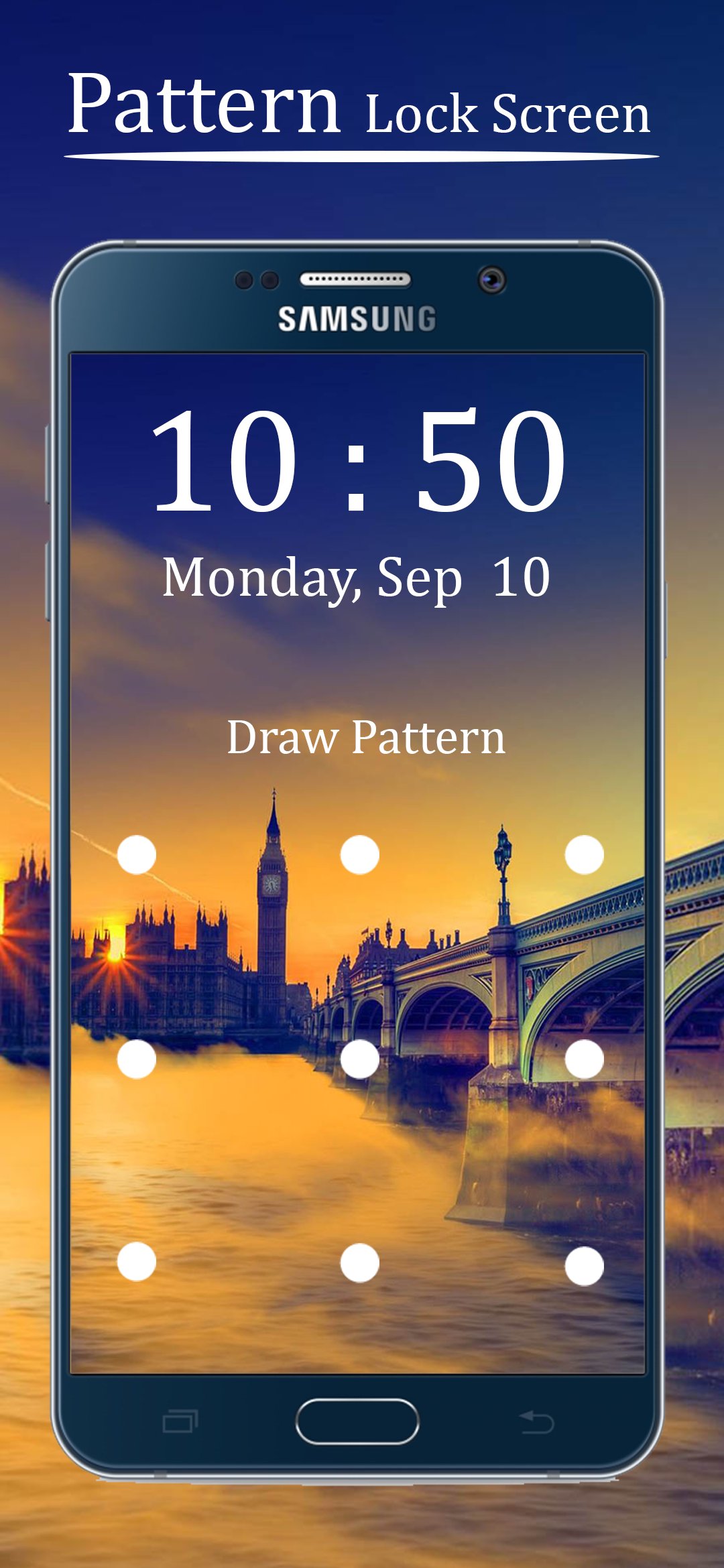
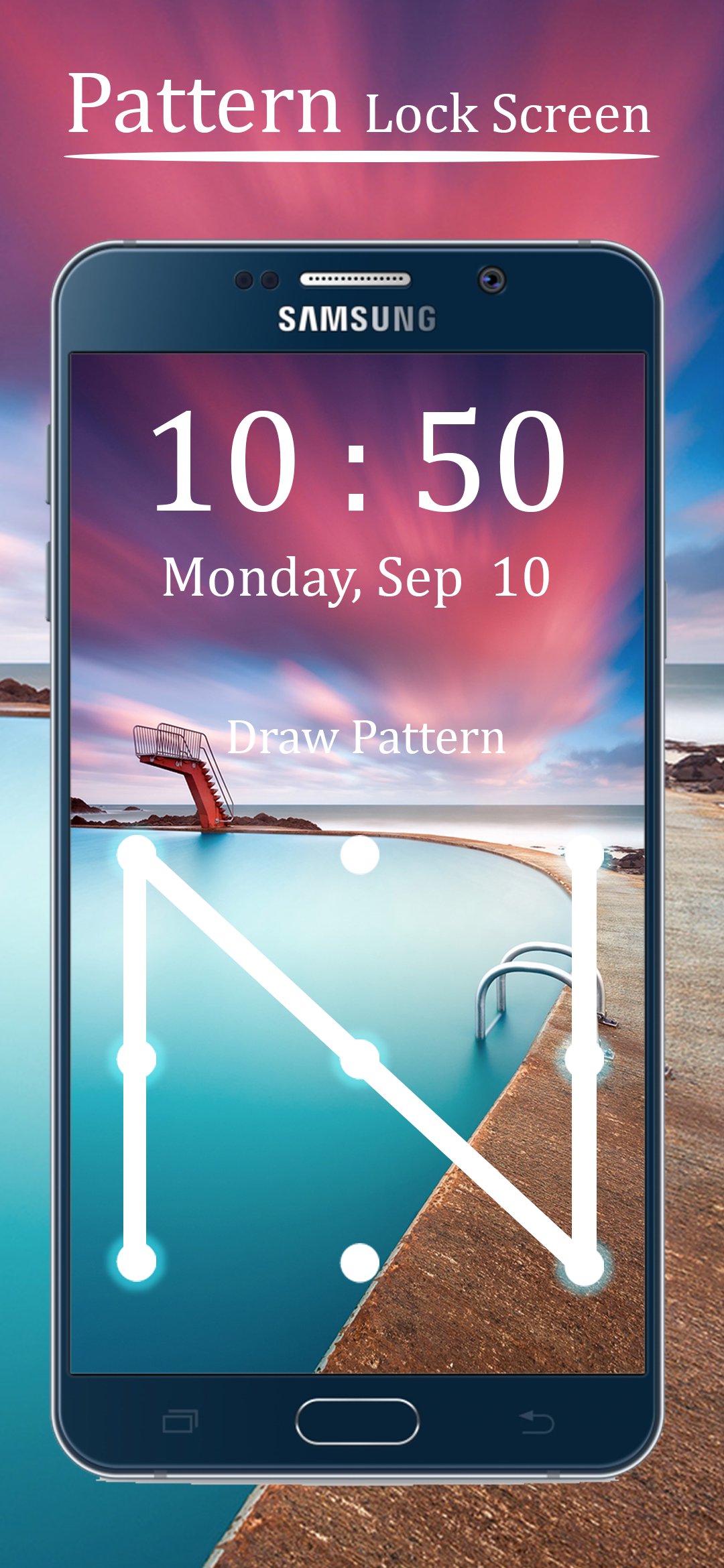
Pattern Lock Screen is the ultimate pattern lock screen for Android that combines secure pattern lock + wallpapers, custom lock screen with pattern security, and enhanced lock screen security. Protect your phone and personal data with a fast, smooth screen lock, while enjoying beautiful pattern lock wallpaper and a stylish lock screen pattern experience designed for privacy and personalization.
Refresh your device with HD wallpapers, a clean interface, and smooth unlock animations. This Pattern Locker app combines strong security with modern design to create the perfect secure pattern lock + wallpapers experience.
Unlock a new level of lock screen security and elegance. With Pattern Lock Screen, you can create a custom lock screen with pattern security, and enjoy a stylish screen lock that safeguards your personal data from unauthorized access.
This pattern lock screen app is user-friendly, and compatible with almost all Android phones and tablets. Whether you want to enhance privacy or refresh your device’s look with pattern lock wallpaper, this lock screen app has it all.
Key Features
✔ Custom Pattern Lock: Create a unique pattern for maximum security
✔ HD Wallpapers: Beautiful wallpapers to refresh your lock screen
✔ Pattern Lock Security: Pattern Locker for extra pattern screen lock privacy
✔ Date & Time Display: Stay informed with a sleek lock screen interface
✔ Fast & Smooth: Screen Lock give smooth performance
✔ User-Friendly: Simple, intuitive design for all users
✔ Device Compatibility: Works on almost all Android phones and tablets
✔ Privacy Protection: Keep your data safe and out of reach of others
✔ Free to Use: All features available at no cost
How to Use
Open Pattern Lock Screen app
Enable the secure lock screen in settings
Create and confirm your pattern lock
Select your favorite pattern lock wallpaper
Lock your phone and enjoy screen lock security
For the best pattern screen lock experience, disable your default phone lock. Tap “Disable Default Lock” in settings to use a single pattern lock for your device.
Privacy & Security
Your phone is fully protected with Pattern Lock Screen. Only the correct pattern can unlock your device. Protect your privacy while enjoying a clean, secure, and elegant pattern lock screen. Your personal data is never misused, and all actions are smooth on both phones and tablets.
Additional Notes
Customize your pattern lock screen with multiple themes and wallpapers
Tested on various Android versions for full compatibility
⭐ Don’t forget to rate Pattern Lock Screen and share your feedback!
📧 If your device is not supported, contact us — we’ll do our best to help.
Disclaimer:
This Pattern Locker app is a customization tool for your lock screen interface.
It provides a fun and personalized way to access your phone & apps but is a superficial layer.
pattern screen lock app cannot replace your device's built-in security (e.g., fingerprint, face unlock, system PIN).
Thanks and Enjoy Pattern Screen Lock.
Preview
Tags
ToolsInformation
Developer
Photo Maker - Photo Editor Harvey Keelin
Latest Version
62.1
Last Updated
2026-08-04
Category
Tools
Available on
Google Play
Show More
How to play Pattern Lock Screen with GameLoop on PC
1. Download GameLoop from the official website, then run the exe file to install GameLoop
2. Open GameLoop and search for “Pattern Lock Screen” , find Pattern Lock Screen in the search results and click “Install”
3. Enjoy playing Pattern Lock Screen on GameLoop
Minimum requirements
OS
Windows 8.1 64-bit or Windows 10 64-bit
GPU
GTX 1050
CPU
i3-8300
Memory
8GB RAM
Storage
1GB available space
Recommended requirements
OS
Windows 8.1 64-bit or Windows 10 64-bit
GPU
GTX 1050
CPU
i3-9320
Memory
16GB RAM
Storage
1GB available space