Master Maps for Minecraft Mods PC
PAVN
Download Master Maps for Minecraft Mods on PC With GameLoop Emulator
Master Maps for Minecraft Mods sa PC
Ang Master Maps for Minecraft Mods, na nagmumula sa developer na PAVN, ay tumatakbo sa Android systerm sa nakaraan.
Ngayon, maaari mong laruin ang Master Maps for Minecraft Mods sa PC gamit ang GameLoop nang maayos.
I-download ito sa GameLoop library o mga resulta ng paghahanap. Hindi na tumitingin sa baterya o nakakadismaya na mga tawag sa maling oras.
I-enjoy lang ang Master Maps for Minecraft Mods PC sa malaking screen nang libre!
Master Maps for Minecraft Mods Panimula
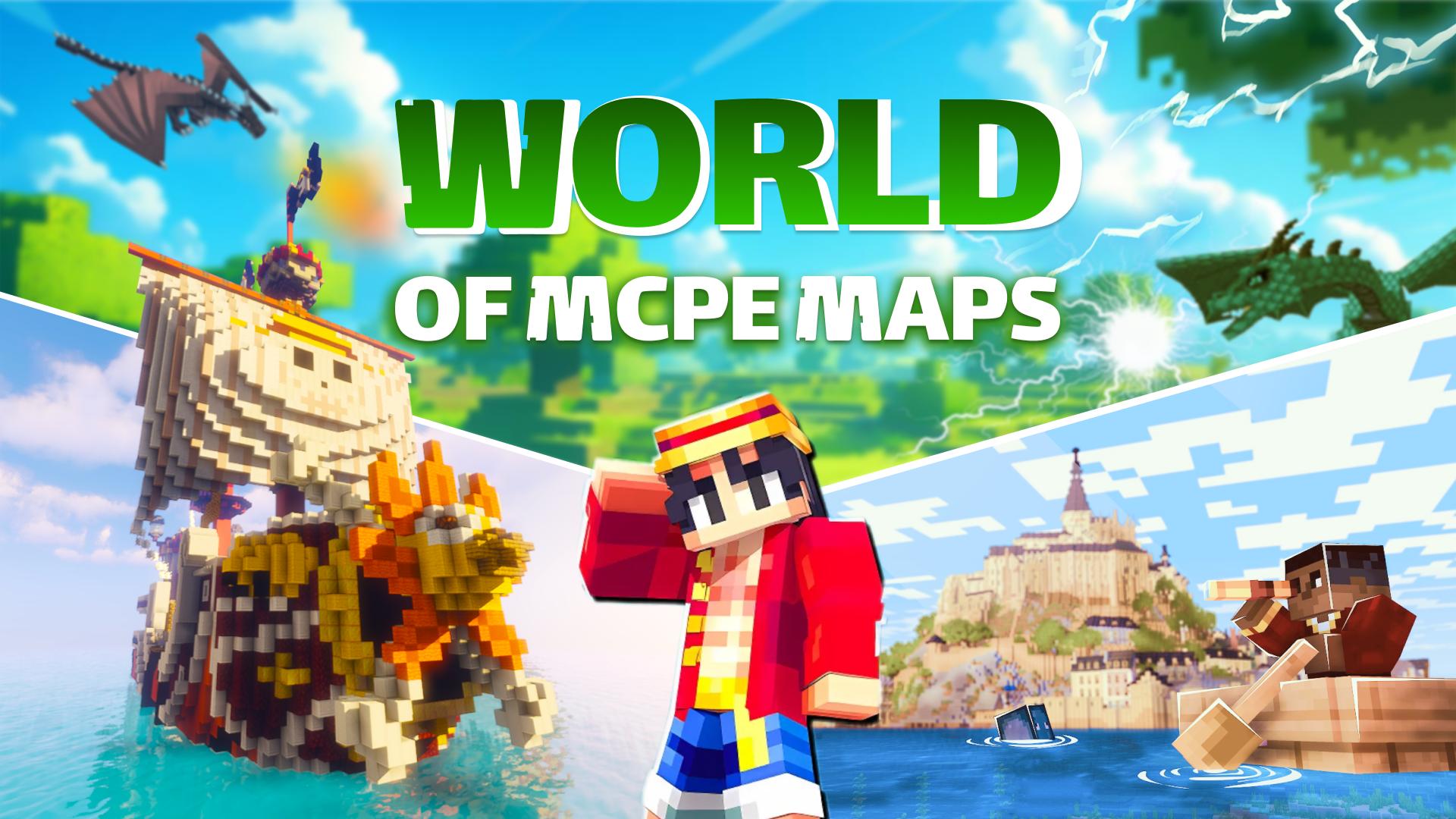
Master Maps for Minecraft Mods offers worlds of realistic minecraft maps. You play minecraft mods and adventure maps for MCPE that do not require payment. Make advanced waypoints on minecraft maps using toolbox map markers for minecraft 1.21+. You can enjoy minecraft game with amazing animations like Parcool Mod for MC.
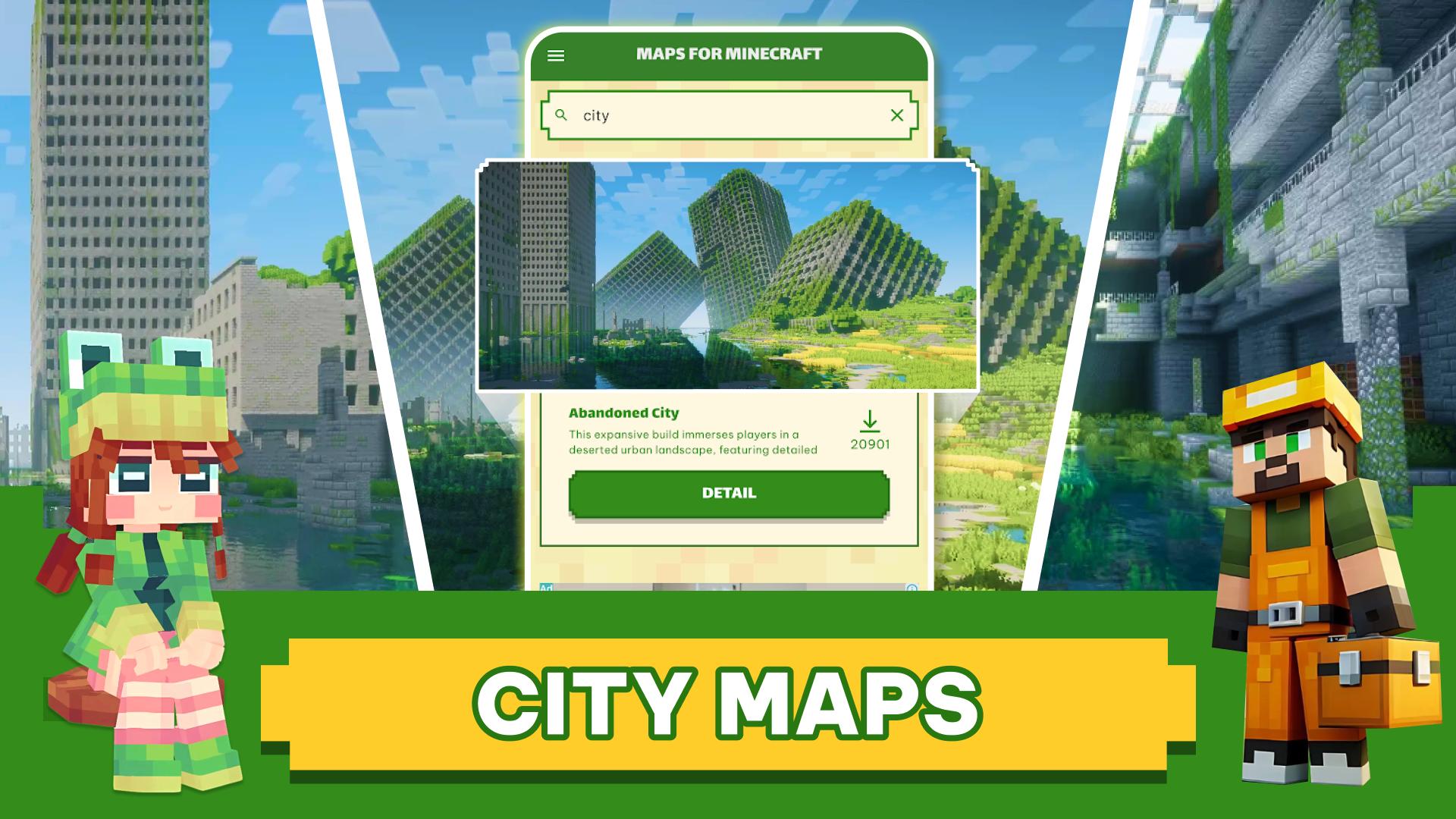
Master Maps for Minecraft Mods features top MCPE maps for Minecraft Bedrock Edition. You can install all maps directly into the minecraft game. We have PvP battle, minigame maps, parkour maps (Parcool Mod), hide and seek, one block, sky block, modern house, medieval house maps, minecraft city, large building,... all minecraft maps are free. Moreover, huge minecraft maps in Java are ported to Minecraft Bedrock Edition.
FEATURES
Free
- In minecraft game: Various of the latest maps for minecraft 1.20 1.21+: Adventure, CTM, Creations, Custom Terrain, Mini games, CTM, Parkour (Parcool mod), Puzzle, PvP, Redstone, Roller Coaster, Survival,...
- In minecraft games: Mark the location on the minimap & easy undo marker in one click. (similar to mod Xaero's Minimap in Java)
- Create a map: Make a map art MCPE with any image from your phone. Auto generator map art using structure blocks. (Support for both Minecraft 1.20 and Minecraft 1.21+ above).
Easy to use
- Intuitive interface, simple, easy to see detailed map MCPE information. Directly download and import maps for minecraft world with one click!
- Compatible with other add-ons: If you want to have a realistic minecraft world map, you can add shaders and texture packs for MCPE.
- Import to other games: Directly import maps for minecraft games with just one click. Besides, you can import your mods & maps mcpe into other games that allow third-party tools to edit behavior & resource packs: Crafting and Building, Eeskcraft, Craftsman, etc.
Some minecraft maps suggest that you try to roleplay:
- Abandoned City - Zombie Apocalypse
- Lethal Craft Map
- Parkour civilization map
- Minigame Squid Game
- Barbie Doll House map
- The Epic Fighters - Gun World
- GO - Get Out (extraction shooter)
- LethalCraft V2.1 World
- da1's Amixi Practice Map
- DeadZone Map
- Doors Map
- Solo Leveling 0.2 Map
- Jurassic World map
- Lucky Block
- One Block
- SkyWars (10 Maps)
- Find the button
- Cottage House Cozy Village
- New Clark City Map
- Temple Puzzles & Parkour: MAP!
- The Lost: Awakening Horror Map
Explore more master mods & maps for Minecraft 1.21+ and conquer amazing maps in the mcpe world. Don't forget to invite your friends to the survival map in minecraft games.
DISCLAIMER
This is an unofficial application for Minecraft Pocket Edition. The Master Maps for Minecraft Mods is not affiliated in any way with Mojang AB. The Minecraft Name, the Minecraft Brand, and the Minecraft Assets are the property of Mojang AB or their respective owners. Copyright Registered. According to http://account.mojang.com/documents/brand_guidelines
Preview
Tags
ToolsInformation
Developer
PAVN
Latest Version
1.3.8
Last Updated
2025-08-13
Category
Tools
Available on
Google Play
Show More
How to play Master Maps for Minecraft Mods with GameLoop on PC
1. Download GameLoop from the official website, then run the exe file to install GameLoop
2. Open GameLoop and search for “Master Maps for Minecraft Mods” , find Master Maps for Minecraft Mods in the search results and click “Install”
3. Enjoy playing Master Maps for Minecraft Mods on GameLoop
Minimum requirements
OS
Windows 8.1 64-bit or Windows 10 64-bit
GPU
GTX 1050
CPU
i3-8300
Memory
8GB RAM
Storage
1GB available space
Recommended requirements
OS
Windows 8.1 64-bit or Windows 10 64-bit
GPU
GTX 1050
CPU
i3-9320
Memory
16GB RAM
Storage
1GB available space