
Optigrün Smart Flow Control PC
Optigrün international AG
Download Optigrün Smart Flow Control on PC With GameLoop Emulator
Optigrün Smart Flow Control sa PC
Ang Optigrün Smart Flow Control, na nagmumula sa developer na Optigrün international AG, ay tumatakbo sa Android systerm sa nakaraan.
Ngayon, maaari mong laruin ang Optigrün Smart Flow Control sa PC gamit ang GameLoop nang maayos.
I-download ito sa GameLoop library o mga resulta ng paghahanap. Hindi na tumitingin sa baterya o nakakadismaya na mga tawag sa maling oras.
I-enjoy lang ang Optigrün Smart Flow Control PC sa malaking screen nang libre!
Optigrün Smart Flow Control Panimula
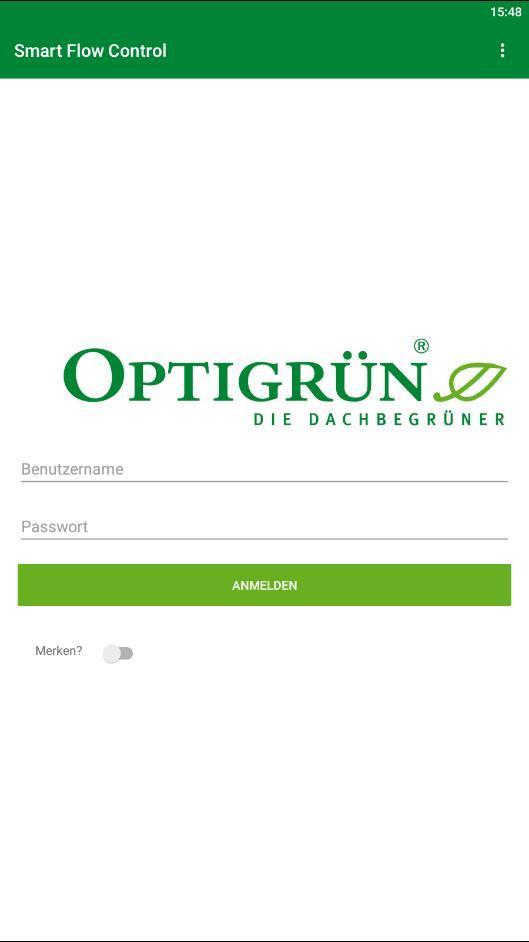
The app enables the monitoring of built-in Smart Flow Control throttles and is relevant for residents, building owners and companies on whose property a Smart Flow Control system has been installed. Optigreen international AG provides a username and password for access to the Smart Flow Control app. The people responsible for a building with built-in Smart Flow Control are also given access to enable them to control Smart Flow Control. This means that, if necessary, an emergency opening can be triggered via the app.
The Optigrün Smart Flow Control app provides an insight into intelligent stormwater management: If a Smart Flow Control throttle is built into a retention roof, it regulates the storage or discharge of stormwater depending on the weather forecast. Retained stormwater is available to the vegetation and thus to evaporation, which restores the natural water cycle, cools the urban environment and counteracts flooding by relieving pressure on drains.
For each Smart Flow Control, the app displays the current temperature in the shaft, the water level in the retention chamber in % and in mm, and impending rainfall events.
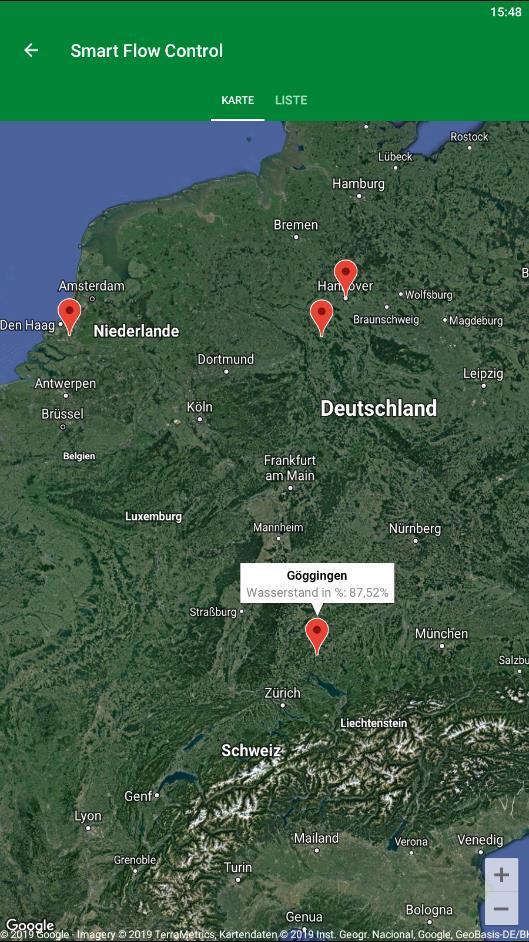
After logging in, a map appears showing the location of the Smart Flow Control throttle.
A second option allows for a list view, which also contains a summary of the most important information (property name, water level and location).
If you now click on one of the listed Smart Flow Controls, a diagram appears with the water level in mm and the expected precipitation. The current temperature in the Smart Flow Control shaft is also displayed along with the water level in mm.
Preview
Tags
ToolsInformation
Developer
Optigrün international AG
Latest Version
1.2.3
Last Updated
2019-08-01
Category
Tools
Available on
Google Play
Show More
How to play Optigrün Smart Flow Control with GameLoop on PC
1. Download GameLoop from the official website, then run the exe file to install GameLoop
2. Open GameLoop and search for “Optigrün Smart Flow Control” , find Optigrün Smart Flow Control in the search results and click “Install”
3. Enjoy playing Optigrün Smart Flow Control on GameLoop
Minimum requirements
OS
Windows 8.1 64-bit or Windows 10 64-bit
GPU
GTX 1050
CPU
i3-8300
Memory
8GB RAM
Storage
1GB available space
Recommended requirements
OS
Windows 8.1 64-bit or Windows 10 64-bit
GPU
GTX 1050
CPU
i3-9320
Memory
16GB RAM
Storage
1GB available space