
One Connect - Secure VPN PC
Code Crew
Download One Connect - Secure VPN on PC With GameLoop Emulator
One Connect - Secure VPN sa PC
Ang One Connect - Secure VPN, na nagmumula sa developer na Code Crew, ay tumatakbo sa Android systerm sa nakaraan.
Ngayon, maaari mong laruin ang One Connect - Secure VPN sa PC gamit ang GameLoop nang maayos.
I-download ito sa GameLoop library o mga resulta ng paghahanap. Hindi na tumitingin sa baterya o nakakadismaya na mga tawag sa maling oras.
I-enjoy lang ang One Connect - Secure VPN PC sa malaking screen nang libre!
One Connect - Secure VPN Panimula
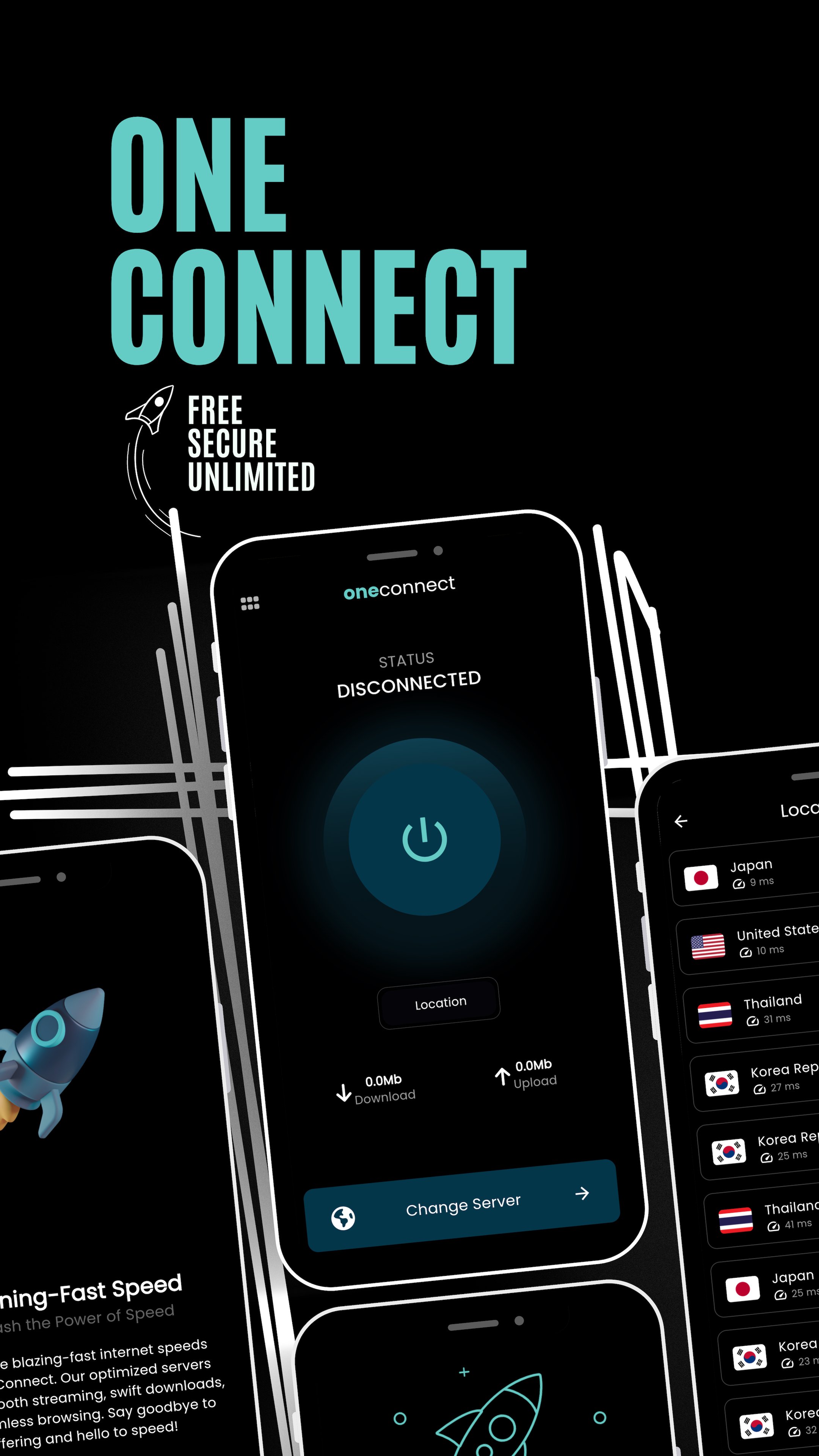
Experience the ultimate in online privacy with One Connect, your go-to app for secure and unrestricted internet access. Our free and unlimited VPN services ensure your data remains private, safeguarding your online activities. Enjoy a private proxy that allows you to connect with confidence, whether you're browsing, streaming, or accessing sensitive information.
Key Features:
• Unlimited VPN services
• Secure and private proxy for enhanced online privacy
• High-speed connections for seamless browsing and streaming
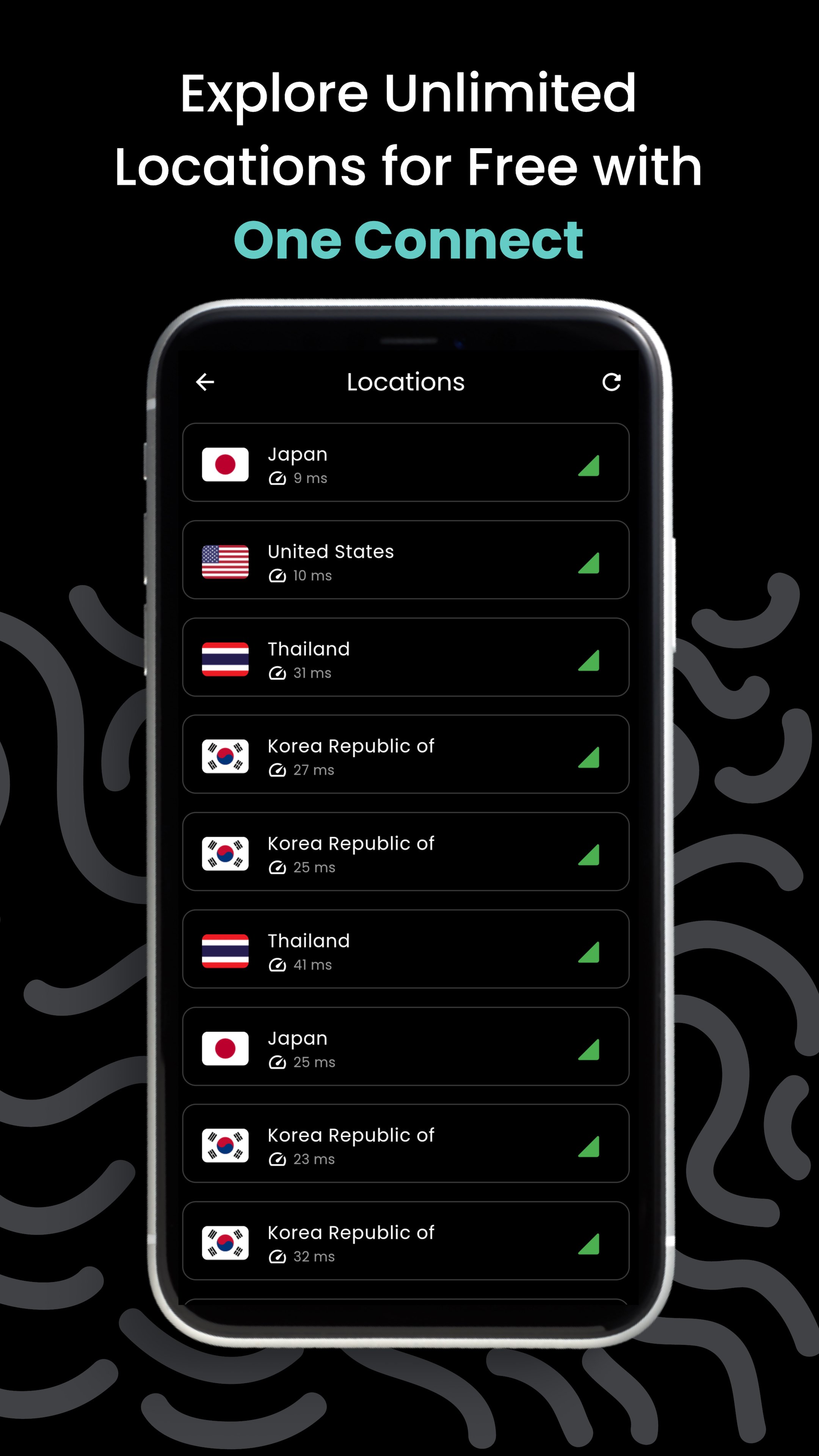
• Global server locations for unrestricted access
• Easy-to-use interface for a hassle-free VPN experience
• Advanced encryption protocols to protect your data
• Stable and reliable connections for uninterrupted internet access
Say goodbye to geo-restrictions, safeguard your data, and enjoy the internet without limitations.
Preview
Tags
ToolsInformation
Developer
Code Crew
Latest Version
1.0.2
Last Updated
2023-12-05
Category
Tools
Available on
Google Play
Show More
How to play One Connect - Secure VPN with GameLoop on PC
1. Download GameLoop from the official website, then run the exe file to install GameLoop
2. Open GameLoop and search for “One Connect - Secure VPN” , find One Connect - Secure VPN in the search results and click “Install”
3. Enjoy playing One Connect - Secure VPN on GameLoop
Minimum requirements
OS
Windows 8.1 64-bit or Windows 10 64-bit
GPU
GTX 1050
CPU
i3-8300
Memory
8GB RAM
Storage
1GB available space
Recommended requirements
OS
Windows 8.1 64-bit or Windows 10 64-bit
GPU
GTX 1050
CPU
i3-9320
Memory
16GB RAM
Storage
1GB available space