
Image to Text Converter - OCR PC
Aculix Technologies LLP
Download Image to Text Converter - OCR on PC With GameLoop Emulator
Image to Text Converter - OCR sa PC
Ang Image to Text Converter - OCR, na nagmumula sa developer na Aculix Technologies LLP, ay tumatakbo sa Android systerm sa nakaraan.
Ngayon, maaari mong laruin ang Image to Text Converter - OCR sa PC gamit ang GameLoop nang maayos.
I-download ito sa GameLoop library o mga resulta ng paghahanap. Hindi na tumitingin sa baterya o nakakadismaya na mga tawag sa maling oras.
I-enjoy lang ang Image to Text Converter - OCR PC sa malaking screen nang libre!
Image to Text Converter - OCR Panimula
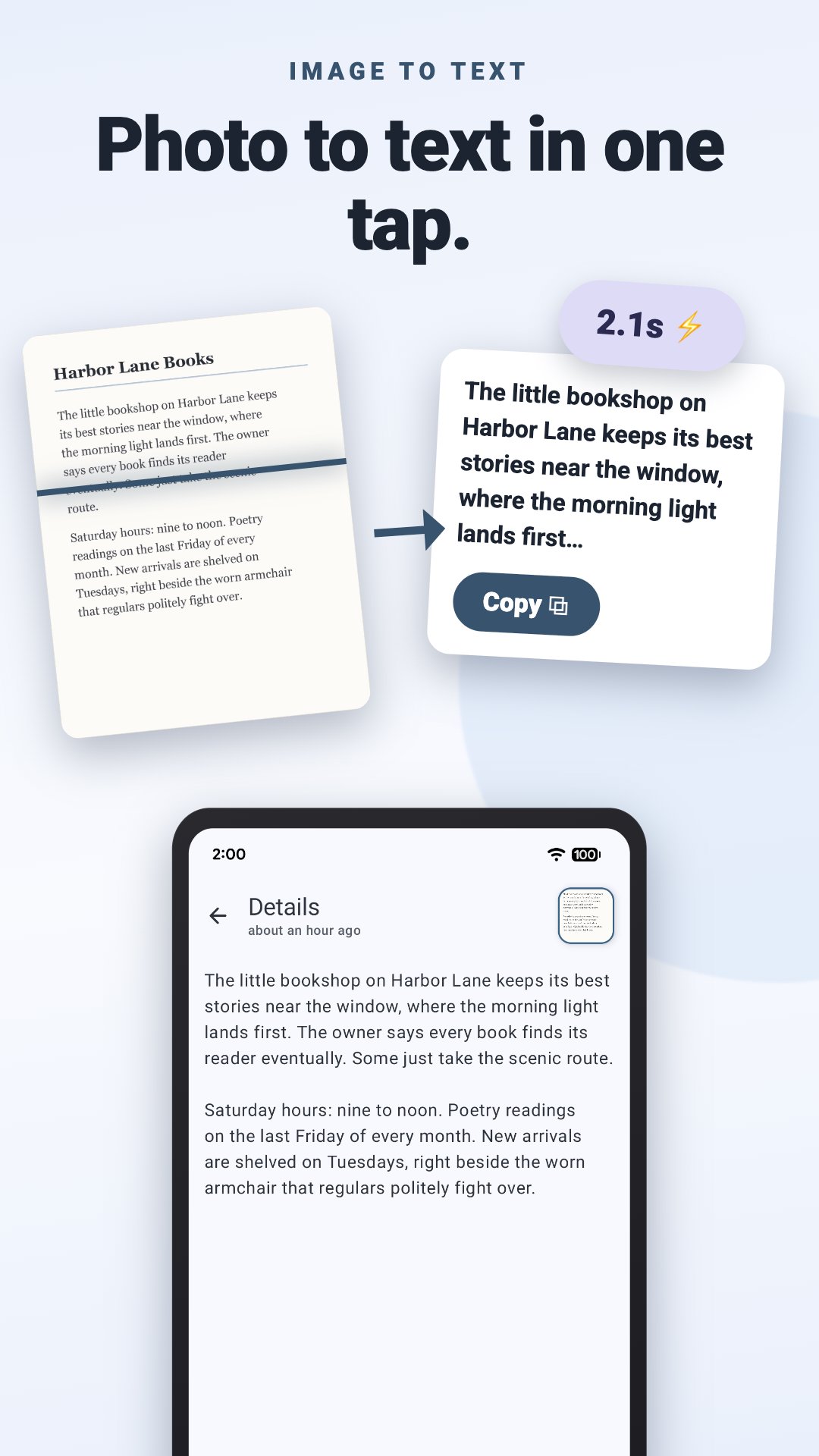
Turn any image to text in seconds. ocrX is an image to text converter for Android: snap a photo, grab a screenshot, or pull a picture from your gallery, and it reads every word with 99%+ accuracy, ready to copy, edit, and share.
Copy text from images
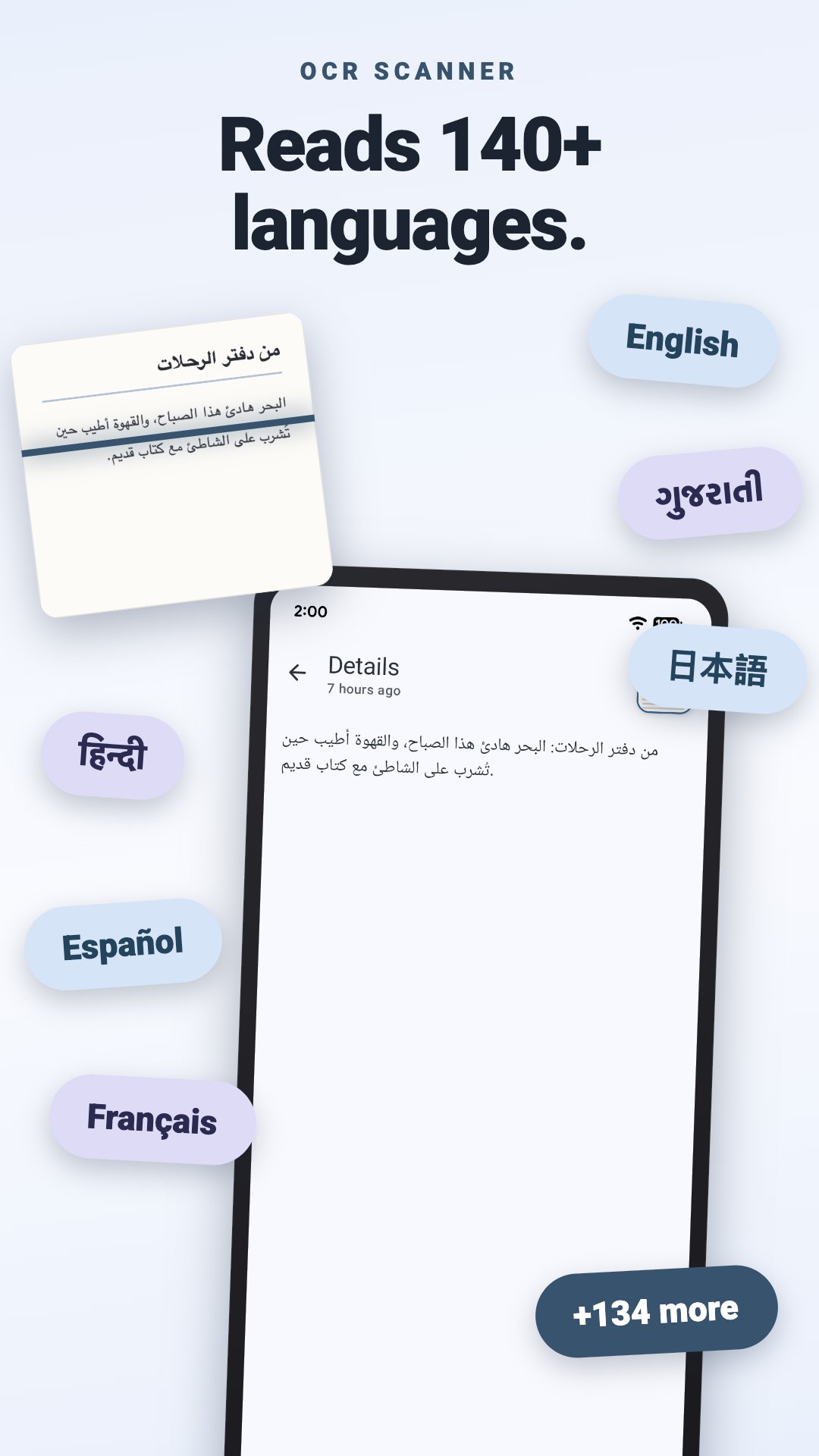
The everyday job, done fast. Extract text from images with cloud OCR that reads 140+ languages and detects the right one on its own.
• Take a photo or pick one from your gallery
• Copy the whole result with one tap
• Edit the extracted text in the app before you paste it anywhere
Screenshot to text
A recipe in someone's story, an address in a chat, an error message you need to search. If it's on your screen, it's yours.
• Reads screenshots as cleanly as photos
• Doubles as a jpg to text and photo to text converter for anything already saved on your phone
• Receipts, book pages, whiteboards, business cards, street signs: if you can photograph it, ocrX can read it
Handwriting to text
Lecture notes, a recipe card in your grandmother's looping cursive, the whiteboard after a meeting. Handwriting OCR turns pen and ink into words you can actually use.
• Reads handwritten notes as well as print
• Same automatic language detection as printed text
Image to Word, PDF, or wherever it needs to go
Extracted text is only useful once it leaves the app, so leaving is easy.
• Copy and paste straight into Word, Docs, email, anything
• Export as a PDF or TXT file
• Share as plain text or as a file
Scan to text, saved and searchable
ocrX is a text scanner with a memory. Every image to text conversion lands in your history, so last month's receipt is still around when the expense report is due.
• Scan history saved on your phone
• Search your scans: type any word or number and ocrX finds the scan it came from, with the match highlighted
• That invoice number, Wi-Fi password, or quote from a book page is one search away
An OCR scanner that looks the part
A fresh Material You redesign keeps ocrX in step with the rest of your phone.
• Dynamic colors that match your wallpaper
• Dark mode for late-night scanning
• A guided tour walks you through your first scan
• Available in 30 languages
Free to start, faster with Premium
• The free version does everything above, supported by ads
• Premium adds unlimited scans, removes the ads, and speeds up image to text extraction
Stop retyping what your camera already captured. Download ocrX and turn your next picture to text before your coffee cools.
Preview
Tags
ToolsProductivityInformation
Developer
Aculix Technologies LLP
Latest Version
2.65
Last Updated
2026-09-26
Category
Tools
Available on
Google Play
Show More
How to play Image to Text Converter - OCR with GameLoop on PC
1. Download GameLoop from the official website, then run the exe file to install GameLoop
2. Open GameLoop and search for “Image to Text Converter - OCR” , find Image to Text Converter - OCR in the search results and click “Install”
3. Enjoy playing Image to Text Converter - OCR on GameLoop
Minimum requirements
OS
Windows 8.1 64-bit or Windows 10 64-bit
GPU
GTX 1050
CPU
i3-8300
Memory
8GB RAM
Storage
1GB available space
Recommended requirements
OS
Windows 8.1 64-bit or Windows 10 64-bit
GPU
GTX 1050
CPU
i3-9320
Memory
16GB RAM
Storage
1GB available space